📄 仓库 README
在 GitHub 查看 ↗"[SmartYouTubeTV] is being sponsored by the following tool; please help to support us by taking a look and signing up to a free trial"

 SmartYouTubeTV

SmartYouTubeTV: A YouTube client for set-top boxes and Android-based TVs:
Features:
- 4K support.
- Designed for TV screens.
- Any remote controller support.
- Login support.
- Doesn't depend on Google Services.
- Fully localized.
- Multilingual search keyboard.
- Automatic update mechanism.
- No root required!
NOTE: SmartYouTubeTV provides internal login mechanism which allows you to keep content up to date in a very convenient way.
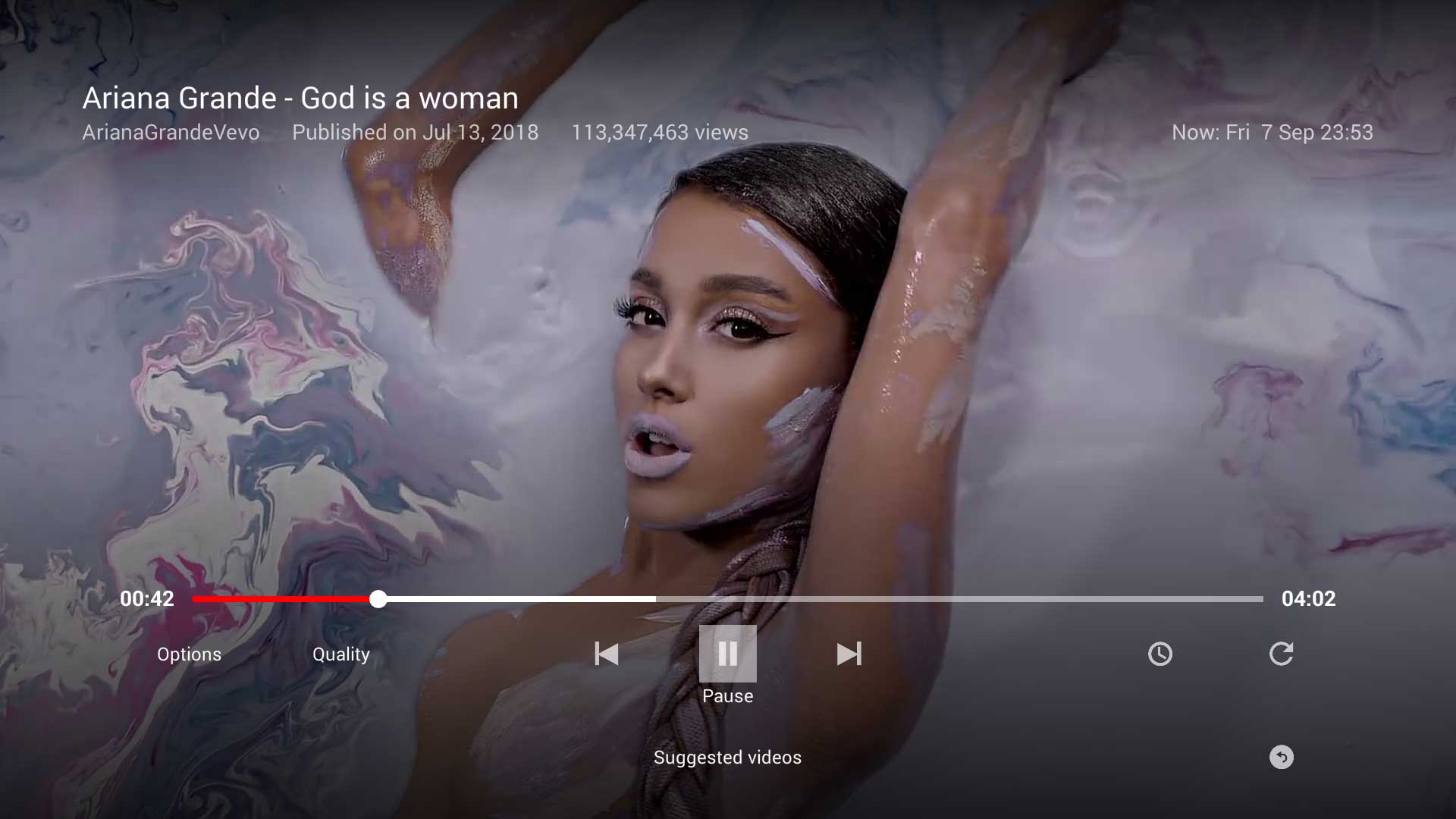
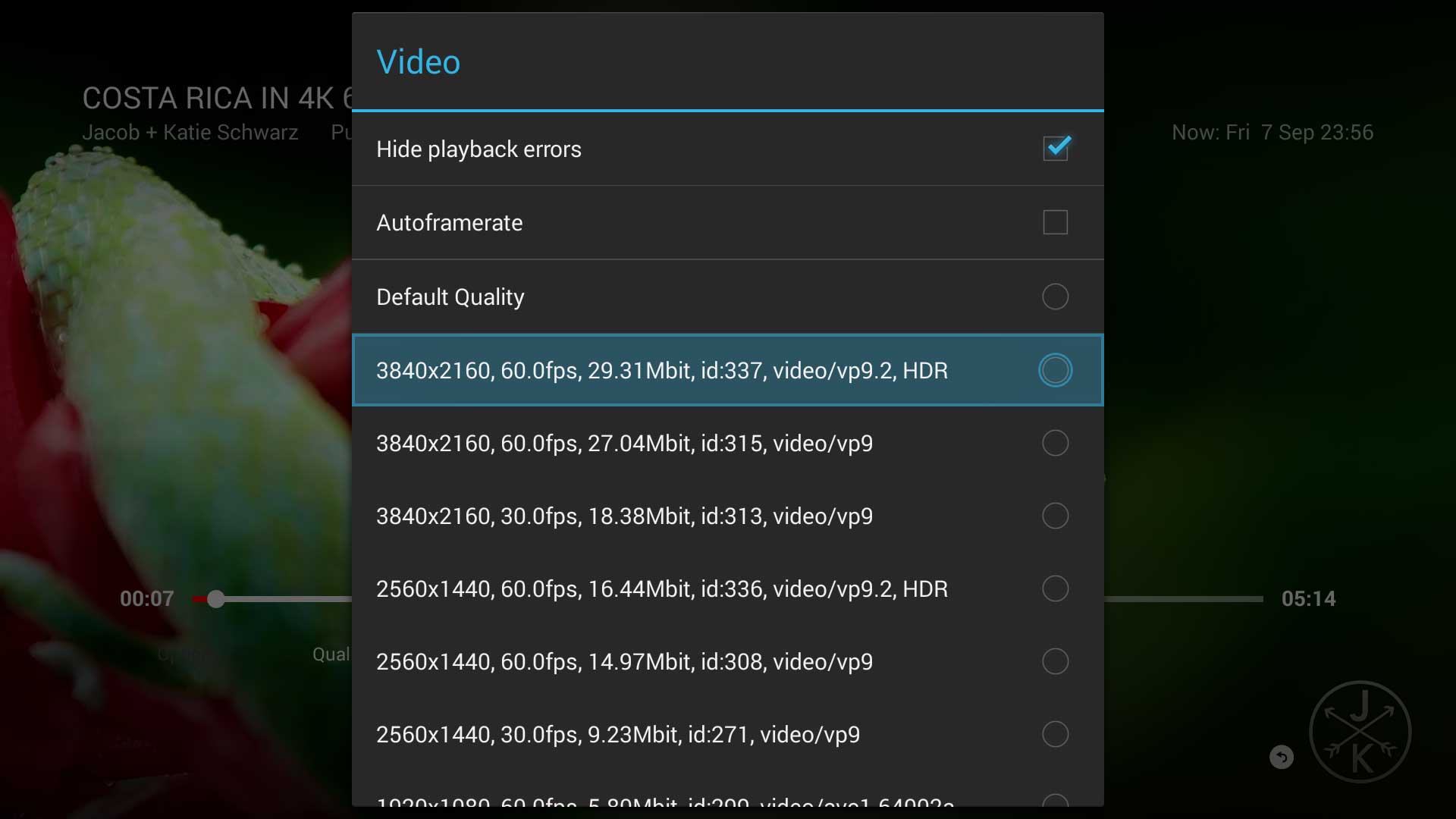
Screenshots:
Install SmartYouTubeTV:
Easy installation in less than 5 minutes with only the FireTV * Install SmartYouTubeTV (only FireTV needed)
Standard installation via ADB * If you don't know how to sideload/install apps via ADB, read a tutorial (e.g. this one) * Download latest SmartYouTubeTV APK and sideload/install with adb: * adb install -r SmartYouTubeTV_Orig.apk * Enjoy :)
How to change system language with only the MiTV3 * How-to-enable-English-on-Android-5.1
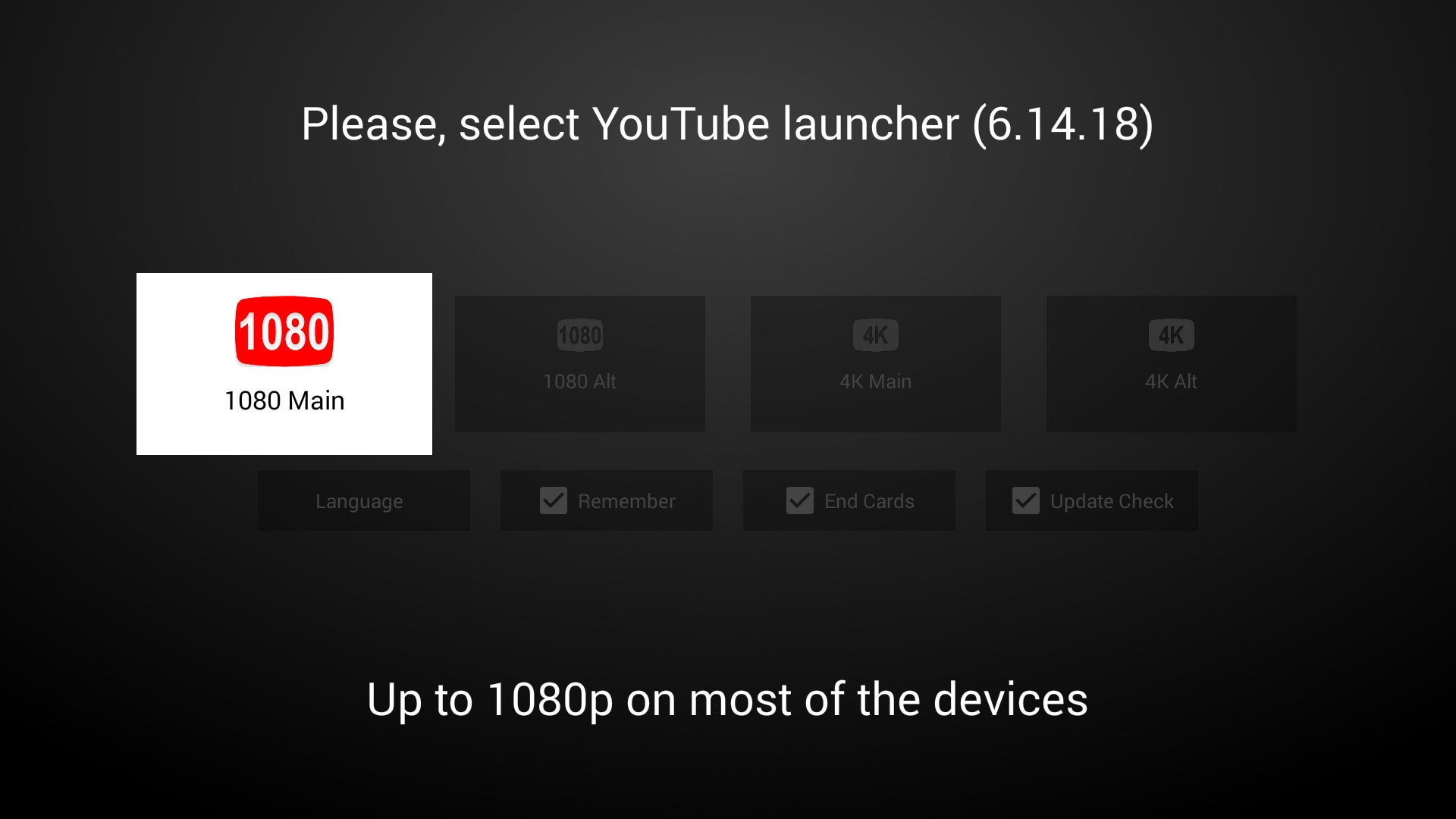
Starting screen:
The device/resolution options at start launches different playing methods (as per https://github.com/yuliskov/SmartTubeLegacy/issues/15#issuecomment-364805950) * 1080 Main - WebView * 1080 Alt - XWalk * 4K Main - Exoplayer + WebView * 4K Alt - Exoplayer + XWalk
Also important, it's possible to select max resolution and codec (ie 1080/AVC1) via the start screen that will be applied on video loading (Codec option).
The Remember tick box acts as a configuration saving for next app launches.
Contributors:
- WolfganP (README)
- javierpz (cast fix)
- TheRMaverick (German language)
- Maikell84 (misc fixes)
- foreveryoungforty (Dutch language)
- bubuleur (French language)
- otava5 (Czech language)
- WaggBR (Brazilian Portuguese language)
- itzxeon78 (Spanish language)
Screens:
📈 近 7 天 Star 趋势
🏆 排名变化趋势
📋 历史上榜记录
| 日期 | 榜单 | 排名 | 周期新增 | 总 STAR |
|---|