xtool-org / xtool
← 返回首页
Cross-platform Xcode replacement. Build and deploy iOS apps with SwiftPM on Linux, Windows, macOS.
📄 仓库 README
在 GitHub 查看 ↗来自 GitHub 仓库自述文件 · 版权归原作者所有
xtool
Cross-platform Xcode replacement. Build and deploy iOS apps with SwiftPM on Linux, Windows, and macOS.
Overview
xtool is a cross-platform (Linux/WSL/macOS) tool that replicates Xcode functionality with open standards.
✅ Build a SwiftPM package into an iOS app
✅ Sign and install iOS apps
✅ Interact with Apple Developer Services programmatically
Getting Started
- Follow the guide to install
xtool - Create and run your first xtool-powered app by following the tutorial!
Examples
Screenshot
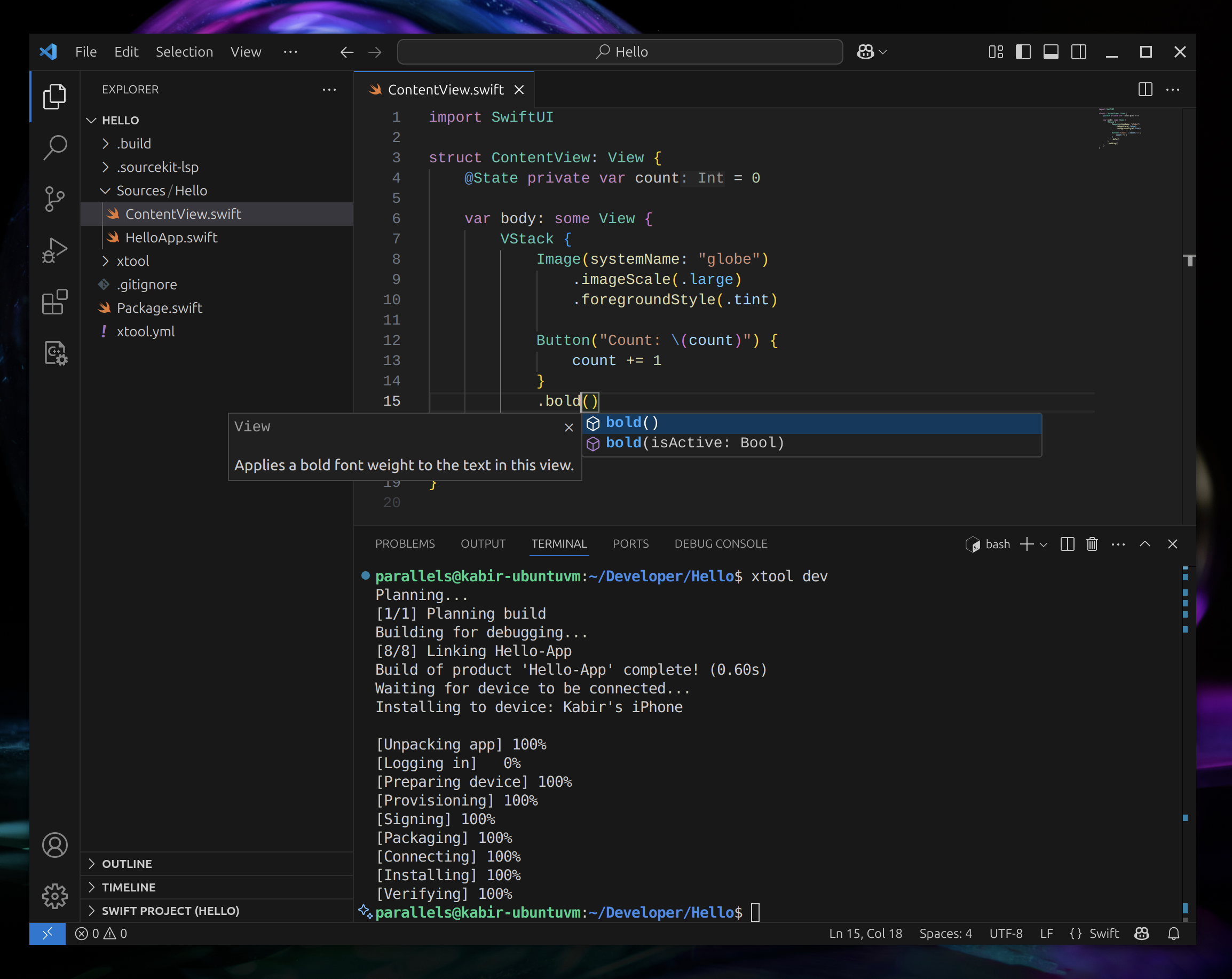
Command line interface
$ xtool --help
OVERVIEW: Cross-platform Xcode replacement

USAGE: xtool <subcommand>

OPTIONS:
  -h, --help              Show help information.

CONFIGURATION SUBCOMMANDS:
  setup                   Set up xtool for iOS development
  auth                    Manage Apple Developer Services authentication
  sdk                     Manage the Darwin Swift SDK

DEVELOPMENT SUBCOMMANDS:
  new                     Create a new xtool SwiftPM project
  dev                     Build and run an xtool SwiftPM project
  ds                      Interact with Apple Developer Services

DEVICE SUBCOMMANDS:
  devices                 List devices
  install                 Install an ipa file to your device
  uninstall               Uninstall an installed app
  launch                  Launch an installed app

  See 'xtool help <subcommand>' for detailed help.
Library
You can consume xtool itself as a Swift Package, to enable your own app to interact with Apple Developer Services, iOS devices, and more. You can use this by adding XKit or XToolSupport as a SwiftPM dependency.
Note: while we aim to uphold semver semantics on the CLI interface (breaking change = major version bump), the Swift interface does not offer the same guarantees.
// package dependency:
.package(url: "https://github.com/xtool-org/xtool", .upToNextMinor(from: "1.2.0"))
// target dependency:
.product(name: "XKit", package: "xtool")
📈 近 7 天 Star 趋势
每日新增 Star(柱)与累计 Star(线)· 数据来自 GitHub
🏆 排名变化趋势
在各榜单中的排名历史(数字越小越靠前)
📋 历史上榜记录
每次快照的详细数据
| 日期 | 榜单 | 排名 | 周期新增 | 总 STAR |
|---|