📄 仓库 README
在 GitHub 查看 ↗

Run Windows applications (including Microsoft 365 and Adobe Creative Cloud) on GNU/Linux with KDE Plasma, GNOME or XFCE, integrated seamlessly as if they were native to the OS.
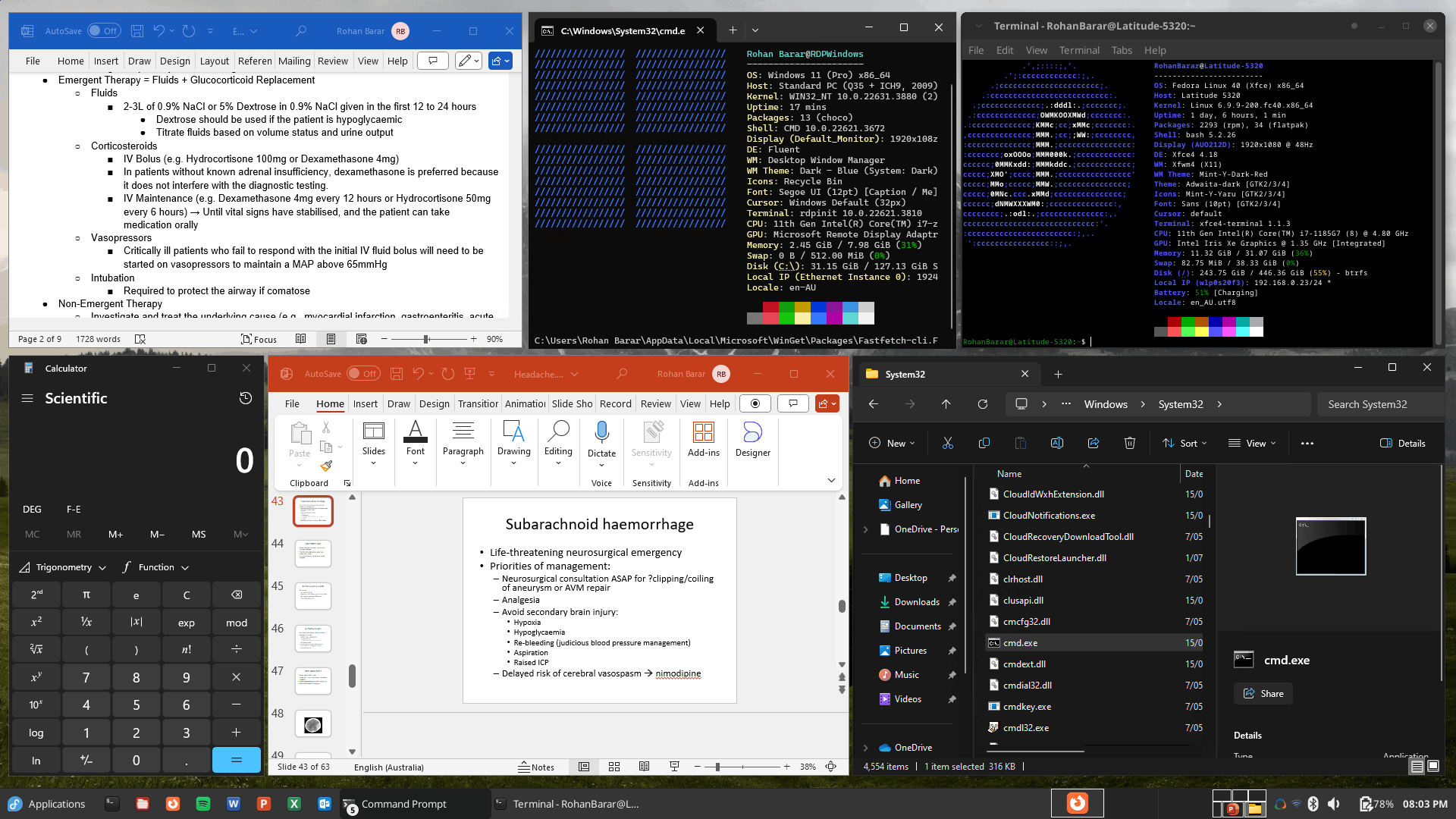
Underlying Mechanism
WinApps works by:
1. Running Windows in a Docker, Podman or libvirt virtual machine.
2. Querying Windows for all installed applications.
3. Creating shortcuts to selected Windows applications on the host GNU/Linux OS.
4. Using FreeRDP as a backend to seamlessly render Windows applications alongside GNU/Linux applications.
Additional Features
- The GNU/Linux
/homedirectory is accessible within Windows via the\\tsclient\homemount. - Integration with
Nautilus, allowing you to right-click files to open them with specific Windows applications based on the file MIME type. - The official taskbar widget enables seamless administration of the Windows subsystem and offers an easy way to launch Windows applications.
- Microsoft Office links (e.g. ms-word://) from the host system are automatically opened in the Windows subsystem. (Note: You may need to use a User Agent Switcher browser extension and set the User-Agent to Windows, as the Office webapps typically hide the "Open in Desktop App" option for Linux users.)
Supported Applications
WinApps supports ALL Windows applications. Support does not, however, extend to kernel-level anti-cheat systems (e.g. Riot Vanguard).
Universal application support is achieved by:
1. Scanning Windows for any community tested applications (list below).
2. Scanning Windows for any other .exe files listed within the Windows Registry.
Community tested applications benefit from high-resolution icons and pre-populated MIME types. This enables file managers to determine which Windows applications should open files based on file extensions. Icons for other detected applications are pulled from .exe files.
Contributing to the list of supported applications is encouraged through submission of pull requests! Please help us grow the WinApps community.
Please note that the provided list of community tested applications is community-driven. As such, some applications may not be tested and verified by the WinApps team.
Community Tested Applications

|
Adobe Acrobat Pro (X) Icon in the Public Domain. |

|
Adobe After Effects (CC) Icon in the Public Domain. |

|
Adobe Audition (CC) Icon in the Public Domain. |

|
Adobe Bridge (CS6, CC) Icon in the Public Domain. |

|
Adobe Creative Cloud (CC) Icon under MIT license. |
|
Adobe Illustrator (CC) Icon in the Public Domain. |

|
Adobe InDesign (CC) Icon in the Public Domain. |

|
Adobe Lightroom (CC) Icon in the Public Domain. |
|
Adobe Photoshop (CS6, CC, 2022) Icon in the Public Domain. |
|
Affinity Designer 2 Icon under CC-BY-SA 4.0 via Serif Ltd. |
|
Affinity Photo 2 Icon under CC-BY-SA 4.0 via Serif Ltd. |
|
Affinity Publisher 2 Icon under CC-BY-SA 4.0 via Serif Ltd. |

|
Affinity by Canva (v3) Icon in the Public Domain. |

|
Command Prompt (cmd.exe) Icon under MIT license. |
|
File Explorer (Windows Explorer) Icon in the Public Domain. |
|
Internet Explorer (11) Icon in the Public Domain. |

|
Microsoft Access (2016, 2019, o365) Icon in the Public Domain. |

|
Microsoft Excel (2016, 2019, o365) Icon in the Public Domain. |

|
Microsoft Word (2016, 2019, o365) Icon in the Public Domain. |


_Logo.svg)


.svg)
.svg)
.svg)
📈 近 7 天 Star 趋势
🏆 排名变化趋势
📋 历史上榜记录
| 日期 | 榜单 | 排名 | 周期新增 | 总 STAR |
|---|