# OneBox (万宝盒)
**English** | [简体中文](https://github.com/wangzhishou/OneBox/blob/HEAD/README.zh-CN.md)
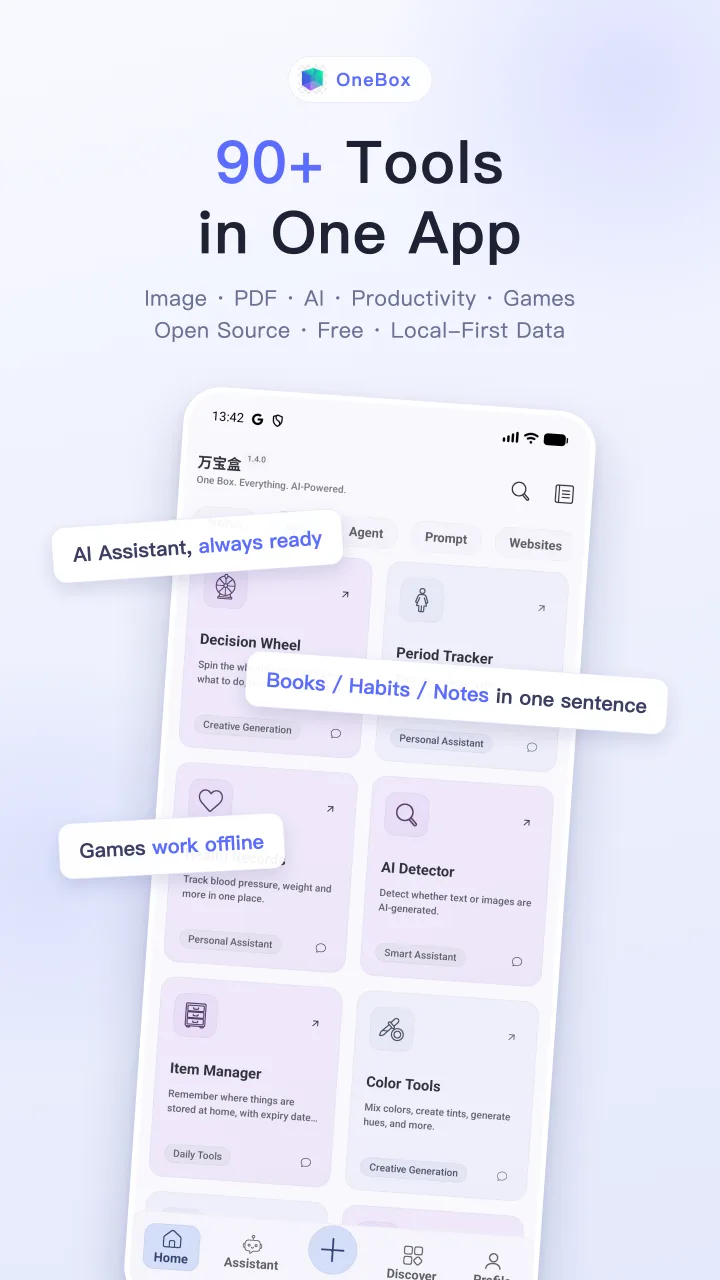
A free AI agent & toolbox for Android: say what you need and the built-in agent drives
90+ in-app tools to get it done — plus image & document tools, productivity and daily
utilities, and 100+ file formats you can open right away.
[](LICENSE)
[](https://play.google.com/store/apps/details?id=com.shifenmiao.app)
[](https://f-droid.org/packages/com.shifenmiao.app)
[](https://ko-fi.com/wangzhishou)
Screenshots
Download
AI Assistant: More Than Just Feature Count
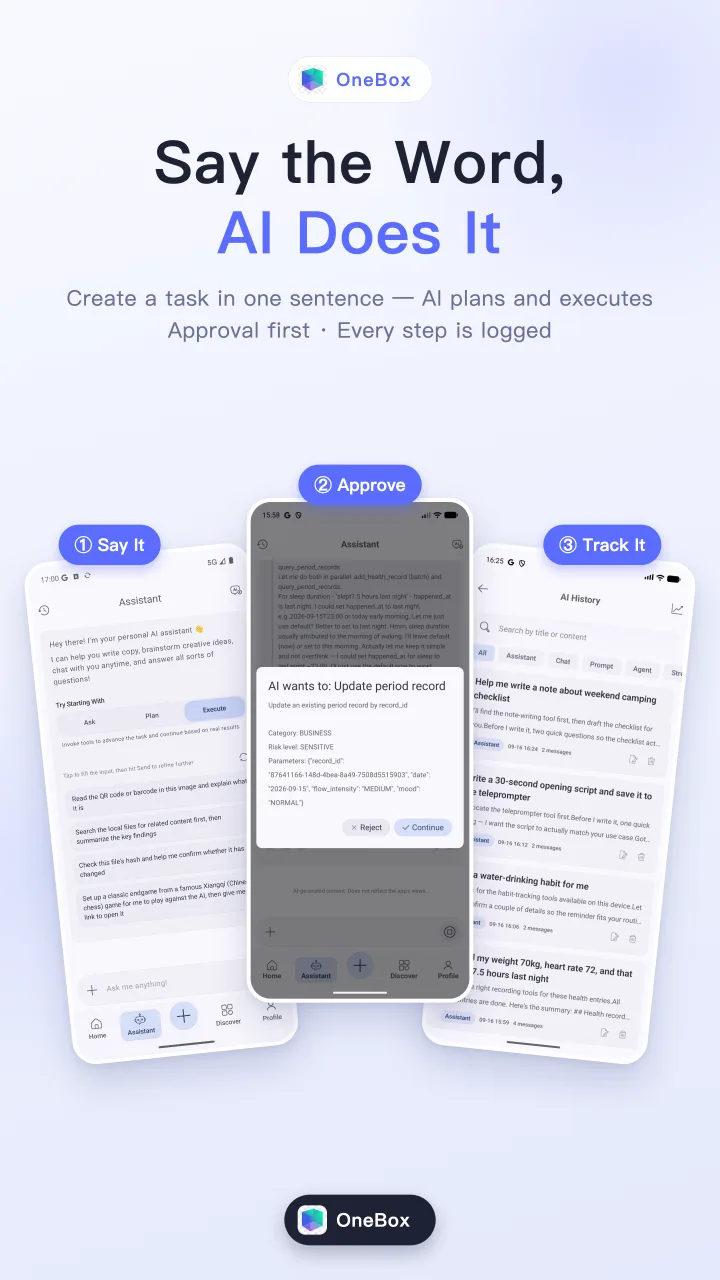
Plenty of toolbox apps are long on features. OneBox's built-in AI assistant saves you from hunting for tools and memorizing steps — just say what you want:
"Turn these images into a PDF."
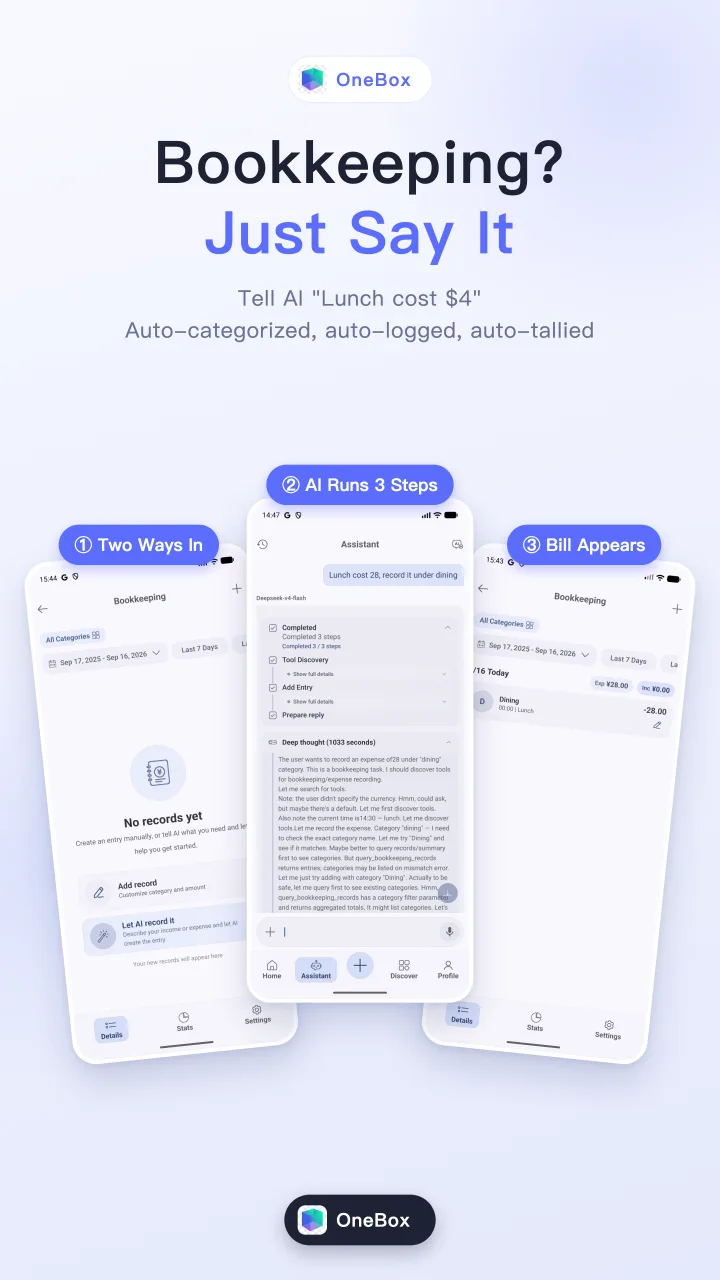
"Log this bill screenshot into my ledger."
"Make me a to-do list."
"Look up today's stock prices online."
It understands, acts, and reports back — in one flow.
- Bounded by its own permissions: everything the agent does stays inside the app's own Android sandbox and declared permission set — it never touches contacts, SMS or call logs; local tools run entirely on-device, and only the conversation with your chosen model goes online.
- An agent that drives the tools: the AI agent can invoke 90+ in-app local tools (PDF processing, image editing, file management, bookkeeping…), chaining multi-step tasks across tools — executed locally with per-tool timeouts and iteration limits.
- Picture-in-picture robot, no more waiting around: long agent task? Just leave the app — with an active AI session it drops into system picture-in-picture, where the mini-window robot keeps you posted on progress and one tap brings you back to the result. Native PiP, zero permissions required.
- One chat, many models: talk to multiple mainstream LLMs from a single entry, with custom AI engines and prompt management.
- Bring your own key — use it for free: drop in any OpenAI-compatible API key (including free tiers like Gemini or OpenRouter's free models) and the full assistant + agent is yours at zero cost. Custom engines, endpoints and tokens are fully open in the Google Play build and in builds from this repo.
- Models that run on the phone — fully offline: download a local model (Gemma 3 1B or Qwen3 0.6B) inside the app, or import your own
.litertlm file, and chat without network, account or token cost — inference runs entirely on-device via LiteRT-LM (Google Play and FOSS builds only).
- Transparent by source: every line is public — how data is processed locally and what never leaves the device is something you can verify, not a promise you have to trust.
File Opening: 100+ Formats in One App
OneBox is also a file viewer. Tap an attachment in a chat app, a file in a file manager, or share one over from another app — it lands on the right screen, with no separate Office, PDF, media player or unzip app.
| Type |
Count |
Common formats |
Opens in |
| Images |
24 |
jpg / png / gif / webp / heic / tiff / svg / avif / jxl / qoi … |
Built-in viewer with swipe and zoom |
| PDF |
1 |
pdf |
Built-in PDF preview |
| Documents |
11 |
doc / docx / xls / xlsx / ppt / pptx / odt / ods / odp / rtf / epub |
Built-in offline preview (feature/file-viewer) with find; Word adds page numbers and night mode |
| Markdown |
4 |
md / markdown / mkd / mdown |
Built-in editor, preview + edit |
| HTML |
3 |
html / htm / xhtml |
Built-in browser |
| Text / code / config |
42 |
txt / log / json / xml / yaml / csv / kt / java / py / go / rs / sql / sh … |
Built-in code editor with syntax highlighting |
| Audio |
12 |
mp3 / wav / flac / ogg / aac / m4a / opus … |
Built-in player, background playback + notification controls |
| Video |
13 |
mp4 / mkv / mov / webm / avi / 3gp … |
Built-in player with picture-in-picture |
| Archives |
14 |
zip / rar / 7z / tar / gz / xz … |
ZIP browsed and extracted in-app; others handed to installed apps |
124 unique extensions. Every single-file entry point — file browser, external intents, deep links, AI agent tool calls — goes through the same ContentRouter in core/ui, so a file opens the same way wherever it comes from. A few pro formats (camera RAW, uncommon audio codecs) depend on the system decoder; when they can't be decoded, OneBox says so or hands them off.
Features
OneBox ships 107 feature modules. Local tools run entirely on-device; only the conversation with your chosen AI model goes online. The tables below list every module — names refer to the feature/* directories in this repo.
AI & Assistant
| Module |
Feature |
Description |
feature/ai |
AI Chat & Agent |
Multi-model chat, dual-model duels, prompt execution, an agent that invokes in-app tools, and offline on-device models via LiteRT-LM (Google Play / FOSS builds), with token stats |
feature/ai-image |
AI Image |
Text-to-image generation, with share / copy / edit |
feature/ai-detect |
AI Detector |
Check whether a text or an image is AI-generated |
feature/dsh-client |
DSH Client |
Drive a DeepSeek Harness agent on your computer — scan-to-pair, end-to-end encrypted, LAN or cloud relay (computer side: onebox-dsh-bridge) |
feature/visual-automation |
Visual Automation |
Feed screenshots to a multimodal model for screenshot-based UI automation |
Image Viewing & Editing
| Module |
Feature |
Description |
feature/image-viewer |
Image Viewer |
Immersive viewer with swipe browsing, double-tap / pinch zoom (up to 5×), online image download |
feature/image-preview |
Image Preview |
Preview and manage images; the entry point to edit / crop / filter flows |
feature/single-edit |
Single Edit |
All-in-one editor: crop, filters, draw, curves, resize, format & quality, before/after compare |
feature/draw |
Draw |
Free-form canvas: pen / neon / highlighter / blur / pixelate / text / stickers / healing, shapes and flood fill |
feature/markup-layers |
Layers |
Layer-based creation: add / order / merge / blend / opacity, brushes, text, shapes, export settings |
feature/crop |
Crop |
Crop with rotation, free-corner crop, shaped outlines and aspect ratios |
feature/image-stitch |
Image Stitch |
Horizontal / vertical / grid stitching with alignment, spacing and fading edges |
feature/image-splitting |
Image Split |
Split one image into a rows × columns grid of tiles |
feature/image-stacking |
Image Stacking |
Overlay multiple images into a single composite |
feature/image-cutting |
Image Cut |
Precise cut by horizontal / vertical start–end percentages, with invert |
feature/compare |
Compare |
Side-by-side or overlay diff of two images, slider and pixel-level highlight |
feature/load-net-image |
Net Image Loader |
Paste a URL to parse, preview and download images from the page |
feature/pick-color |
Color Picker |
Tap / drag to pick pixel colors, with pan and zoom modes |
feature/collage-maker |
Collage Maker |
Collages of up to 10 photos with templates, spacing, rounded corners, backgrounds |
feature/text-card |
Text Cards |
Turn quotes into beautiful cards with paper backgrounds, layers and AI illustrations |
Filters & Effects
| Module |
Feature |
Description |
feature/filters |
Filters |
100+ filters (blur, color, artistic, edge, warp) with mask-based partial application |
feature/gradient-maker |
Gradient Maker |
Pure / overlay / mesh gradients with configurable color stops |
feature/mesh-gradients |
Mesh Gradients |
Browse and download mesh-gradient packs, jump into the editor |
feature/noise-generation |
Noise Textures |
Procedural noise via FastNoiseLite (OpenSimplex2 / Perlin / Value…) |
feature/ascii-art |
ASCII Art |
Convert images into character-based text art |
feature/color-tools |
Color Tools |
Color info (HEX / RGB / HSL), harmonies, shades / gradients, histogram analysis |
feature/palette-tools |
Palette Extract |
Extract palettes from images, Material You style, custom palette export |
Conversion & Compression
| Module |
Feature |
Description |
feature/format-conversion |
Format Convert |
JPEG / PNG / WebP conversion with quality control, EXIF retention, batch processing |
feature/resize-convert |
Resize & Convert |
Resize + convert in one pass: width / height / preset / scale modes, batch |
feature/weight-resize |
Compress by Size |
Compress to a target file size, with before/after size comparison |
feature/limits-resize |
Limit Resize |
Scale within max width / height; skip / re-encode / scale modes |
feature/gif-tools |
GIF Tools |
Multi-image GIFs with frame rate, repeat count, size and per-frame preview |
feature/apng-tools |
APNG Tools |
Multi-image APNGs with frame delay and repeat count |
feature/webp-tools |
WebP Tools |
Multi-image animated WebP with frame delay and repeat count |
feature/svg-maker |
SVG Maker |
Convert bitmaps into SVG vector graphics |
feature/zip |
ZIP Archive |
Pack images into a ZIP; open a ZIP to browse its tree and extract one file or all |
Metadata & Encoding
| Module |
Feature |
Description |
feature/edit-exif |
Edit EXIF |
View and modify camera model, capture time, GPS, copyright… |
| `feature/delet |
|
|