📄 仓库 README
在 GitHub 查看 ↗
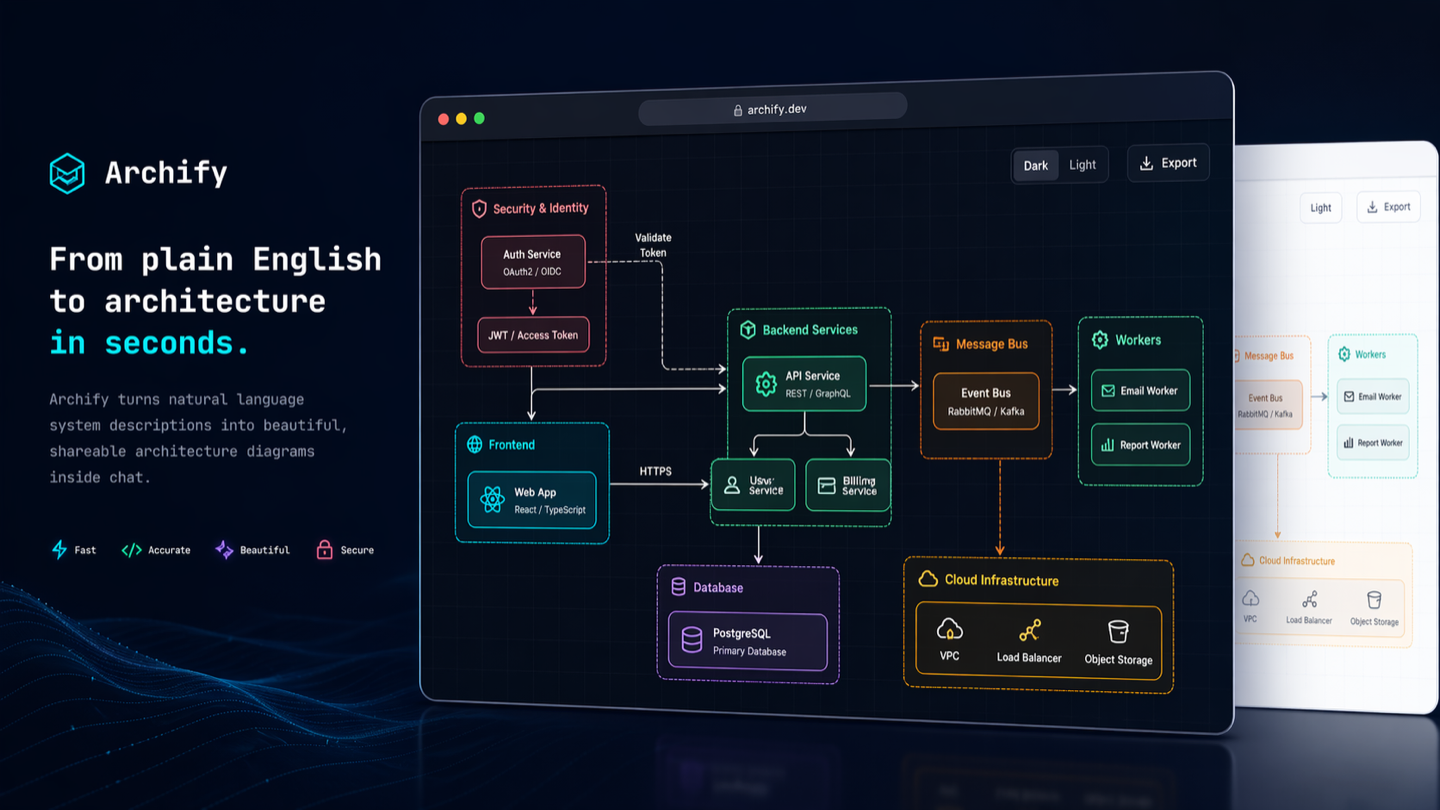
Turn anything you want to understand, plan, or share into an interactive visual.
Official channels: archify.si · GitHub
Archify is free and open source. Third-party online services and paid plans are operated by their respective providers and do not represent Archify. Service details →
Start with an idea, a question, or a plan. Describe it to your AI agent, and Archify turns it into an interactive HTML you can explore, customize, and share. From travel itineraries and learning maps to complex systems—make it your own.
See what the community is creating—and imagine what you could make next.
Live demos · Get started · Scenario guide · Community · 简体中文 · 日本語 · 한국어










❤️ Partners & sponsors: Kimi Work · Supercode · OpenLux
See Archify in action
https://github.com/user-attachments/assets/78570807-ba1d-4737-953f-55504a378a87
One sentence. Your repo, mapped. Watch the 35-second demo: explore the diagram, follow source links, and trace a path. Try the interactive examples ↗
Install, then describe your idea
Works with Cursor, Claude Code, Codex CLI, and OpenCode. See installation options below for additional integrations.
Install Archify for me by reading https://raw.githubusercontent.com/tt-a1i/archify/main/llms.txt
Send this to your agent:
Use Archify to diagram a web request: Browser calls the API,
the API checks Redis, and a cache miss queries PostgreSQL and fills the cache.
Then continue: “Add authentication”, “Highlight the cache-miss path”, or “Switch to the light theme”.
No repository is required: start with a description, or ask your agent to read a repository for a source-backed architecture diagram.
Choose your agent · Installation details and update checks · Create and check diagrams with your agent
Ask a question, get a one-page answer
Not every answer is one diagram. Ask your agent to answer as a page and Archify builds an explainer: the conclusion first, then one panel per question, with tables, steps, charts, code and validated diagrams.
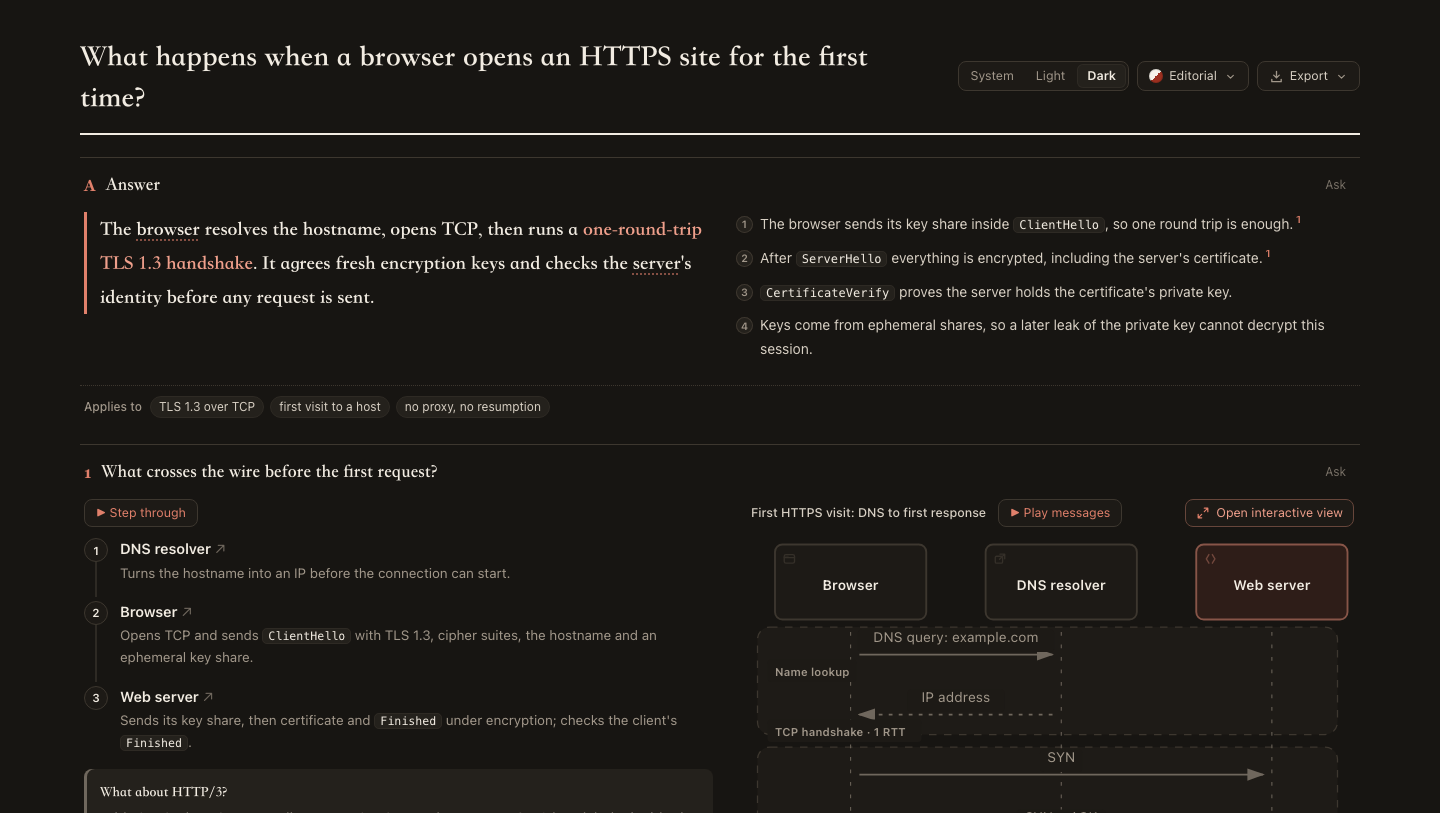
- Conclusion first. The answer and its reasons lead; every panel takes one question.
- Diagrams that explain. Steps sit beside the diagram they walk through and light its parts as you read. Click any node to open the full interactive view.
- Easy to check. Claims cite numbered sources; repository excerpts are pinned to a commit and open in a source card.
- Easy to share. One HTML file with four styles and light or dark themes. Export a PNG, WebP or JPG long image, or print to PDF. Ask about any panel to get a follow-up your agent can use to revise just that panel.
Use Archify to answer as one page: our API's P99 went from 80 ms to 600 ms
while the mean barely moved. What is the likely cause, and how should we investigate?
Live examples: First HTTPS visit · P99 latency (Chinese) · How Archify finalize keeps the last good file, read from this repository (Chinese) · First rental checklist (Chinese)
❤️ Sponsors
Archify × Kimi Work. Find Archify in the Kimi Work plugin store as Interactive Architecture Diagram. Describe your system in one sentence to create an interactive diagram. Try it in Kimi Work →
 supercode.sh |
Supercode sponsors Archify and enhances Codex and Cursor with token optimization, curated Skills, and spec-driven development. Archify is featured as a Supercode Editor’s Choice skill. |
 OpenLux |
Thank you to OpenLux for sponsoring this project! OpenLux is an all-in-one AI platform for businesses, bringing together leading AI models from major providers worldwide. With fast, reliable service and responsive technical support, OpenLux offers base pricing for Claude, OpenAI, and Gemini models as low as 8.82%, 4%, and 8% of official rates, respectively. Exclusive offer for Archify users: Sign up through our referral link and enjoy up to 7.5% off credit top-ups! Get started with OpenLux → |
 PackyCode |
Access leading AI models through PackyCode with one API endpoint and one API key. Enjoy automatic failover and dedicated high-speed routes for Codex and Claude Code. Get started with $1 in free credits, a discount on your first top-up, and savings of up to 80% on eligible routes. Pay in RMB with no currency conversion markups or extra top-up fees. Get started with PackyCode → |
 AICodeMirror |
Thank you to AICodeMirror for sponsoring Archify! AICodeMirror provides API relay services for Claude, Codex, and Gemini, with enterprise-grade concurrency, invoice issuance, and 24/7 technical support. Codex pricing starts at 7% of standard rates, with additional top-up discounts. |
📈 近 7 天 Star 趋势
🏆 排名变化趋势
📋 历史上榜记录
| 日期 | 榜单 | 排名 | 周期新增 | 总 STAR |
|---|