📄 仓库 README
在 GitHub 查看 ↗[!IMPORTANT] This repository (
Portable Uncensored AI) is deprecated and is no longer actively maintained.All active development, features, and bug fixes (including the Windows crash/access violation fixes) have moved to:
👉 Uncensored-Local-Studio
Please visit the new repository to download the latest version, report issues, and follow the project's development.
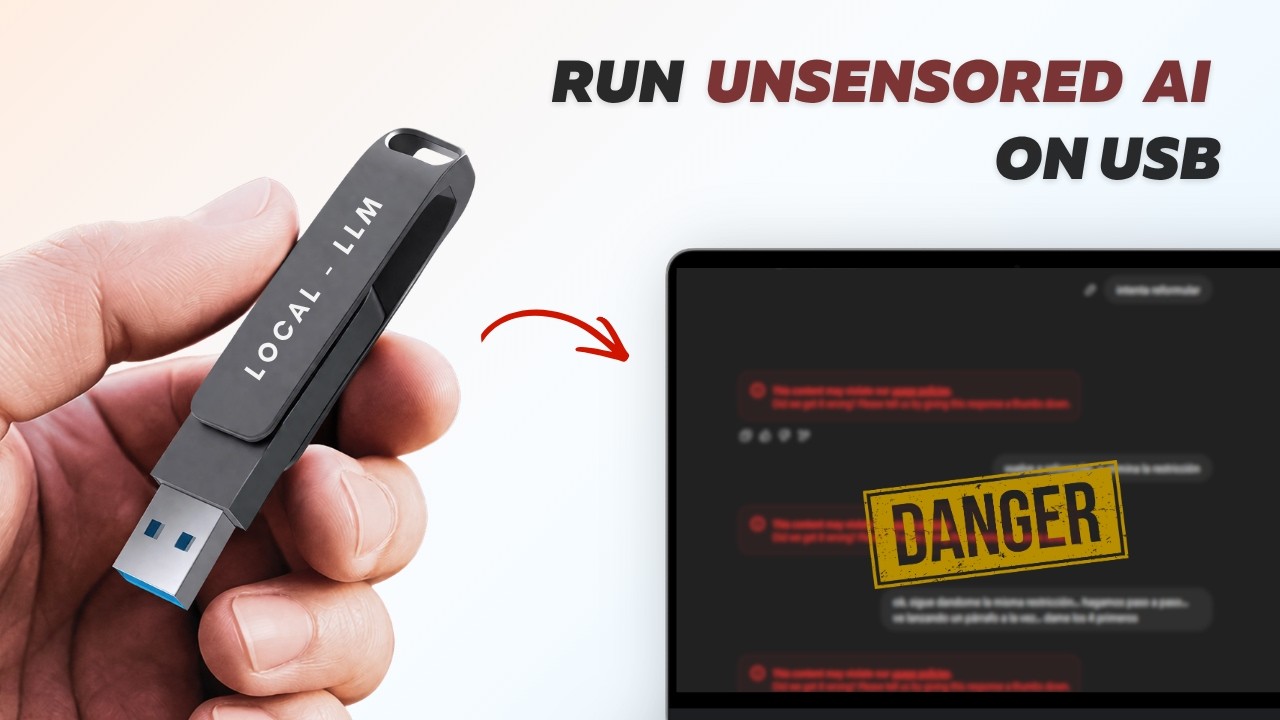
🔒 Portable Uncensored AI — Runs Entirely from a USB Drive
A fully private, portable, uncensored AI assistant that runs 100% from a USB flash drive. No internet needed after setup. No data leaves the USB. Works on Windows, Mac, and Linux.
Now with multi-model support! Choose from 6 curated AI models or bring your own.
📺 Watch the Tutorial
⚡ Available Models
During installation, you'll choose which model(s) to download:
| # | Model | Size | Label | Best For |
|---|---|---|---|---|
| 1 | NemoMix Unleashed 12B | ~7.0 GB | 🔓 UNCENSORED | ⭐ Recommended — best quality uncensored |
| 2 | Dolphin 2.9 Llama 3 8B | ~4.9 GB | 🔓 UNCENSORED | Classic uncensored all-rounder |
| 3 | Mistral 7B Instruct v0.3 | ~4.1 GB | 🔒 STANDARD | Strong reasoning & coding |
| 4 | Qwen 2.5 7B Instruct | ~4.7 GB | 🔒 STANDARD | Great multilingual support |
| 5 | Llama 3.2 3B Instruct | ~2.0 GB | 🔒 STANDARD | Lightweight — fast on old PCs |
| 6 | Phi-3.5 Mini 3.8B | ~2.2 GB | 🔒 STANDARD | Lightweight — good reasoning |
| C | Custom GGUF | Varies | 🎨 CUSTOM | Bring your own HuggingFace model |
🔓 UNCENSORED = No content filters, answers everything
🔒 STANDARD = Normal safety guidelines apply
🚀 Setup (One Time Only)
What You Need
- A USB flash drive with at least 16 GB of free space (32 GB recommended for multiple models)
- Format the USB as exFAT (works on Windows, Mac, and Linux)
- An internet connection for the initial download
Steps
- Download this repo and copy ALL files to your USB drive
- Double-click
install.baton the USB drive - Choose your model(s) from the interactive menu
- Interactive AnythingLLM Setup:
- The AnythingLLM installer will open automatically.
- IMPORTANT: When asked for the "Install Location", click Browse and select the
anythingllmfolder on your USB drive. - Wait for it to finish, then close the installer window. - Done! Your portable AI is ready to use.
⚠️ If a Model Download Fails
The installer automatically retries failed downloads. If it still fails:
- Download the model manually from the HuggingFace resolved link shown in the console error.
- Place the .gguf file into the
models\folder on your USB. - Re-run
install.bat— it will detect the file and skip the download.
🔄 Adding More Models Later
Just re-run install.bat and select additional models. Already-downloaded models are automatically skipped.
🎨 Custom Models
Want a model not on the list? During install, choose option C and paste any direct .gguf download link from HuggingFace. The installer handles the rest!
🗄️ Configuring Ollama Token Limit / Context Size
By default, the installer configures Ollama with a 4K token limit for optimal performance on most PCs. If you want to adjust this, follow these steps after install script has finished running:
- Open this folder on your USB drive.
anythingllm_data/storage - Open the
.envfile in a text editor. - Find the line that says
OLLAMA_MODEL_TOKEN_LIMIT=4096and change4096to your desired token limit (e.g.,8192for 8K tokens). - Save the file and restart the AI using the launcher script
start-windows.batorstart-mac.commandorstart-linux.sh. - Incase if you re-run the installer script
install.batorinstall.shit will reset the token limit back to 4096, so you will need to change it again in the.envfile. - For mac, you may re-run the
start-mac.commandscript and it will not overwrite the token limit in the.envfile, so you can just restart the AI using this script after changing the token limit in the.envfile.
▶️ How to Use
On Windows
- Double-click
start-windows.baton the USB drive. - Improved Portability: The launcher now automatically clears old path caches. This allows you to move between different computers without "JavaScript errors."
- The AnythingLLM chat window will open automatically.
- Switch between models in AnythingLLM: Settings → LLM → select your model.
- Keep the black terminal window open while chatting.
- Press any key in the terminal to safely shut down.
On Mac
- Double-click
start-mac.commandon the USB drive. - First time: It will automatically download the Mac engine (~2 min).
- The AnythingLLM window will open automatically.
- Press ENTER in the terminal to safely shut down.
🐧 On Linux
- Open a terminal on your USB drive.
-
Run the launcher: make it executable first:
bash
   chmod +x start-linux.sh preflight-check.sh install.sh install-core.sh
bash bash preflight-check.sh -
The preflight script checks for everything and executes the install script.
- open ANYTHING LLM folder and open the appImage there
- Switch between models: Settings → LLM → select your model.
- Keep the terminal open while chatting.
- Press Enter in the terminal to safely shut down.
🔐 Privacy
- All chats & settings stay on the USB — never saved to the host PC.
- No registry keys or local files are left behind.
- Works completely offline after initial setup.
- No telemetry, no cloud, no tracking.
📁 USB Drive Structure (After Setup) - WINDOWS & MAC
USB Drive/
├── install.bat             ← Run this first (one time only)
├── install-core.ps1        ← Setup script (called by install.bat)
├── start-windows.bat       ← Windows launcher (with auto-cache clearing)
├── start-mac.command       ← Mac launcher
├── ollama/                 ← AI engine (Windows)
├── models/                 ← AI model files (.gguf) & configs
│   ├── installed-models.txt    ← List of installed models
│   └── *.gguf                  ← Model weights
├── anythingllm/            ← Your AI Interface (installed here)
├── installer_data/         ← Temporary installer files (auto-cleaned)
└── anythingllm_data/       ← Your chats & settings (100% portable!)
📁 USB Drive Structure (After Setup) - LINUX
USB Drive/
├── install.sh             ← Linux / Mac installer
├── preflight-check.sh     ← Linux USB drive health check [ run this first ]
├── install-core.sh        ← Core setup logic (called by install.sh)
└── start-linux.sh         ← Linux launcher
├── ollama/                 ← AI engine (Windows)
├── models/                 ← AI model files (.gguf) & configs
│   ├── installed-models.txt    ← List of installed models
│   └── *.gguf                  ← Model weights
├── anythingllm/            ← Your AI Interface (installed here)
├── installer_data/         ← Temporary installer files (auto-cleaned)
└── anythingllm_data/       ← Your chats & settings (100% portable!)
💾 USB Size Guide
| Models | Minimum USB | Recommended USB |
|---|---|---|
| 1 lightweight (3B/3.8B) | 16 GB | 16 GB |
| 1 recommended (NemoMix 12B) | 16 GB | 32 GB |
| 2-3 models | 32 GB | 64 GB |
| All 6 presets (~25 GB) | 64 GB | 64 GB |
⚠️ Important Notes
- Manual Path Selection: When installing AnythingLLM, you must manually select the
anythingllmfolder on the USB to keep it portable. - Moving between PCs: If you see a "JavaScript Error" on a new PC, just close it and run
start-windows.batagain. The script will automatically wipe the old PC's cached paths and fix the run. - Performance: The AI runs on your CPU — responses take 10–30 seconds depending on hardware.
- RAM: 12B models (NemoMix) need at least 8 GB RAM. 7B models need at least 6 GB RAM.
- Always safely eject the USB before unplugging.
📜 License
MIT License — See LICENSE for details.
📈 近 7 天 Star 趋势
🏆 排名变化趋势
📋 历史上榜记录
| 日期 | 榜单 | 排名 | 周期新增 | 总 STAR |
|---|