📄 仓库 README
在 GitHub 查看 ↗🛸 Hermes Agent — Portable & Cross-Platform



Run a fully self-contained, self-improving AI agent from a single folder or USB drive.
No global installation. Zero host pollution. All conversations, configs, memories, and skills stay inside your folder.
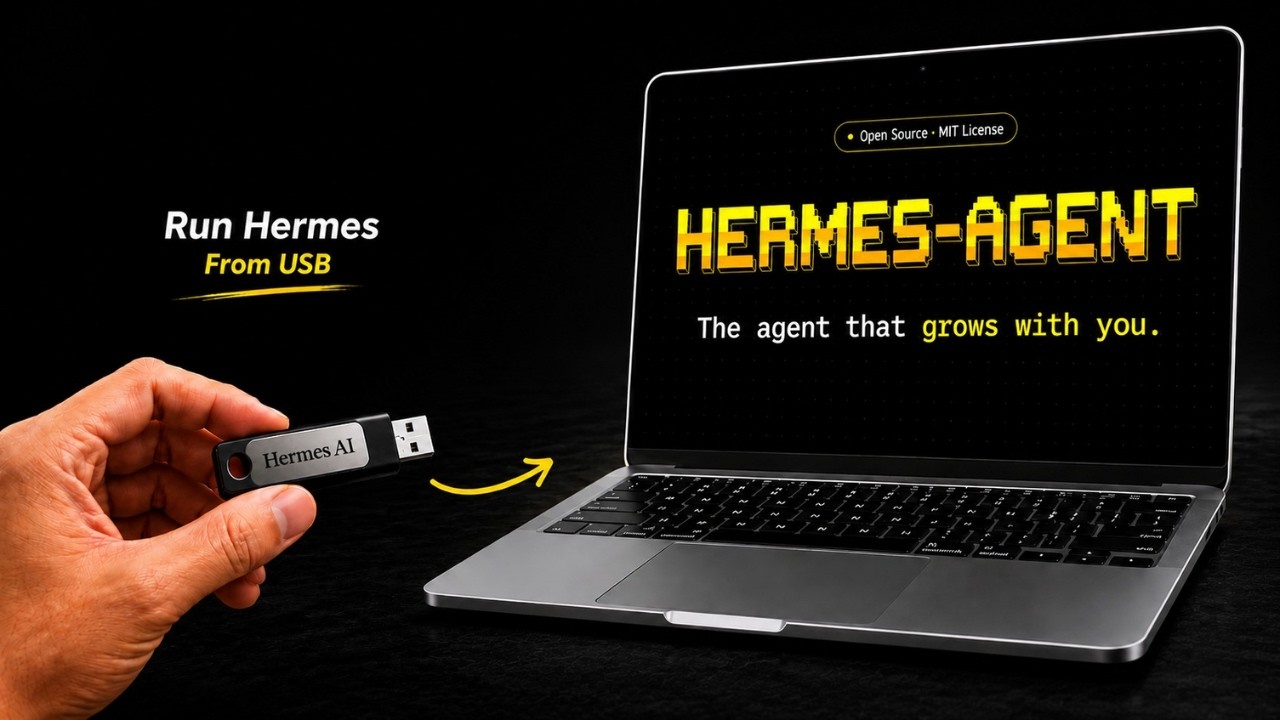
📺 Watch the Setup & Demo Video: Click the image above to watch the step-by-step walkthrough.
✨ Key Features
- Zero Host Dependencies: No pre-installed Python, Node.js, or package managers required on the computer. All runtimes are downloaded locally.
- 100% Portable: Copy the entire directory to a USB flash drive or external SSD. Run it on any Windows, macOS, or Linux computer instantly.
- True Privacy & Isolation: Your API keys (
data/.env), conversations (data/sessions/), persistent memory, and custom skills are kept strictly within the portable folder. - Interactive Console Launcher: Includes a beautiful terminal UI dashboard with state-tracking for setup status, LLM providers, and background gateways.
- Full Hermes Capabilities: Retains all features of Nous Research's Hermes Agent, including memory storage and reusable skill generation.
⚡ Quick Start
Get Hermes running in seconds depending on your operating system:
Windows (10 / 11)
Simply double-click the launch.bat file in this folder.
Note: On first run, it will launch a PowerShell window to download dependencies and configure your runtime environment.
macOS & Linux
Open your terminal in this directory and execute:
chmod +x launch.sh
./launch.sh
💡 macOS Double-Click Shortcut: If you want to double-click in Finder to launch, rename
launch.shtolaunch.command. macOS recognizes.commandfiles and opens them in Terminal automatically.
⚙️ How It Works (Under the Hood)
Hermes Portable solves the host-dependency issue by establishing a sandboxed runtime context pointing inwards.
graph TD
    A[User triggers launch script] --> B{Runtimes setup?}
    B -- No / First Run --> C[Download Portable Python 3.11 & Node.js 22]
    C --> D[Clone Hermes Agent Source to src/]
    D --> E[Create isolated virtual env using uv]
    E --> F[Install Python & Node packages locally]
    F --> G[Generate ready.flag]
    B -- Yes / Ready --> H[Configure environment variables]
    G --> H
    H --> I[Set HERMES_HOME = data/]
    I --> J[Prepend portable bin/ paths to Env PATH]
    J --> K[Launch Terminal Dashboard Menu]
    K --> L[Start Chat / Background Gateway]
The Isolation Design
- Custom Data Directory: The launcher overrides
HERMES_HOMEto the localdata/folder, forcing Hermes to write configuration and data locally rather than in~/.hermes/. - Local Path Sandboxing: The scripts download self-contained Python and Node.js binaries into
.cache/runtimes/and prepend them directly to the active processPATH. - No Registry/Host Pollution: System configurations, environment variables, or packages on the host machine are left untouched.
📁 Workspace Directory Structure
A clean, modular layout where runtime caches are separated from your personal configurations.
hermes-portable/
├── launch.bat                 # Windows interactive launcher script
├── launch.sh                  # macOS & Linux interactive launcher script
├── scripts/
│   ├── setup-windows.ps1      # Windows first-run configuration script
│   └── setup-unix.sh          # Unix (macOS/Linux) first-run configuration script
├── data/                      # ⚠️ [BACKUP THIS] All your private files
│   ├── config.yaml            # Hermes LLM provider configurations
│   ├── .env                   # API Keys and active credentials
│   ├── sessions/              # Chronological chat histories
│   ├── memories/              # Persistent memory databases
│   └── skills/                # Learned custom skills
├── src/                       # Downloaded Hermes Agent source code
│   └── hermes-agent/
└── .cache/                    # Sandbox cache & binaries
    └── runtimes/              # Platform-specific portable interpreters
        ├── windows-x64/
        ├── macos-arm64/
        ├── macos-x64/
        ├── linux-x64/
        └── linux-arm64/
🗝️ Setup API Keys
To configure your language models, open and edit the environment variables in data/.env:
# Add the keys for the providers you wish to use:
OPENROUTER_API_KEY=sk-or-v1-xxxxxxxxxxxxxxxx
OPENAI_API_KEY=sk-proj-xxxxxxxxxxxxxxxx
ANTHROPIC_API_KEY=sk-ant-xxxxxxxxxxxxxxxx
Alternatively, you can select option [2] (Setup / Reconfigure) in the Launcher Terminal Menu to configure model providers interactively.
🧠 Using a Local Ollama Instance
Hermes Portable can use an Ollama server that is already running on the same computer. Start Ollama first, then pull a model:
ollama pull qwen3.6
Launch Hermes Portable and choose [2] Setup / Reconfigure Hermes. In the Hermes setup wizard:
- Choose Quick setup.
- Select More providers.
- Select Custom endpoint (enter URL manually).
- Enter the local OpenAI-compatible Ollama endpoint:
http://127.0.0.1:11434/v1
- Leave the API key blank when prompted.
- Select the detected Ollama model and leave context length blank to auto-detect it.
For a remote Ollama host, use the same /v1 endpoint format, for example http://192.168.1.20:11434/v1. Make sure the Ollama host is reachable from the computer running Hermes Portable.
🖥️ Supported Platforms
| Operating System | CPU Architecture | Setup Status | Notes |
|---|---|---|---|
| Windows 10 / 11 | x86_64 | ✅ Supported | Default Powershell ExecutionPolicy bypassed for script |
| macOS 13+ | Apple Silicon (ARM64) | ✅ Supported | Native M1/M2/M3 execution |
| macOS 13+ | Intel (x86_64) | ✅ Supported | Legacy Intel Mac support |
| Linux (Ubuntu/Arch/Debian) | x86_64 | ✅ Supported | Fully self-contained |
| Linux (Fedora/CentOS) | ARM64 | ✅ Supported | Supports SBCs and ARM Servers |
📦 Cache & Runtime Footprint
The current Windows x64 full first-run setup was measured at about 1.5 GB total after setup completed.
| Component | Measured / Expected Size | Notes |
|---|---|---|
| Launchers & Scripts | <1 MB | Metadata and setup automation scripts |
| Windows x64 Runtime | ~800 MB | Python, Node.js, uv, Git, ripgrep, venv, and downloaded archives |
| Playwright / Local App Cache | ~400 – 500 MB | Chromium browser cache used by Hermes web tools |
| Hermes Source Code | ~100 MB | Downloaded Hermes Agent source tree |
| User Data | ~10 MB → 2 GB+ | Grows as memory, logs, sessions, skills, and backups accumulate |
Recommended USB / external drive free space:
| Use Case | Free Space to Reserve |
|---|---|
| One platform only | 2 GB minimum, 4 GB recommended |
| Windows + one Unix platform | 4 – 6 GB recommended |
| Windows + macOS + Linux runtimes | 8 GB+ recommended |
| Heavy long-term use with many sessions/backups | 16 – 32 GB recommended |
ℹ️ Each operating system and CPU architecture gets its own
.cache/runtimes/<platform>-<arch>/folder, so using the same USB drive across Windows, macOS, and Linux will increase storage usage.
🔄 Updating Hermes Agent
Keep your agent up-to-date with the latest improvements from Nous Research:
- Via Chat Command: Within an active Hermes conversation, type:
text /hermes update - Via Launcher: Navigate to
[4] Advanced Options->[5] Update Hermesin the Launcher terminal dashboard. - Manual Rebuild: Delete
.cache/runtimes/<your-platform>and thesrc/hermes-agentdirectory, then re-run the launcher to fetch the latest code from scratch.
🔒 Security Advisory
[!WARNING] Your portable directory contains your identity. Because
data/.envstores raw API keys anddata/sessions/contains logs of your conversations, anyone with access to your portable drive can access your accounts.
- Recommended Action: Encrypt your USB flash drive or SSD using BitLocker (Windows), FileVault (macOS), or a cross-platform utility like VeraCrypt.
- Avoid storing large API balances or production keys on drives you carry daily.
🔍 Troubleshooting & FAQ
First-run setup fails or times out
* Verify your internet connection (the setup downloads ~600 MB of data). * Some corporate/school firewall settings block Node.js CDNs or GitHub releases. Try configuring a VPN. * Delete the `.cache/` folder and launch again to clean-install the runtimes.macOS: "cannot be opened because the developer cannot be verified"
* Right-click `launch.sh` (or `launch.command`), choose **Open With** and select **Terminal**. * Alternatively, open terminal and strip macOS quarantine flags using: ```bash xattr -dr com.apple.quarantine /path/to/hermes-portable ```Windows Defender flags the launcher scripts
* This is a false positive caused by PowerShell scripts downloading files from remote sources (GitHub & Node.js servers). * Click **"More info"** on the Windows SmartScreen dialog, then click **"Run anyway"**. * The setup scripts are fully open-source and human-readable under the `scripts/` directory for your inspection.Hermes is running slowly from my flash drive
* Older USB 2.0 drives have slow read/write speeds, which bottleneck Python's modules import. * **Solution**: Upgrade to a **USB 3.0 / 3.1** drive, or an **external SSD** for optimal performance.Playwright / Web Browser tools are failing
* Some OS sandboxing policies restrict web browsers (Chromium/Firefox) from starting directly inside external/removable directories. * **Solution**: Copy the `hermes-portable` directory onto the local SSD and run from there.📝 Credits & Attribution
- Hermes Agent — Powerful Agentic core created by Nous Research.
- python-build-standalone — Portable Python interpreter compilation.
- uv — Blazing fast package installer and resolver.
📈 近 7 天 Star 趋势
🏆 排名变化趋势
📋 历史上榜记录
| 日期 | 榜单 | 排名 | 周期新增 | 总 STAR |
|---|