📄 仓库 README
在 GitHub 查看 ↗
Candy Browser
Firefox extensions on Android, powered by GeckoView.
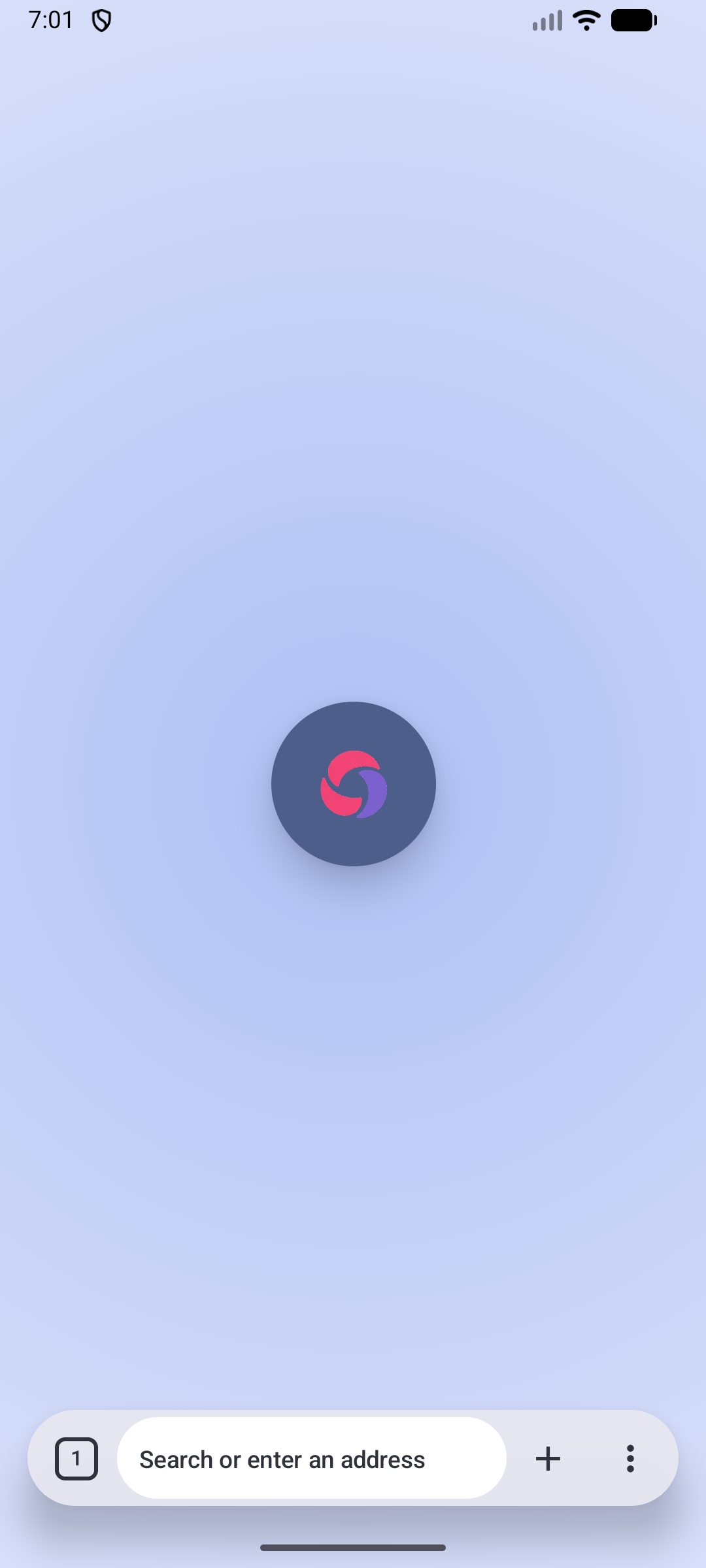
A gesture-first browser with selectable GeckoView and Android System WebView engines,
an iOS WKWebView/Liquid Glass target, and local privacy tools.





GitHub Pages website · Privacy · Releases

[!NOTE] Next release: stability fixes. I'm focusing on finding and fixing as many bugs as possible and testing the changes over an extended period to make Candy Browser more reliable.
🎉 Firefox extensions on Android
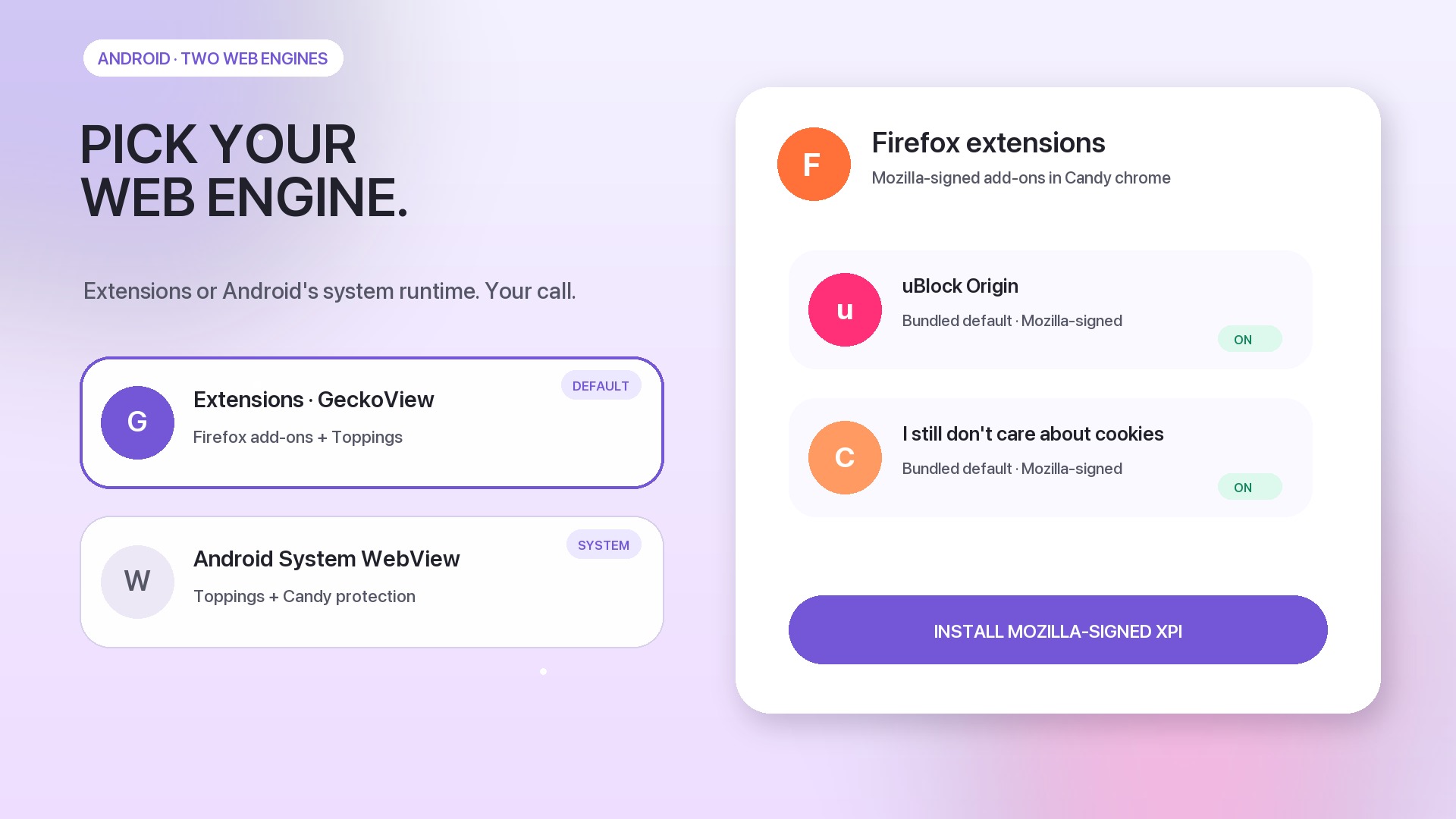
Candy uses GeckoView by default and supports Mozilla-signed Firefox extensions directly inside the Android app. A fresh Gecko profile comes with uBlock Origin and I still don't care about cookies, while additional compatible extensions can be installed and managed from Candy's browser settings.
Extension actions, popups, options, permissions, updates, and enable/disable controls stay inside Candy's browser chrome. See Platform engines for the supported GeckoView integration and current compatibility boundaries.
Cross-device sync
Candy Sync turns every connected Android, Chromium, or Firefox device into a writable profile. Open a desktop profile on your phone to inspect its live tab list, open new tabs, navigate, pin, reorder, or close them. The same small tab changes flow back to every connected client instead of re-uploading the complete browser state.
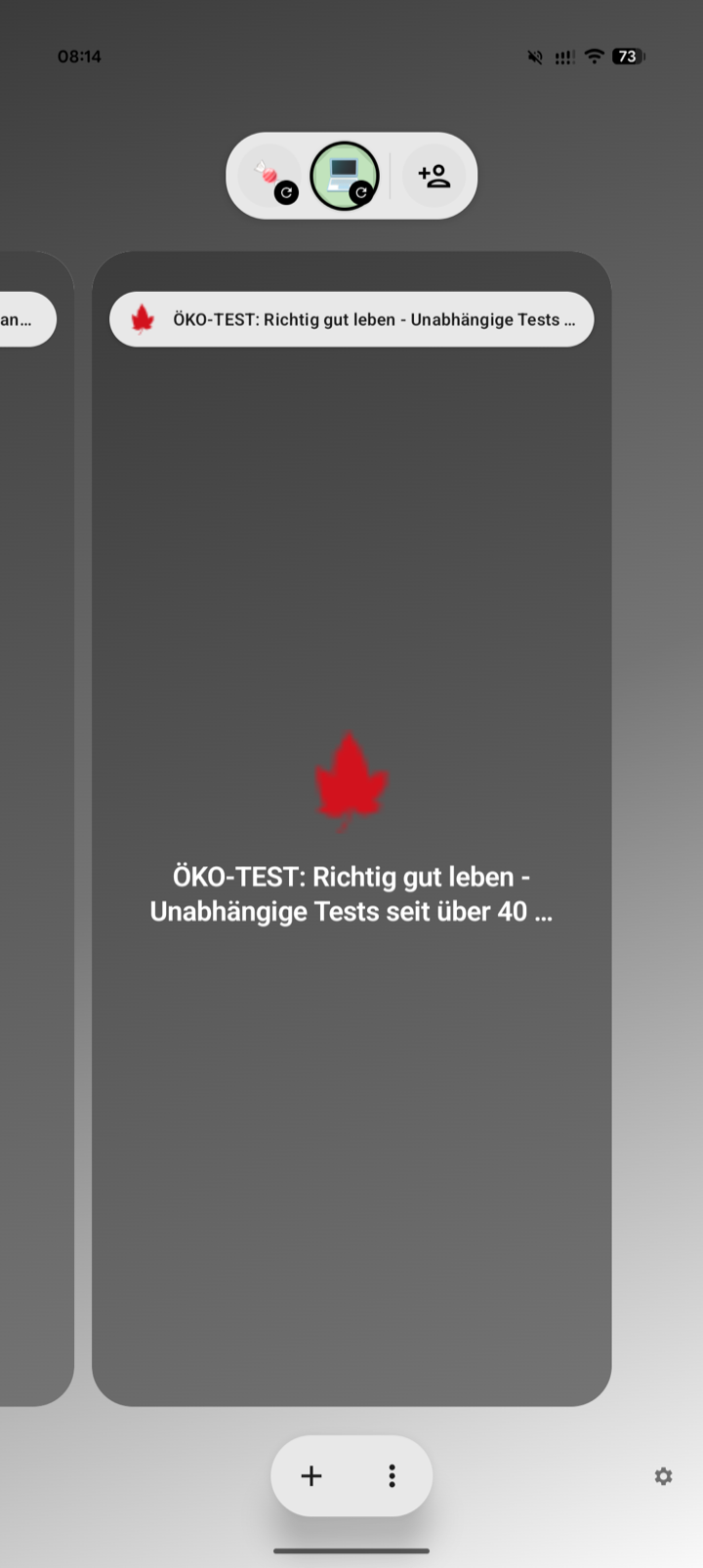
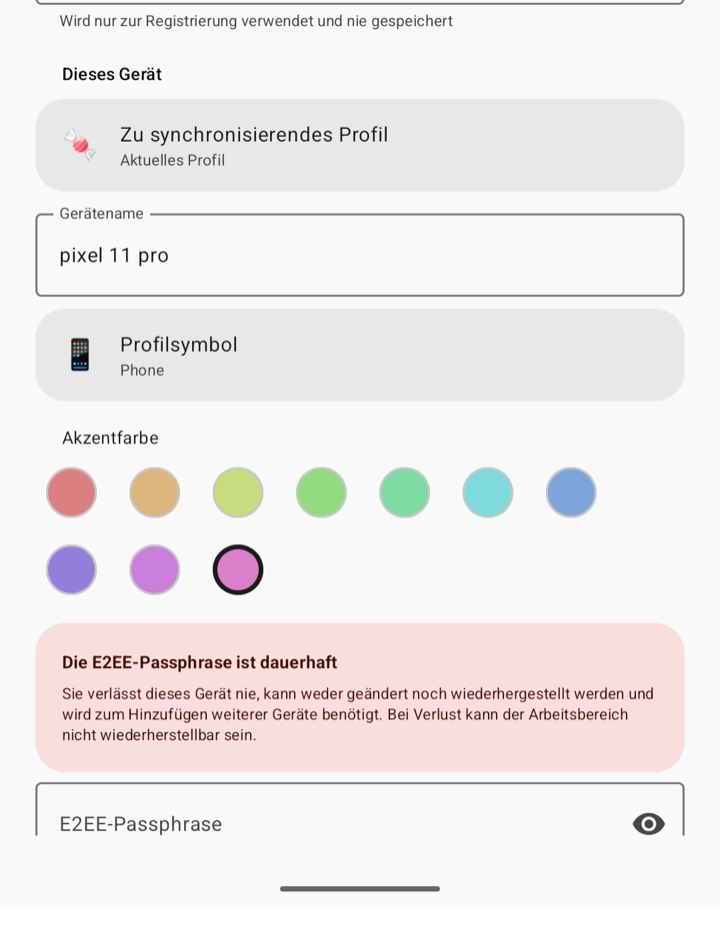
Changes are encrypted locally and written to a durable outbox. REST commits provide ordered, retry-safe storage; authenticated WebSocket notifications deliver committed changes immediately. After suspension or network loss, clients recover missing changes through REST.
E2EE in short
The first client creates a random 256-bit workspace key. The immutable passphrase derives a local recovery key with Argon2id; HKDF-SHA-256 derives purpose- and device-specific keys, and AES-256-GCM encrypts and authenticates tab data. Every device also creates its own P-256 private key locally. The passphrase, workspace key, private keys, URLs, titles, device names, and icons never reach the server in plaintext—the server stores ciphertext plus the routing metadata required for sync.
Start Candy Sync
cd sync/server
cp .env.example .env
# Set a unique username, password, public URL, and TLS host in .env.
# Never put the E2EE passphrase in server configuration.
docker compose pull candy-sync
docker compose up -d
The public sk2andy/candy-sync:latest image supports Linux AMD64 and ARM64. Contributors can still
build the server locally with docker compose up --build -d.
Install Candy Sync from the Chrome Web Store
or Mozilla Add-ons, open its
browser-managed Options Page, and enter the endpoint, credentials, and E2EE passphrase.
For local development, build and load the WebExtension from sync/extension/ using the
Candy Sync extension guide. In Candy Browser, open
Settings → Synchronization and join with the same endpoint, credentials, and passphrase.
See the Candy Sync guide for server deployment, local TLS, Chromium/Firefox loading, Android setup, backups, protocol details, and the full security model.
Candy Sync roadmap
- [ ] Add multi-user support
- [x] Publish the extension to the Chrome Web Store and Mozilla Add-ons
- [x] Publish a prebuilt server image to Docker Hub
- [ ] Offer a hosted solution for people who do not want to self-host
See Candy in motion
Watch or download the 16:9 feature showcase (MP4, 60 fps)
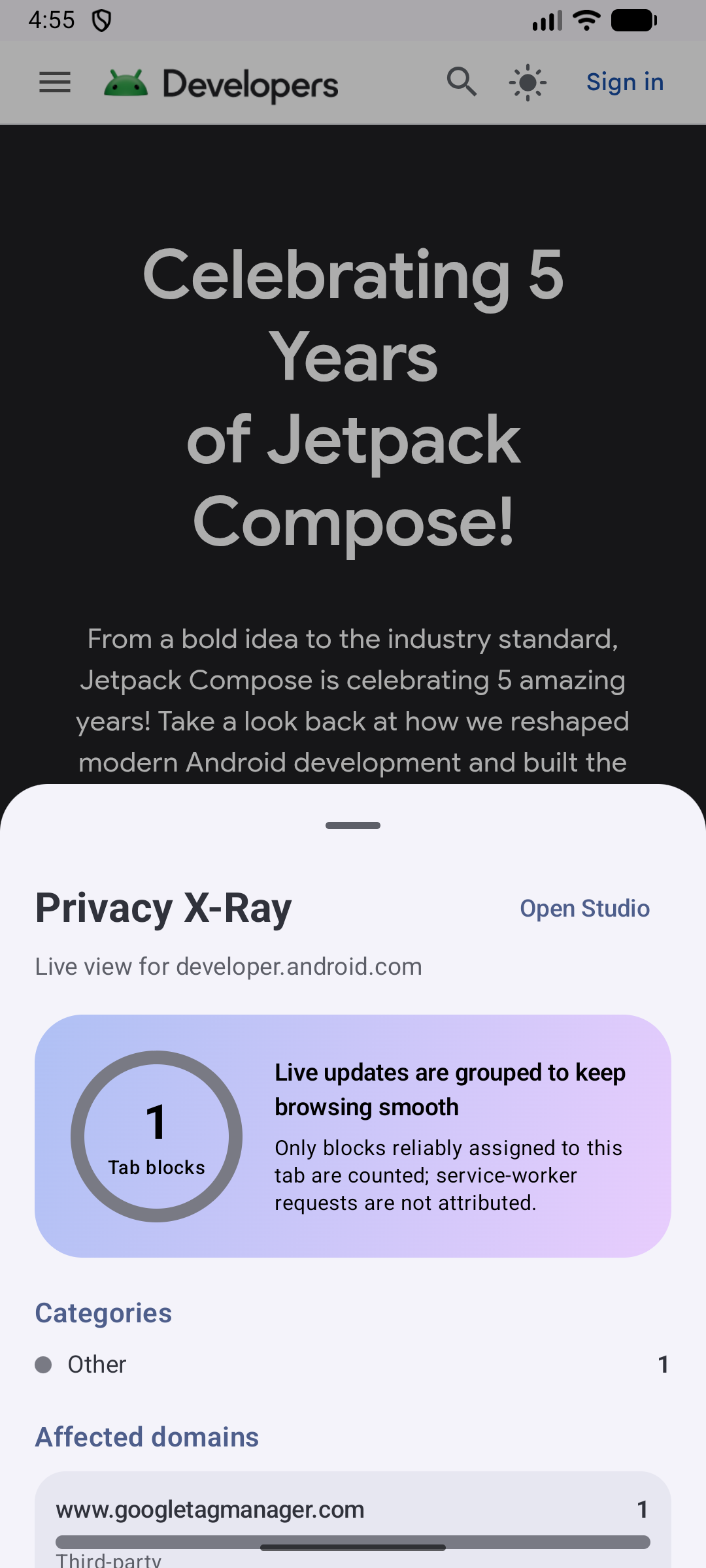
After its gesture-first opener, the showcase moves straight to the Android engine choice and Firefox extensions. It then combines self-hosted Android/Chromium/Firefox tab sync with E2EE, live API 36 emulator footage, current Topping scripts, and repository screenshots to show Link Peek, Spoilerfree Sports, Hacker News Comfort, Privacy X-Ray, Reader Studio, Candy Trails, and profiles. Its original soundtrack, kinetic typography, and camera motion are generated entirely from repository-owned sources.
Why Candy?
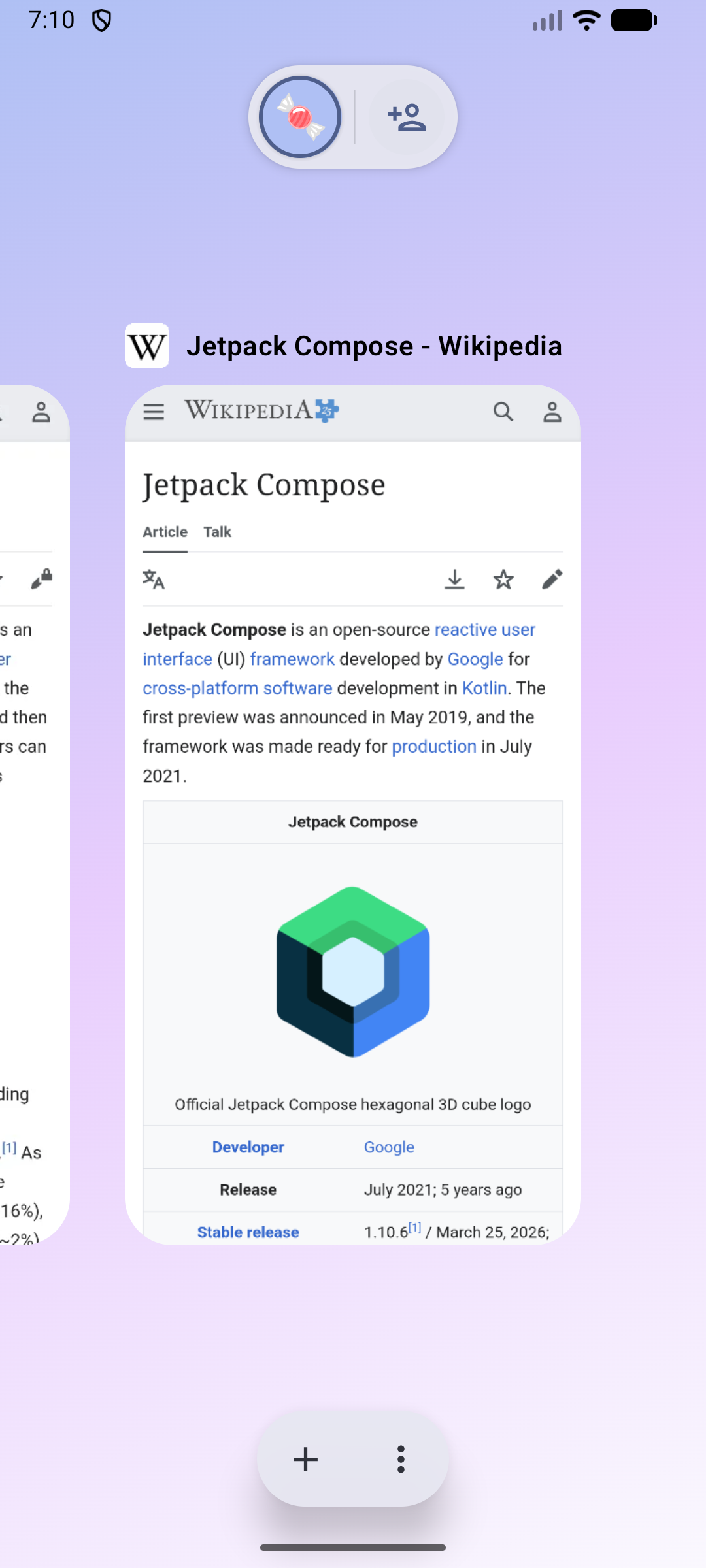
- Made for gestures. Switch tabs from the address bar on phones, use a scrollable tab strip on wider screens, swipe into the visual overview, and dismiss cards with spring motion and haptic feedback.
- Private by design. Filtering, history, favorites, profiles, and privacy telemetry stay local.
- Cross-device without surrendering your data. Self-hosted E2EE sync exposes desktop and Android tab lists as writable device profiles while the server never sees their contents in plaintext.
- Pick the engine that fits. Use GeckoView for Mozilla-signed Firefox extensions such as uBlock Origin, or Android System WebView for Android's system-managed runtime while keeping Toppings and Candy protection.
- Feels at home on Android. Dynamic color, edge-to-edge content, Predictive Back, Autofill, passkeys, downloads, sharing, printing, and default-browser integration.
Architecture
Candy keeps browser behavior and production UI in shared Kotlin. The address bar, gestures, menus, tab switcher, Hero/Grid/List previews, settings structure, and their motion rules are not rebuilt for each platform. Small platform adapters connect that shared product layer to the native browser engine, image types, resources, haptics, and visual effects.
flowchart TD
    K[Shared Kotlin behavior and state] --> C[Shared Compose UI and motion]
    C --> A[Android platform adapter]
    C --> I[iOS platform adapter]
    A --> E{Selected Android engine}
    E --> G[GeckoView sessions]
    E --> S[System WebView sessions]
    G --> F[Signed Firefox WebExtensions]
    K --> T[Shared Topping model and grants]
    T --> GT[Gecko userScripts host]
    T --> ST[System WebView userScripts host]
    T --> WT[WKUserScript host]
    I --> W[WKWebView sessions]
    W --> WT
Android defaults to GeckoView and can switch the whole app to Android System WebView from Browser settings. Candy checkpoints tab URLs and restarts into a fresh process, keeping tabs, bookmarks, history, profiles, and settings shared while cookies, logins, native back-forward lists, and other engine-owned session state stay separate. Firefox extensions remain available only in GeckoView; System WebView keeps Toppings and Candy protection. iOS uses WKWebView behind the same shared Kotlin contracts and Compose browser chrome, with native Liquid Glass supplied through an iOS effect adapter.
Implementation boundaries, invariants, and the current parity status are documented in Platform engines and Platform feature parity.
Tablet and Foldable support
At 600 dp and wider, the floating address bar shows a horizontally scrollable tab strip. Tap another tab to open it, or tap the current tab to edit its address. Configurable actions and the More menu stay in place. Horizontal swipes scroll the strip; the upward overview gesture remains. The visual tab overview also adapts its previews and grid to larger screens.
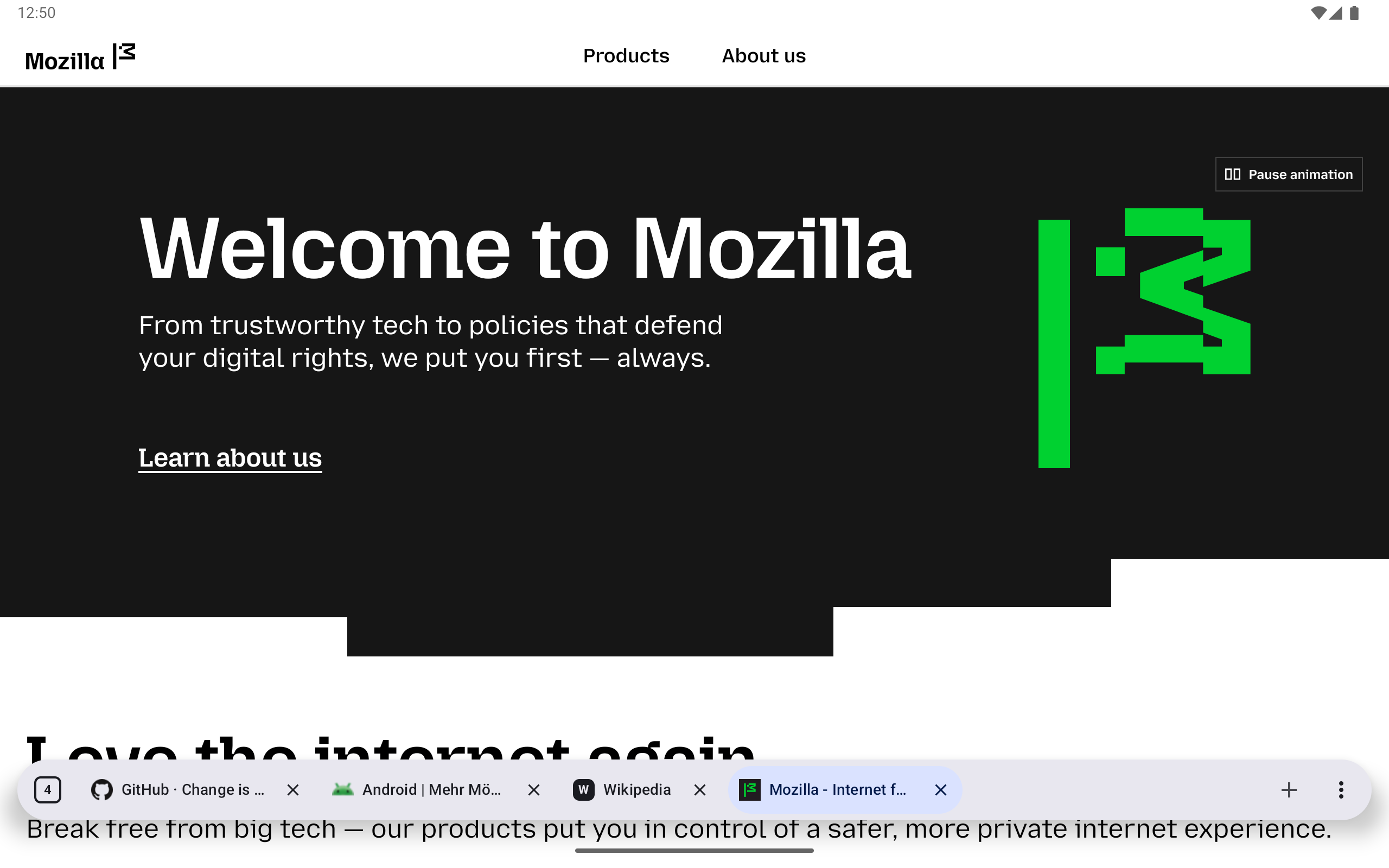
Tablet browsing with floating, scrollable tabs and website favicons.
📈 近 7 天 Star 趋势
🏆 排名变化趋势
📋 历史上榜记录
| 日期 | 榜单 | 排名 | 周期新增 | 总 STAR |
|---|