📄 仓库 README
在 GitHub 查看 ↗Reversa
by sandeco
Turn legacy systems into executable specifications for AI agents.
📄 Paper: Reversa: A Reverse Documentation Engineering Framework for Converting Legacy Software into Operational Specifications for AI Agents — Macedo & da Costa, May 2026.
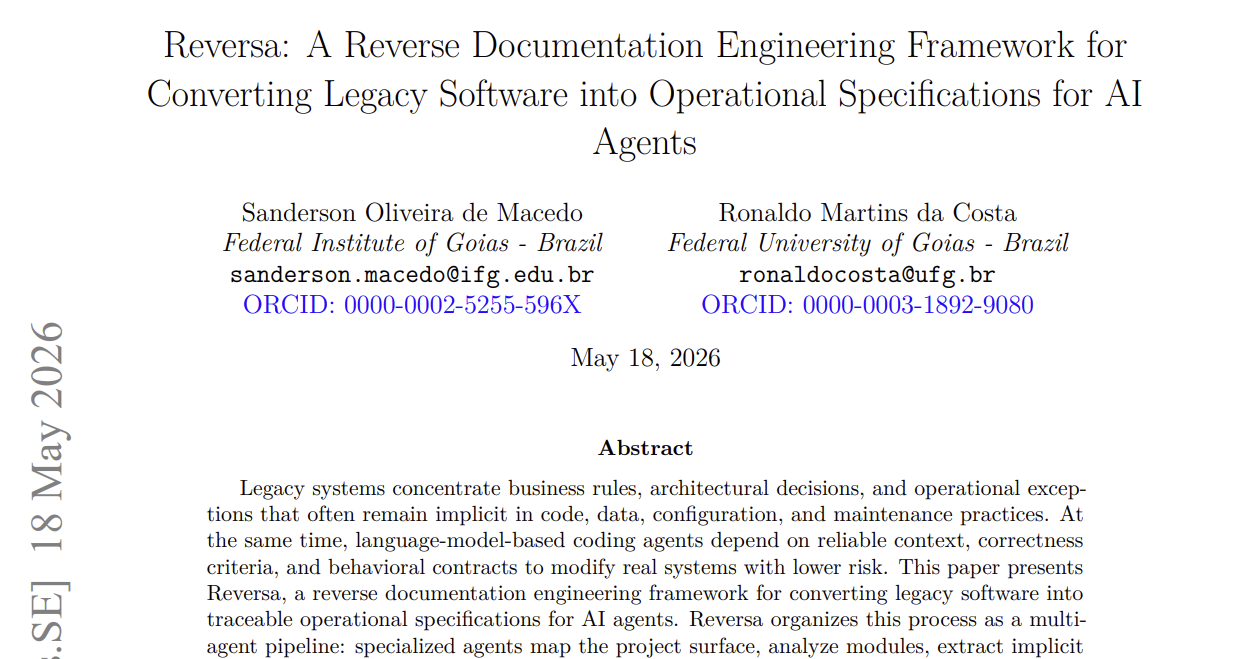



Reversa is a specification reverse-engineering framework. Install it inside a legacy project and it coordinates a team of specialized AI agents to analyze the existing code and generate complete, traceable specifications ready for use by any coding agent.
Why Reversa exists
Most production systems carry years of accumulated knowledge: implicit business rules, undocumented architectural decisions, critical logic buried in code nobody wants to touch. That knowledge exists, but it's trapped.
AI agents are transformative for creating and evolving software, but they depend on specifications to operate safely. For new systems, you write the spec and the agent executes. For legacy systems — or those built with pure vibe coding — there is no spec: the agent has no way of knowing what it cannot break.
Reversa is the bridge between the legacy system and AI agents.
It analyzes the existing code, extracts accumulated knowledge (business rules, flows, module contracts, retroactive architectural decisions) and transforms everything into executable, traceable specifications ready for any coding agent.
The result is not documentation for humans to read. These are operational contracts that allow an agent to evolve the system with fidelity to what already exists.
Installation
In the root of the legacy project:
npx reversa install
The installer will:
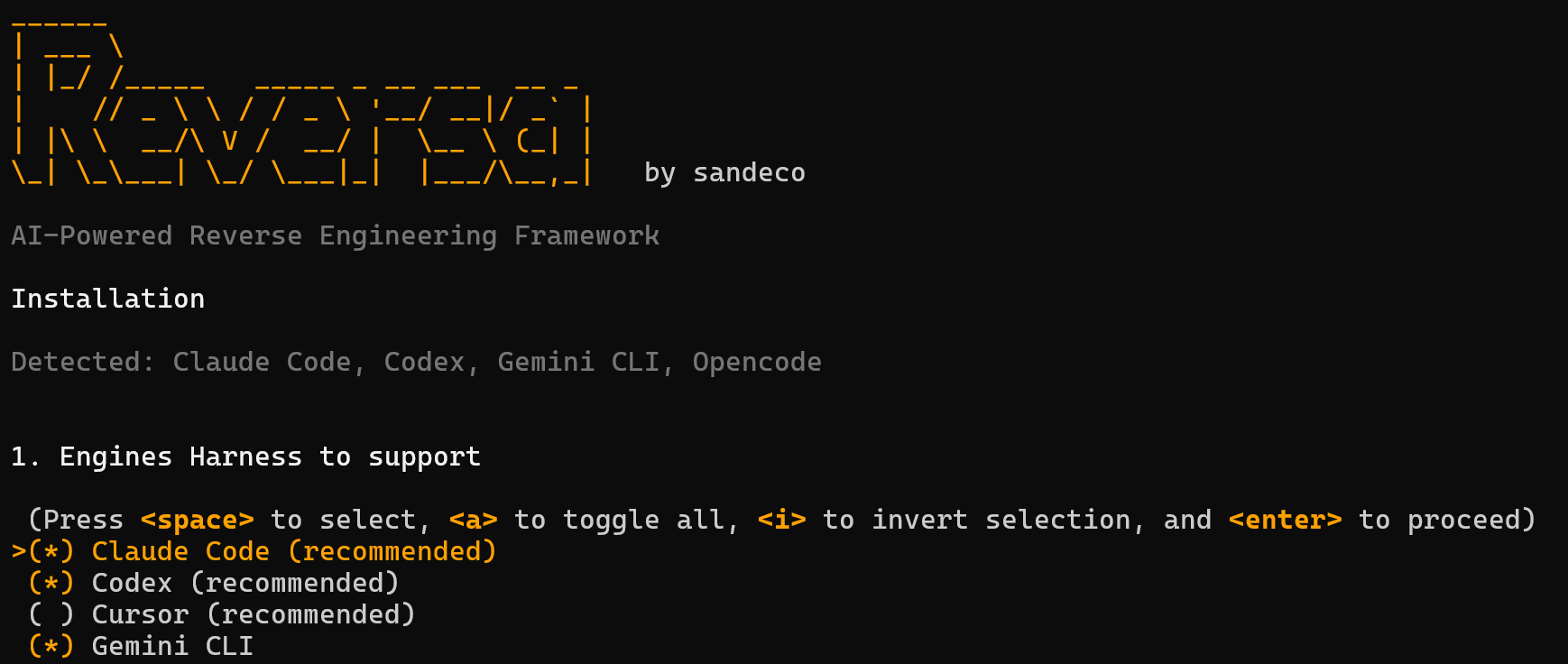
1. Detect the AI engines present in the environment (Claude Code, Codex, Cursor, etc.)
2. Ask which agents to install — all selected by default
3. Collect project name, language, and preferences
4. Copy agents to .agents/skills/ (and .claude/skills/ for Claude Code)
5. Create the engine entry file (CLAUDE.md, AGENTS.md, etc.)
6. Create the .reversa/ structure with state, configuration, and plan
7. Generate SHA-256 manifest for safe updates
Reversa never deletes or modifies existing files in your project. Agents write only to
.reversa/and the output folder (_reversa_sdd/by default).
Requirements: Node.js 18+
[!IMPORTANT]
🔒 Guaranteed immutability of the legacy project
The installer only creates new files (
CLAUDE.md,AGENTS.md,.agents/skills/, etc.) and never modifies or deletes any existing file in your project. During analysis, agents operate under a strict and inviolable directive: all writes are restricted to.reversa/and_reversa_sdd/— no other file in your project is touched.[!CAUTION]
💾 Back up your project before starting
Although Reversa never modifies your files, AI agents can make mistakes. We strongly recommend:
- Version the project in Git — make sure all files are committed before starting the analysis
- Have the repository on GitHub (or GitLab, Bitbucket) — so you have a safe remote copy
- Make a local copy of the folder — a simple
cp -r my-project my-project-backupprotects against any unexpected eventIf something unexpected happens during analysis, you can restore the original state with
git restore .or from the backup copy.[!WARNING] 🔑 Reversa does not request, store, or transmit API keys from any LLM service. All intelligence is delegated to the AI agent already present in your environment (Claude Code, Codex, Cursor, etc.) — no external authentication dependencies.
How to use
After installation, open the project in the AI agent and activate Reversa:
/reversa
For engines without slash command support (like Codex):
reversa
Reversa will introduce itself, create a personalized exploration plan, and coordinate the entire analysis. Progress is saved in .reversa/state.json at each checkpoint — if the session is interrupted, just type reversa to resume where you left off.
For other workflows, use the matching entry command:
| Goal | Command |
|---|---|
| Analyze an existing legacy and produce specs | /reversa |
| Run the same analysis end to end, without intermediate stops | /reversa-autonomous |
| Start a brand new project from a one-line idea | /reversa-new (add expresso to go all the way to code) |
| Evolve the system one feature at a time, from spec to code | /reversa-forward |
| Implement a queue of features (e.g. features 10 to 20) end to end, without stops | /reversa-forward-autonomous |
| Add a short amendment to the feature you just delivered | /reversa-add |
| Converge a delivered feature back into the extraction | /reversa-sync |
| Rebuild the legacy on a modern stack | /reversa-migrate |
| Render the extracted knowledge as an HTML mini-site | /reversa-docs |
| Track and fix defects with causal traceability | /reversa-debugger, /reversa-debugger-fix |
| Price your software or a feature: sale model, billing profile, size and three scenarios | /reversa-pricing |
| Design, critique, audit or polish a frontend interface (Impeccable) | /impeccable |
Each orchestrator pauses between agents and asks for CONTINUAR before advancing, so you stay in control of every step.
Unattended runs
Three commands concentrate every question in a single interview at the start and then run without stopping, for sessions where nobody is watching the terminal (Claude Code YOLO mode or equivalent):
/reversa-autonomous— the full Discovery pipeline, same agents and same checkpoints as/reversa./reversa-new expresso "<your idea>"— greenfield from the idea all the way to implemented code, chaining into the forward cycle after the specs./reversa-forward-autonomous(new in 1.3.4): the forward cycle over a queue of features, from requirements to sync, one feature after another. It is the one to use with/goal, e.g./goal run /reversa-forward-autonomous on features 10 to 20, use the defaults. It writes project code only through the coding phase and only where.reversa/reversa-config.jsonallows; with the policy blocked it stops before starting.
The first two keep the non-destructive rule intact: writes stay inside .reversa/ and the output folders, and no destructive or outward-facing command (delete, git push, publish, install) is ever run on its own. /reversa-forward-autonomous is the exception by design: its coding phase edits project code, only where .reversa/reversa-config.json allows, and runs the builds, tests and installs that actions.md explicitly asks for. Doubts that come up along the way are recorded with the 🟡 seal instead of interrupting the flow.
How it works
The Discovery pipeline (/reversa) is the heart of the framework: a 5-phase sequence orchestrated by the Reversa agent.
Reconnaissance  Excavation  Interpretation  Generation  Review
    Scout       Archaeologist  Detective      Writer    Reviewer
                                Architect
Independent agents (run at any phase): Visor, Data Master, Design System, Soul Extractor, Reconstructor.
Once the specs exist, you can move forward in three directions, depending on the goal:
Discovery (/reversa)
        │
        ├── /reversa-forward    Evolve the system from specs to code
        ├── /reversa-migrate    Rebuild the legacy on a modern stack
        └── /reversa-docs       Render specs as an HTML mini-site
For a greenfield project (no legacy to extract), start with /reversa-new instead. It walks from a one-line idea to SDD specs and then hands off to /reversa-forward.
Agents
Reversa organizes its agents in eleven specialized Teams. The Discovery Team (Reversa Agents Core) and the Bug Agents are always installed; seven Teams are pre-checked in the installer and Translators are opt-in.
| Team | Purpose | Entry command |
|---|---|---|
| Reversa Agents Core (Discovery) | Analyze the existing legacy and produce specs | /reversa |
| Ideation Agents | Clarify a raw idea before any development artifact exists, in greenfield or legacy | /reversa-brainstorm |
| Code New Project Agents | Start a new project (greenfield) from a one-line idea and produce specs | /reversa-new |
| Code Forward Agents | Evolve the system from specs to running code, one feature at a time | /reversa-forward |
| Migration Agents | Turn legacy specs into a rebuild plan for a modern stack | /reversa-migrate |
| Pricing and Size Agents | Decide how to sell, then price the product or each feature on top of the specs | /reversa-pricing |
| Front-end Team (Impeccable) | Design, critique, audit and polish frontend interfaces with 24 design commands | /impeccable |
| Documentation Team | Render the extracted knowledge as a self-contained HTML mini-site | /reversa-docs |
| Bug Agents | Track, debate and fix defects with causal traceability to the specs | /reversa-debugger |
| Code Quality Agents | Improve existing code without changing behavior: refactor, optimize, standardize, prune dead code | /reversa-refactor |
Discovery Team, required
These run the main /reversa pipeline.
| Agent | Role |
|---|---|
| Reversa | Central orchestrator. Coordinates all agents, saves checkpoints, guides the user |
| Scout | Maps the surface: folder structure, languages, frameworks, dependencies, entry points |
| Archaeologist | Deep module-by-module analysis: algorithms, control flows, data structures |
| Detective | Extracts implicit business knowledge: rules, retroactive ADRs, state machines, permissions |
| Architect | Synthesizes everything into C4 diagrams, full ERD, integration map, and technical debt |
| Writer | Generates specifications as operational contracts with code traceability |
Discovery Team, optional (installed by default)
| Agent | Role | |-------|
📈 近 7 天 Star 趋势
🏆 排名变化趋势
📋 历史上榜记录
| 日期 | 榜单 | 排名 | 周期新增 | 总 STAR |
|---|