📄 仓库 README
在 GitHub 查看 ↗🌿 LeafWiki




Self-hosted wiki. Single Go binary. SQLite + Markdown stored on disk.
For engineers and self-hosters who want structured, long-lived documentation. No Node.js, no Redis, no Postgres — just a binary and a data directory.
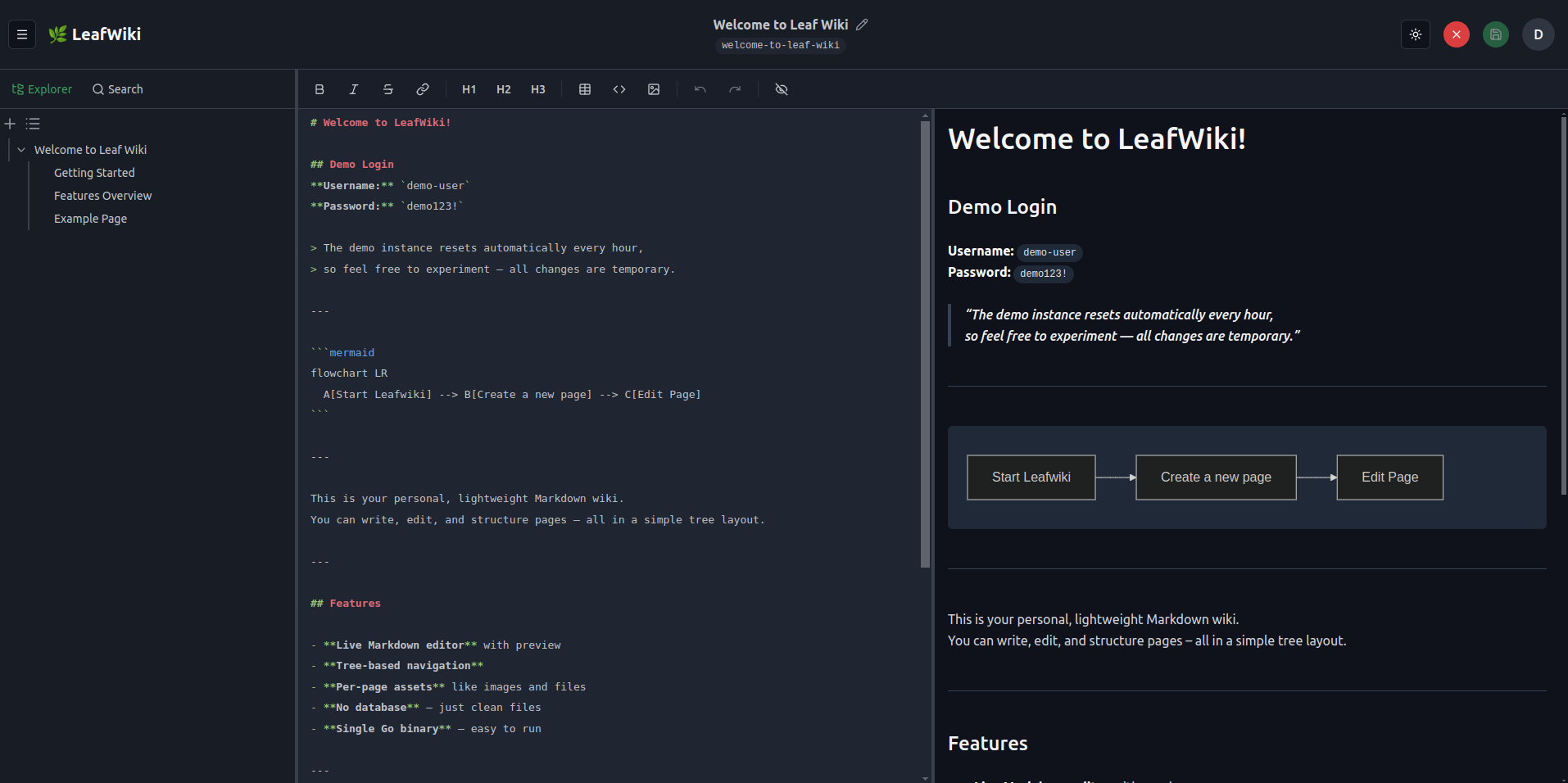
If you've looked at Wiki.js or Outline and thought "this is too much to operate for what I need" — this could fit for you.
→ Try it without installing: demo.leafwiki.com · Ctrl+E edit · Ctrl+S save · resets hourly
→ If it fits, a star helps others find it.
→ Useful to you? Sponsor on GitHub · Buy a coffee on Ko-fi
docker run -p 8080:8080 -v ~/leafwiki-data:/app/data \
  ghcr.io/perber/leafwiki:latest \
  --jwt-secret=yoursecret --admin-password=yourpassword --allow-insecure=true
→ All install options (Docker Compose, Linux installer, binary)
Table of Contents
- Features
- Good fit / not a fit
- Install
- Docker
- Docker Compose
- Kubernetes
- Linux installer
- Binary
- Reset admin password
- Restore a snapshot (offline)
- Operating Modes
- Dev Setup
- Configuration
- CLI Flags
- Environment Variables
- Custom Stylesheet
- Reverse-Proxy Authentication
- Unix Socket (v0.11.3)
- Git Backup
- Email (SMTP)
- Security
- Operations notes
- Keyboard Shortcuts
- External Edits & Resync
- Sorting Pages
- Support this project
- Contributing
Features
Operations:
- Single Go binary — no external database, no runtime dependencies
- Markdown on disk — page content is readable outside the app, backup is cp -r (stop the app first)
- Runs on Linux, macOS, Windows, Raspberry Pi (x86_64 and ARM64; 32-bit x86 Linux via standalone binary)
- Reverse-proxy friendly with --base-path
- Reverse-proxy authentication via trusted HTTP header (v0.10+)
- API keys for programmatic and agent access, admin-managed, scoped by role — in development, not yet ready for use
- Three access modes: fully internal, public read with login-only editing, or open editing without login (see Operating Modes)
- Roles: admin, editor, viewer
Core functionality:
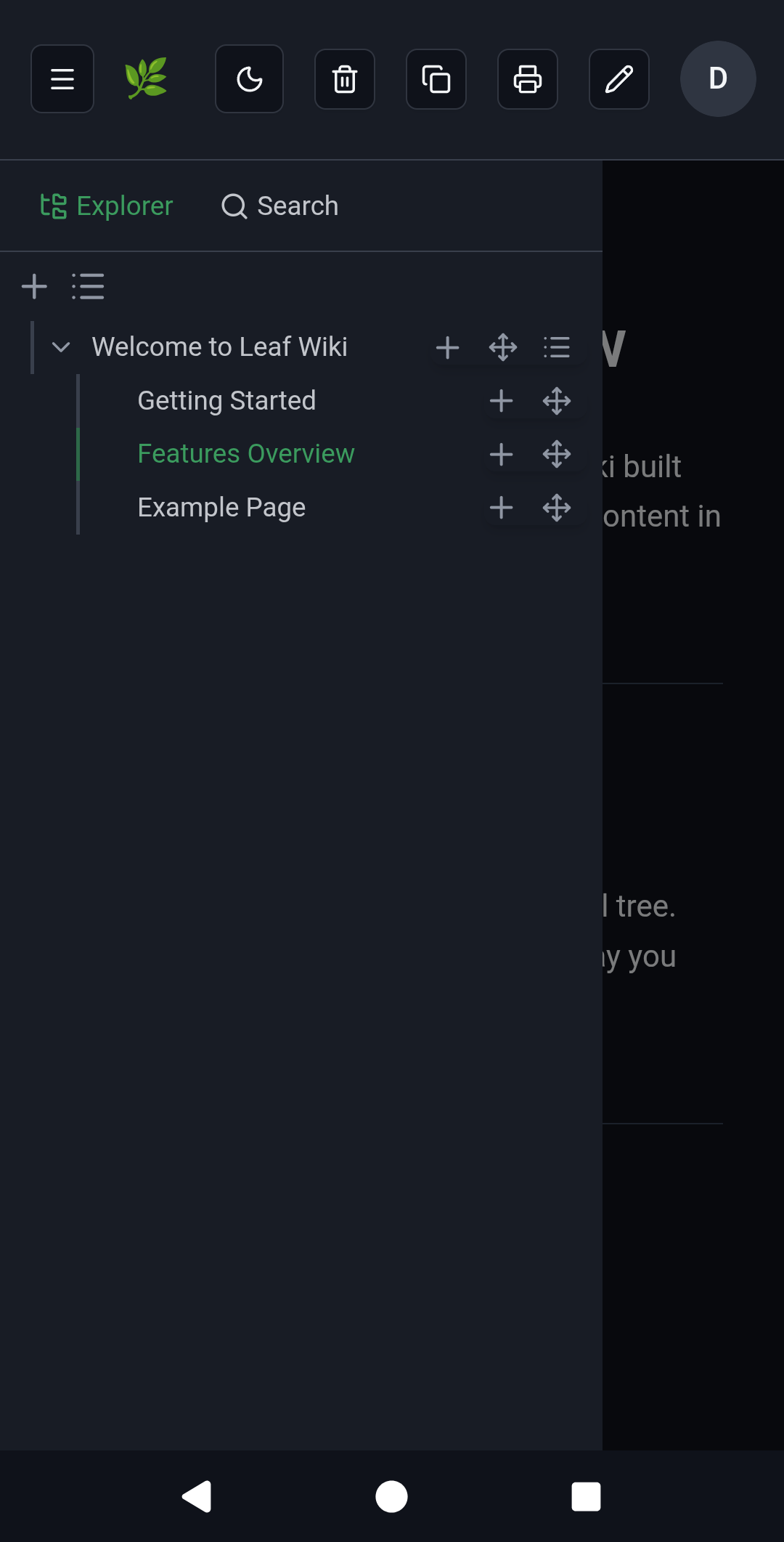
- Tree navigation — explicit hierarchy, not flat note feeds
- Manual page ordering — sort order is explicit, not driven by filename (see Sorting Pages)
- Full-text search across titles and content, with tag-based filtering
- Tags on pages — searchable and filterable across the wiki
- Backlinks and link status per page (incoming, outgoing, broken links), with a dedicated admin view for auditing broken links
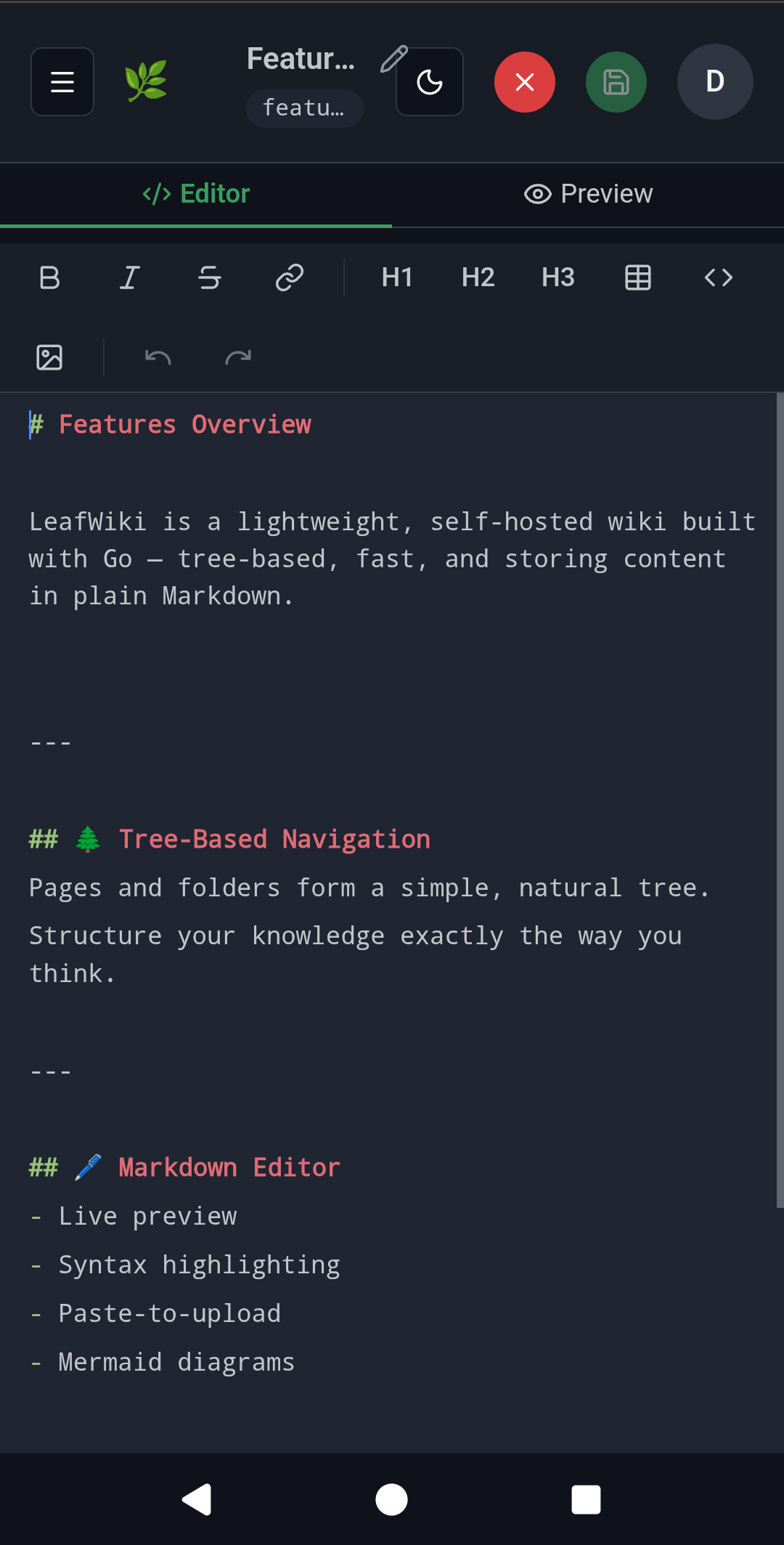
- Built-in Markdown editor with live preview, keyboard shortcuts, and autocomplete for internal page links
- Optimistic locking for concurrent edits
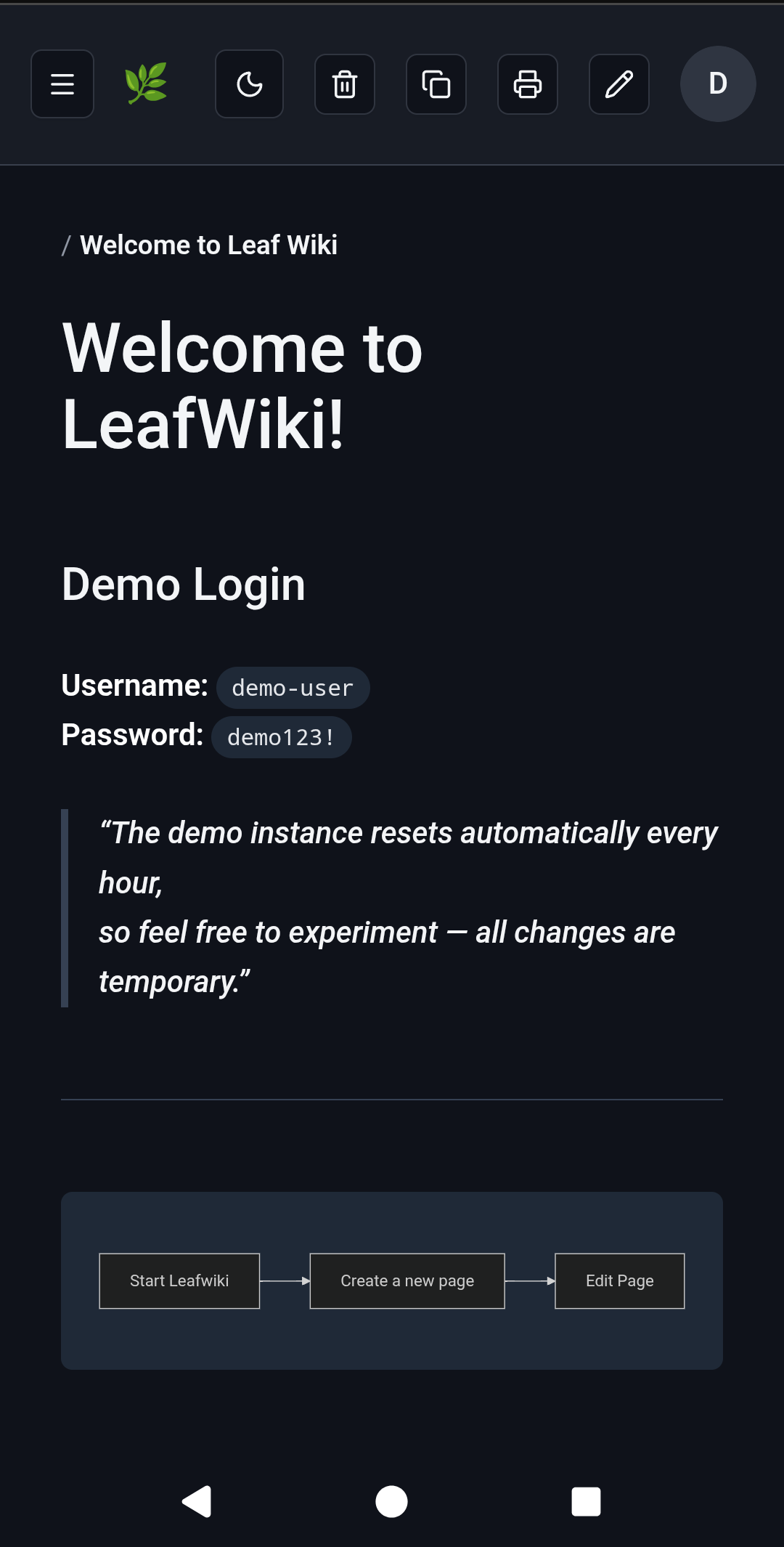
- Markdown: tables, task lists, footnotes, callouts (:::info / :::warning), collapsible blocks (:::collapsible / :::collapsed), Mermaid diagrams, KaTeX math blocks ($$...$$, inline $...$ not supported), sanitized inline HTML, embedded PDFs (, optionally opened on a specific page with )
Customization:
- Custom stylesheet (--custom-stylesheet, v0.8.5+)
- Inject HTML/JS into <head> for analytics or custom CSS
- Branding: logo, favicon, site name
- Dark mode and mobile-friendly UI
- Translated UI — ships in English, German, and Spanish; --default-language picks the default. Contributions of other languages are very welcome — see docs/i18n.md
Opt-in via feature flags:
- Revision history (--enable-revision)
- Automatic link rewriting when pages are renamed or moved (--enable-link-refactor)
- Email via SMTP for password reset and user invitations (--smtp-host, v0.13.0)
- Git backup — push wiki content to a remote Git repository via SSH or HTTP(S) (--git-backup, v0.11.3, experimental)
Markdown import: - ZIP-based importer for editors and admins - Supports Obsidian-style wiki link rewriting on import - Best results with a reasonably clean folder structure; not a fully automatic converter for all source formats
Mobile:
Good fit / not a fit
Good fit: - Personal wikis, engineering notebooks, and runbooks - Internal team or homelab documentation - Existing Markdown or Obsidian vaults that need a structured wiki UI - Small teams that want tree navigation over flat note feeds - Self-hosted environments with low operational overhead
Probably not a fit: - Organizations needing complex enterprise permissions or approval workflows - Real-time collaborative editing - Teams looking for a Confluence or Notion replacement
LeafWiki is intentionally narrower than those systems. That focus is part of the value.
Prefer not to run your own server? Free hosted beta — 10 spots, starting September 2026. Get a beta spot → and help shape the hosted version.
Install
Docker
docker run -p 8080:8080 \
    -v ~/leafwiki-data:/app/data \
    ghcr.io/perber/leafwiki:latest \
    --jwt-secret=yoursecret \
    --admin-password=yourpassword \
    --allow-insecure=true
--allow-insecure=true is required for plain HTTP. Omit it when serving over HTTPS (make sure your reverse proxy forwards X-Forwarded-Proto: https).
Non-root:
docker run -p 8080:8080 \
    -u 1000:1000 \
    -v ~/leafwiki-data:/app/data \
    ghcr.io/perber/leafwiki:latest \
    --jwt-secret=yoursecret \
    --admin-password=yourpassword \
    --allow-insecure=true
The data directory must be writable by the specified user.
Docker Compose
services:
  leafwiki:
    image: ghcr.io/perber/leafwiki:latest
    container_name: leafwiki
    user: 1000:1000
    ports:
      - "8080:8080"
    environment:
      - LEAFWIKI_JWT_SECRET=yourSecret
      - LEAFWIKI_ADMIN_PASSWORD=yourPassword
      - LEAFWIKI_ALLOW_INSECURE=true  # Required for plain HTTP. Omit for HTTPS (ensure `X-Forwarded-Proto: https` is forwarded).
    volumes:
      - ${HOME}/leafwiki-data:/app/data
    restart: unless-stopped
Kubernetes
See docs/install/kubernetes.md for a Deployment + PersistentVolumeClaim + Service + Ingress example (Gateway API alternative included).
Linux installer
sudo /bin/bash -c "$(curl -fsSL https://raw.githubusercontent.com/perber/leafwiki/main/install.sh)"
Installs LeafWiki as a system service. Tested on Ubuntu, Debian, and Raspbian.
Update:
sudo /bin/bash -c "$(curl -fsSL https://raw.githubusercontent.com/perber/leafwiki/main/update.sh)"
Only works if you installed with the script above. Not compatible with Docker or binary installs.
Non-interactive mode:
cp .env.example .env
# Edit .env with your configuration
sudo ./install.sh --non-interactive --env-file ./.env
Security: in interactive mode, environment variables are written in plain text to
/etc/leafwiki/.env. Restrict access to that file.
Deployment examples: - Install with nginx on Ubuntu - Install on a Raspberry Pi
Binary
Download leafwiki-<version>-<os>-<arch> and its .sha256 file from
GitHub Releases
(linux-amd64, linux-arm64, linux-386, darwin-amd64, darwin-arm64,
windows-amd64), check that the hash matches the one in the .sha256 file,
and rename it to leafwiki:
sha256sum leafwiki-<version>-<os>-<arch>
cat leafwiki-<version>-<os>-<arch>.sha256
mv leafwiki-<version>-<os>-<arch> leafwiki
chmod +x leafwiki
./leafwiki --jwt-secret=yoursecret --admin-password=yourpassword --allow-insecure=true
The server binds to 127.0.0.1:8080 by default. To expose it on the network:
./leafwiki --jwt-secret=yoursecret --admin-password=yourpassword --host=0.0.0.0 --allow-insecure=true
Default data directory is ./data. Change with --data-dir.
32-bit x86 Linux (i686, e.g. Alpine on an Intel Atom) is supported on a best-effort basis: use the
linux-386binary. It is built without CGO, so it doesn't need glibc and runs on musl-based distros. The systemd installer and Docker images only cover amd64/arm64, so the binary is the only install path on 32-bit x86 (that includesupdate.sh, which expects the systemd setup).
Build from source
Requires Go and Node.js (versions: the toolchain line in go.mod, and .nvmrc). make build compiles the UI, embeds it, and produces a self-contained leafwiki binary (same as release/Docker builds). Use HTTP (http://localhost:8080/), not HTTPS, unless you terminate TLS in front of LeafWiki.
git clone https://github.com/perber/leafwiki.git
cd leafwiki
git switch --detach v0.13.0   # or any tag / main
make build
./leafwiki --disable-auth --host=127.0.0.1 --data-dir ./data --allow-insecure=true
For API-only local development with Vite, use make build-api (or make run) instead — see Dev Setup.
📈 近 7 天 Star 趋势
🏆 排名变化趋势
📋 历史上榜记录
| 日期 | 榜单 | 排名 | 周期新增 | 总 STAR |
|---|