📄 仓库 README
在 GitHub 查看 ↗
BlockAds
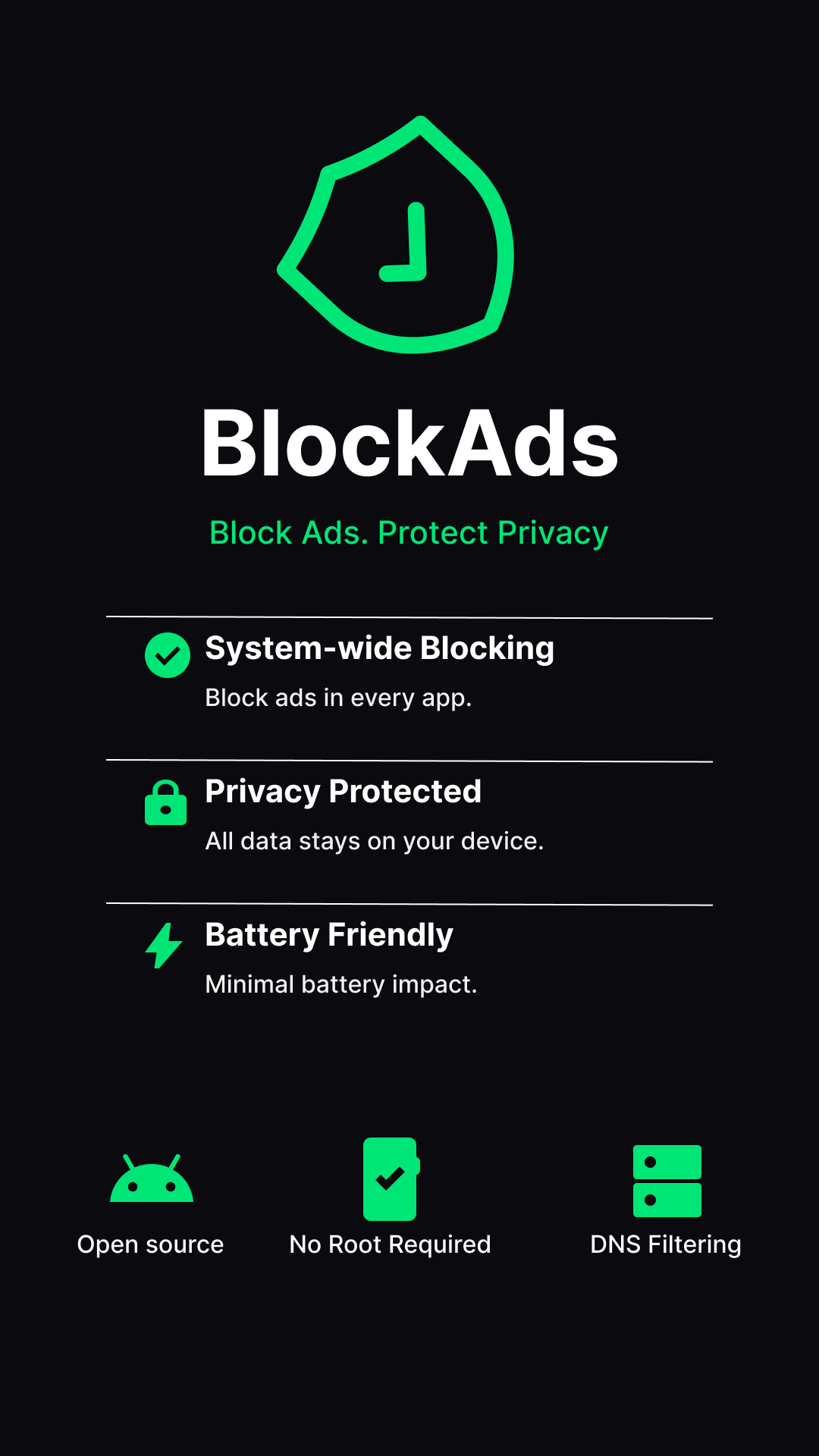
BlockAds is a free, open-source ad blocker for Android.
It blocks ads, trackers, and malware system-wide using local VPN-based DNS filtering — no root required, no data collection.
Built with Jetpack Compose and Material 3 for a modern, premium experience.


Download



Screenshots
Features
- Dual Routing Modes: System-wide ad blocking via VPN (no root needed) OR Root Proxy Mode (via iptables)
- Privacy-first Optional Crash Reporting & Manual Local Logs Export
- Comprehensive Onboarding Flow (Permissions, Battery Optimization, Opt-in telemetry)
- WireGuard Profile Import
- HTTPS Filtering with userspace TCP/IP stack — per-app MITM, cosmetic CSS, JS scriptlets
- CA cert install verification (auto-refresh after returning from Settings)
- 284-domain curated passthrough list keeps banking, payments and gov apps working
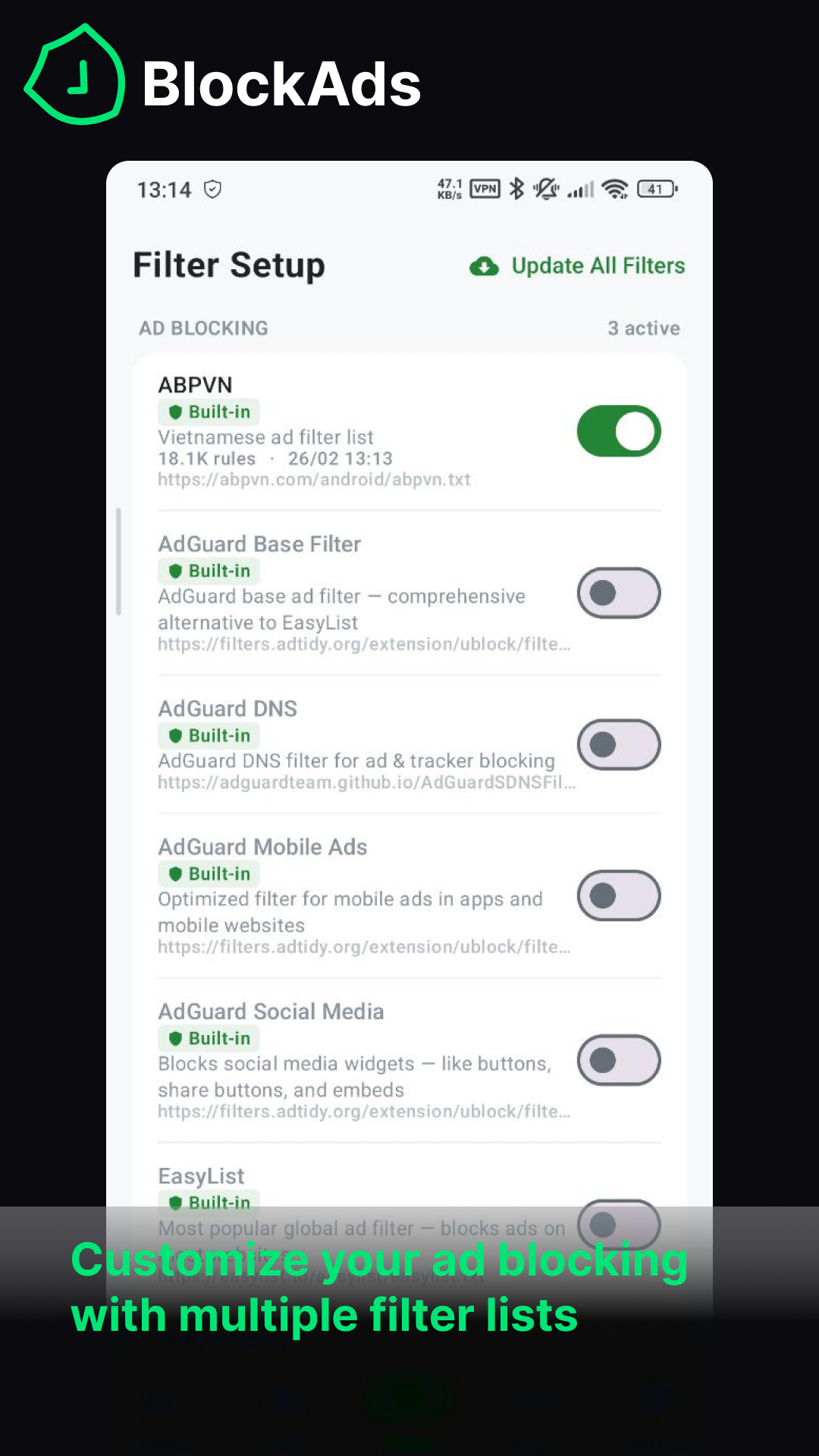
- Multiple built-in filter lists (StevenBlack, AdGuard DNS, EasyList, and more)
- Region-aware defaults — auto-enables filters for your language
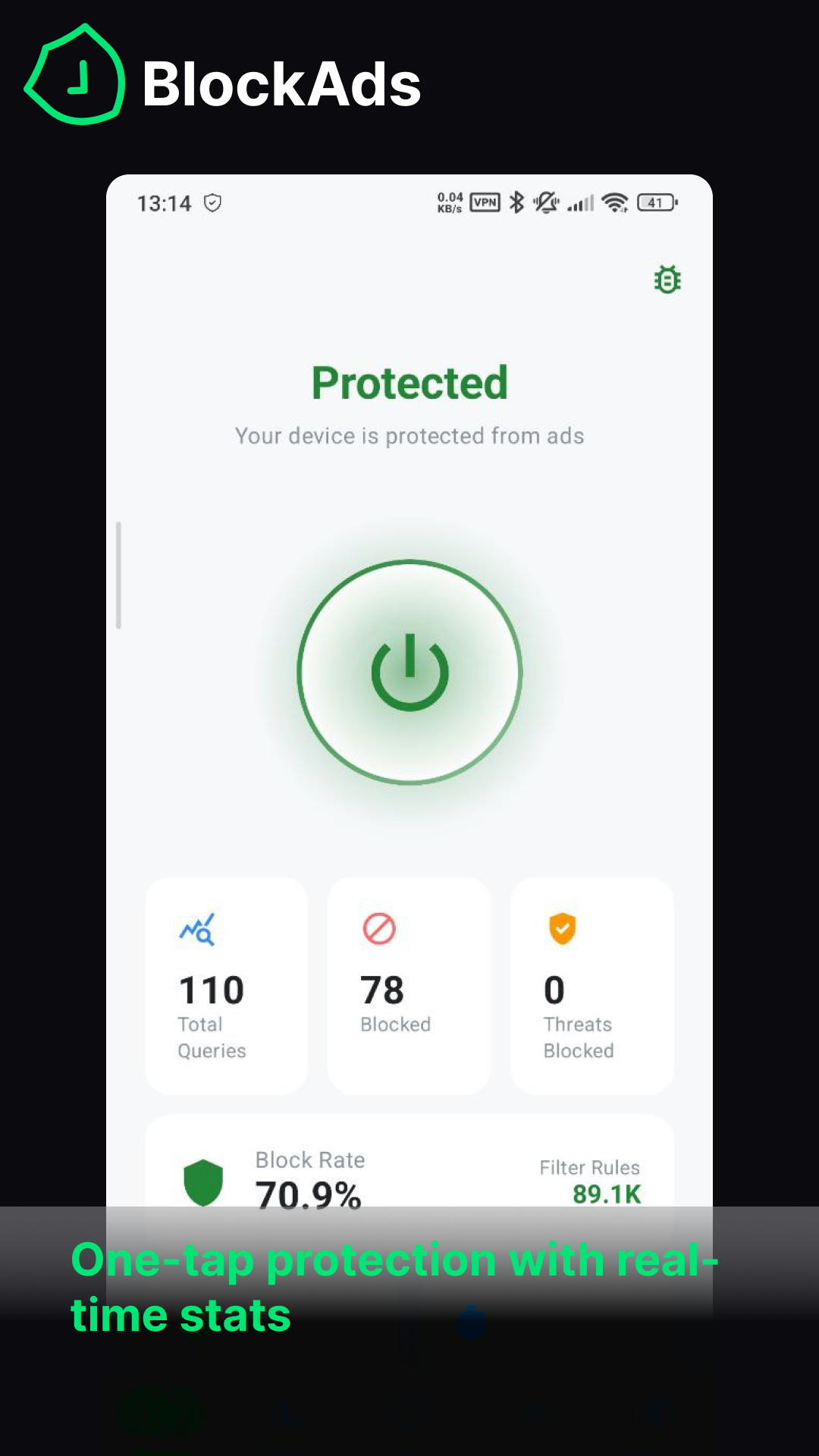
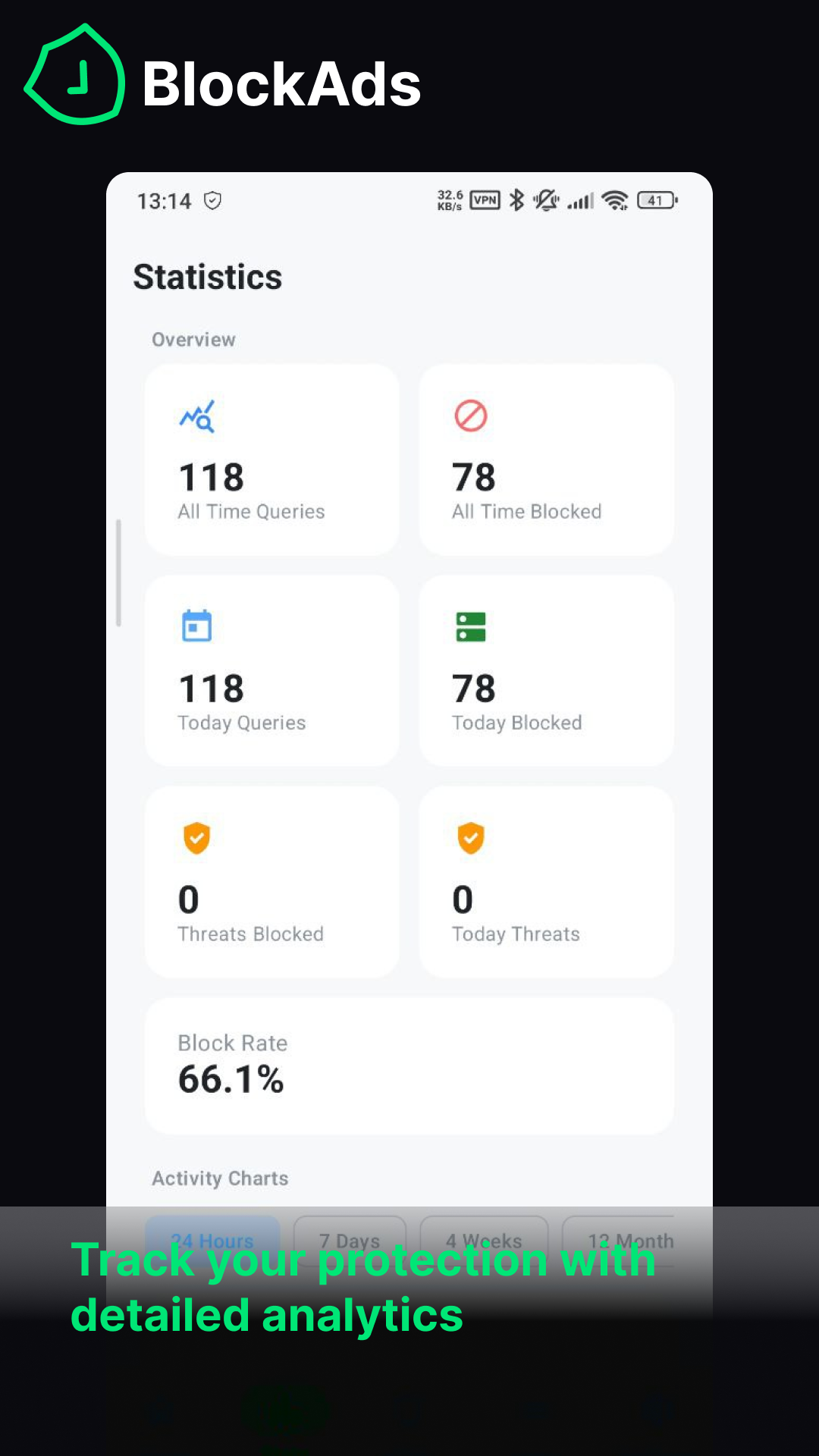
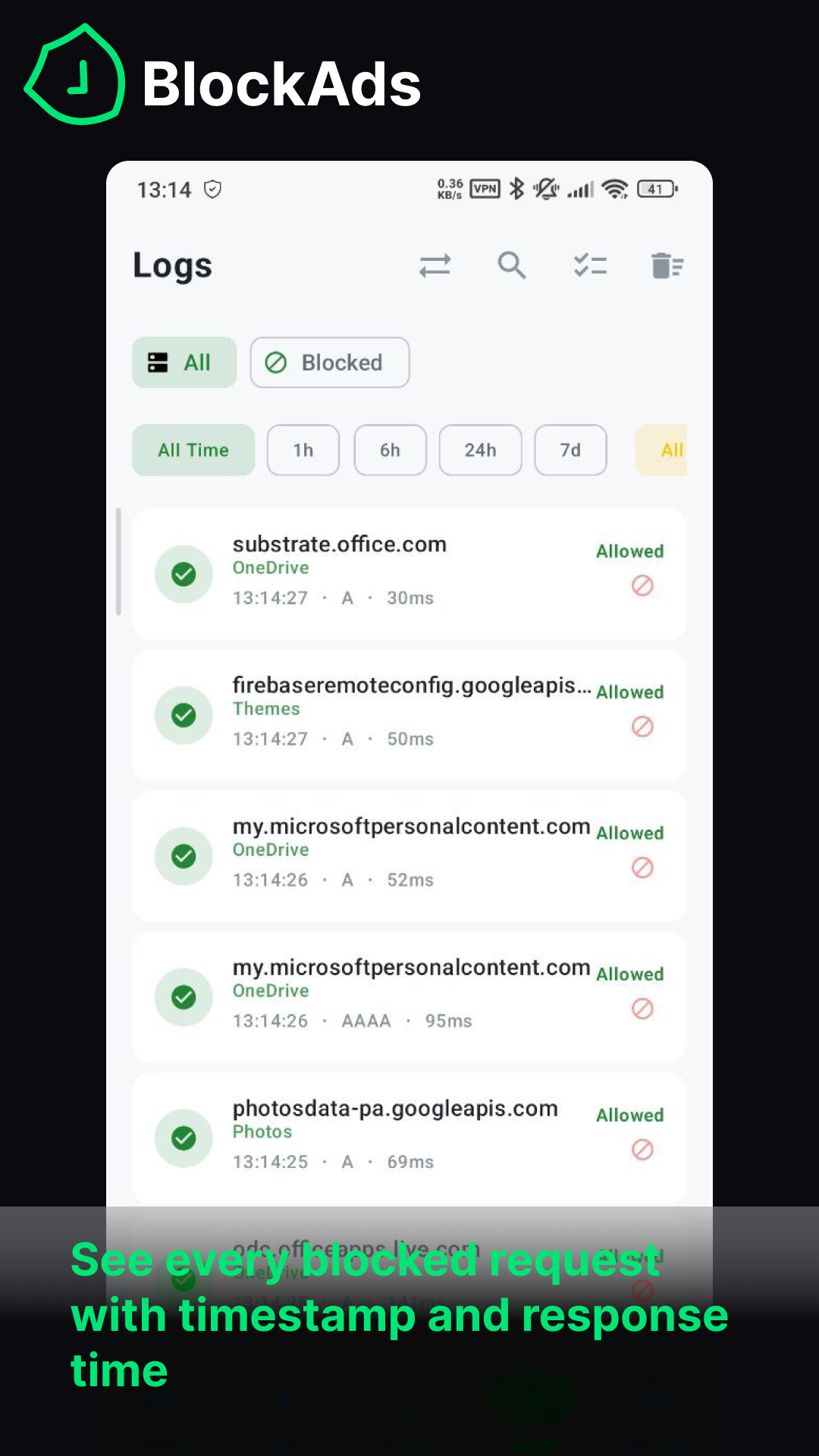
- Real-time DNS query logs with search & filtering
- Security protection — blocks phishing, malware, and malvertising domains
- Dark / Light / System theme with Material 3 dynamic colors
- 7 accent color options + Material You dynamic theming
- Quick Settings tile & home screen widget
- Custom block/allow rules and whitelisting
- Per-app filtering (bypass VPN for selected apps)
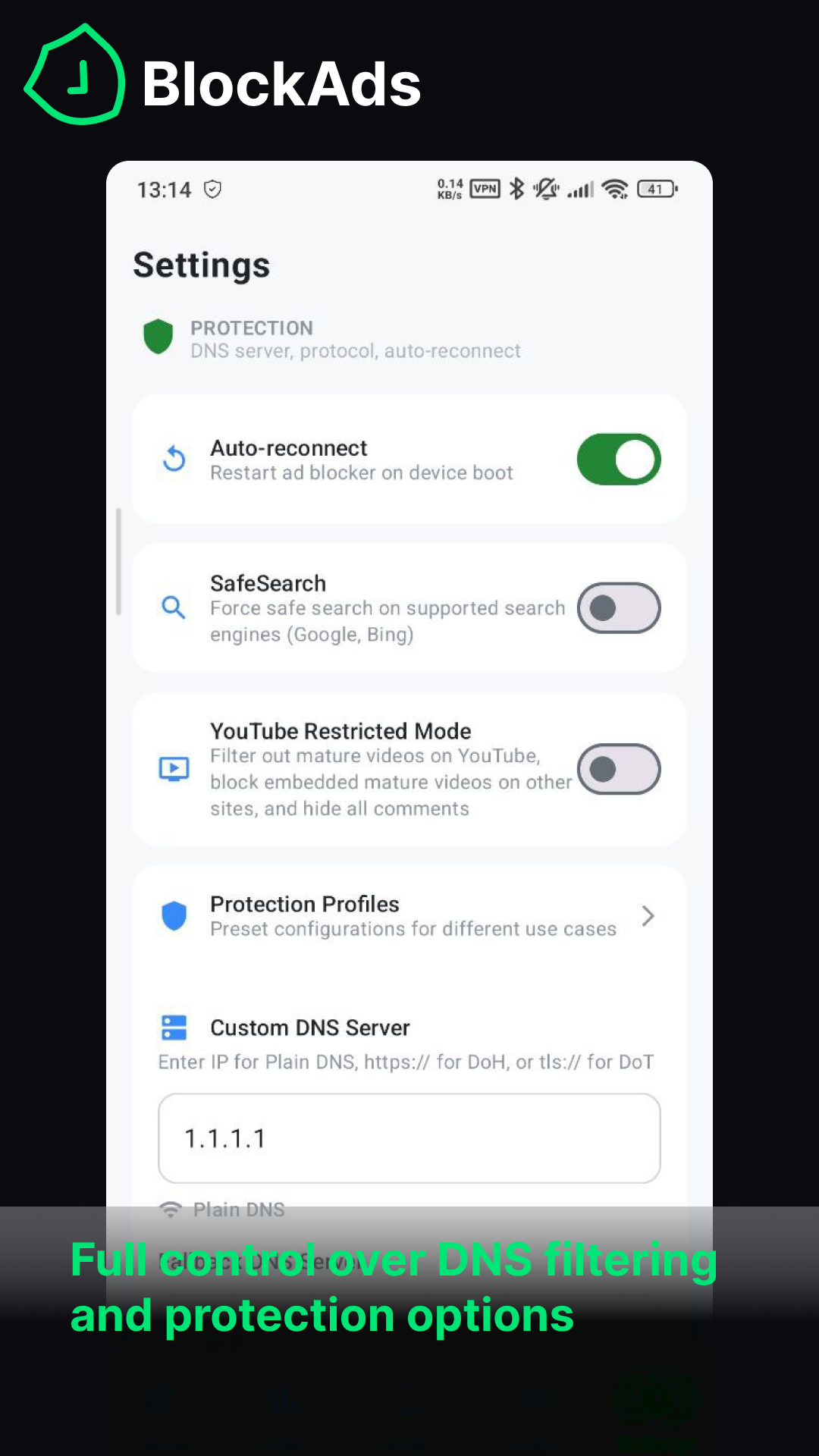
- DNS-over-HTTPS (DoH) support with multiple providers
- Auto-update filter lists on schedule (6h / 12h / 24h / 48h)
- Export / Import settings backup
- Auto-reconnect on boot
- Multi-language support (English, Vietnamese, Japanese, Korean, Chinese, Thai, Spanish)
- 100% local — all data stays on your device
Community
Join our community:


Sponsor
If you enjoy BlockAds, consider supporting the project! Your sponsorship helps us maintain and improve the app.

Build Instructions
Requirements
- Android Studio Ladybug or newer
- JDK 17 or higher
- Android SDK 36 (min SDK 24)
- (Optional - only needed if modifying Go tunnel) Go 1.23+ and gomobile
Steps
[!TIP] Historical versions of the Go binary (
tunnel.aar) were committed in the past before being moved to GitHub Releases. To avoid downloading ~1.2GB of old binaries, use blobless clone (--filter=blob:limit=1m) to download only ~20MB.
-
Clone the repository:
bash
   git clone --filter=blob:limit=1m https://github.com/pass-with-high-score/blockads-android.git
   cd blockads-android
(Or for a shallow clone:git clone --depth=1 https://github.com/pass-with-high-score/blockads-android.git) -
(Optional) Build the Go tunnel AAR/JAR from source (with Android 15 16KB page size support):
bash
   ./scripts/build_tunnel.sh
   # Or
   ./gradlew -Ptunnel.source=local buildGoTunnel
Note: This is completely optional. Gradle automatically resolves a prebuilt, checksum-pinnedtunnel.aarfrom GitHub Releases by default. You do not need Go or NDK unless you are modifying Go code intunnel/. See docs/TUNNEL.md. -
Open the project in Android Studio
-
Sync Gradle and run the app on a device or emulator
-
Build from command line:
bash
   ./gradlew assembleDebug
   ./gradlew bundleRelease   # requires signing key
How It Works
BlockAds routes DNS queries locally either through a VpnService (Vpn Mode) or via iptables redirection (Root Proxy Mode). These queries are matched against loaded filter lists using a memory-efficient Trie data structure. Matching queries are blocked locally, while all other traffic passes through normally — no data leaves your device.
When HTTPS Filtering is enabled, a userspace TCP/IP stack (gVisor netstack via tun2socks) terminates each TCP/UDP flow in Go, looks up the owning app UID via Android's ConnectivityManager.getConnectionOwnerUid(), and only MITMs flows from selected browsers. Cert-pinned apps and the 284-domain curated passthrough list bypass MITM cleanly. Cosmetic CSS rules and EasyList ##+js(…) / AdGuard #%#//scriptlet(…) scriptlets are injected into HTML responses via a tiny in-memory local asset host.
License
This project is licensed under the GNU General Public License v3.0.
You are free to use, modify, and distribute it under the terms of the license.
See the full LICENSE file for details.
Credits
- Developed and maintained by Nguyen Quang Minh
- Built with Jetpack Compose, Koin, and Compose Destinations
Contributing
Pull requests and issue reports are welcome.
Help us improve BlockAds!
Help us translate BlockAds
Want to see BlockAds in your language?
Open an issue or submit a PR with your translations.
Star History
📈 近 7 天 Star 趋势
🏆 排名变化趋势
📋 历史上榜记录
| 日期 | 榜单 | 排名 | 周期新增 | 总 STAR |
|---|