📄 仓库 README
在 GitHub 查看 ↗Flutter CarPlay
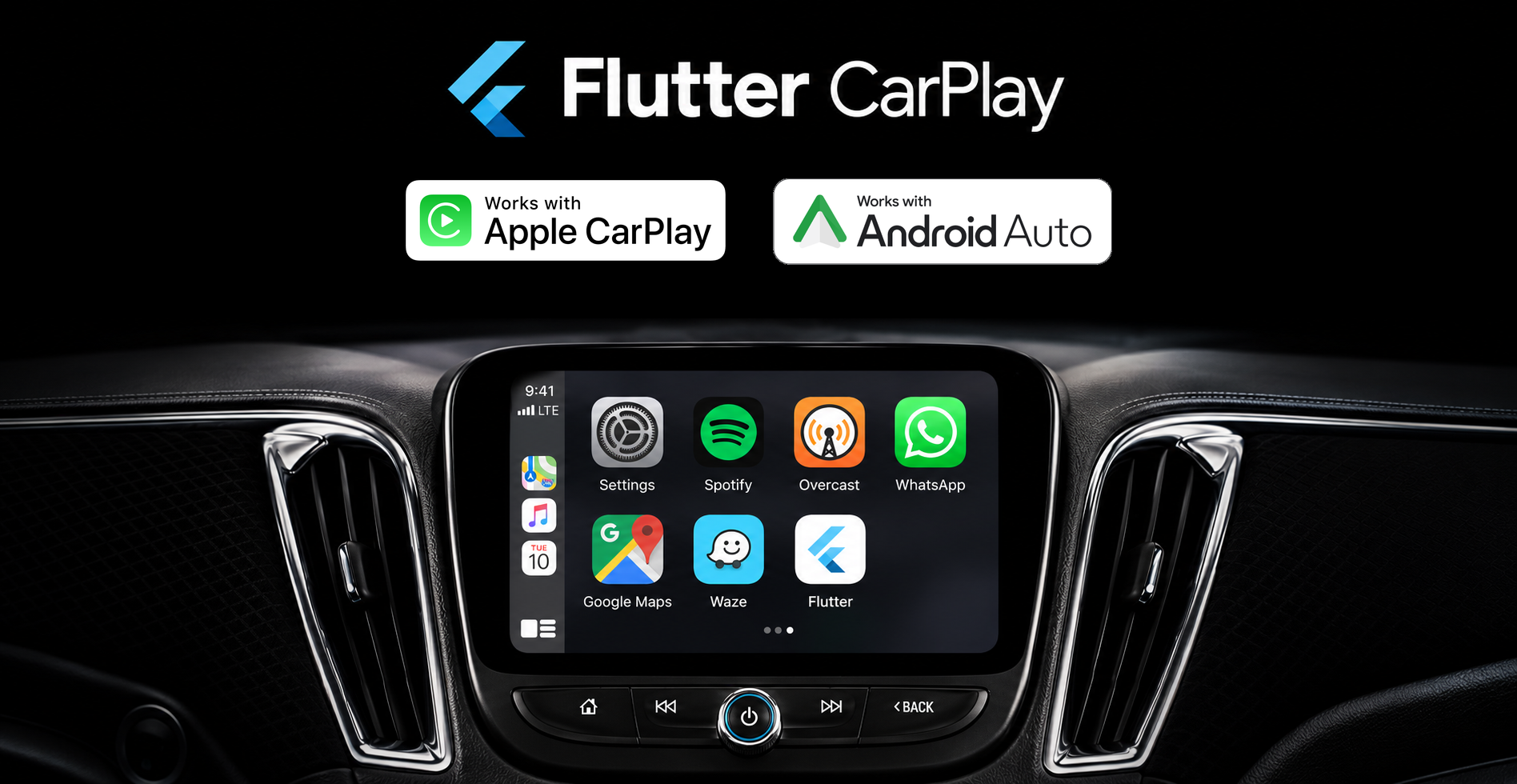
Your Flutter app, on Apple CarPlay and Android Auto.
Add a native car experience to the Flutter app you already have. flutter_carplay brings your app's content and actions to the car's built-in display, with screens you define in Dart and callbacks that connect them to your app.
CarPlay and Android Auto handle the native layouts and vehicle controls. You focus on what drivers can browse, choose and do, using each platform's templates rather than resizing your phone's Flutter UI.
- Build in Dart. Create templates, handle selections, and update content through the same package import.
- Keep each platform native. Build with CarPlay's
CPmodels and Android Auto'sAAmodels, while sharing your application's content and business logic. - Go beyond a static menu. Work with navigation, connection events, images, incremental updates, and CarPlay's modal voice states.
Get the package · Try the example · Explore templates · Read the wiki
CarPlay voice control: voice states, activation, action buttons and dismissal callbacks, with an optional conversational speech example for eligible iOS 26.4 apps. See the voice catalogue entry.
Version 1.7.1 updates the community footer, fixes native CarPlay image sizing and grid callbacks, and improves Android Auto method completion. Read the release notes.
Start with a native screen
flutter pub add flutter_carplay
Create native content in Dart. Keep a controller alive to receive events, then prepare the root during your app's startup:
import 'package:flutter_carplay/flutter_carplay.dart';

final carplay = FlutterCarplay();

Future<void> prepareCarPlayHome() => FlutterCarplay.setRootTemplate(
  rootTemplate: CPListTemplate(
    title: 'My app',
    sections: [
      CPListSection(items: [
        CPListItem(
          text: 'Saved places',
          detailText: 'Pick up where you left off',
          onPress: (complete, item) async => complete(),
        ),
      ]),
    ],
  ),
);
Complete the platform setup to connect the app to its car host. Android Auto uses its own AA models; the full example below selects the current mobile platform and keeps its event listener alive.
Complete Flutter app for CarPlay and Android Auto
The phone UI remains a normal Flutter app.import 'dart:async';
import 'package:flutter/foundation.dart';
import 'package:flutter/material.dart';
import 'package:flutter/services.dart';
import 'package:flutter_carplay/flutter_carplay.dart';
void main() {
WidgetsFlutterBinding.ensureInitialized();
runApp(const DashboardApp());
}
class DashboardApp extends StatefulWidget {
const DashboardApp({super.key});
@override
State<DashboardApp> createState() => _DashboardAppState();
}
class _DashboardAppState extends State<DashboardApp> {
FlutterCarplay? _carplay;
FlutterAndroidAuto? _androidAuto;
String _status = ConnectionStatusTypes.unknown.name;
@override
void initState() {
super.initState();
if (defaultTargetPlatform == TargetPlatform.iOS) {
_carplay = FlutterCarplay()
..addListenerOnConnectionChange(_connectionChanged);
} else if (defaultTargetPlatform == TargetPlatform.android) {
_androidAuto = FlutterAndroidAuto()
..addListenerOnConnectionChange(_connectionChanged);
}
if (_carplay != null) {
unawaited(_installRoot());
} else if (_androidAuto != null &&
FlutterAndroidAuto.connectionStatus ==
ConnectionStatusTypes.connected.name) {
_connectionChanged(ConnectionStatusTypes.connected);
}
}
void _connectionChanged(ConnectionStatusTypes status) {
if (!mounted) return;
final newlyConnected = status == ConnectionStatusTypes.connected &&
_status != ConnectionStatusTypes.connected.name;
setState(() => _status = status.name);
if (_androidAuto != null && newlyConnected) {
unawaited(_installRoot());
}
}
Future<void> _installRoot() async {
try {
if (_carplay != null) {
await FlutterCarplay.setRootTemplate(
rootTemplate: CPListTemplate(
title: 'On the road',
sections: [
CPListSection(items: [
CPListItem(
text: 'Welcome aboard',
detailText: 'Tap to update this native row',
onPress: (complete, item) async {
try {
item.setDetailText('Your Flutter app is connected');
} finally {
await complete();
}
},
),
]),
],
),
);
} else if (_androidAuto != null) {
await FlutterAndroidAuto.setRootTemplate(
template: AAListTemplate(
title: 'On the road',
sections: [
AAListSection(items: [
AAListItem(
title: 'Welcome aboard',
subtitle: 'A native Android Auto row',
onPress: (complete, item) async {
try {
debugPrint('Selected ${item.title}');
} finally {
await complete();
}
},
),
]),
],
),
);
}
} on PlatformException catch (error) {
if (mounted) setState(() => _status = error.message ?? error.code);
}
}
@override
void dispose() {
_carplay?.removeListenerOnConnectionChange();
_carplay?.closeConnection();
_androidAuto?.removeListenerOnConnectionChange();
_androidAuto?.closeConnection();
super.dispose();
}
@override
Widget build(BuildContext context) => MaterialApp(
home: Scaffold(
appBar: AppBar(title: const Text('Dashboard companion')),
body: Center(child: Text('Car connection: $_status')),
),
);
}
Find your way
Platform overview · Installation · Usage · Images · Templates · Example · Limitations and roadmap · Community
Platform overview
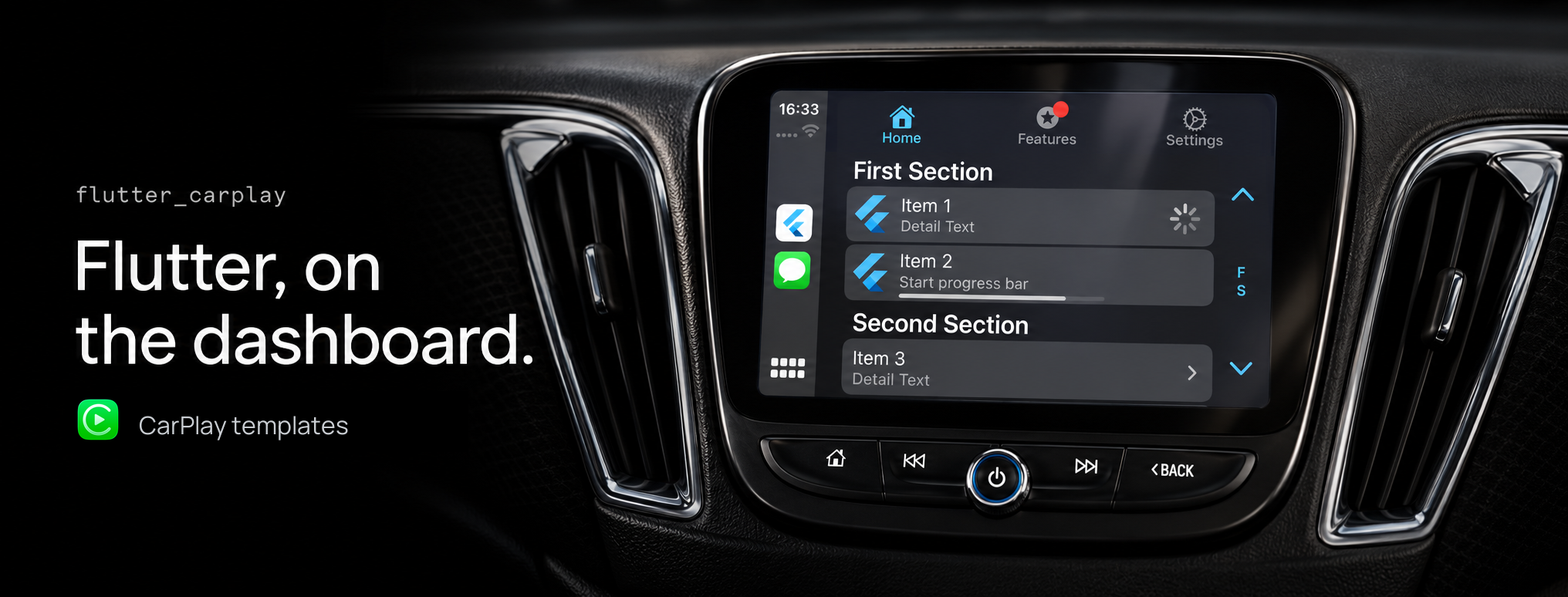
One Flutter app can support both platforms. The template trees are separate because the native frameworks are separate.
| Apple CarPlay | Android Auto | |
|---|---|---|
| Dart controller | FlutterCarplay |
FlutterAndroidAuto |
| Template family | CPTemplate and CP models |
AATemplate and AA models |
| Renderer | Apple's CarPlay framework | Android for Cars App Library host |
| Package deployment floor | iOS 14.0 | Android API 21; use the higher minimum required by your Flutter SDK |
| Tabs | List, grid, information, and point-of-interest children | List and grid children; native tabs need Car App API level 6 or later |
| Modal flows | Alerts, action sheets, voice control | Alerts use a full-screen message pushed onto the screen stack |
| Voice | Native indicator and states; newer controls on iOS 26.4 | No voice-control template API |
| Media screen | Opens CarPlay's shared Now Playing template | System-owned media UI; no working package method to open it |
Android Auto is not Android Automotive OS
Android Auto projects an experience from an Android phone into a compatible car host. Android Automotive OS (AAOS) runs Android directly in the vehicle. Installing a Flutter APK on AAOS and opening its activity displays that app's Flutter UI; it does not make this plugin render Android Auto templates.
Use this package for Android Auto template integration. A standalone AAOS app needs its own vehicle-app design and integration. See Google's Android for Cars documentation for the distinction and supported app categories.
Native templates, not arbitrary widgets
Car hosts decide how a template looks and which controls and content are available. Your entitlement or app category can further restrict the templates you may use. Design short, focused flows and handle content limits instead of relying on the phone layout being reproduced in the car.
Apple requires approval for a CarPlay entitlement and matching signing configuration for device use and distribution. Google has category, quality, and distribution requirements for Android Auto apps. Installing the package does not approve an app for either platform.
Apple CarPlay Developer Guide · Apple design guidance · Android Auto template design
Installation and platform setup
Add the dependency
Use Flutter 3.44.0 or later and Dart 3.12.0 or later, below 4.0.0. The repository example and CI use Flutter 3.44.2.
flutter pub add flutter_carplay
To require this release or a compatible update:
dependencies:
  flutter_carplay: ^1.7.1
All public models and both controllers are available from package:flutter_carplay/flutter_carplay.dart. There is no speech-recognition or TTS dependency in the package itself.
CarPlay setup
<img src="https://raw.githubusercontent.com/oguzhnatly/flutter_carplay/fee3ac3be1905c5dc8b831b8c419b
📈 近 7 天 Star 趋势
🏆 排名变化趋势
📋 历史上榜记录
| 日期 | 榜单 | 排名 | 周期新增 | 总 STAR |
|---|