📄 仓库 README
在 GitHub 查看 ↗Quotio
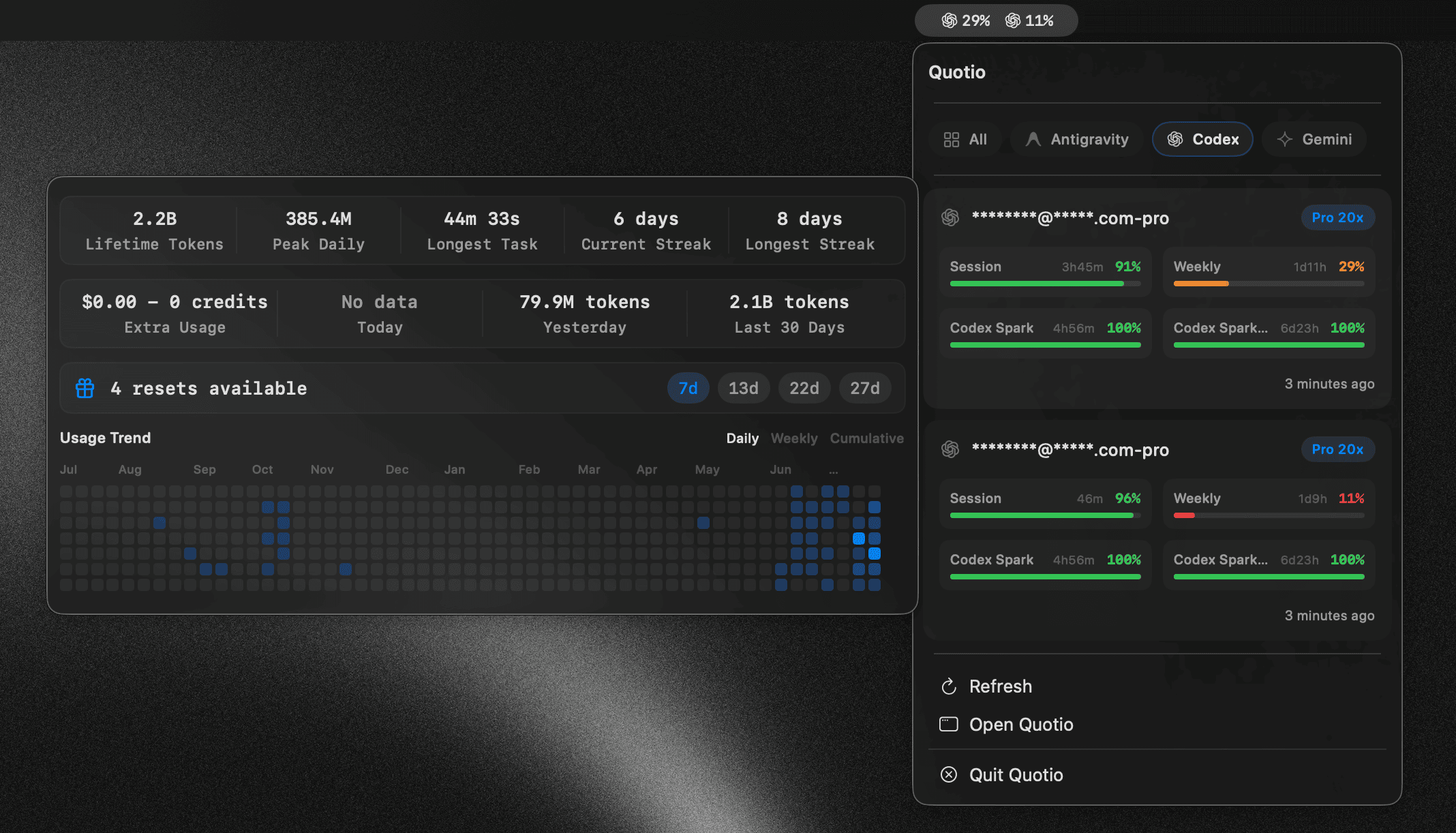


Your command center for AI coding quotas, accounts, and local agents.
Quotio helps you see what quota remains, manage provider accounts, operate CLIProxyAPI, and connect your coding agents—from a native macOS app or the terminal.
Install Quotio · macOS app documentation · CLI documentation · GitHub releases
Stay ahead of your AI limits
Quotio puts provider usage and local tooling in one place, so you can spend less time checking dashboards and editing configuration files.
- See quota at a glance. Track account limits and reset windows from the menu bar, desktop app, terminal, JSON output, or local REST API.
- Bring your accounts together. Use supported OAuth, API key, CLI, and native credential sources without copying secrets into project files.
- Run your local proxy with confidence. Start and monitor CLIProxyAPI, manage routing, and keep provider accounts close to the tools that use them.
- Connect coding agents faster. Detect and configure Claude Code, Codex CLI, Amp, OpenCode, and Factory Droid while preserving existing user settings.
- Choose the interface that fits. Use the native macOS experience for daily work or the Rust CLI for scripts, headless systems, and automation.
Choose your Quotio
| Product | Best for | Platforms |
|---|---|---|
| Quotio for macOS | Visual quota monitoring, account management, CLIProxyAPI lifecycle, agent setup, menu bar access, and automatic updates | macOS 14 or later |
| Quotio CLI | Fast text or JSON reports, scripting, saved accounts, and a loopback REST API | macOS Apple Silicon/Intel and Linux x64 |
Both products live in this repository and share one goal: make AI coding usage visible and manageable without sending your credentials through a hosted Quotio service.
Sponsors
Featured Sponsor
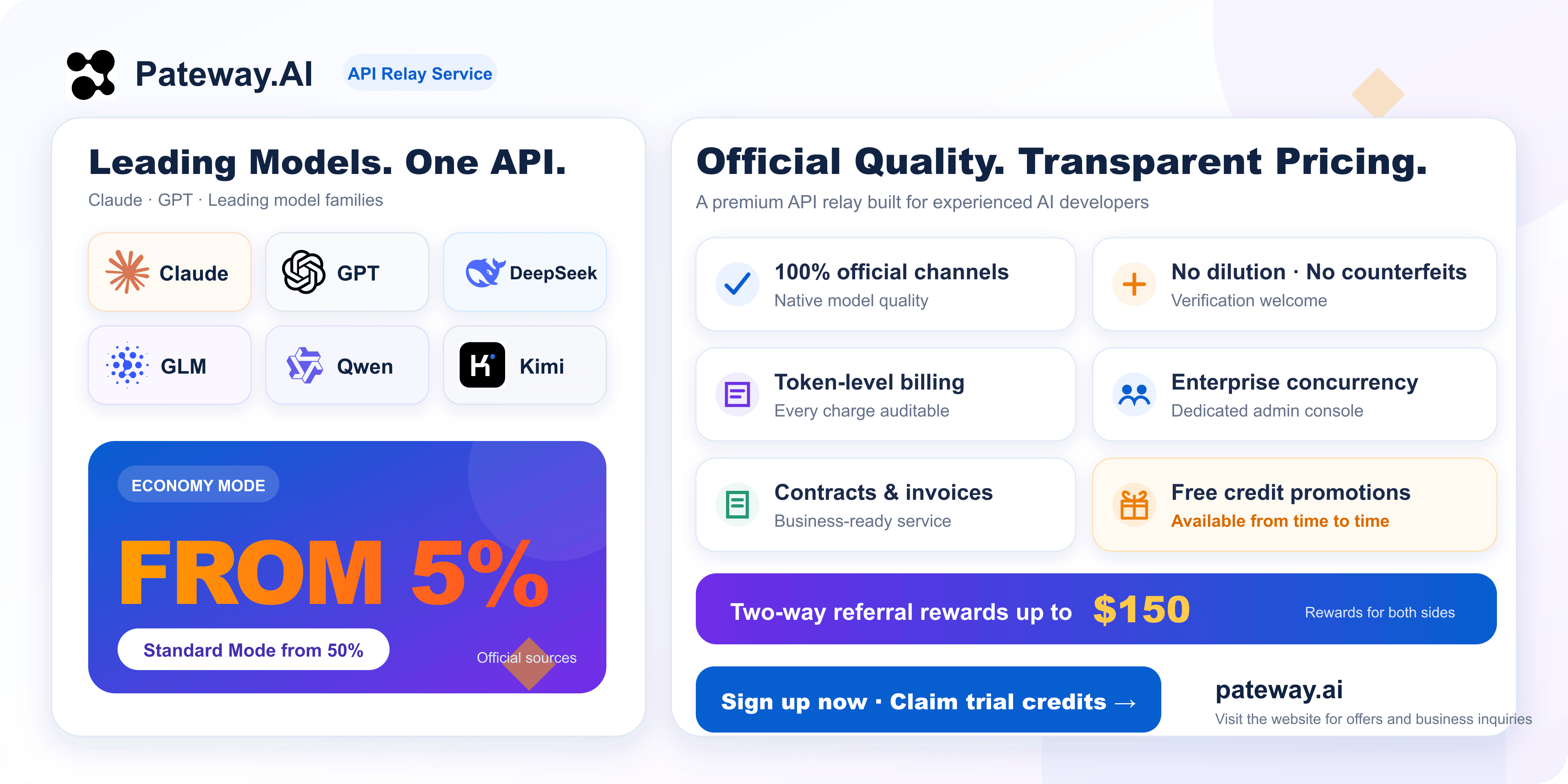
Thanks to PatewayAI for sponsoring this project! PatewayAI specializes in high-quality official model API relay services. It fully supports Claude and GPT series, with transparent billing and enterprise-grade services. Our Economy Mode offers discounts as low as 5% off! Sign up via this link to receive trial credits. You can also join occasional promotions to claim free credits. The two-way referral reward is up to $150.
Standard Sponsors

|
Power your AI-powered workflows with
Swiftproxy, a residential
proxy provider offering rotating and static residential proxies for reliable web
access and data collection. Access 90M+ residential IPs across 220+ locations,
with HTTP(S), SOCKS5, and flexible rotating and sticky sessions. Try it for free
and get started with residential proxies from just $0.7/GB. Use code
PROXY90 for an additional 10% off.
Explore Swiftproxy → |
|
88API is a Hong Kong-operated
multi-model AI API platform for developers, creators, and AI applications. It
provides a unified API for text, image, audio, and video models, supporting common
workflows such as AI coding, translation, content creation, voice generation, image
generation, and video generation. 88API can be added and switched directly in CC
Switch. It supports major international payment methods, can provide invoices, and
offers stable service for teams and individual developers. Users who register
through this dedicated link may
receive complimentary credits.
Explore 88API → |

|
Proxy-Seller gives you reliable proxy infrastructure for any
workflow: private residential, mobile (4G/5G/LTE), ISP, and datacenter IPv4/IPv6
proxies, all with HTTP(S) and SOCKS5 support. Tap into 47M+ residential IPs across
220+ locations, target exactly the country, city, or ISP you need, and count on
99.7% uptime backed by 24/7 support. Quotio users get 15% off with promo code
QUOTIO.
Explore Proxy-Seller → |

|
x6.ai: One API key for every major model. Official-key and proxy
channels, up to 90% off, free credits on sign-up. Pay with Alipay, Google Pay,
Apple Pay, Visa or Mastercard.
Explore x6.ai → |
Interested in sponsoring Quotio? Contact quotio@bytrong.app.
Quotio for macOS
The native SwiftUI app is the full command center. It combines provider quota, account setup, local proxy controls, agent configuration, notifications, and updates in a desktop app that stays close in the menu bar.
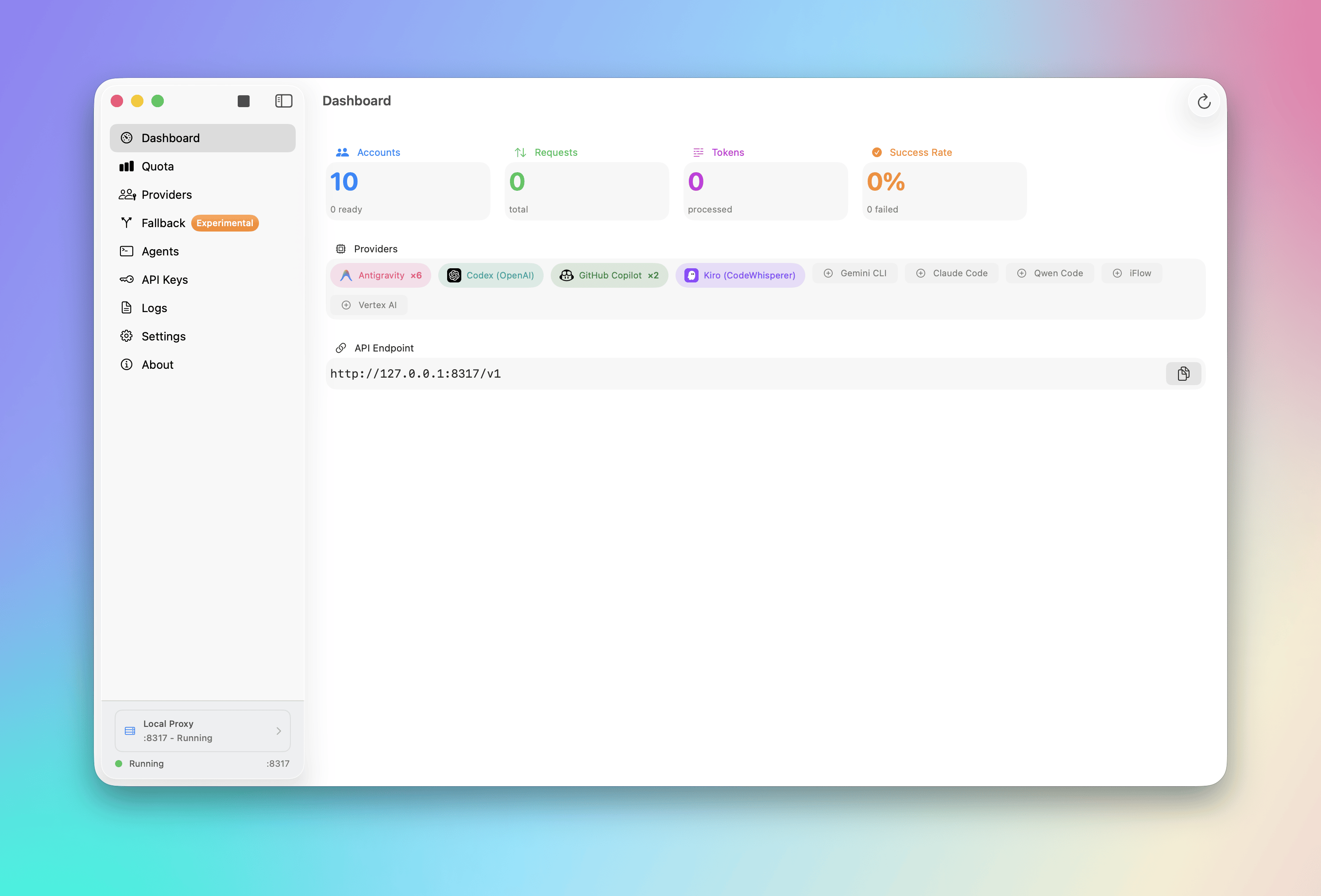
Read the complete macOS feature guide and screenshot gallery. The macOS guide is also available in Vietnamese, Simplified Chinese, and French.
Quotio CLI
The standalone Rust CLI brings quota checks to your terminal and automation. It supports a broad provider catalog, private saved-account storage, deterministic JSON reports, and an optional loopback REST API. Distributed packages contain native binaries, so npm and Homebrew installs do not require a Rust toolchain.
$ quotio providers
$ quotio usage
$ quotio usage --provider mock --format json
Read the CLI usage, provider, account, and API documentation.
Supported ecosystem
Quotio works with providers and services including Anthropic Claude, OpenAI Codex, Gemini and Vertex AI, GitHub Copilot, Qwen, Kiro, Antigravity, and many more. Provider availability and authentication methods vary between the macOS app and CLI; their product documentation contains the current support matrix.
The macOS app can configure these coding agents to use your local proxy:
- Claude Code
- Codex CLI
- Amp
- OpenCode
- Factory Droid
Install Quotio
macOS app
brew install --cask nguyenphutrong/tap/quotio
You can also download the signed and notarized DMG from the latest macOS release.
CLI
Install the CLI with Homebrew:
brew install nguyenphutrong/tap/quotio
Or install the same native binaries through npm:
npm install --global quotio
See the CLI release-channel documentation for prerelease channels and supported release targets.
Repository layout
apps/macos/— Swift and SwiftUI macOS application.apps/ios/— native iPhone companion and WidgetKit extension.apps/cli/— cross-platform Rust command-line client.Packages/QuotioCore/— shared Swift package for the Apple app.scripts/dev— common local build, run, and test entrypoint..github/workflows/— independent CI and release pipelines for each product.
Development
Run local development commands from the repository root:
# Build and run
./scripts/dev cli -- usage
./scripts/dev macos --verify
./scripts/dev ios-sim [SIMULATOR_UDID]
./scripts/dev ios-device [DEVICE_ID]

# Test one product or the whole repository
./scripts/dev test cli
./scripts/dev test macos
./scripts/dev test ios [SIMULATOR_UDID]
./scripts/dev test all [SIMULATOR_UDID]
ios-sim and ios-device use the first compatible iPhone when you omit its ID.
Before using ios-device, copy apps/ios/Config/Local.xcconfig.example to
apps/ios/Config/Local.xcconfig and set your Apple development team. Run
./scripts/dev --help for the complete command list.
Use v* tags for macOS releases and cli-v* tags for CLI releases. See each
product README for build, architecture, security, and release details.
Contributing
Bug reports, feature ideas, documentation improvements, and code contributions are welcome. Use the repository's GitHub issue templates to provide the context needed to investigate your request.
Read the contribution guide before opening a pull request:
current development targets master; legacy macOS 0.x fixes, including CLI agent
configuration, must start from and target v0.x.
License
Quotio is available under the MIT License.
iPhone companion
The native iOS companion and widgets live in apps/ios. It connects to Quotio hosts over HTTPS on a LAN or private VPN with a read-only device credential. Physical-device, Windows runtime and TestFlight acceptance are still pending; see the iOS README for setup and verification.
📈 近 7 天 Star 趋势
🏆 排名变化趋势
📋 历史上榜记录
| 日期 | 榜单 | 排名 | 周期新增 | 总 STAR |
|---|