📄 仓库 README
在 GitHub 查看 ↗npx rea-agents setup
[!IMPORTANT] Get REA from morluto/rea, rea.tools, or the rea-agents npm package. Follow the installation and release links from these official sources. A similar repository name or copied README does not establish that a download is official.
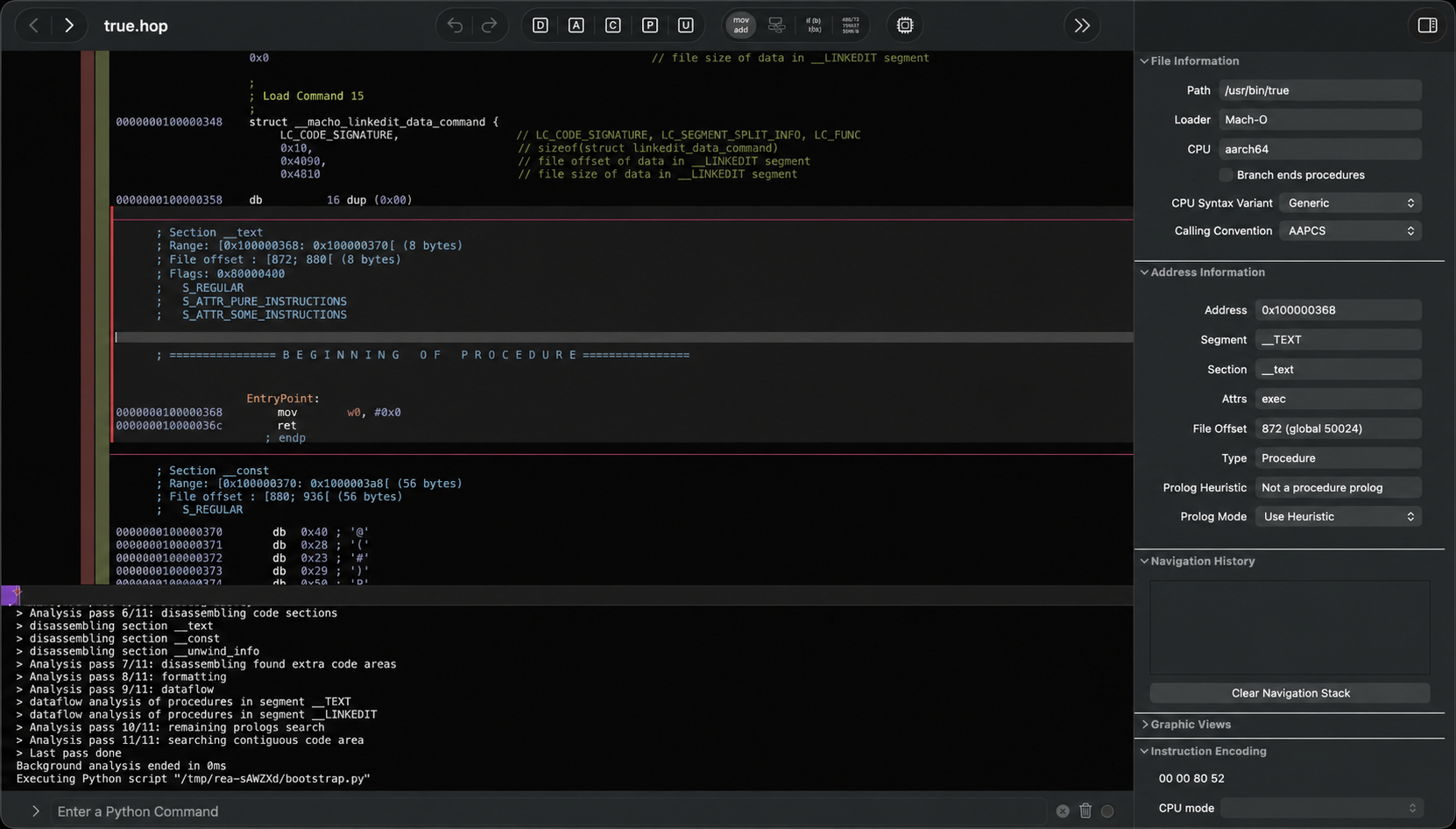

See a feature in an app that you want in your own product? Ask your agent to investigate it with REA. It can inspect the app without its source code, explain how the feature works, show the evidence, and build a version for your project.
REA connects your agent to tools for inspecting native binaries, JavaScript and Electron apps, .NET assemblies, and websites. You can also use the same tools from your terminal. Analysis runs locally, and results include the evidence and limitations behind each conclusion.
Setup registers REA with your agent and installs matching workflow instructions. Native analysis can use an existing Hopper, Ghidra, IDA or Kuna installation; setup can optionally install Hopper with approval. Static JavaScript analysis needs no native analysis engine.
Visit the REA website for setup instructions, illustrated guides, and real case studies.
Quick start
On Linux, Ghidra, JADX, firmware tool launches and static JavaScript/Electron
analysis require a procps-compatible ps on REA's PATH for process ownership
checks. Recovery steps are in docs/installation.md under
"Linux owned-process prerequisite".
Set up your agent
With Node.js and npm installed, run:
npx rea-agents setup
Choose your agents, review the proposed changes, and approve them. Setup adds REA's MCP server and matching workflow instructions, with backups of existing configuration. Restart your agent afterward. Setup records the selected runtime and REA entry script directly. If acquired through a package runner, keep its cache entry available. Run package acquisition from a trusted directory outside the target project. Installation and recovery details are in the setup guide below.
Setup supports Claude Code, Codex, Cursor, Gemini CLI, Grok Build and other agents. See installation and setup for provider configuration and manual MCP registration and Claude Code/Codex plugin installation.
MCP uses compact input schemas by default to reduce context overhead. Set
REA_MCP_INPUT_SCHEMA_PROFILE=full in your MCP registration when you need the
complete advertised field guidance and nested validation details. Both profiles
keep the full tool set and canonical server validation. See
"Compact input schema profile" in the MCP contracts guide.
Complete output schemas are advertised by default. If your client caps the
complete tools/list frame, set REA_MCP_OUTPUT_SCHEMA_PROFILE=compact to
bound each advertised output schema, or off to omit output schemas entirely.
Both settings keep canonical server-side validation and complete structured
results. See "Output schemas" in the MCP contracts guide.
Ask your agent
Understand how search works in the Notes app, show me the evidence, and build a
similar feature for my project.
Replace Notes with your target app and the feature you want to understand.
Use the terminal
Inspect an extracted JavaScript/Electron app directory or ASAR:
npx -y rea-agents@latest analyze-javascript-application /absolute/path/to/app --json
The result includes modules, imports, Electron boundaries and their evidence.
Replace the path with your target, such as "D:/apps/example" on Windows.
To install the rea command for regular use:
npm install --global rea-agents
rea --help
For native analysis, configure a provider first. See the CLI and Evidence guide for native commands, provider selection, snapshots and scripting.
Update REA
REA changes quickly, and new releases include frequent bug fixes. Keep your installation up to date.
For a CLI installed with npm install --global or bun add --global:
rea update
rea --update is an alias for this verified workflow and accepts the same global
output flags. Use rea update when combining it with other command controls.
Updater commands retain at most 4 MiB of stdout and stderr combined. Oversized metadata replies are rejected after the command exits; verbose installs continue with bounded diagnostics. Human progress output respects terminal backpressure and waits for submitted writes to finish.
Bun global updates require Bun 1.2.17 or later. With an older Bun release,
upgrade Bun manually before running rea update.
To refresh your agent registrations and skill, run the setup command printed by the update.
If you use npx, update your agent setup with:
npx rea-agents@latest setup
Review the setup changes and restart your agent. For one-off CLI commands,
use npx rea-agents@latest followed by the command. With Bun, use
bunx rea-agents@latest in place of npx rea-agents@latest.
How REA works
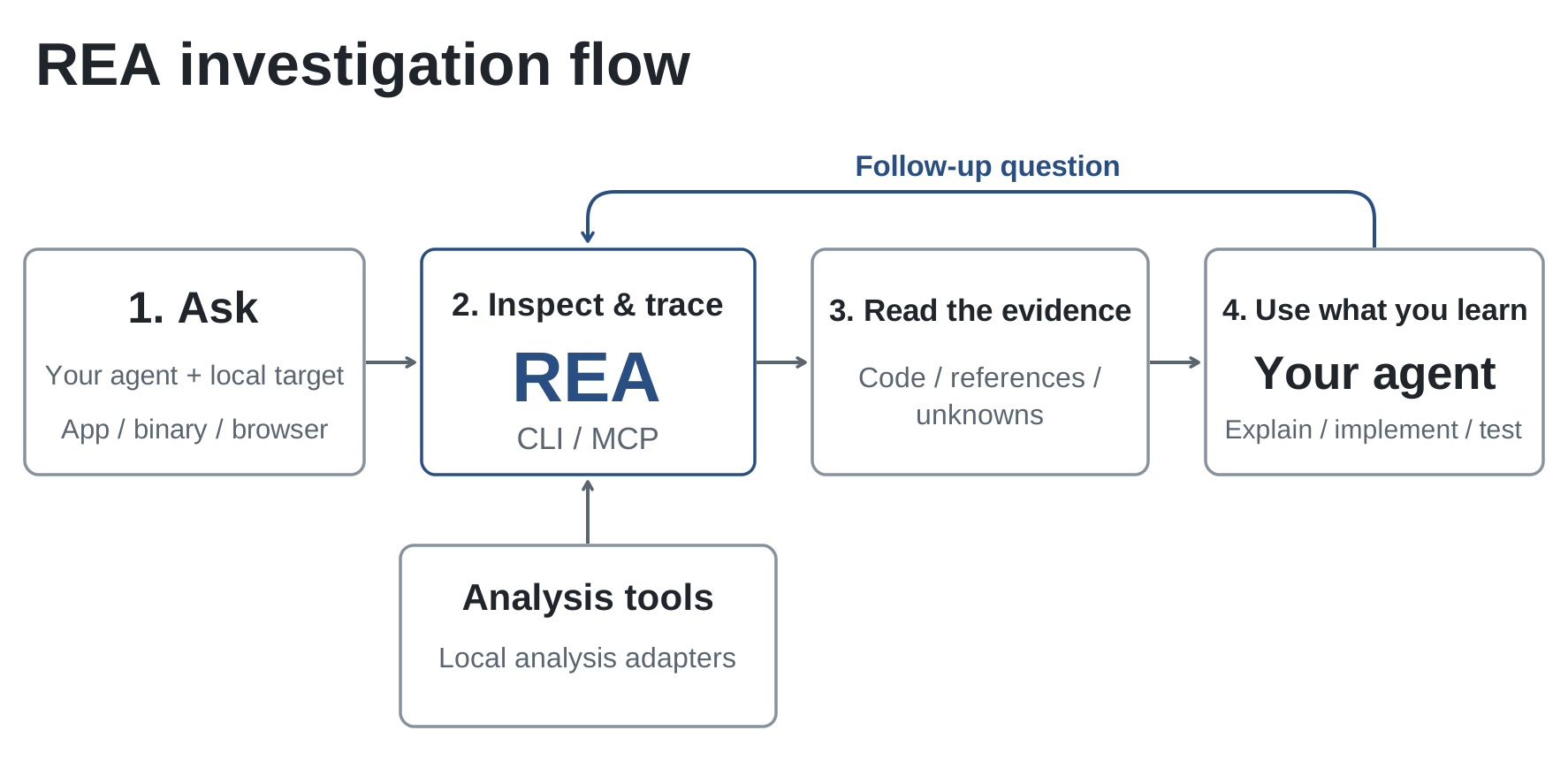
Your agent calls REA through MCP to inspect the target and trace relevant code. REA returns findings with their evidence. The agent uses them to ask follow-up questions, explain the behavior, or write and test an implementation. CLI commands use the same workflows.

What you can analyze
REA requires Node.js 22.x (>=22.23.4), 24.x (>=24.22.1), or 26.12.1+, plus npm. Additional tools and host support depend on the target:
| Target | What REA returns | Requirements and guide |
|---|---|---|
| Desktop installations | Runtime candidates, supporting files, component markers and next probes |
📈 近 7 天 Star 趋势
🏆 排名变化趋势
📋 历史上榜记录
| 日期 | 榜单 | 排名 | 周期新增 | 总 STAR |
|---|