📄 仓库 README
在 GitHub 查看 ↗
mpvExtended




mpvExtended is a fork of mpv-android, built on the libmpv library. It aims to combine the powerful features of mpv with an easy to use interface and additional features.
- Simpler and Easier to Use UI
- Material3 Expressive Design
- Advanced Configuration and Scripting
- Enhanced Playback Features
- Picture-in-Picture (PiP)
- Background Playback
- High-Quality Rendering
- Network Streaming
- File Management
- Completely free and open source and without any ads or excessive permissions
- Media picker with tree and folder view modes
- External Subtitle support
- Zoom gesture
- External Audio support
- Search Functionality
- SMB/FTP/WebDAV support
- Custom Playlist management support
This project is still in development and is expected to have bugs. Please report any bugs you find in the Issues section.
Installation
Stable Release
Download the latest stable version from Google Play or the GitHub releases page.

Or you can get the stable releases here


Preview Builds
For testing purposes only

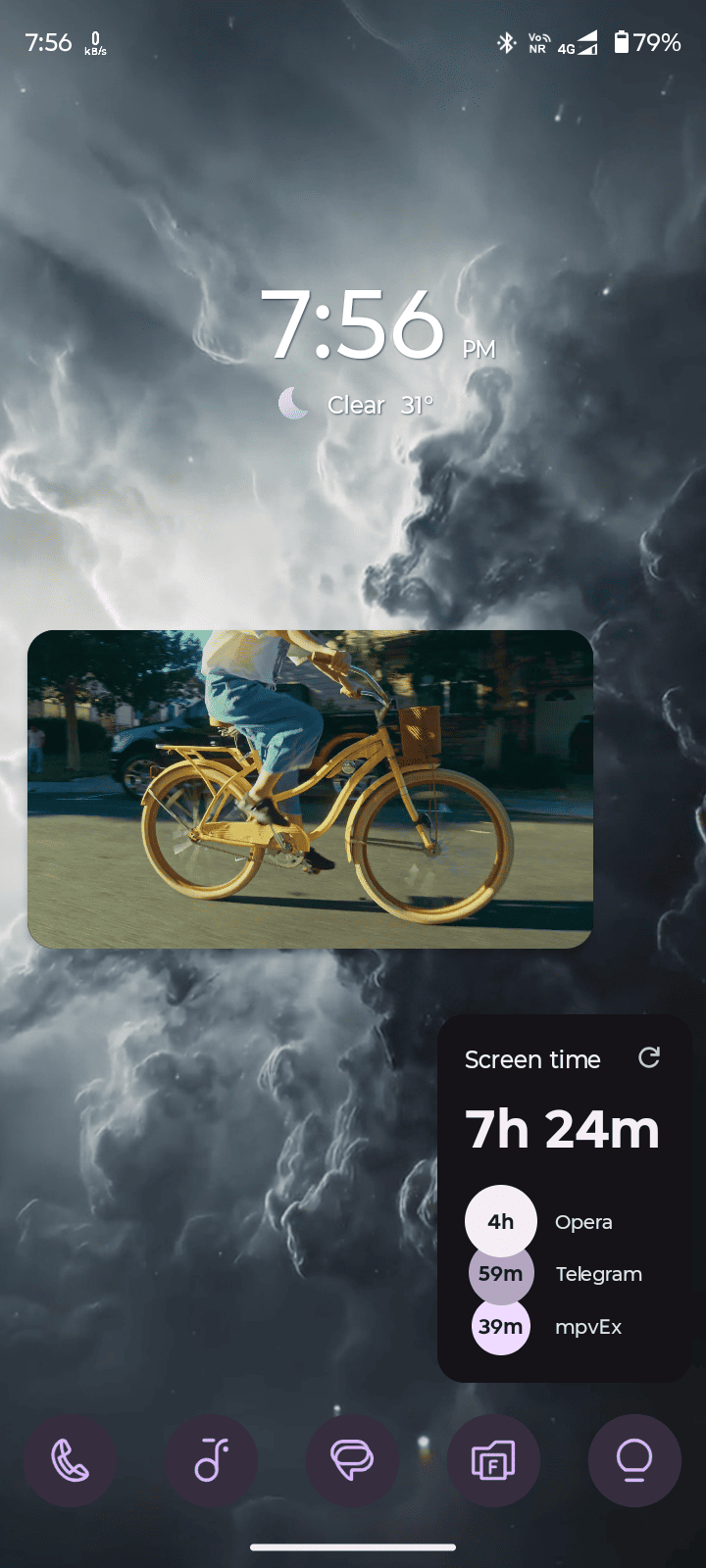
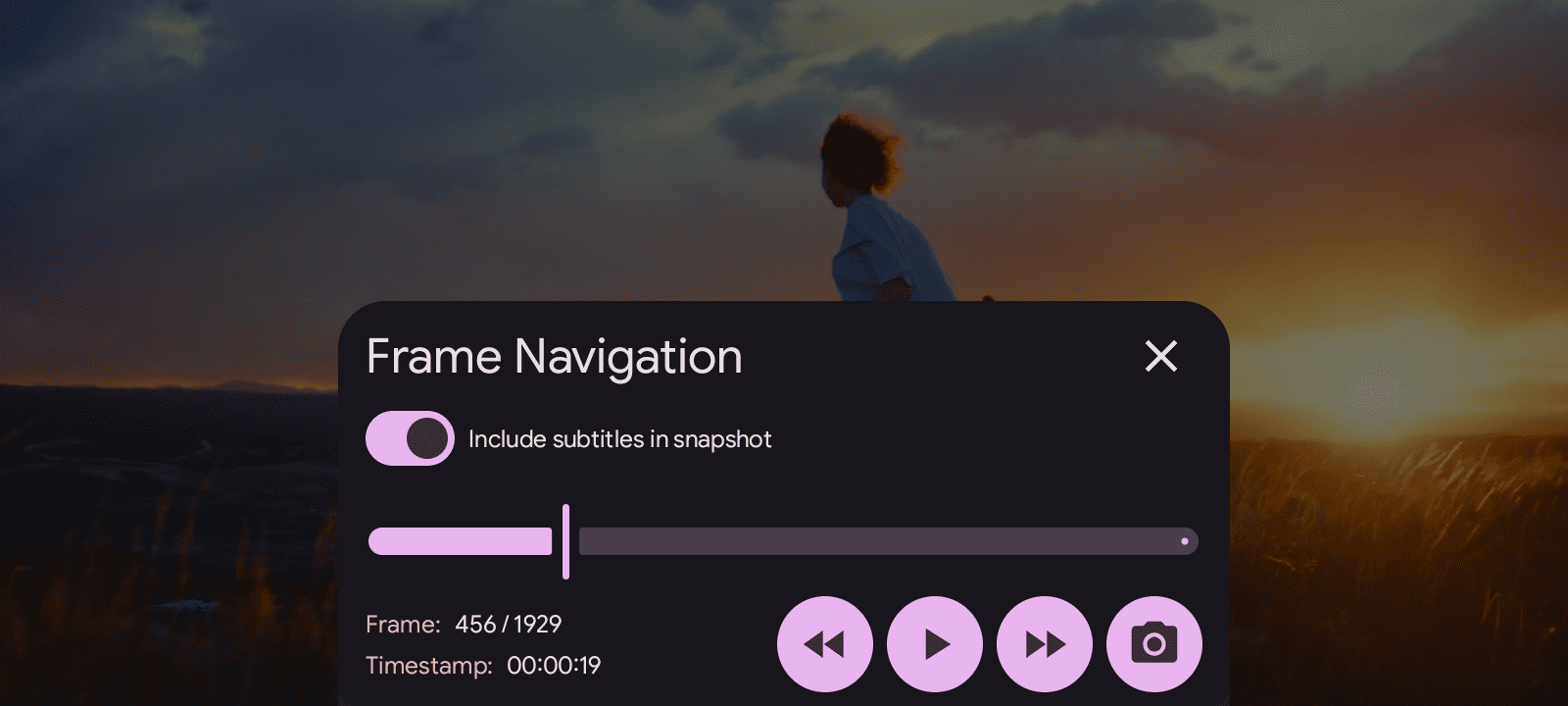
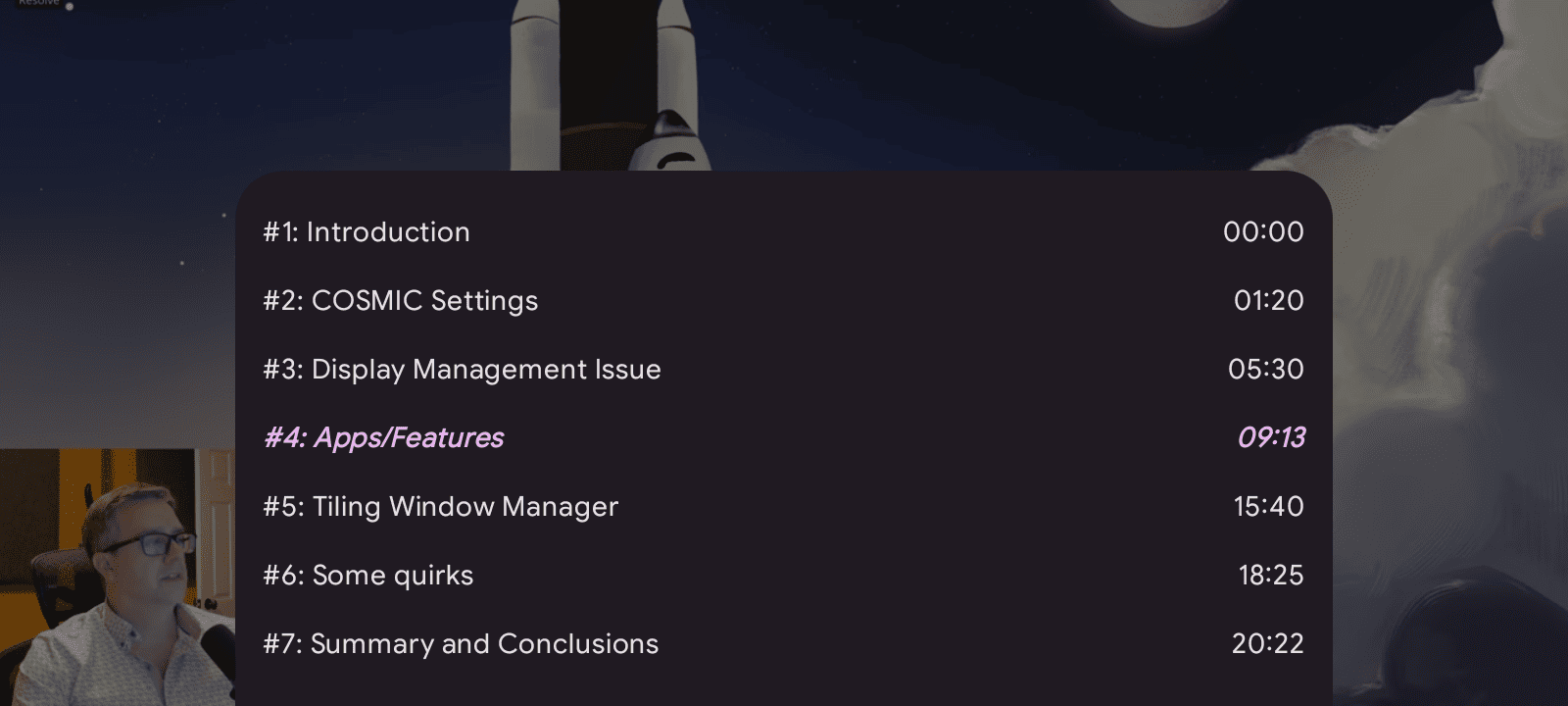
Showcase
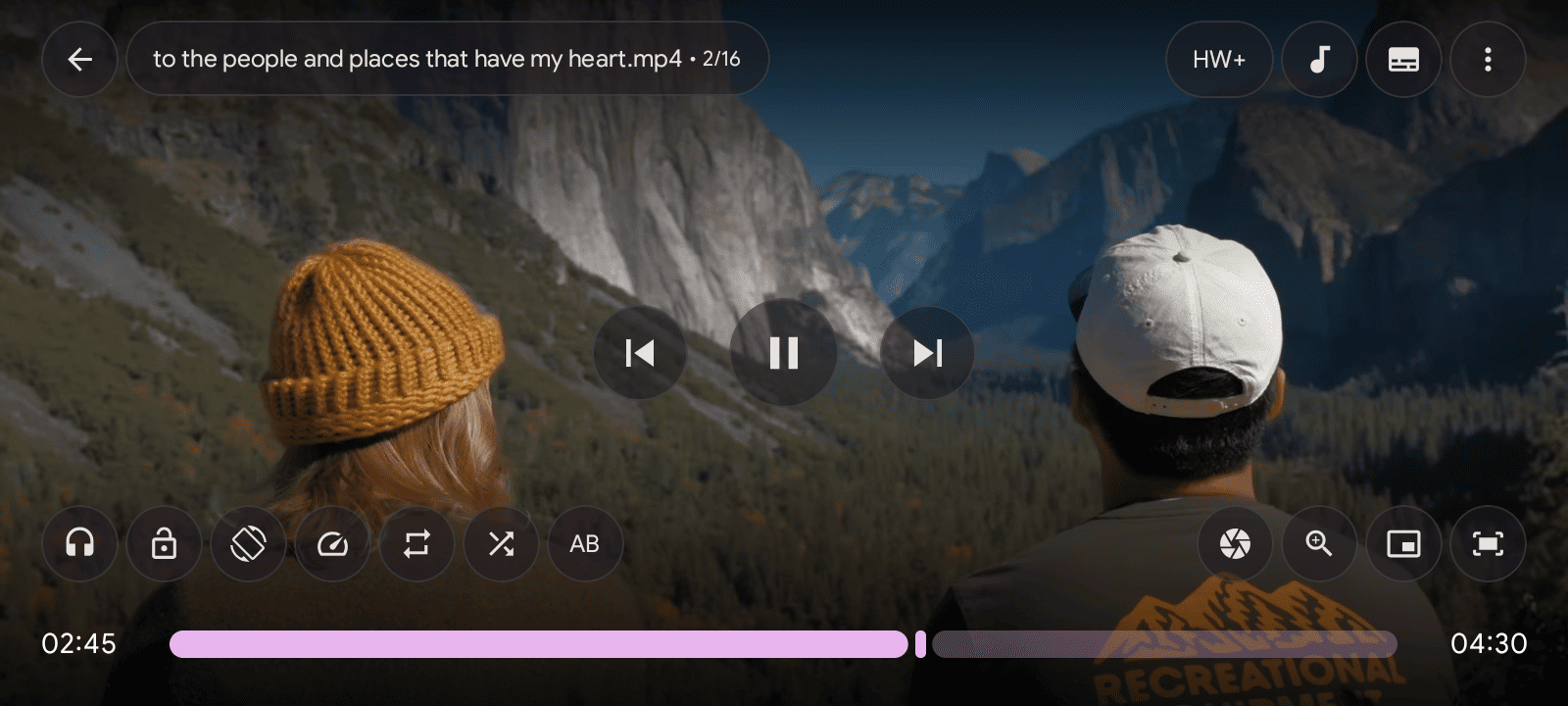
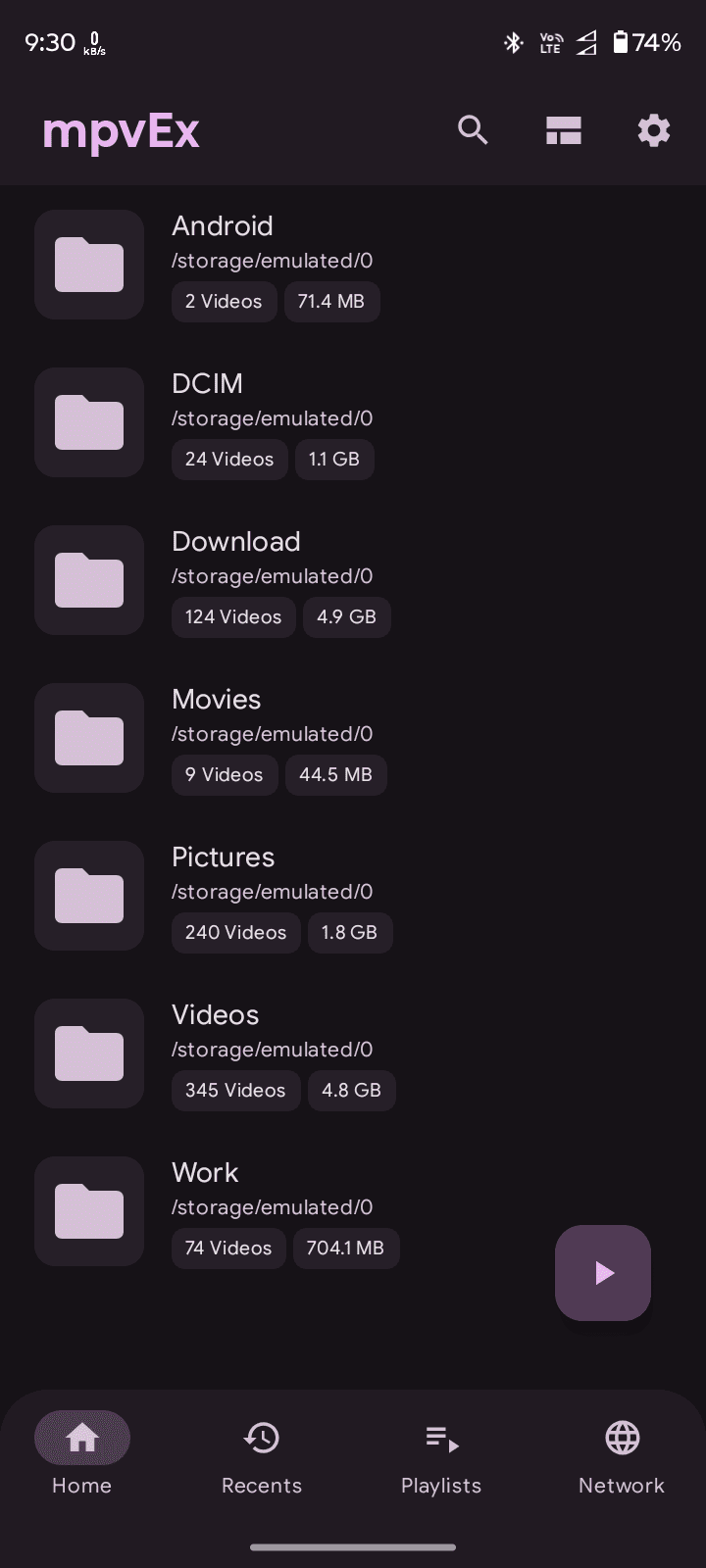
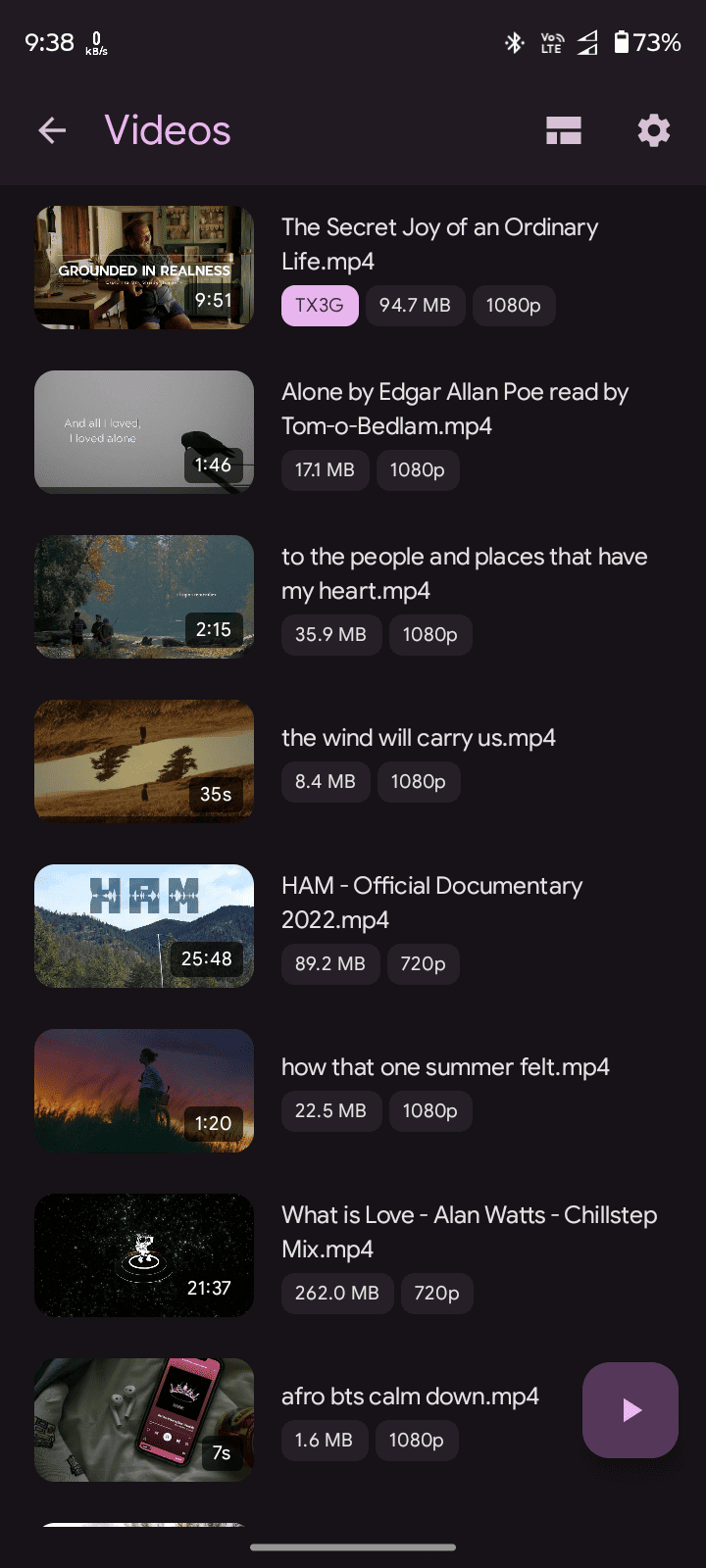
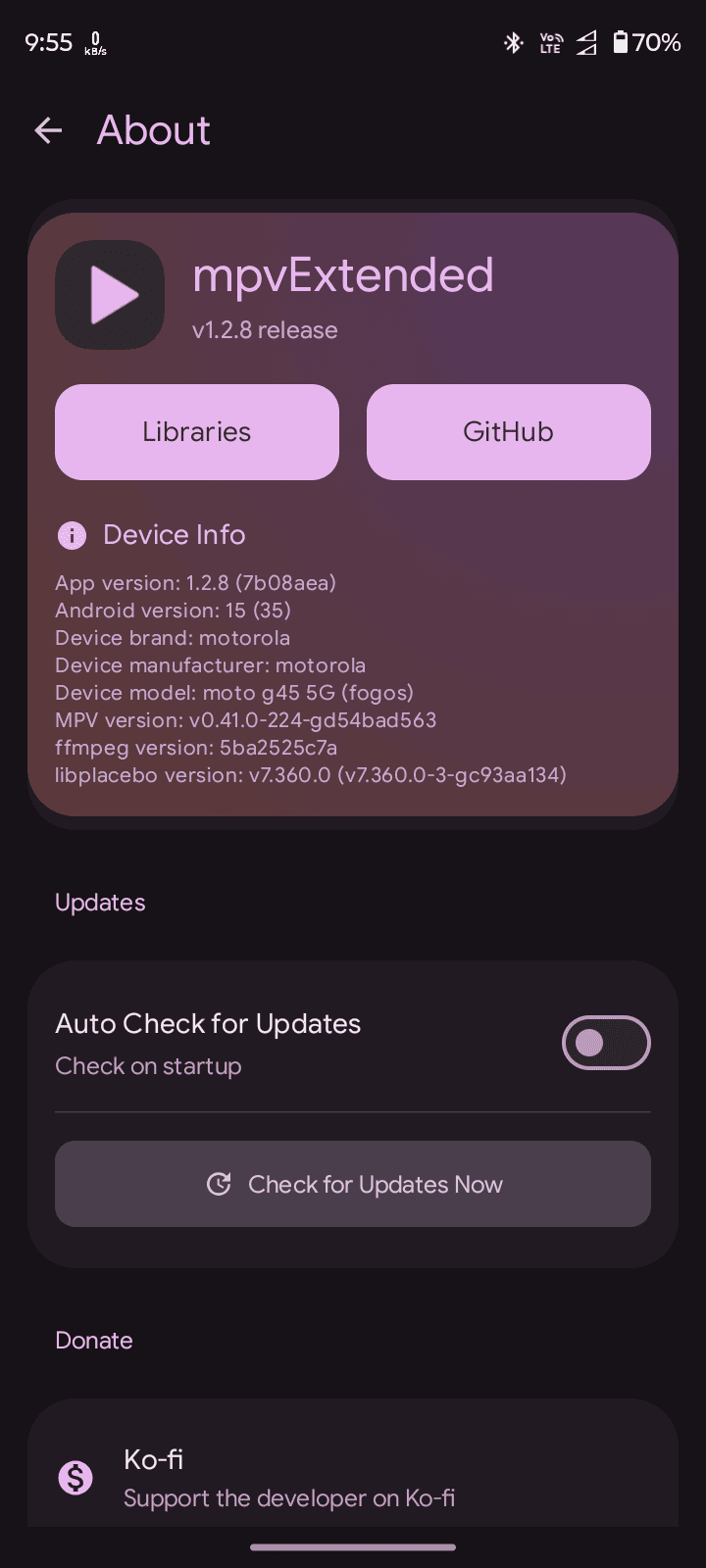
Building
Prerequisites
- JDK 17
- Android SDK with build tools 34.0.0+
- Git (for version information in builds)
APK Variants
The app generates multiple APK variants for different CPU architectures:
- universal: Works on all devices (larger size)
- arm64-v8a: Modern 64-bit ARM devices (recommended for most users)
- armeabi-v7a: Older 32-bit ARM devices
- x86: Intel/AMD 32-bit devices
- x86_64: Intel/AMD 64-bit devices
Releases
Setting Up Release Signing
To enable automatic signing for release builds in GitHub Actions, you need to configure the following secrets in your GitHub repository:
- Navigate to your repository on GitHub
- Go to Settings → Secrets and variables → Actions
- Add the following repository secrets:
| Secret Name | Description |
|---|---|
SIGNING_KEYSTORE |
Base64-encoded keystore file (.jks or .keystore) |
SIGNING_KEY_ALIAS |
The alias name used when creating the keystore |
SIGNING_STORE_PASSWORD |
Password for the keystore file |
KEY_PASSWORD |
Password for the key (can be same as store password) |
Encoding Your Keystore
To encode your keystore file to base64:
Linux/macOS:
base64 -i your-keystore.jks | tr -d '\n' > keystore.txt
Windows (PowerShell):
[Convert]::ToBase64String([IO.File]::ReadAllBytes("your-keystore.jks")) | Out-File -FilePath keystore.txt -NoNewline
Copy the contents of keystore.txt and paste it as the value for the SIGNING_KEYSTORE secret.
Creating a Release
- Update
versionCodeandversionNameinapp/build.gradle.kts - Commit the changes
- Create and push a tag:
bash git tag -a v1.0.0 -m "Release version 1.0.0" git push origin v1.0.0 - GitHub Actions will automatically build, sign, and create a draft release
Creating a Preview Release
- Create and push a preview tag:
bash git tag -a v1.0.0-preview.1 -m "Preview release" git push origin v1.0.0-preview.1 - GitHub Actions will create a pre-release automatically
Acknowledgments
Support the Project 
If you find mpvExtended useful, consider supporting the development:

Star History 
📈 近 7 天 Star 趋势
🏆 排名变化趋势
📋 历史上榜记录
| 日期 | 榜单 | 排名 | 周期新增 | 总 STAR |
|---|