📄 仓库 README
在 GitHub 查看 ↗NeoSimulator
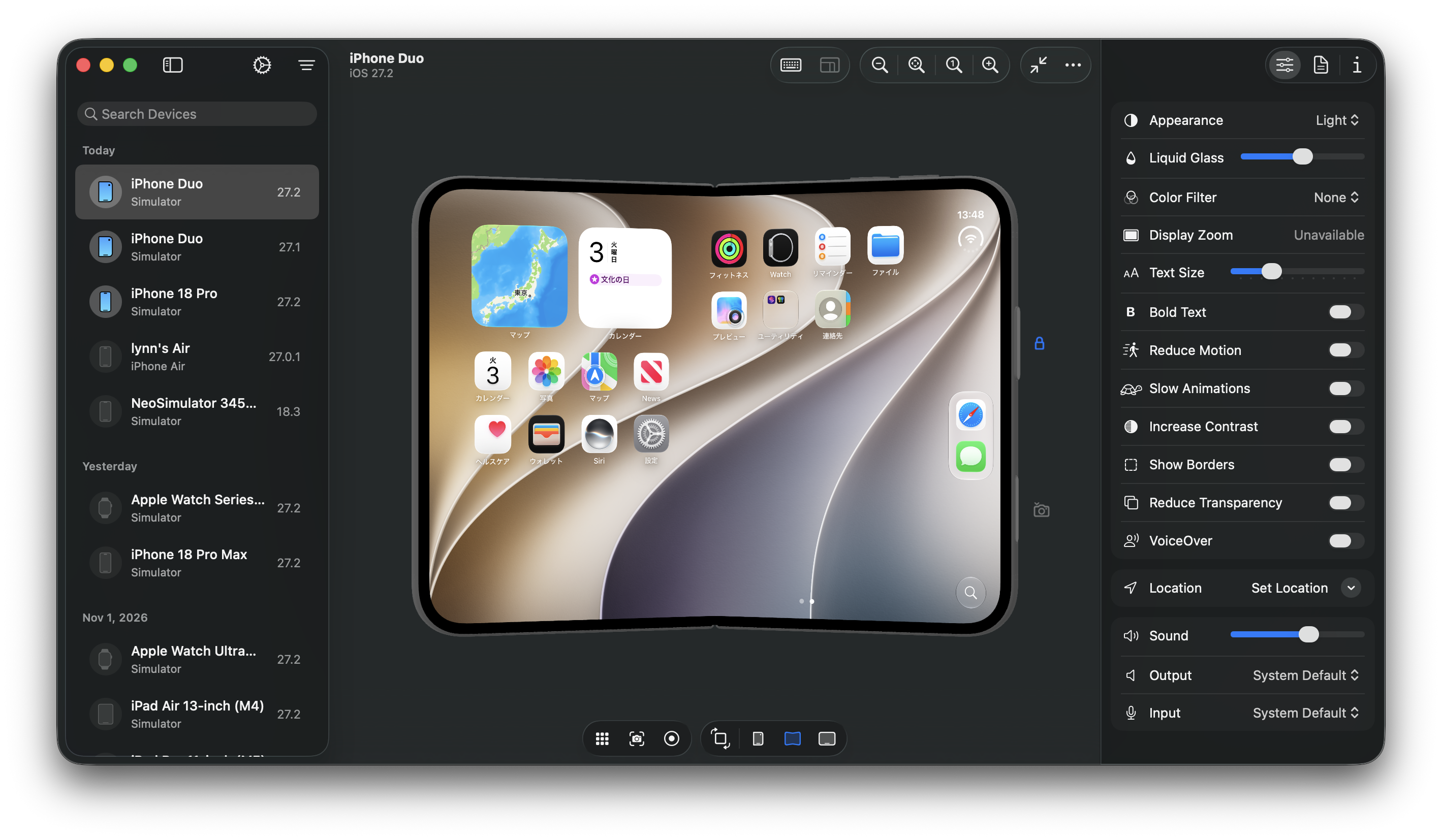
NeoSimulator is a lightweight simulator app for iPhone, iPad, Apple Watch, Apple TV, and Apple Vision Pro.
Requirements
- Apple Silicon Mac
- macOS 26.4 or later
- Xcode 27 or later, with simulator runtimes installed
Installation
Download the DMG from Releases, open it, and drag NeoSimulator.app to Applications.
By default, NeoSimulator displays simulators while the app is open. Your selected display host is kept after quitting. To use Device Hub, choose it under Settings → General → Preferred Display Host.
Documentation
Build a simulator app
The NeoSimulatorKit Swift package product provides simulator discovery, boot and
shutdown, and AppKit screen presentation. It requires Swift 6.4 and the same macOS
and Xcode versions as the application.
import NeoSimulatorKit

let context = try await SimulatorContext.load()
let devices = try await context.devices()
if let device = devices.first {
    _ = try await context.boot(device.id)
    let screen = try await context.openScreen(device.id)
    try screen.showWindow()
    // Retain context and screen while presenting the simulator.
}
Use SimulatorScreenViewController(screen:) to embed the screen in an AppKit
container. screen.close() and context.invalidate() release presentation
resources while leaving guests running; context.shutDown(_:) explicitly stops a
guest. Finish these asynchronous operations before terminating your app so their
errors can be reported.
See MinimalSimulatorApp for a separate package that uses only the public product, including cleanup and an automatic open/close exercise.
Acknowledgements
Background service control is ported from simslim, including its catalog of services that are safe to stop. Thank you to Interlap and the simslim contributors. simslim is available under the MIT License. Its notice and the licenses of NeoSimulator's package dependencies are available in Settings → Licenses.
License
📈 近 7 天 Star 趋势
🏆 排名变化趋势
📋 历史上榜记录
| 日期 | 榜单 | 排名 | 周期新增 | 总 STAR |
|---|