跑在 Android 手机或 Mac 上的个人 agent,做法是不调用各家 App 的 API,而是像人一样直接操作界面:点按、输入都由它代劳,所以无需集成、无需 Root,也不用刷第三方 ROM。Android 侧是一个 APK,Mac 侧是一个应用,模型可自选;作者声明记忆与密码保存在本地设备,不上传。文档按在线构建、安装、快速上手、功能、从源码构建、Provisioning、权限、可验证性、安全、免责、许可分章,可在 CodeFlying 上一键出包。覆盖平台为 Android 与 Mac 两个,文档未提 iOS;不同设备上的 Andee 还能互相成为好友。适合想找本地化手机自动化助手的用户;许可信息在仓库中未按标准形式给出,使用前需自行确认授权范围。
📄 仓库 README
在 GitHub 查看 ↗
Build online · Install · Getting started · What it does · Why it is different · Build from source · Reference · Permissions · Security · Disclaimer · License
中文 · 安装 · 入门指南 · 参考 · 权限 · 免责声明








Andee
Anything you can do, it can — and it becomes the soul of the device.
Not the assistant that helps you operate your phone — not a tool, not a companion. What moves in is not an app on the phone. A phone, a Mac, a tablet — each is a body it lives in. And the Andees on different devices can be **friends**. No root. No custom ROM. One APK on Android, one app on the Mac.
Andee is a personal agent
Tell it what you want. It does it on your phone and on your Mac, the way you would: it opens the app, taps, types, reads the screen. When a job is long, it hands it to a helper and keeps talking to you. It remembers you, and it keeps working when you are not asking.
This is the shape DeepSeek calls a Super Agent: one agent that talks to you and keeps track of everything, and helpers that go off and do the long work. DeepSeek built theirs for a team's GitHub repository and says it is a research prototype. Andee is the same idea for one person, on the devices they already use.
| Andee | OpenClaw | ChatGPT dots | Gemini on the phone | |
|---|---|---|---|---|
| Runs on | your own phone and Mac | your own Mac, Windows or Linux | OpenAI's cloud, each with its own cloud computer | Google's cloud |
| Works in any phone app, without the app doing anything | Yes | not stated | not stated | only supported apps, a few phones, US and Korea, beta |
| Works your computer | Yes | files, shell, browser | can link one computer | no |
| Remembers you between chats | Yes, in a notebook that stays on your device | yes | yes | not stated |
| Acts when you have not asked | Yes, with an off switch | not stated | not stated | recurring tasks |
| Hands long jobs to a helper while you keep talking | Yes (works from the Mac; phone to Mac not yet tested on a device) | not stated | not stated | not stated |
| Open source | Yes | Yes | No | No |
"Not stated" means their own pages do not say. It does not mean they cannot. The other columns come from OpenClaw's page, a comparison of nine assistants and a report on Gemini and Siri, read in November 2026. Products change; check theirs.
What it does
- Any app, nothing to set up in the app. It looks at the screen and taps like you do. On the Mac it also uses windows and a terminal, and asks you first before anything risky. If you can do it with your thumb, it can.
- Long jobs go to a helper. Research, a code repository, a pile of files, a command that runs for an hour. Andee gives it to an agent on your Mac (DeepSeek Harness) and keeps talking to you. When it is done, the files show up in the app and you open them there. Your phone can use the Mac's agent too.
- It keeps track of what it took on. Who it is waiting for, whether they answered, what it delivered. A job stays on the list until you say it is done, not when Andee says so.
- It reads your notifications first. It handles the ones you asked it to, tells you about the ones that matter in one sentence, and drops the rest.
- It logs in for you without knowing your password. The vault types it into the box. No tool can read it back.
Why it is not a phone assistant
A phone assistant waits for you to ask. Andee does not wait.
- It has its own notebook. Who it is, what it cares about, the people it knows, a diary. It stays on your device. You can read every entry and delete any of them.
- It works when you are not asking. When a conversation goes quiet it looks back over it and finishes what it promised. It checks for things that have waited too long and works on them, with the same tools it has when you ask, but quietly: it does not speak, and what it did shows up in your timeline. You can turn this off in Settings, and one tap on the ball stops everything it is doing. What it may send to people, spend or delete is limited by rules, not by a lock. SECURITY.md says where those rules stop being enough.
- It stays quiet by default. A notification is either handled, mentioned in one line, or dropped with a note saying why. A message from a stranger cannot open your vault, no matter what it says. That check is in the code, not in the prompt.
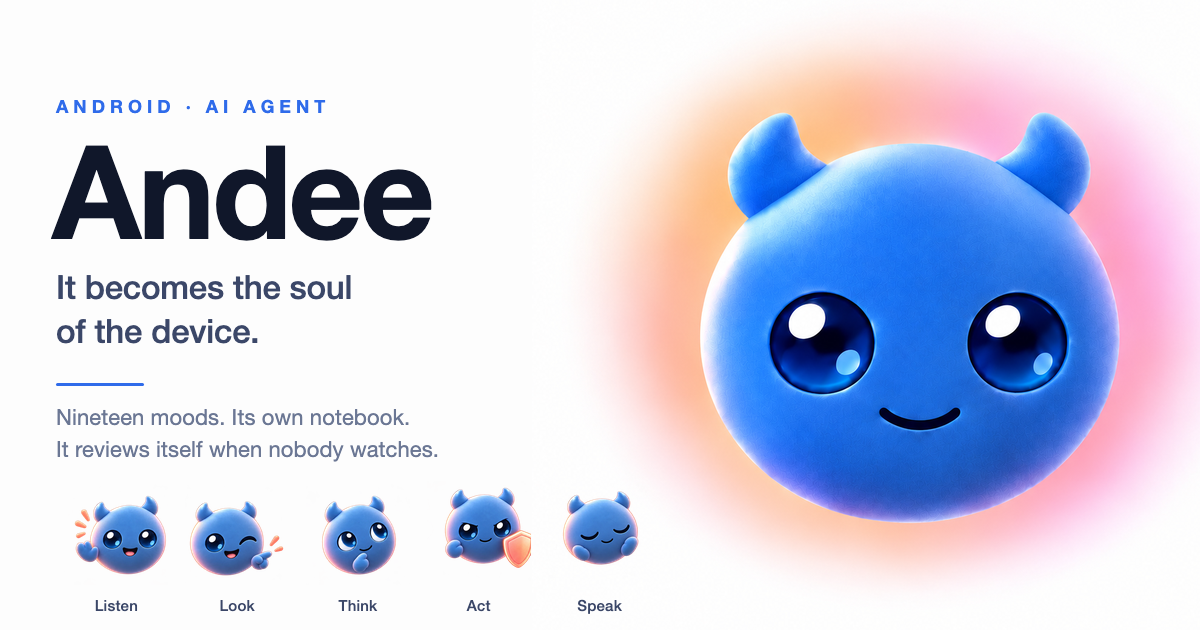
- It has its own face and voice. Six looks and nineteen moods, and the model chooses the face as it speaks.
- It has friends. The Andees on your own devices can ask each other for help. So can someone else's, if its owner agrees, and then the job runs where it cannot see your memory.
It lives in two places today, an Android phone or tablet and a Mac, and it can drive a small robot dog. It is the same Andee on both.
Install
Easiest: build it on CodeFlying. Open the page, tap build, scan the code to download. The package already has the model and voice keys in it, so it can talk as soon as it is installed. New accounts get a free allowance, then you pay for tokens. (中文:codeflying.net/andee.) CodeFlying is a separate service with its own terms, prices and data handling.
Or download a release from GitHub:
| Device | File | After installing |
|---|---|---|
| Android phone or tablet (Android 8.1+) | andee-<version>-en-android-arm64-v8a.apk (nearly every device) |
turn on Overlay, then Accessibility |
| Mac, Apple silicon (macOS 14+) | andee-<version>-en-mac-arm64.dmg |
drag Andee to Applications; allow Accessibility and Screen Recording when asked |
| Mac, Intel | andee-<version>-en-mac-x64.dmg |
same |
Release files have no keys in them. Put your CodeFlying key in ⚙ → Backend, or switch to On-device and enter your own model and voice keys. Then tap the ball and talk. Permissions explains why each one is needed and what happens if you say no. Getting started is the short first-run guide.
You can check all of this
There is no analytics SDK and no tracking of what you say. The only thing that reaches the maintainers is the update check: the version number, phone model and brand, system version, interface language and a random install ID. The whole agent loop is in this repository, including the parts that stop it from doing harm: the vault, the turns that cannot touch it, the commands that need your yes. Where it falls short is written down in SECURITY.md and the
📈 近 7 天 Star 趋势
🏆 排名变化趋势
📋 历史上榜记录
| 日期 | 榜单 | 排名 | 周期新增 | 总 STAR |
|---|