📄 仓库 README
在 GitHub 查看 ↗
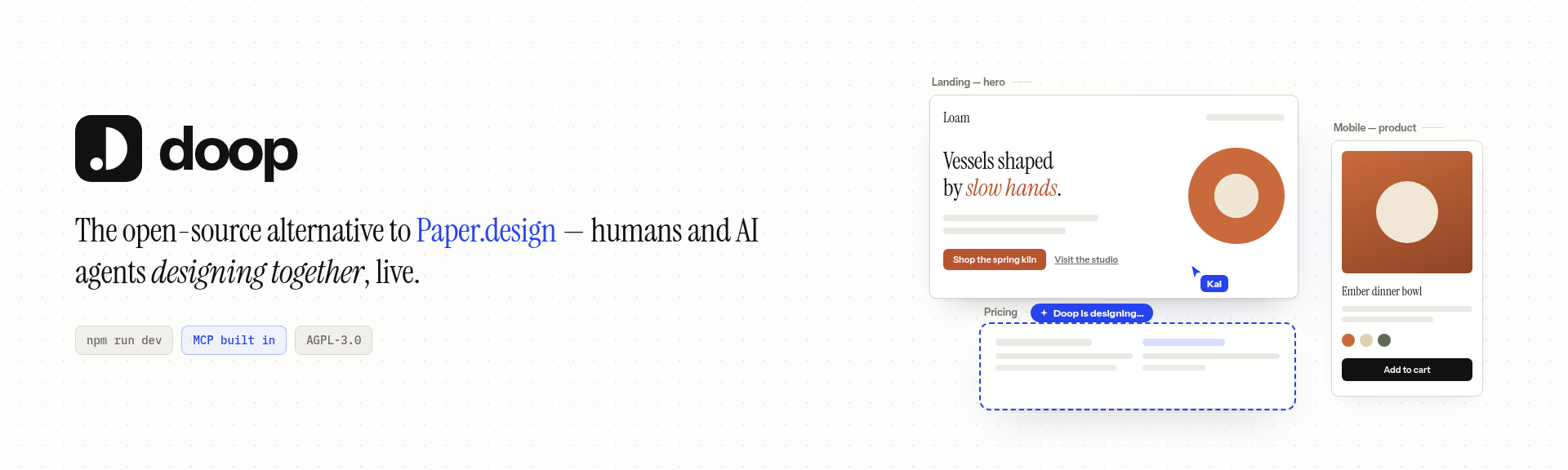





Doop is the open-source alternative to Paper.design — a multiplayer
design canvas for humans and AI agents. Every design lives on a shareable Canvas
(/c/<id>) holding Frames — artboards that render real HTML in sandboxed iframes. People edit
in the browser; AI agents edit through the built-in MCP server, streaming their designs in
live. Everyone sees everything as it happens: cursors, presence, frame edits, agent status, and an
activity feed.
Think of it as Claude Design for whichever agent you already use: Claude Code, Codex, ChatGPT, Cursor, OpenCode or any other MCP client designs on the same canvas, and the built-in Doop Agent runs on GPT, Claude, Gemini, DeepSeek, Kimi or Qwen models (every agent and model).
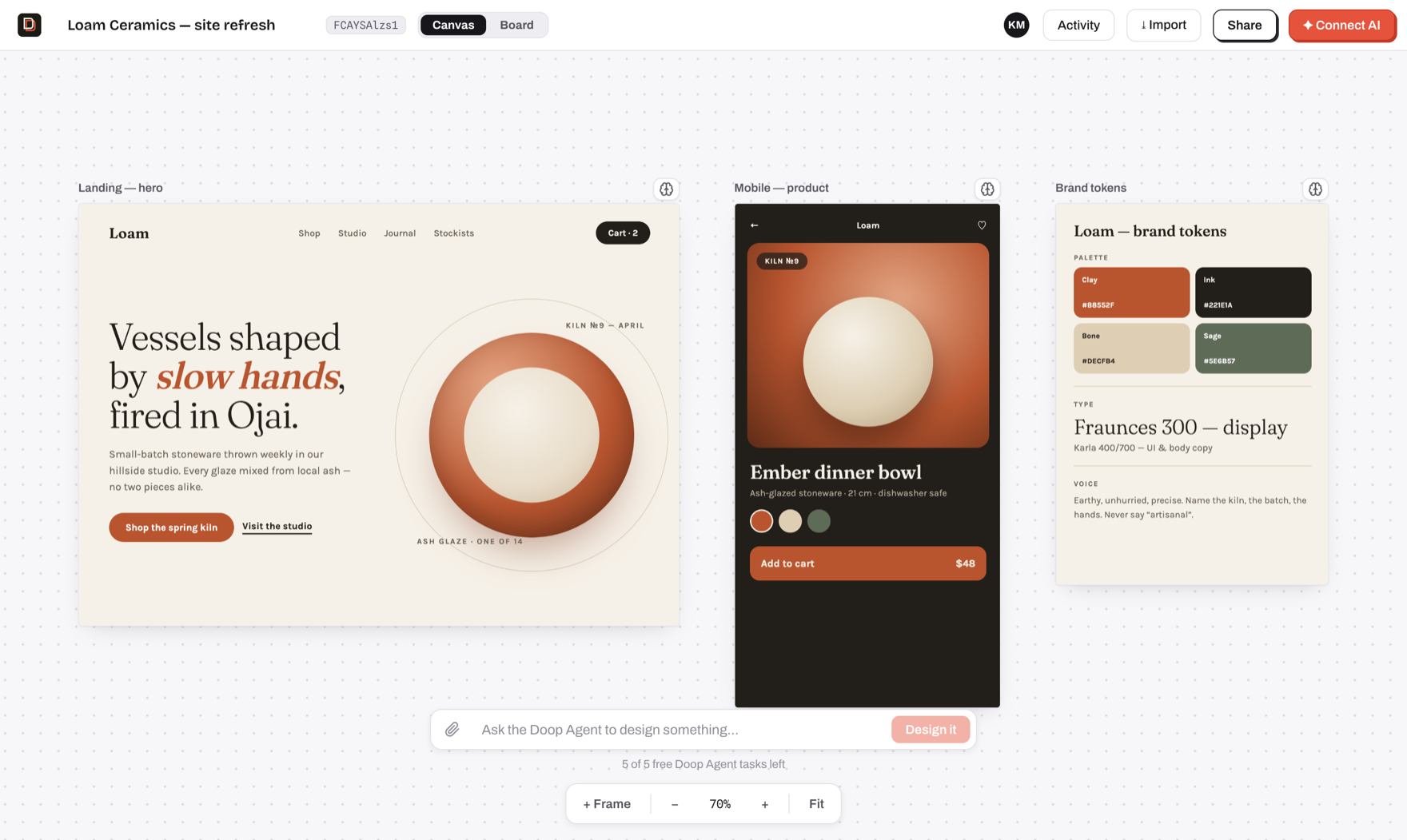
- Design with agents, not prompts-and-refresh — connect Claude Code (or any MCP client) once, then watch it sketch, stream and self-review designs on your canvas, next to your cursor.
- A built-in Doop Agent — queue a card or @mention a role and it designs on its own, no client
to connect. Runs on the model account each user connects (a ChatGPT subscription, or an
OpenAI, Claude, Gemini or OpenRouter key), or on the server's
ANTHROPIC_API_KEYfor as many free tasks asRESIDENT_TASK_LIMITgrants (none by default) (setup); the first-canvas welcome performance is scripted and runs without any of it. - Pages within a canvas — organize frames into named pages from the Layers panel. Add, rename,
drag to reorder, double-click to rename, or right-click to rename and delete empty pages.
Page edits support Undo/Redo; selected frames can move between pages. Agents can list pages
with
get_canvas, manage them withset_canvas_pages(passing the original list asexpectedPagesto protect collaborators), and target frames withpageId. - Clickable prototypes — wire elements to other frames (click, hover, press, key or delay;
navigate, overlay, back, scroll or link, with transitions) in Prototype mode or straight in the
HTML, then click through the flow with Play or share
/c/<id>/proto. Agents use the samedata-doop-*attributes plusget_prototype/set_prototype_start. - A real canvas editor — draw frames, shapes, pen paths and text, edit any element's fill, type and flex layout, snap to rulers and guides, zoom from 8% to 1600% (the editor).
- True multiplayer — live cursors, presence, follow mode, per-frame editing indicators, undo/redo, threaded comments on elements or the canvas, and an activity feed, all over one WebSocket room.
- Design memory — pin exemplar frames, capture decisions, and let the distiller propose durable style rules that every agent follows.
- Private by default — invite collaborators by email or share a link that can view, comment or edit; agents inherit exactly their human's access.
- Self-host in one command —
docker compose up, orbun run devwith zero configuration (embedded Postgres, no external services required).
Works with any agent
Doop isn't tied to one model vendor. Every agent below designs through the same MCP server, works as the person who connected it, and shows up live on the canvas with its own cursor, status and tasks. Connect AI in the top bar walks you through each one.
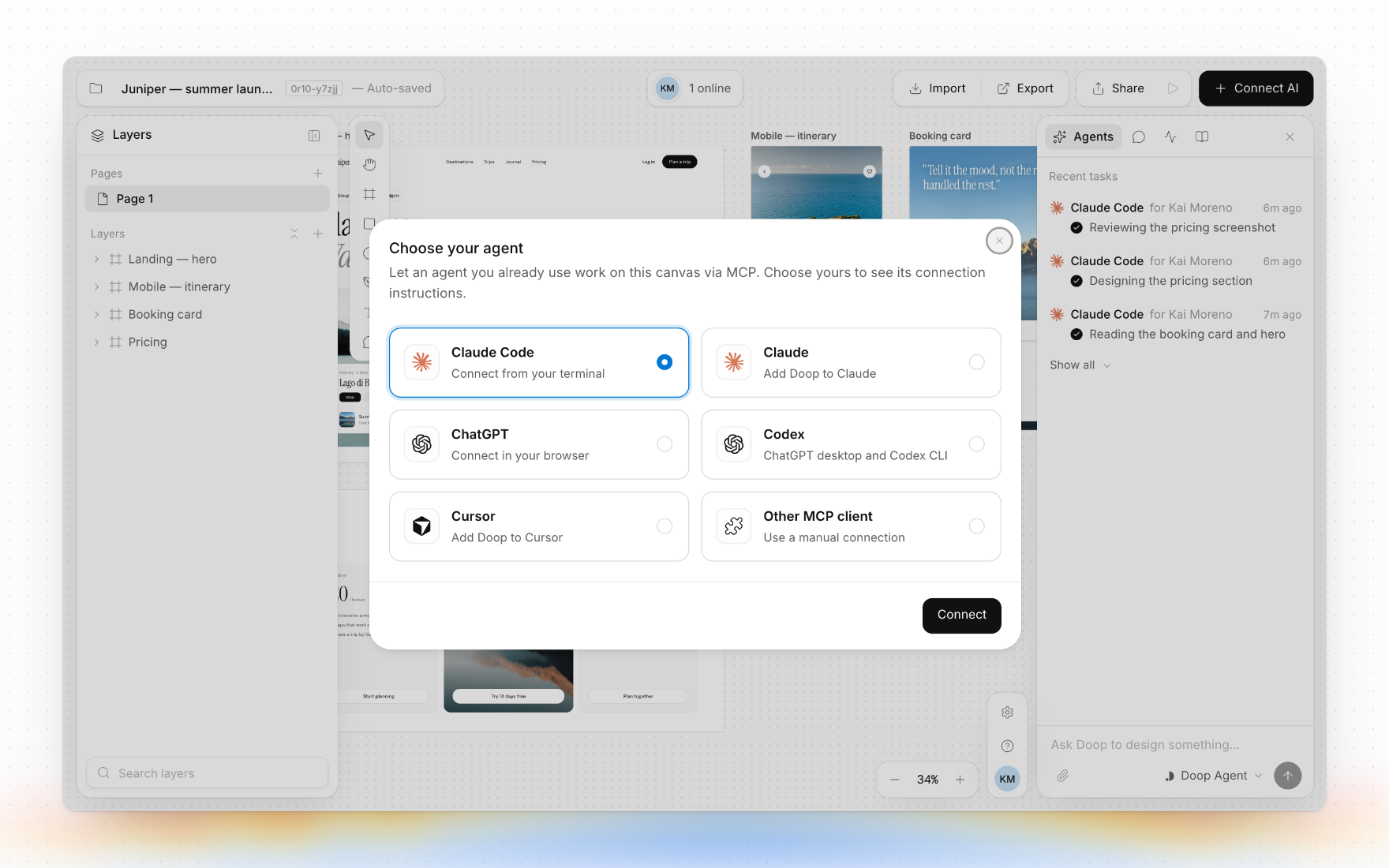
| Agent | How it connects |
|---|---|
| Claude Code | claude mcp add, OAuth in the browser (setup) |
| Claude (web and desktop) | Add to Claude in Connect AI (setup) |
| Codex (CLI and desktop) | codex mcp add, OAuth in the browser (setup) |
| ChatGPT | A custom MCP server in ChatGPT, guided by Connect AI → ChatGPT |
| Cursor | Add to Cursor in Connect AI |
| OpenCode, VS Code Copilot, OpenClaw and more | Any MCP client, over OAuth or with an agent key (setup) |
| Headless agents (n8n, Mastra, CI) | An agent key as a bearer header (setup) |
No agent of your own? The built-in Doop Agent runs on the model account you connect: a ChatGPT subscription, or an OpenAI, Claude, Gemini or OpenRouter key. OpenRouter brings DeepSeek, Kimi, Qwen, GLM and MiniMax (details).
Quickstart
git clone https://github.com/kgoedecke/doop && cd doop
bun install
bun run dev
Doop builds and installs with bun (bun.lock is the only
lockfile); the server itself runs on Node.
- Web app: http://localhost:4300
- API + WebSocket + MCP server: http://localhost:4400 (the web port proxies
/api,/ws,/mcp,/.well-known,/i/,/ingestand/local-agentto it)
bun run dev and bun run build also package the Claude Desktop extension with a Node script,
so Node must be on your PATH as well.
Everything works with no configuration: data persists to an embedded Postgres (PGlite) in data/pg,
and every optional integration (SMTP, stock photos, object storage, analytics) degrades gracefully
until its variable in .env.example is set (the ones that matter).
The built-in Doop Agent runs once a user connects a model account in Settings
(or on the server's ANTHROPIC_API_KEY if you raise RESIDENT_TASK_LIMIT) — agents you connect
yourself over MCP need no key.
Or self-host the production build with Docker:
BETTER_AUTH_SECRET=$(openssl rand -hex 32) docker compose up -d # app + Postgres on :4400
Production build without Docker: bun run build && bun run start (single server on :4400 serving
everything). Set DATABASE_URL to use a real Postgres — same code path as PGlite.
Prefer not to run anything? doop.design is the hosted version.
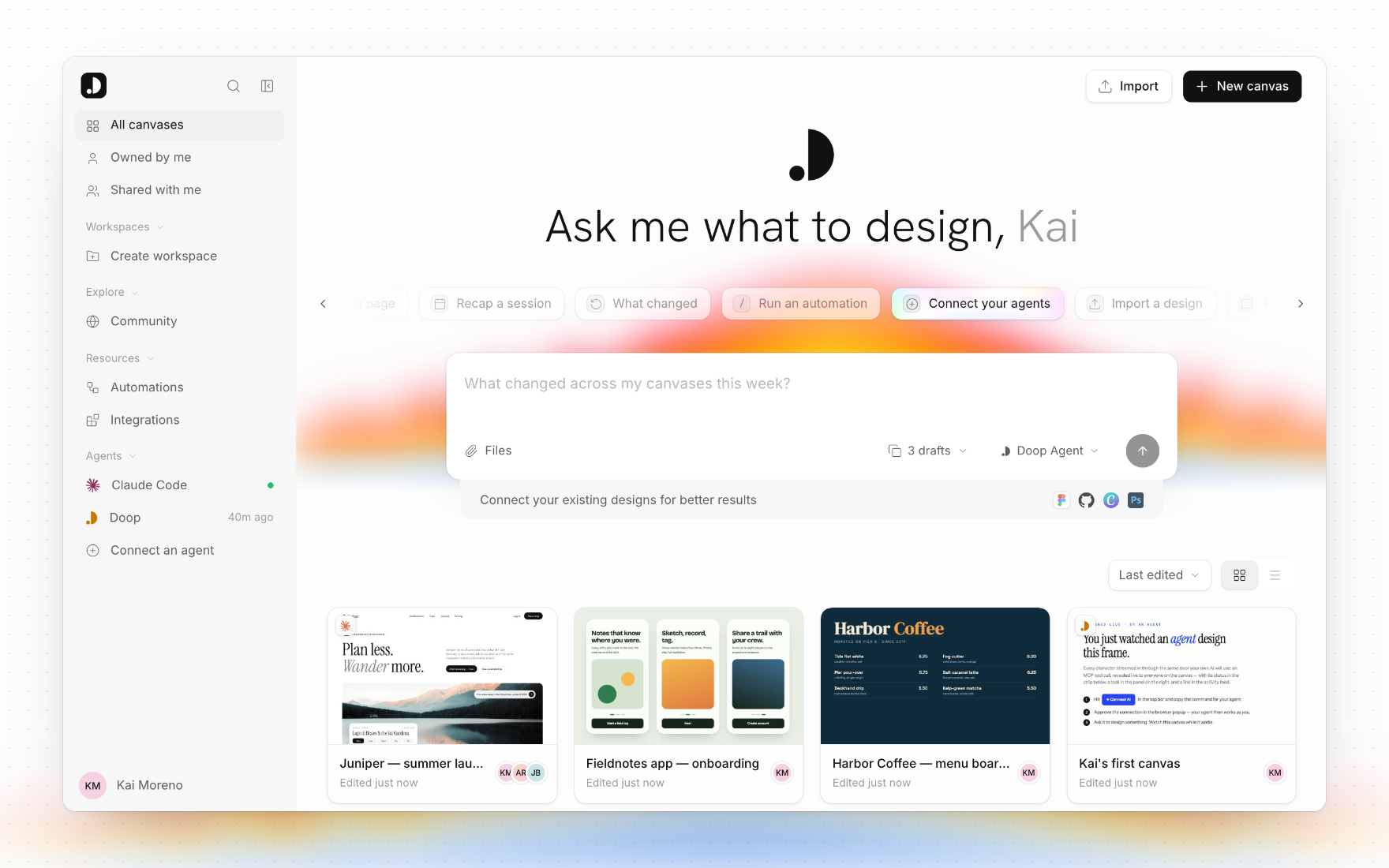
Once you sign in, Home is where you start: describe what you want and Doop makes a canvas with drafts queued for the Doop Agent, or pick up one of your canvases, workspaces and connected agents.
The canvas editor
The bottom toolbar holds the tools; every one has a single-key shortcut. Shapes drawn on the canvas become standalone elements, and shapes drawn inside a frame become positioned HTML/SVG layers of that frame, so agents read and edit them like any other markup.
| Tool | Key | What it does |
|---|---|---|
| Select | V | Click to select, drag the background for a marquee, ⇧/⌘-click to add to the selection |
| Hand | H | Pan (Space or the middle button pans from any tool) |
| Frame | F | Draw an empty frame |
| Rectangle | R | Draw a rectangle |
| Circle | O | Draw a circle or ellipse |
| Vector path | P | Bézier pen: snaps to its own anchors, previews closing the path; Alt skips snapping |
| Text | T | Place a text layer |
| Comment | C | Pin a comment to an element or to the canvas |
- Frames — drag to move, pull the corner handle to resize, snap to neighbours and guides. The Inspector edits name, position, size and the raw HTML, marks the frame ready for dev, exports it, and pins it as a style reference; Version history… in the frame menu previews and restores earlier designs.
- Elements inside a frame — click to select, drag a corner grip or edge to resize (⇧ keeps the
ratio; a
W × Hbadge shows the size), drag the element to move it within or across frames. The Design tab edits fill, stroke, text (font, size, weight, alignment), opacity, corner radius, rotation, position, flex layout (direction, gap, padding, wrap, alignment) and image fills; HTML shows its source; Prototype wires interactions. The floating toolbar adds Comment, Ask AI (pre-fills an@mention), Code, Edit text and Copy link. - Path editing — double-click a path to drag its anchors and Bézier handles, switch points between corner and curve, or delete them. A
📈 近 7 天 Star 趋势
🏆 排名变化趋势
📋 历史上榜记录
| 日期 | 榜单 | 排名 | 周期新增 | 总 STAR |
|---|