📄 仓库 README
在 GitHub 查看 ↗ **One layout engine for JSX, HTML, and CSS. Render images, SVG, PDFs, or a paint tree. No headless browser.**
[](https://www.npmjs.com/package/takumi-js)
[](https://www.npmjs.com/package/takumi-pdf)
[](https://www.npmjs.com/package/takumi-paint)
[](https://crates.io/crates/takumi)
[](https://www.npmjs.com/package/@takumi-rs/core)
[](#license)
[Documentation](https://takumi.kane.tw/docs/) · [Playground](https://takumi.kane.tw/playground) · [Showcase](https://takumi.kane.tw/showcase)
**One layout engine for JSX, HTML, and CSS. Render images, SVG, PDFs, or a paint tree. No headless browser.**
[](https://www.npmjs.com/package/takumi-js)
[](https://www.npmjs.com/package/takumi-pdf)
[](https://www.npmjs.com/package/takumi-paint)
[](https://crates.io/crates/takumi)
[](https://www.npmjs.com/package/@takumi-rs/core)
[](#license)
[Documentation](https://takumi.kane.tw/docs/) · [Playground](https://takumi.kane.tw/playground) · [Showcase](https://takumi.kane.tw/showcase)
Takumi is a layout engine written in Rust, with text and inline layout ported from Chromium. It lays out JSX, HTML, and CSS without launching a browser. One layout feeds several outputs, so the same component can become an Open Graph image, an animated GIF, an invoice PDF, or the paint tree behind editable slides.
Choose a Package
| Use | Package | Output |
|---|---|---|
| Images and animations | takumi-js |
PNG, JPEG, WebP, ICO, raw RGBA, SVG. Animated WebP, APNG, and GIF. |
| PDF documents | takumi-pdf |
Paged or single-page PDF with selectable text. |
| Your own renderer or layout data | takumi-paint |
A paint tree of every box, text run, and image, positioned with CSS values resolved. |
| Embedding in Rust | takumi |
Images, animations, and SVG from a node tree or HTML. |
Quick Start
Install the package for your output. The examples below use Bun to run JSX directly.
bun i takumi-js      # PNG, JPEG, WebP, SVG, animations
bun i takumi-pdf     # paged PDF
bun i takumi-paint   # paint tree
Image
Save this as image.tsx and run bun image.tsx to write a 1200 × 630 PNG.
import { render } from "takumi-js";
import { writeFile } from "node:fs/promises";

const image = await render(
  <div tw="w-full h-full flex items-center justify-center bg-linear-to-b from-blue-100 to-red-50">
    <h1 tw="text-6xl font-bold">Hello from Takumi</h1>
  </div>,
  { width: 1200, height: 630 },
);

await writeFile("./output.png", image);
Save this as document.tsx and run bun document.tsx to write an A4 PDF with a page-number footer.
import { render } from "takumi-pdf";
import { PageNumber, TotalPages } from "takumi-pdf/primitives";
import { writeFile } from "node:fs/promises";

const pdf = await render(
  <main>
    <h1>Invoice</h1>
    <p>Total: $1,250.00</p>
  </main>,
  {
    size: "a4",
    footer: (
      <div tw="flex w-full justify-center text-[10px] text-gray-500">
        Page <PageNumber /> of <TotalPages />
      </div>
    ),
  },
);

await writeFile("invoice.pdf", pdf);
Paint
Save this as paint.tsx and run bun paint.tsx to print each text run with its font.
import { paint } from "takumi-paint";

const tree = await paint(
  <div style={{ width: 240, padding: 16, background: "#F7F3EC" }}>
    Hello <b>world</b>
  </div>,
  { width: 320 },
);

for (const node of tree.nodes) {
  if (node.type !== "text") {
    continue;
  }

  for (const run of node.runs) {
    console.log(run.text, run.font.family, run.fontSize);
  }
}
tree.steps lists the draws in paint order. See Drawing to replay them on a canvas.
Features
Images
text-fitgrows or shrinks a headline to fill its line box, no measuring loop.text-wrap: balancebalances lines in a headline.prettyreduces short last lines.- Animations sample the tree across time.
@keyframesandanimate-spinbecome WebP, APNG, GIF, or video frames. - Stylesheets support complex selectors,
var(),calc(), and media queries. - Flexbox, CSS Grid, block, inline, table, and float layout are supported.
langpicks each language's own Han glyphs for the same code points.- Text on a path follows
offset-path.background-clip: textand conic gradients paint it. - Masks, clipping, filters, and blend modes control how image layers combine.
- SVG filters run through
filter: url(...),feTurbulenceandfeDisplacementMapincluded. corner-shapeswaps round corners forsquircle,bevel,scoop,notch, orsuperellipse(n).- Tailwind v4 utilities apply directly, arbitrary values included.
- Page breaks honor
break-before: page,break-after: page, andbreak-inside: avoid. - Widows and orphans default to 2, keeping lone lines away from page breaks.
- Headers and footers repeat on every page.
<PageNumber />and<TotalPages />count in CSS counter styles,trad-chinese-informalincluded. - Tables share column widths across pages and repeat their
<thead>and<tfoot>on every page. - Text stays selectable and searchable. Fonts embed as subsets.
- Links and metadata carry into the output.
outline: truebuilds bookmarks from headings. - Attachments embed files, including Factur-X e-invoice XML.
- Tagged PDF is on by default. See the PDF/A and PDF/UA guide for conformance options and validation.
- Multilingual text supports Arabic shaping, bidirectional layout, CJK, and emoji when the loaded fonts cover them.
Runtimes
- Node.js and Bun load a native binding, prebuilt for macOS, Linux (glibc and musl), and Windows on x64 and ARM64.
- Cloudflare Workers and browsers load the WebAssembly build.
takumi-pdfandtakumi-paintrun on WebAssembly everywhere. - Rust applications embed the
takumicrate.
Coming From Something Else
| You are using | What changes |
|---|---|
satori |
Replace satori() with renderSvg(), or call render() for encoded image bytes. Compare the renderers. |
next/og |
Swap the ImageResponse import. Keep explicit Flexbox styles and compare the rendered output. Read the migration guide. |
| Puppeteer or Playwright for PDFs | Replace page.pdf() with render(). You must preload remote assets, and Takumi supports less CSS than Chrome. Read the migration guide. |
@react-pdf/renderer |
Replace Document, View, and Text with HTML elements and CSS. Browser viewers and some text controls have no equivalent. Read the migration guide. |
pdfkit |
Use JSX or HTML instead of positioning each line. Keep pdfkit when you need low-level drawing control. |
Fonts and Output Formats
Fonts
import { render } from "takumi-js";
import { googleFonts } from "takumi-js/helpers";

const image = await render(
  <div
    tw="w-full h-full flex items-center justify-center"
    style={{
      fontSize: 72,
      fontFamily: "Fraunces",
      fontVariationSettings: "'opsz' 72, 'wght' 700",
    }}
  >
    Hello from Takumi
  </div>,
  {
    width: 1200,
    height: 630,
    fonts: googleFonts([{ name: "Fraunces", weight: "100..900", axes: { opsz: "9..144" } }]),
  },
);
render() registers only the font subsets the content uses. To preload fonts outside the request path, register them on a Renderer and pass it as renderer. See Fonts.
API route (next/og-compatible)
import { ImageResponse } from "takumi-js/response";

export function GET() {
  return new ImageResponse(
    <div tw="w-full h-full flex items-center justify-center bg-linear-to-b from-blue-100 to-red-50">
      <h1 tw="text-6xl font-bold">Hello from Takumi</h1>
    </div>,
    { width: 1200, height: 630 },
  );
}
Animated WebP
import { renderAnimation } from "takumi-js";
import { writeFile } from "node:fs/promises";

const animation = await renderAnimation({
  width: 400,
  height: 400,
  fps: 30,
  format: "webp",
  scenes: [
    {
      durationMs: 1000,
      node: (
        <div tw="w-full h-full flex items-center justify-center">
          <div tw="w-32 h-32 bg-blue-500 animate-spin rounded-lg" />
        </div>
      ),
    },
  ],
});

await writeFile("./output.webp", animation);
Vector SVG
import { renderSvg } from "takumi-js";
import { writeFile } from "node:fs/promises";

const svg = await renderSvg(
  <div tw="w-full h-full flex items-center justify-center bg-linear-to-b from-blue-100 to-red-50">
    <h1 tw="text-6xl font-bold">Hello from Takumi</h1>
  </div>,
  { width: 1200, height: 630 },
);

await writeFile("./output.svg", svg);
Rust
cargo add takumi
Start from the Rust example or the crate docs.
Comparison
Compare Takumi and Satori for image formats, CSS support, runtime requirements, and migration examples. For PDFs, the renderer comparison records invoice benchmarks against @react-pdf/renderer and Puppeteer, with package versions and hardware.
Takumi supports a subset of browser CSS. PDF output keeps only color filter functions. It rejects blur() and drop-shadow(), and it does not draw backdrop-filter. Keep Puppeteer when your output depends on page scripts or browser layout. Test your templates before switching renderers.
Who's Using Takumi
- Dcard renders post share images
- TanStack renders OG images for its docs
- Fumadocs generates its docs OG images
- Nuxt OG Image ships Takumi as a built-in renderer
- Luma renders event share images
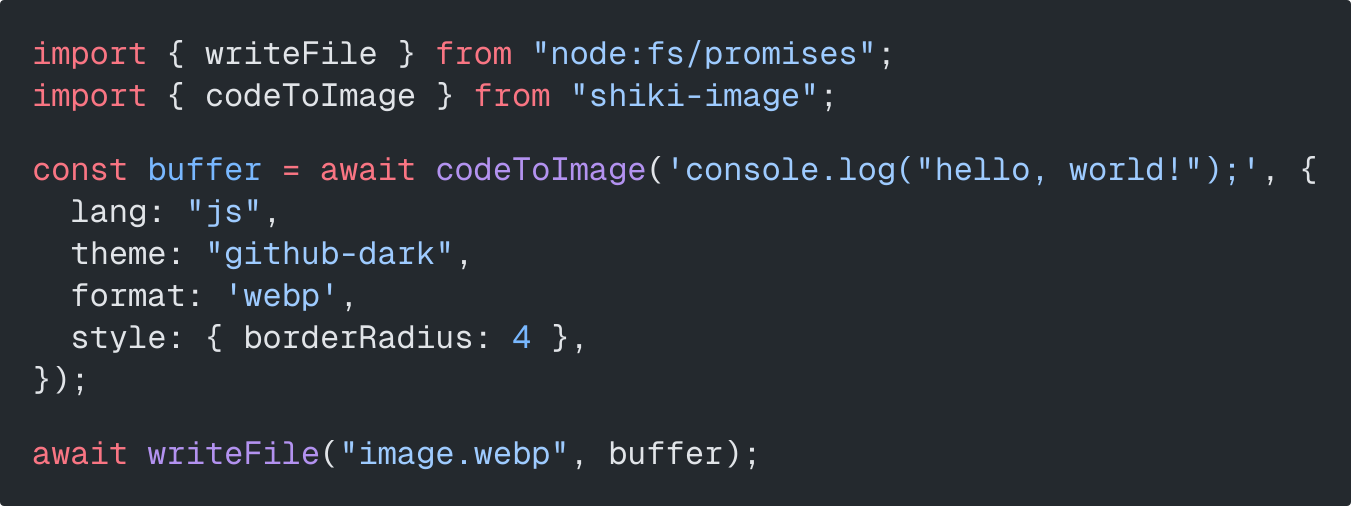
- shiki-image turns syntax-highlighted code into images
More projects in the showcase. Takumi is part of the Vercel OSS Program.
Core Architecture
Takumi converts JSX or HTML to a node tree and lays it out in takumi-core, whose block, inline, flexbox, grid, and table layout port Chromium's Blink. HarfRust shapes text, and Skrifa reads fonts.
The laid-out tree goes to one of four backends: raster (takumi-raster), SVG (takumi-svg), PDF (takumi-pdf), or the paint tree (takumi-paint). See the node reference for the input format.
Packages
| Package | Use |
|---|---|
takumi-js |
JSX, HTML, and node trees to images, SVG, and animations. |
takumi-pdf |
JSX, HTML, and node trees to PDF documents. |
takumi-paint |
JSX, HTML, and node trees to a paint tree of used values. |
@takumi-rs/core |
Native Node.js bindings for direct node-tree rendering. |
@takumi-rs/wasm |
WebAssembly bindings for edge runtimes and browsers. |
@takumi-rs/helpers |
Template conversion, fonts, images, and emoji. |
takumi |
Rust crate for node trees and HTML to images, animations, and SVG. |
Showcase
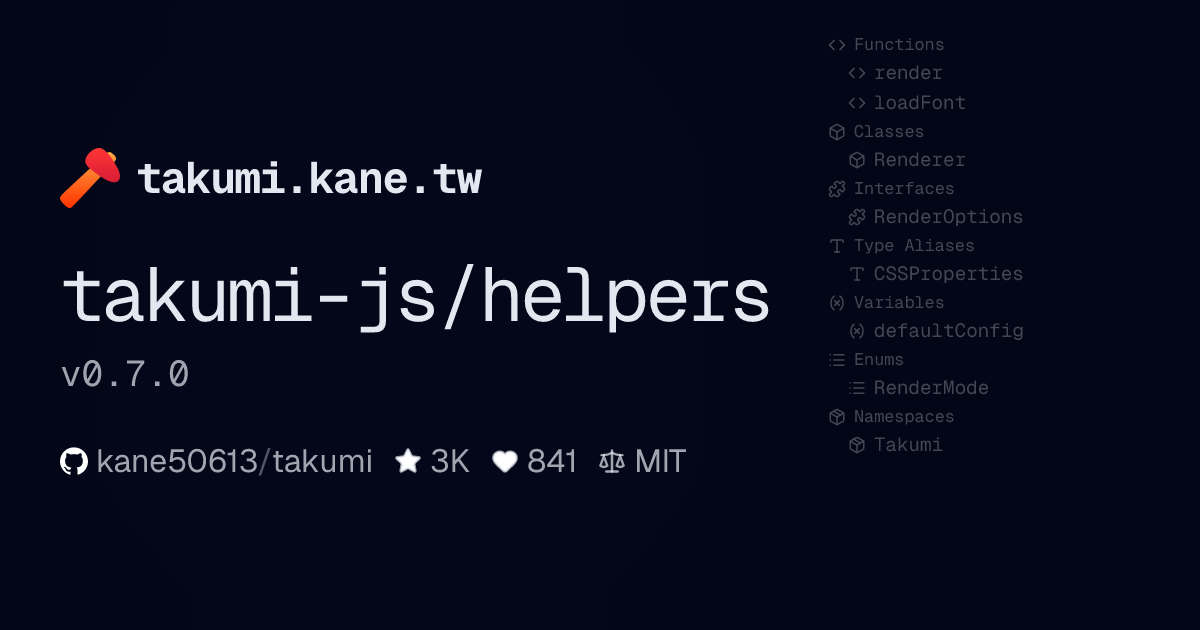
| Takumi OG image (source) | Package OG card (source) |
|---|---|
 |
 |
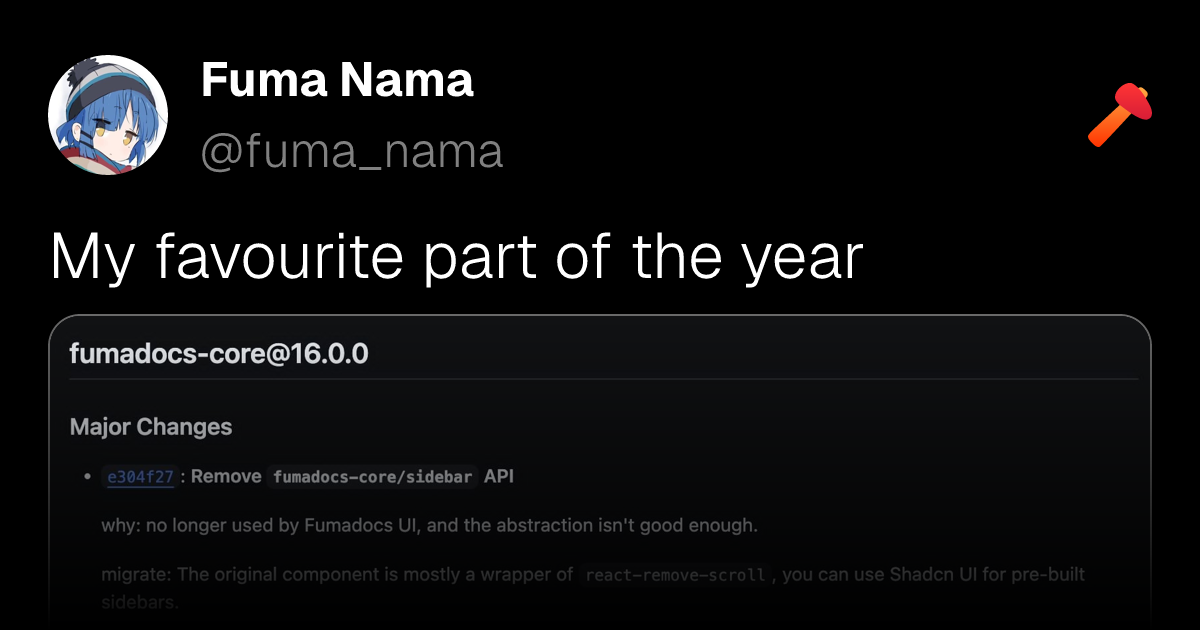
| Prisma-style API card (source) | X-style social post (source) |
 |
 |
| Keyframe Animation (source) | shiki-image |
 |
 |
See more examples for invoices, e-invoices, Next.js, Cloudflare Workers, TanStack Start, Svelte, Rust, and ffmpeg keyframe animation.
Contributing
Read CONTRIBUTING.md for local setup and the fixture workflow.
We welcome bug reports, feature requests, doc improvements, and new example integrations.
License
MIT or Apache-2.0
Bundled third-party code is listed in the third-party notices.

📈 近 7 天 Star 趋势
🏆 排名变化趋势
📋 历史上榜记录
| 日期 | 榜单 | 排名 | 周期新增 | 总 STAR |
|---|