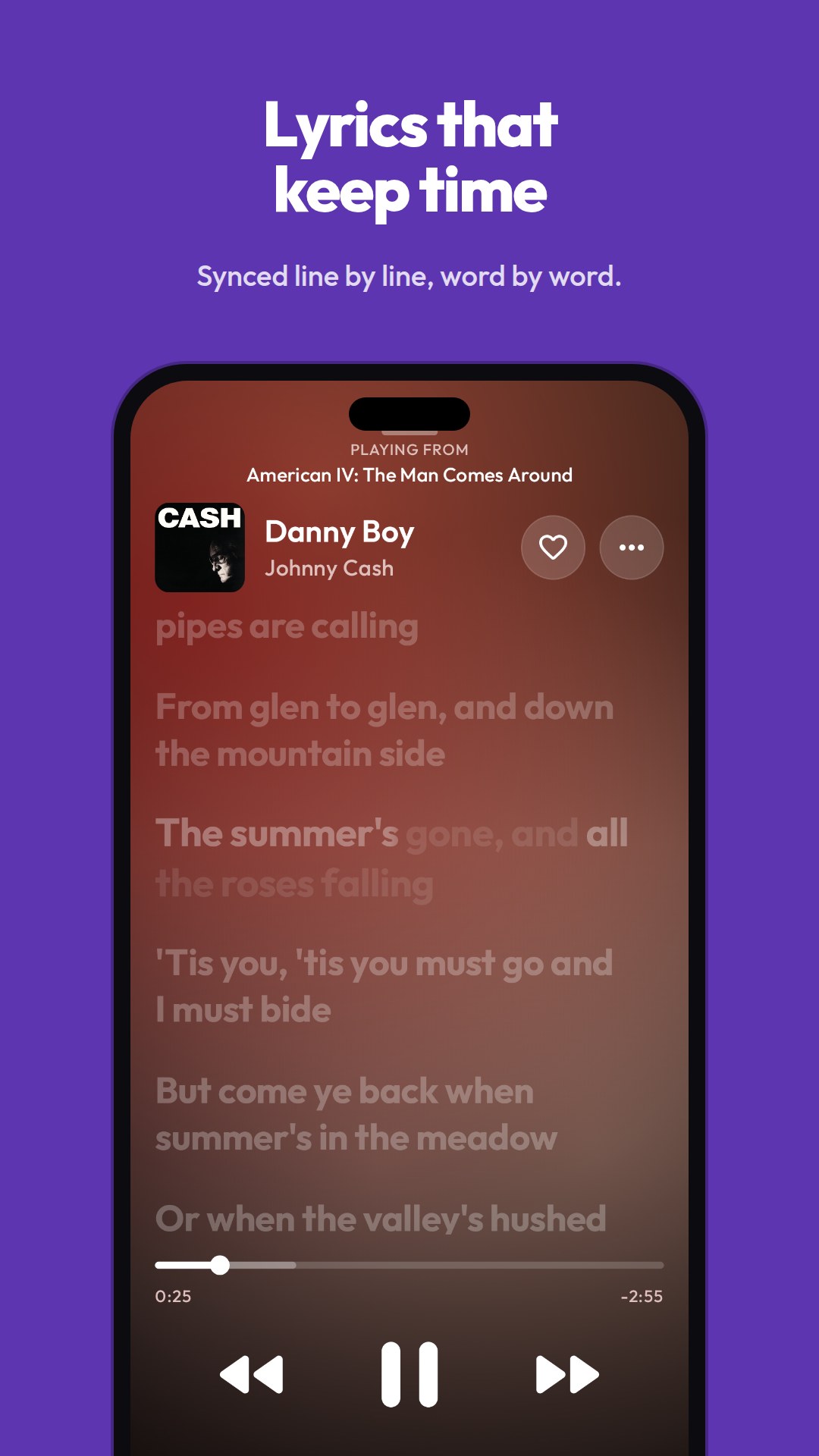
免费开源的 Android 播放器,面向 YouTube Music,直接调用其内部 Innertube API,所以不需要 API Key、不需要账号也能播放,也不必自建服务器;登录后才会同步账号里的点赞与播放列表。Kotlin 配合 Jetpack Compose、Media3 构建,支持 Android 8.0 及以上,提供同步歌词、后台播放和可换主题,安装包以 APK 形式提供下载。应用无广告,界面主题可自定义,后台播放可在切换应用时继续出声。页面把 APK 下载、功能说明、自行构建和 Discord 社区入口分开列出;Last.fm、Discord 与扩展更新的当前限制写在 service integrations 文档中,想自行构建需按 build-owner 说明处理。采用 GPL-3.0 许可,仓库现有 326 stars、28 forks,适合想在手机上听 YouTube Music、在意广告干扰并愿意自行编译或反馈问题的用户。
📄 仓库 README
在 GitHub 查看 ↗
Download the latest APK · Website · Discord · Features · Build it yourself





OpenTune
An Android music player for YouTube Music. It talks to YouTube's internal ("Innertube") API directly, so there's no API key, no account required and no server of your own. Sign in if you want your likes and playlists.
Built with Kotlin, Jetpack Compose and Media3. Android 8.0 and newer.
Questions, ideas or bug reports: join the Discord.
Build-owner setup and current Last.fm, Discord and extension-update limits are documented in service integrations.
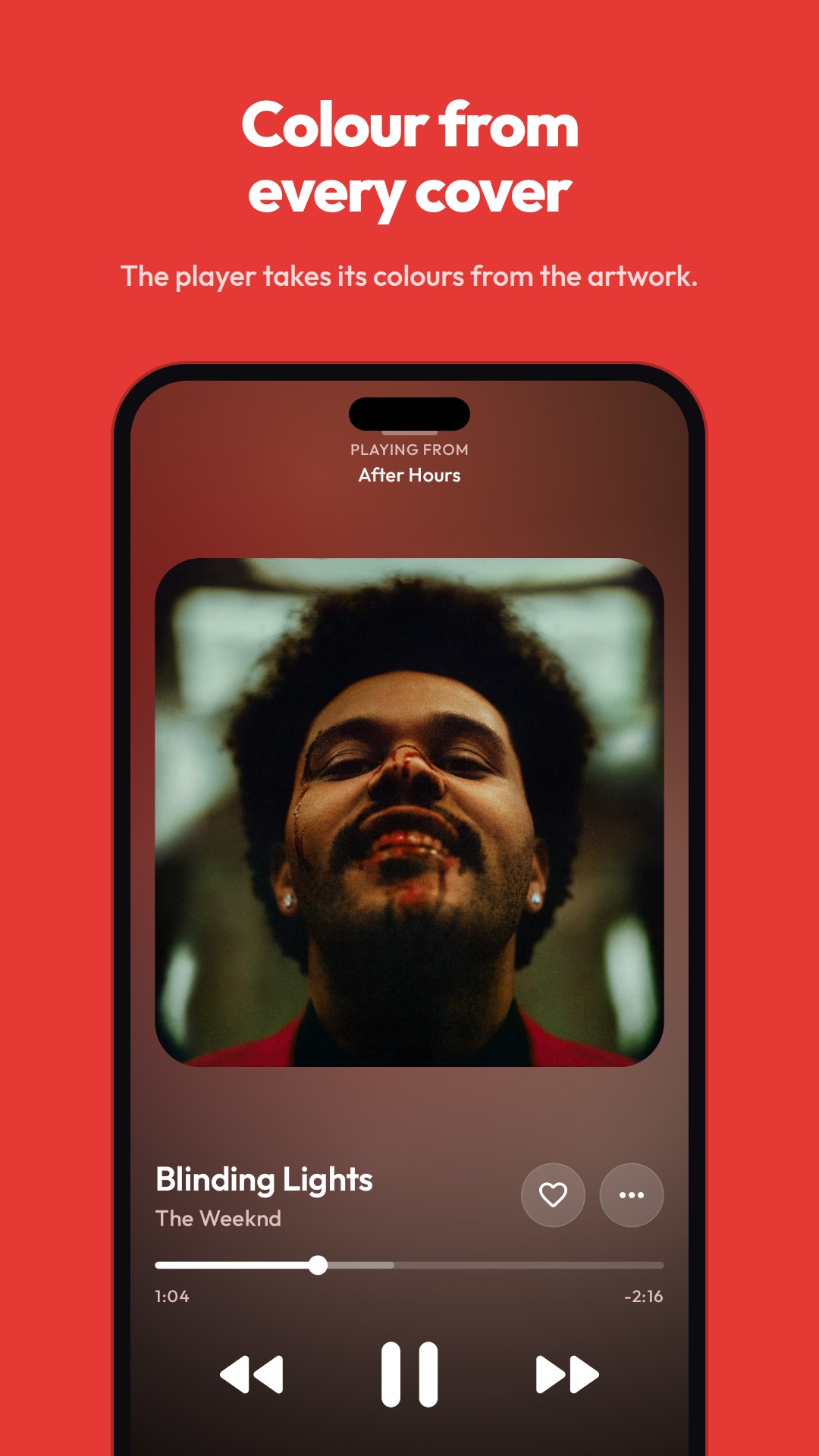
See it
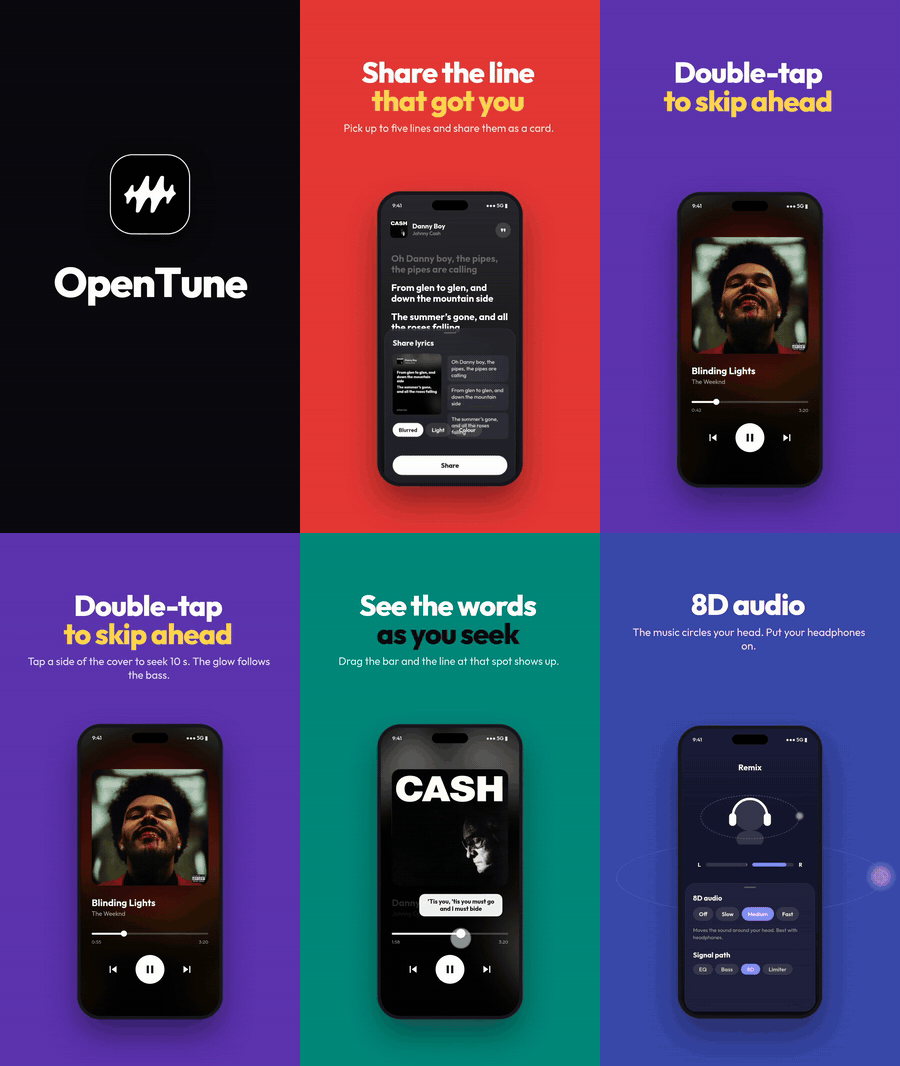
Watch the 40-second video (MP4, with sound)
 |
 |
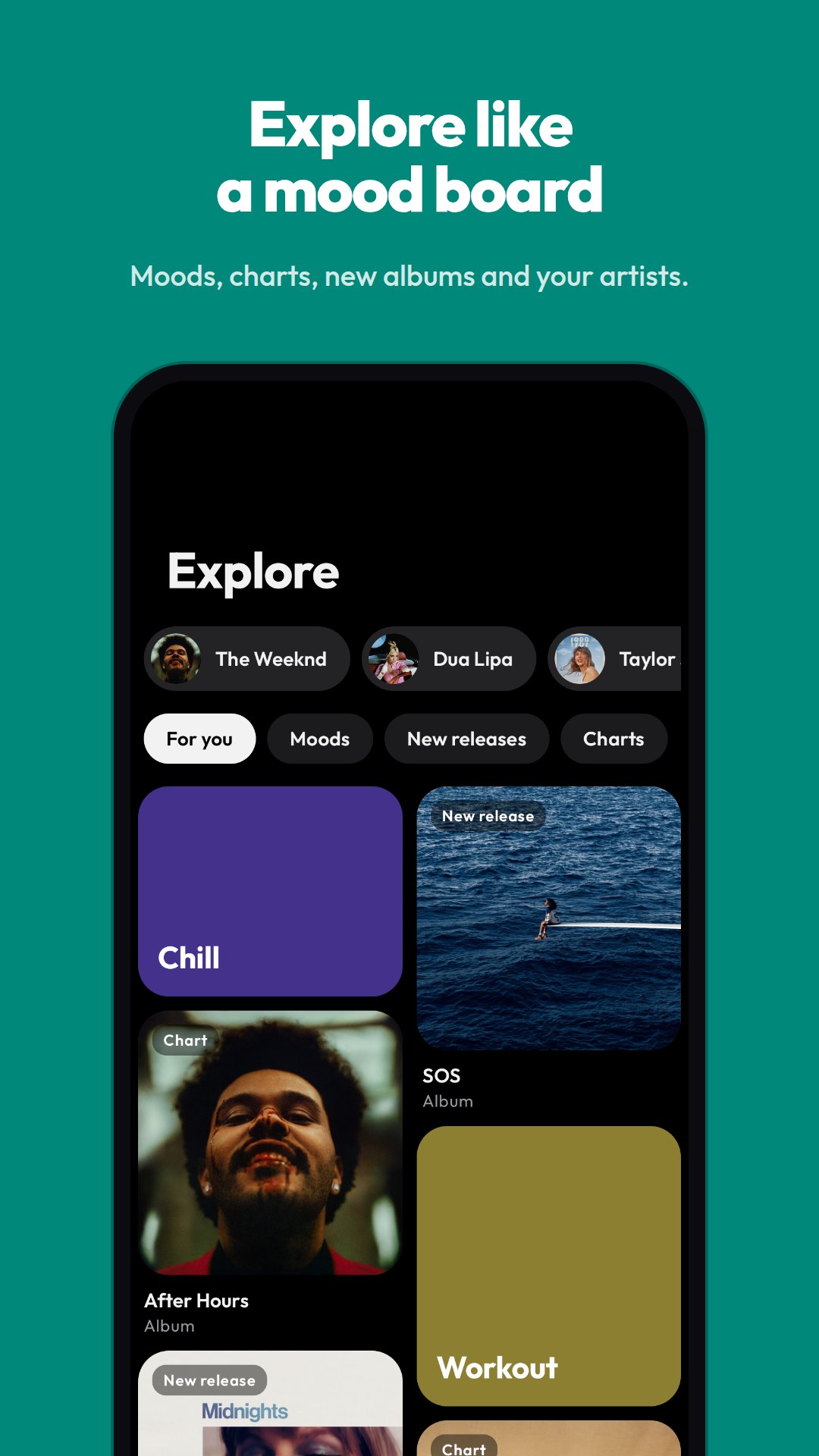 |
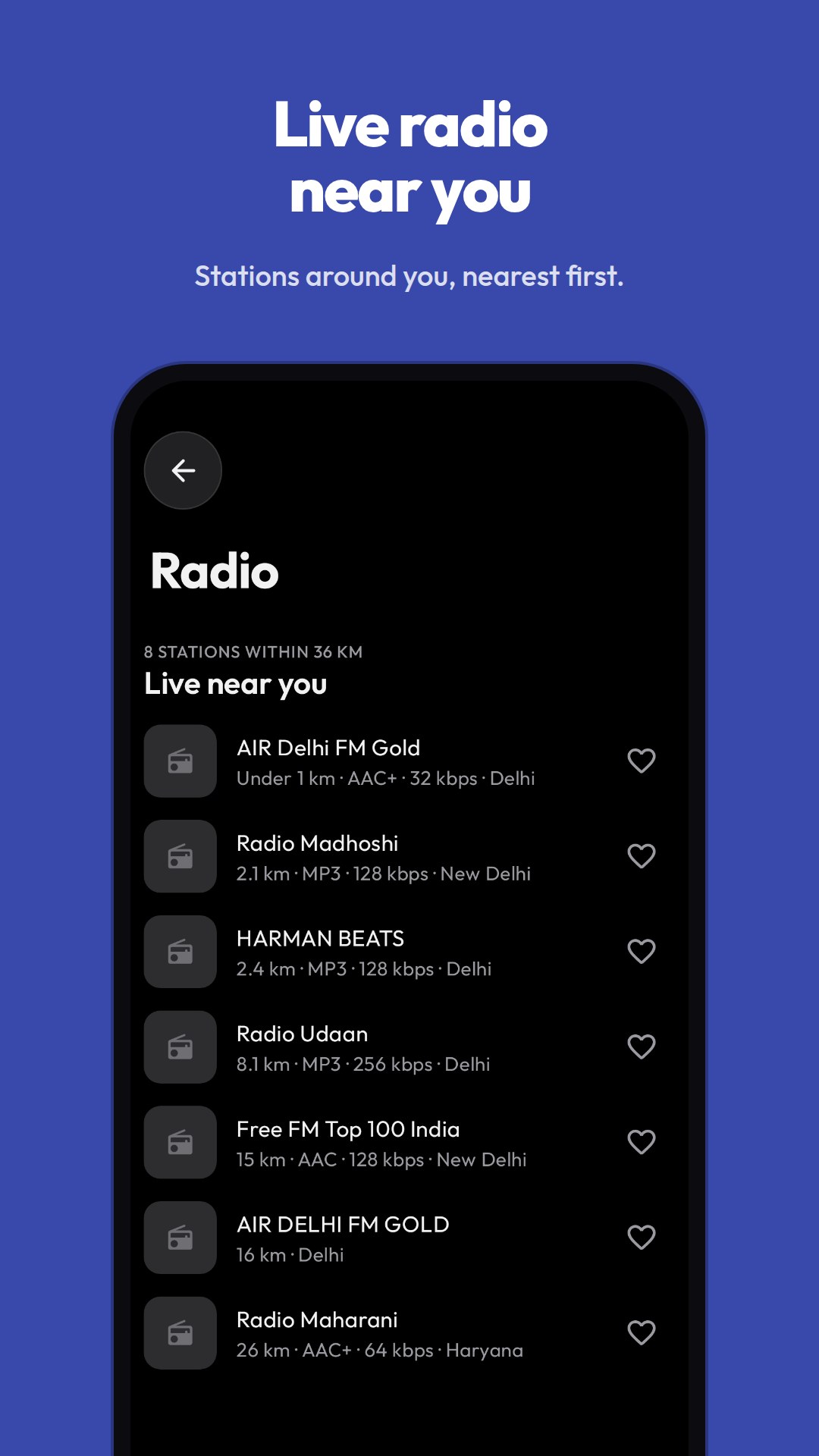 |
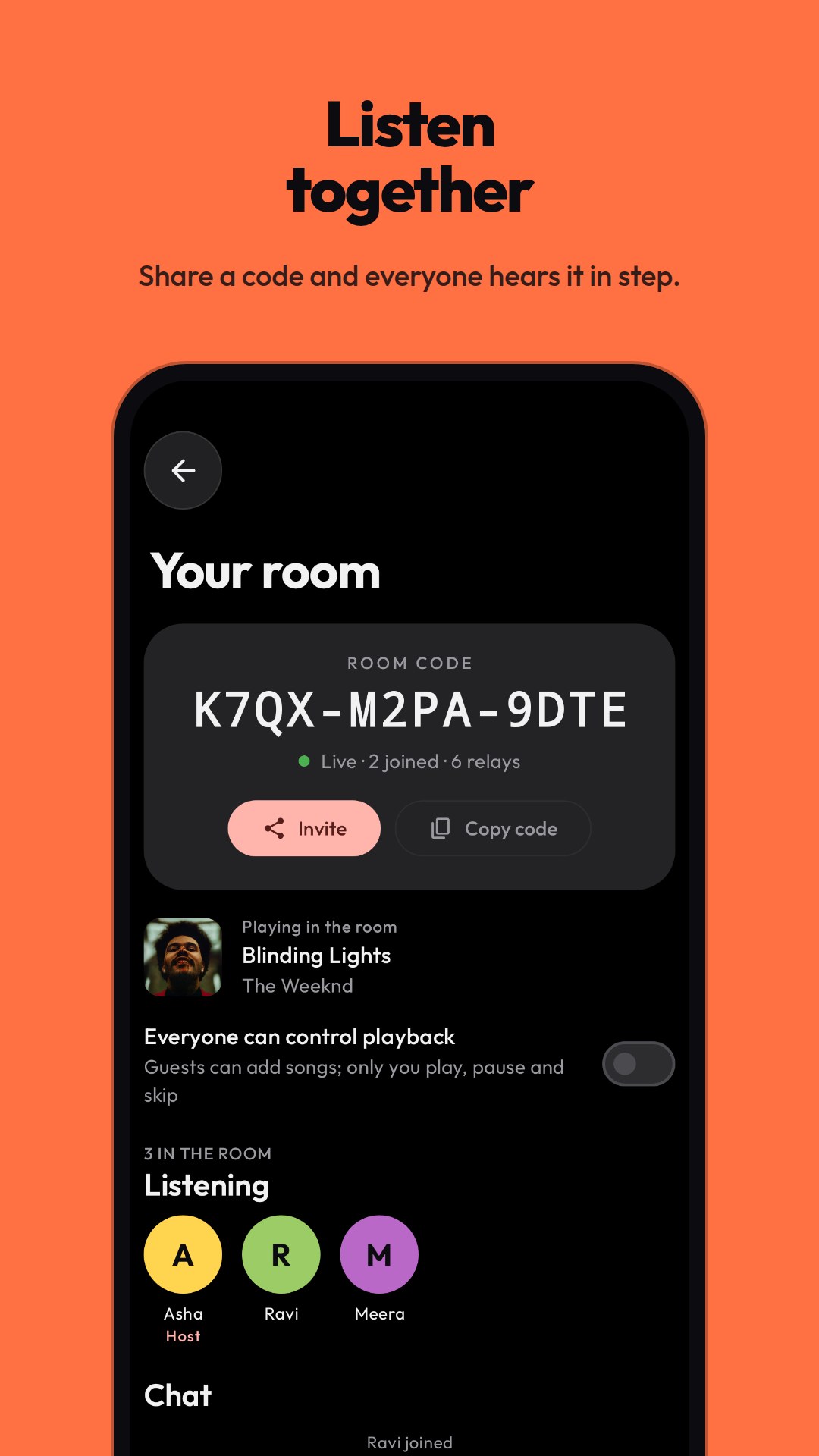 |
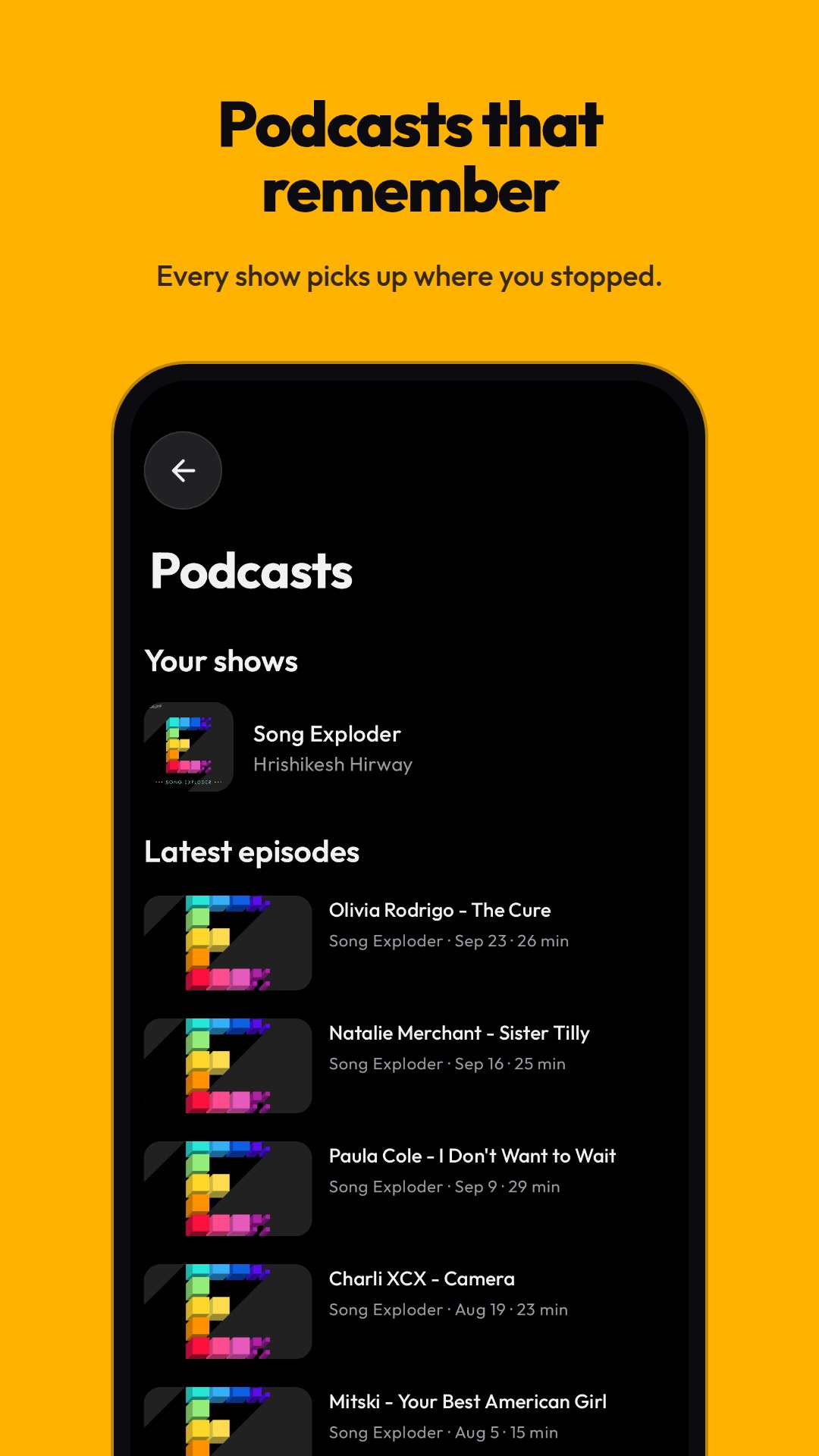 |
Install
- Open the latest release
and download the APK for your phone.
arm64-v8afits almost every phone from the last several years;universalruns on anything. - Open the file and allow your browser or file manager to install apps when Android asks.
- That's it. OpenTune checks this repository for new releases once a day and can update itself from Settings.
Each release lists SHA-256 checksums of its APKs in SHA256SUMS.txt.
iPhone and iPad
Requires iOS/iPadOS 16 or newer. An Android APK cannot be installed on an iPhone.
OpenTune's native iOS build is an .ipa. It is not currently on the App Store or TestFlight.
Recommended: SideStore, or classic AltStore (not AltStore PAL)
- On a Windows PC or Mac, follow the official SideStore setup guide or classic AltStore installation guide. Complete that setup first, including its required pairing, background refresh or companion software. Classic AltStore needs AltServer available for refresh; SideStore has its own pairing/VPN setup.
- On your iPhone/iPad, open the installed SideStore or classic AltStore app. Go to Sources → Add source (+) and paste this exact URL:
text
   https://justshivv.github.io/Opentune/ios/source.json
- Open the new OpenTune source, choose OpenTune, and tap Install. Let the installer sign the app with your Apple ID. Enter Apple credentials only into the installer you chose, never into an OpenTune issue, chat or website form.
- If iOS asks, enable Settings → Privacy & Security → Developer Mode, restart, and confirm. If it reports an untrusted developer, open Settings → General → VPN & Device Management, select your developer profile and choose Trust. These prompts depend on the installer and iOS version.
- Open OpenTune from the Home Screen. Keep the same installer/source for updates. With a free Apple ID the app normally needs re-signing every 7 days: enable the installer's refresh setup and check its expiry date. Background refresh is not guaranteed, so refresh manually in the installer before expiry if needed.
Alternative: install the IPA with a computer
- Download OpenTune-iOS.ipa and install Sideloadly on your PC or Mac.
- Connect and unlock your iPhone/iPad, tap Trust this computer, choose that device in Sideloadly, select the IPA, then follow its signing/install instructions.
- Complete the Developer Mode/Trust prompts above if shown. Use the same Apple ID and installation method when updating; follow Sideloadly's refresh instructions.
Common problems
- “Lacks marketplaceID”: you are using AltStore PAL. Use SideStore or classic AltStore installed through AltServer; PAL is a different distribution system.
- The file downloads but nothing installs: Safari cannot install an IPA directly. Import it into your configured installer, or use the source URL above.
- The app stops opening after a week: refresh/re-sign it through the same installer. Avoid deleting it first, because deleting the app also deletes its local data.
- Signing/device limit error: free Apple accounts have signing and active-app limits. Follow your installer's guidance to deactivate another app or wait for a signing slot.
Without sideloading, you can also open the web player from Safari and choose Share → Add to Home Screen. This installs the web app, not the native IPA. Safari on iOS cannot run our Chrome/Firefox session extension, so extension-dependent playback and account features are unavailable there.
The native iOS build currently includes Home, search with recent searches, artist/album/playlist browsing, a player with synced lyrics and queue editing, shuffle, repeat (off, all, one), playback speed with or without a change of pitch, a sleep timer that fades out, background audio, lock-screen controls, AirPlay, likes, history, your own playlists, albums and playlists saved with the heart, and downloads for listening offline (one song, or Download all on an album or playlist). It still has less than Android: no equalizer, no sign-in, no add-on sources and lyrics from LRCLIB only.
Android TV
OpenTune for TV is a separate app, made for the remote and a screen across
the room. Install OpenTune-TV-<version>.apk from the
releases page; it shows
up in the TV's row of apps. The phone APK doesn't run as a TV app.
Typing a password with a remote is no fun, so you sign the TV in from your phone instead:
- On the TV, open Settings → Account and choose Sign in.
- Scan the QR code with a phone that has OpenTune (Settings → Link a device → TV), on the same Wi-Fi, and approve sharing your YouTube Music session. The code expires after two minutes.
Your phone can also be the remote: a trackpad that moves a cursor on the TV, with taps, drags, two-finger scrolling and Back and Home gestures, or a pad of buttons. Pair it once from the TV's Settings and the phone's Link a device page.
More in docs/android-tv.md.
The phone and the TV each keep their own local library.
Web player (preview)
There's a player you open in a browser on a computer, written in React. You can browse, search and listen there. It plays YouTube Music through a companion browser extension, so you install that as well; it works in Chrome and Firefox. The extension isn't in the browser stores yet, so you load a preview package in developer mode. Your library stays in that browser.
Open it at justshivv.github.io/Opentune/player.
It's a preview, so not everything from the Android app is there. Audio add-o
📈 近 7 天 Star 趋势
🏆 排名变化趋势
📋 历史上榜记录
| 日期 | 榜单 | 排名 | 周期新增 | 总 STAR |
|---|