📄 仓库 README
在 GitHub 查看 ↗OfficeCLI
OfficeCLI is the world's first and the best Office suite designed for AI agents.
Give any AI agent full control over Word, Excel, and PowerPoint — in one line of code.
Open-source. Single binary. No Office installation. No dependencies. Works everywhere.
OfficeCLI's built-in HTML rendering engine reproduces documents with high fidelity — and that's what gives AI eyes. It renders .docx / .xlsx / .pptx to HTML or PNG, closing the render → look → fix loop.


🌐 Website: officecli.ai | 💬 Community: Discord

PPT creation process using OfficeCLI on AionUi
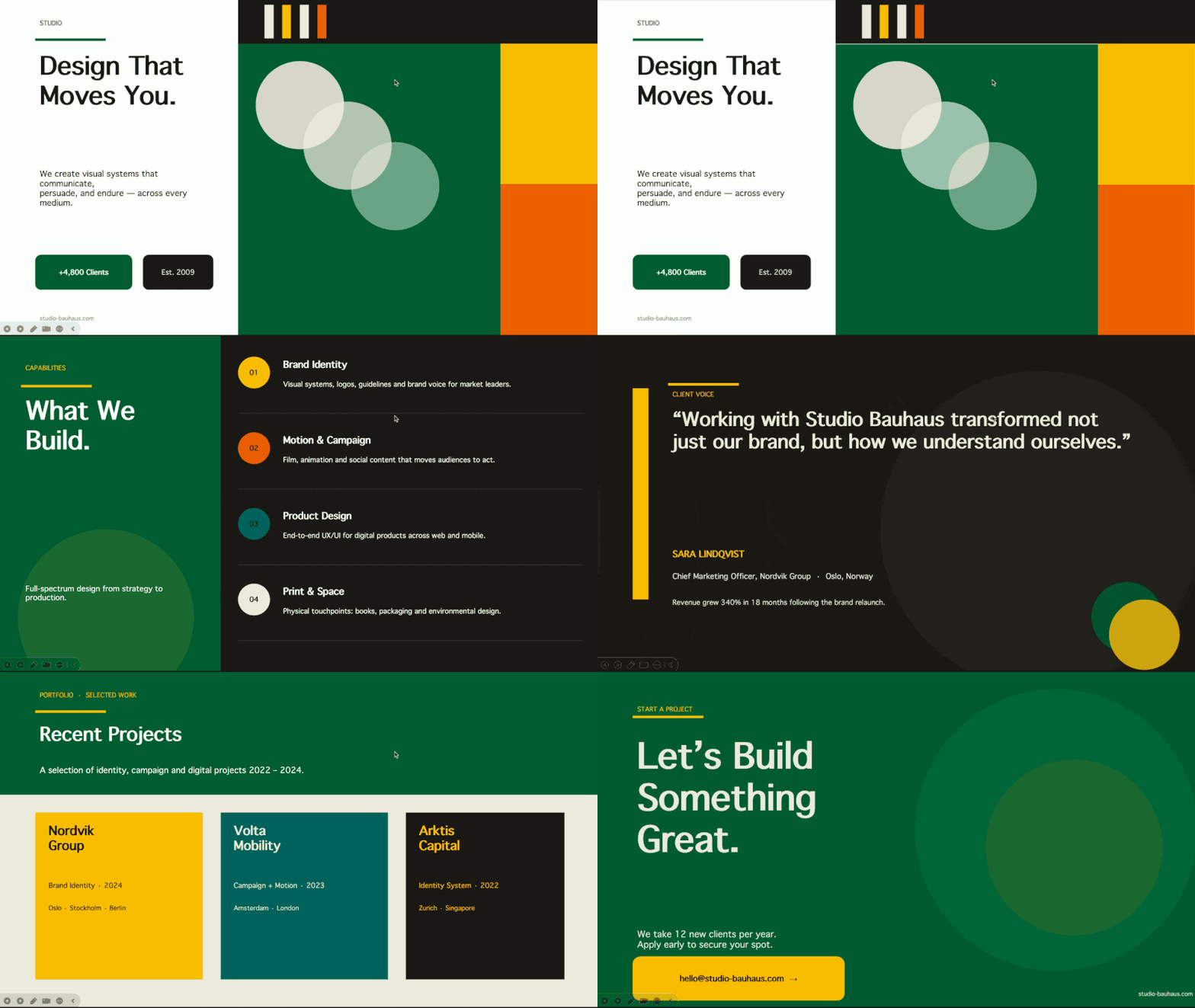
PowerPoint Presentations
 |
 |
 |
 |
 |
 |
—
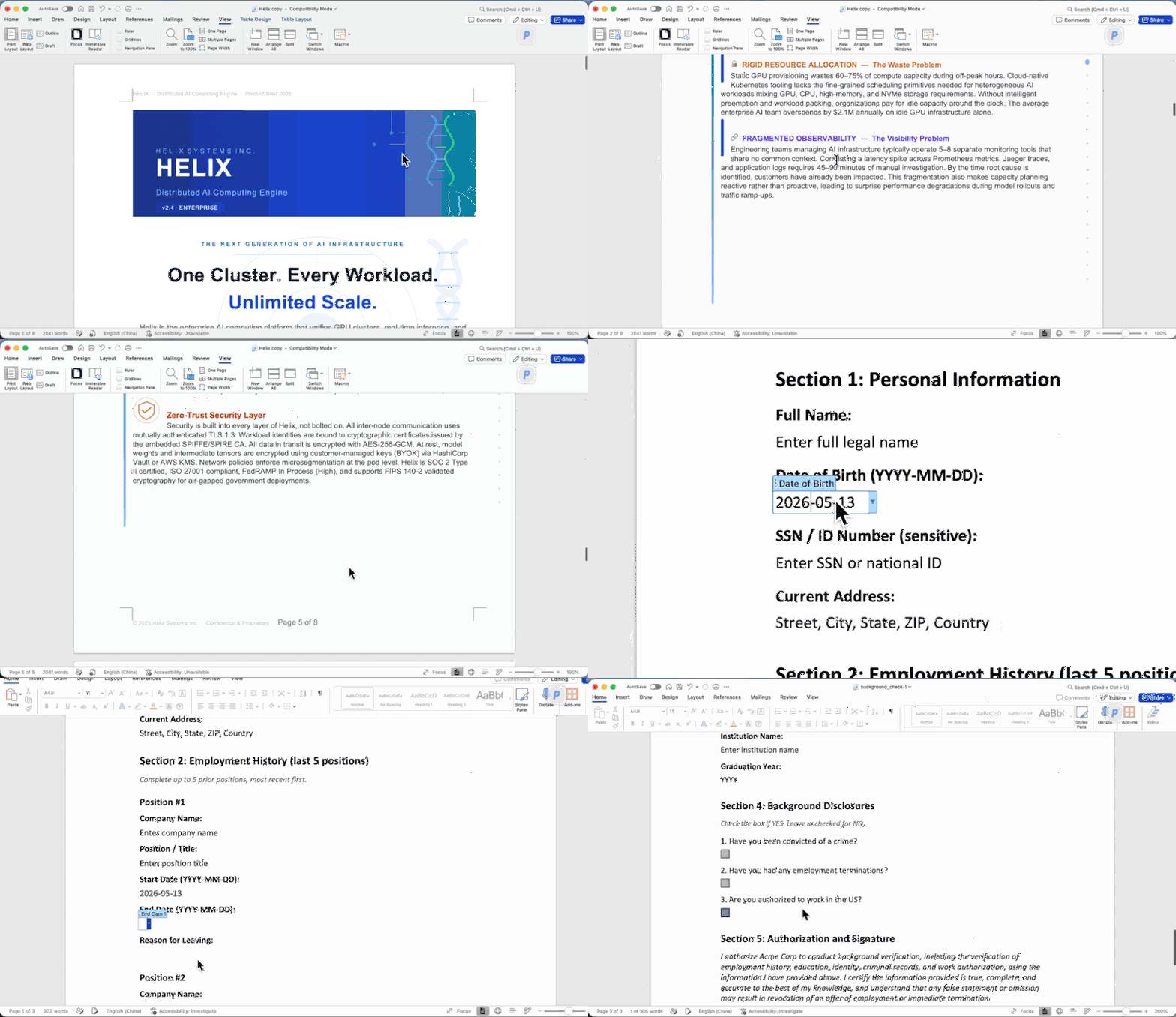
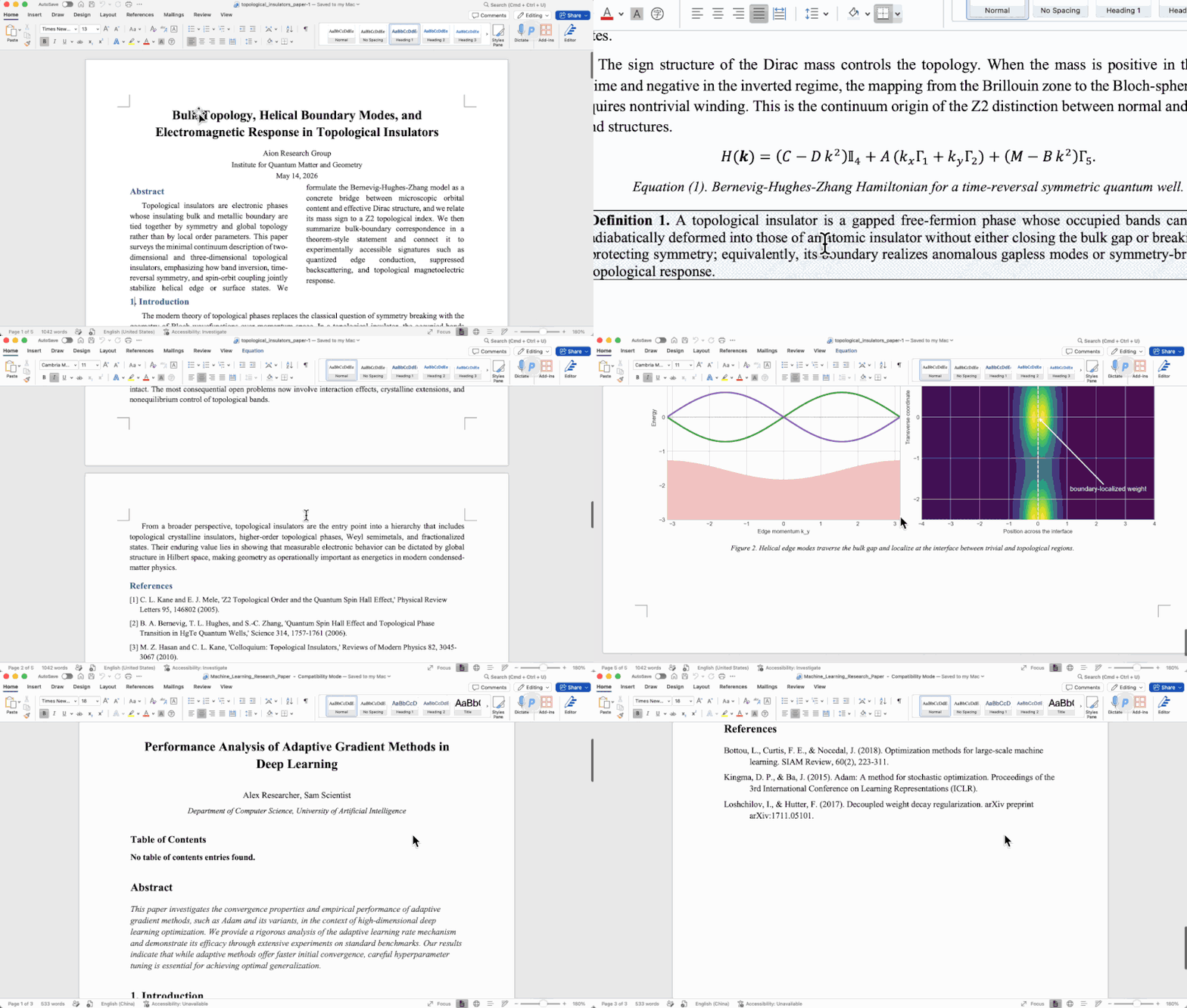
Word Documents
 |
 |
 |
—
Excel Spreadsheets
 |
 |
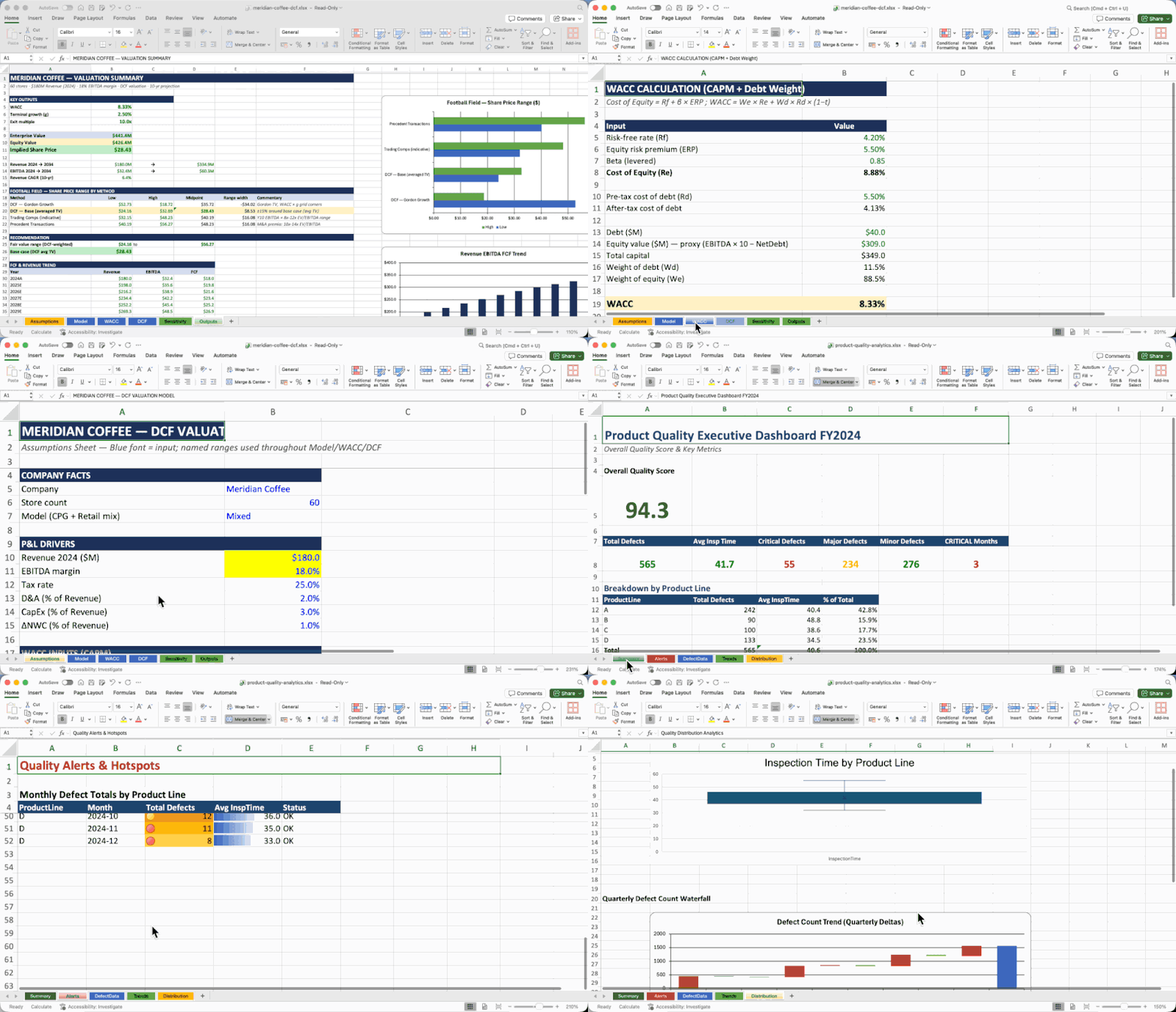 |
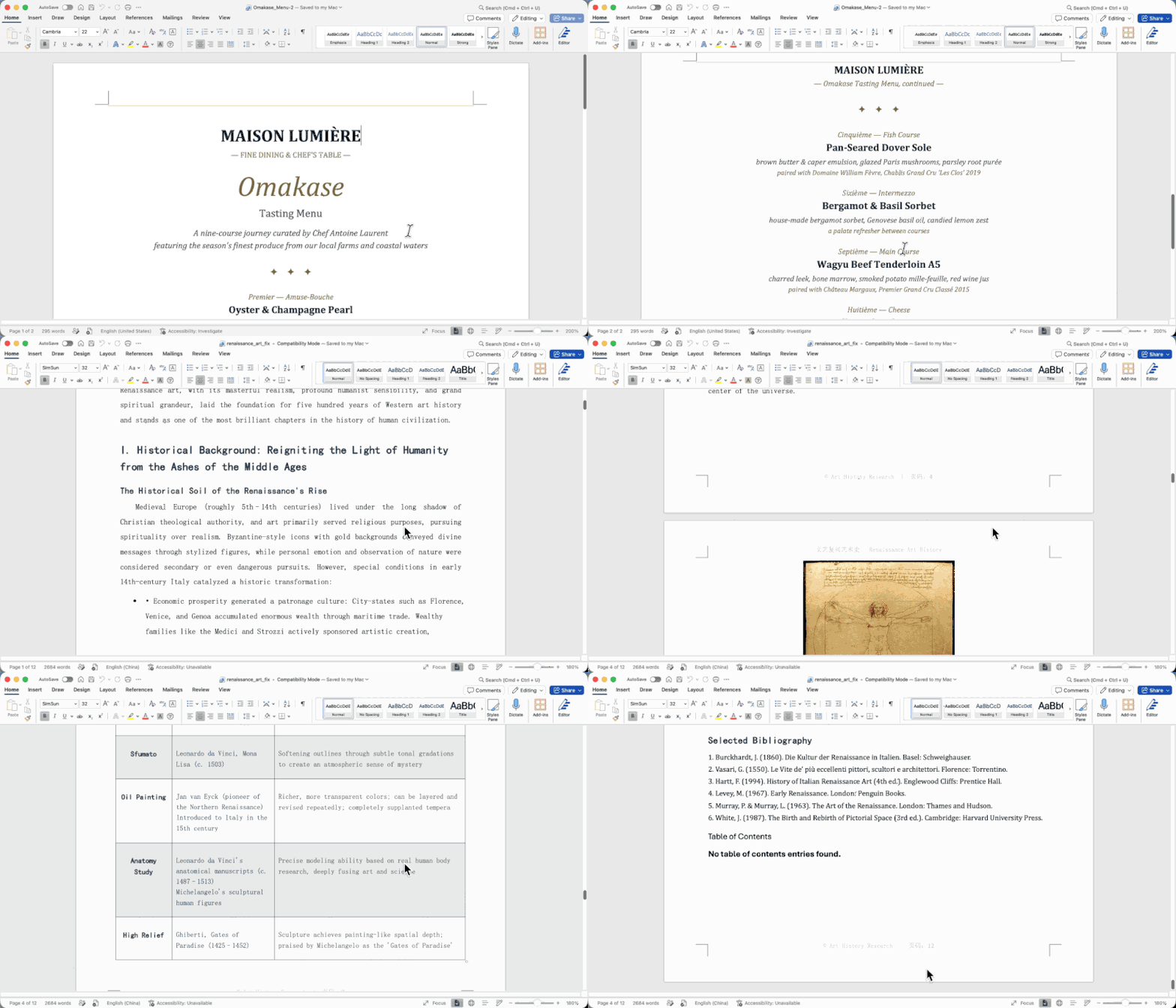
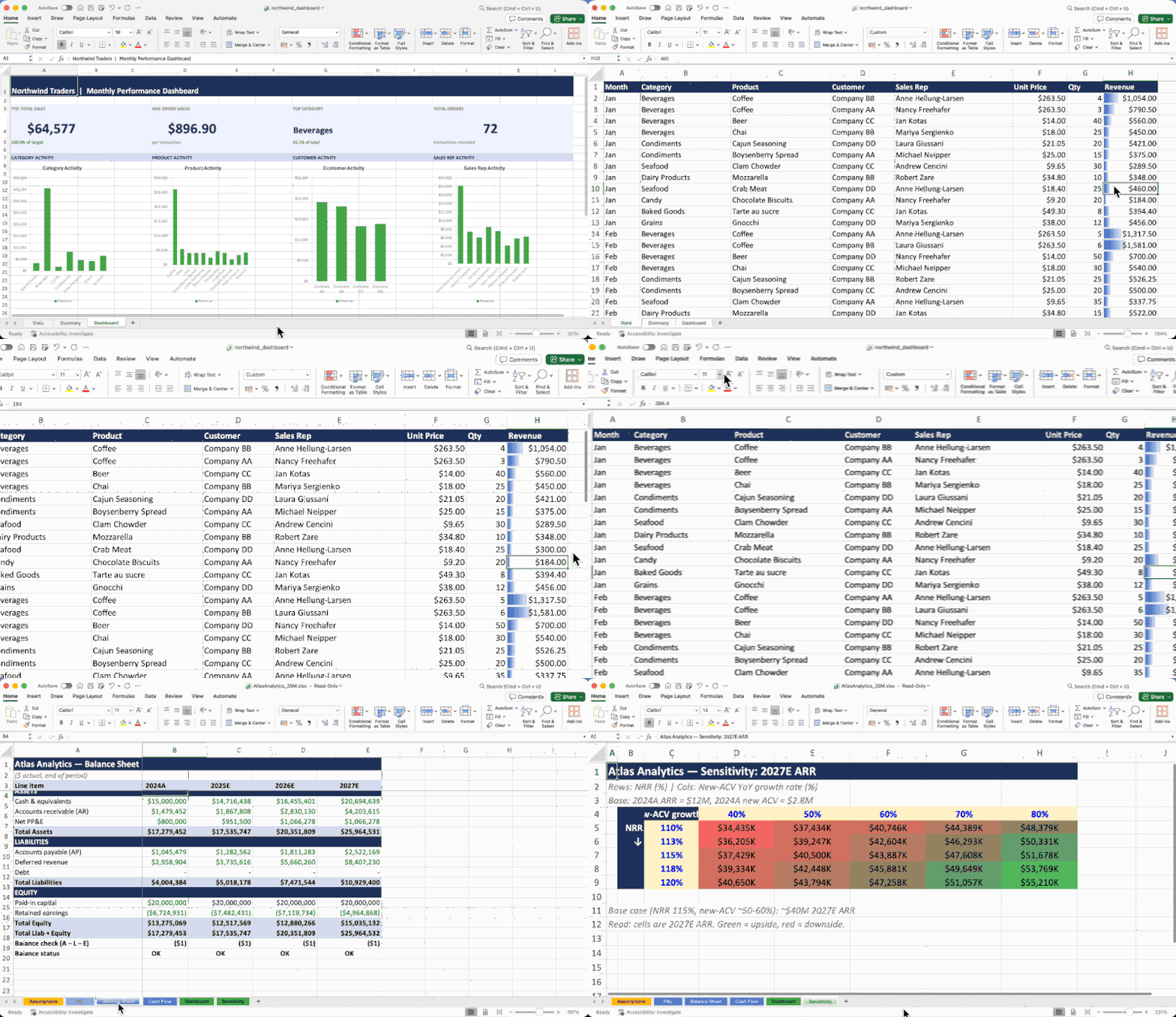
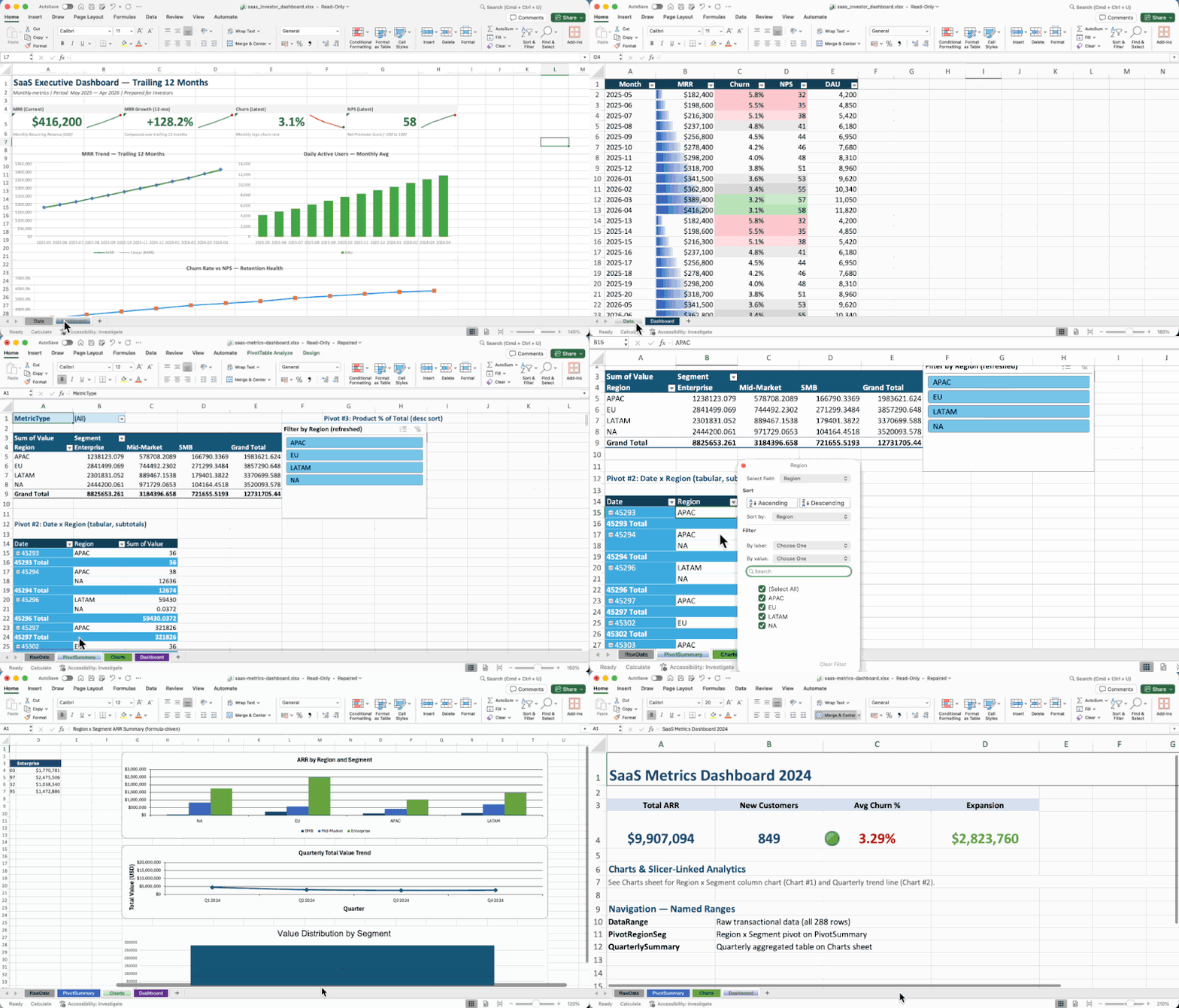
All documents above were created entirely by AI agents using OfficeCLI — no templates, no manual editing.
For AI Agents — Get Started in One Line
Paste this into your AI agent's chat — it will read the skill file and install everything automatically:
curl -fsSL https://officecli.ai/SKILL.md
That's it. The skill file teaches the agent how to install the binary and use all commands.
For Humans
Option A — GUI: Install AionUi — a desktop app that lets you create and edit Office documents through natural language, powered by OfficeCLI under the hood. Just describe what you want, and AionUi handles the rest.
Option B — CLI: Download the binary for your platform from GitHub Releases, then run:
officecli install
This copies the binary to your PATH and installs the officecli skill into every AI coding agent it detects — Claude Code, Cursor, Windsurf, GitHub Copilot, and more. Your agent can immediately create, read, and edit Office documents on your behalf, no extra configuration needed.
For Developers — See It Live in 30 Seconds
# 1. Install (macOS / Linux) — or: brew install officecli / npm install -g @officecli/officecli
curl -fsSL https://raw.githubusercontent.com/iOfficeAI/OfficeCLI/main/install.sh | bash
# Windows (PowerShell): irm https://raw.githubusercontent.com/iOfficeAI/OfficeCLI/main/install.ps1 | iex

# 2. Create a blank PowerPoint
officecli create deck.pptx

# 3. Start live preview — opens http://localhost:26315 in your browser
officecli watch deck.pptx

# 4. Open another terminal, add a slide — watch the browser update instantly
officecli add deck.pptx / --type slide --prop title="Hello, World!"
That's it. Every add, set, or remove command you run will refresh the preview in real time. Keep experimenting — the browser is your live feedback loop.
Quick Start
# Create a presentation and add content
officecli create deck.pptx
officecli add deck.pptx / --type slide --prop title="Q4 Report" --prop background=1A1A2E
officecli add deck.pptx '/slide[1]' --type shape \
  --prop text="Revenue grew 25%" --prop x=2cm --prop y=5cm \
  --prop font=Arial --prop size=24 --prop color=FFFFFF

# View as outline
officecli view deck.pptx outline
# → Slide 1: Q4 Report
# →   Shape 1 [TextBox]: Revenue grew 25%

# View as HTML — opens a rendered preview in your browser, no server needed
officecli view deck.pptx html

# Get structured JSON for any element
officecli get deck.pptx '/slide[1]/shape[1]' --json

# Save and close — flushes the resident session to disk
officecli close deck.pptx
{
  "tag": "shape",
  "path": "/slide[1]/shape[1]",
  "attributes": {
    "name": "TextBox 1",
    "text": "Revenue grew 25%",
    "x": "720000",
    "y": "1800000"
  }
}
Why OfficeCLI?
What used to take 50 lines of Python and 3 separate libraries:
from pptx import Presentation
from pptx.util import Inches, Pt
prs = Presentation()
slide = prs.slides.add_slide(prs.slide_layouts[0])
title = slide.shapes.title
title.text = "Q4 Report"
# ... 45 more lines ...
prs.save('deck.pptx')
Now takes one command:
officecli add deck.pptx / --type slide --prop title="Q4 Report"
What OfficeCLI can do:
- Create documents from scratch -- blank or with content
- Read text, structure, styles, formulas -- in plain text or structured JSON
- Analyze formatting issues, style inconsistencies, and structural problems
- Modify any element -- text, fonts, colors, layout, formulas, charts, images
- Reorganize content -- add, remove, move, copy elements across documents
| Format | Read | Modify | Create |
|---|---|---|---|
| Word (.docx) | ✅ | ✅ | ✅ |
| Excel (.xlsx) | ✅ | ✅ | ✅ |
| PowerPoint (.pptx) | ✅ | ✅ | ✅ |
Word — full i18n & RTL support (per-script font slots, per-script BCP-47 lang tags lang.latin/ea/cs, complex-script bold/italic/size, direction=rtl cascading through paragraph/run/section/table/style/header/footer/docDefaults, rtlGutter + pgBorders shorthand, locale-aware page numbering for Hindi/Arabic/Thai/CJK; create --locale ar-SA auto-enables RTL), paragraphs (framePr, tabs shorthand, char-based indents), runs (underline.color, position half-pts), tables (virtual column ops add/remove/move/copyfrom, hMerge), styles, textbox / shape (textbox: rotation, textDirection eaVert/vert270, gradient, shadow, opacity), headers/footers, images (PNG/JPG/GIF/SVG), equations (LaTeX input), diagrams (mermaid → native editable shapes, or any mermaid type as a full-fidelity PNG), comments, footnotes, watermarks, bookmarks, TOC, charts, hyperlinks, sections, form fields, content controls (SDT), fields (22 zero-param types + MERGEFIELD / REF / PAGEREF / SEQ / STYLEREF / DOCPROPERTY / IF), OLE objects, revisions / tracked changes (revision.type=ins\|del\|format\|moveFrom\|moveTo + revision.action=accept\|reject, per-target /revision[@author=Alice] selector, tracked Find&Replace), page background color, document properties
Excel — cells (phonetic guide / furigana on add, Excel-UI --shift left\|up on remove / shift=right\|down on add), formulas (350+ built-in functions with auto-evaluation, spilling dynamic arrays with _xlfn. auto-prefix, financial / bond and statistical families, OFFSET/INDIRECT, defined-name formula bodies inlined at parse, formula-ref rewrite on row/col insert), sheets (visible/hidden/veryHidden, p
📈 近 7 天 Star 趋势
🏆 排名变化趋势
📋 历史上榜记录
| 日期 | 榜单 | 排名 | 周期新增 | 总 STAR |
|---|