📄 仓库 README
在 GitHub 查看 ↗ # Speech To Speech: Build voice agents with open-source models

A low-latency voice agent built from open models that runs entirely on your computer. One command starts a conversation: no API key, no cloud service.
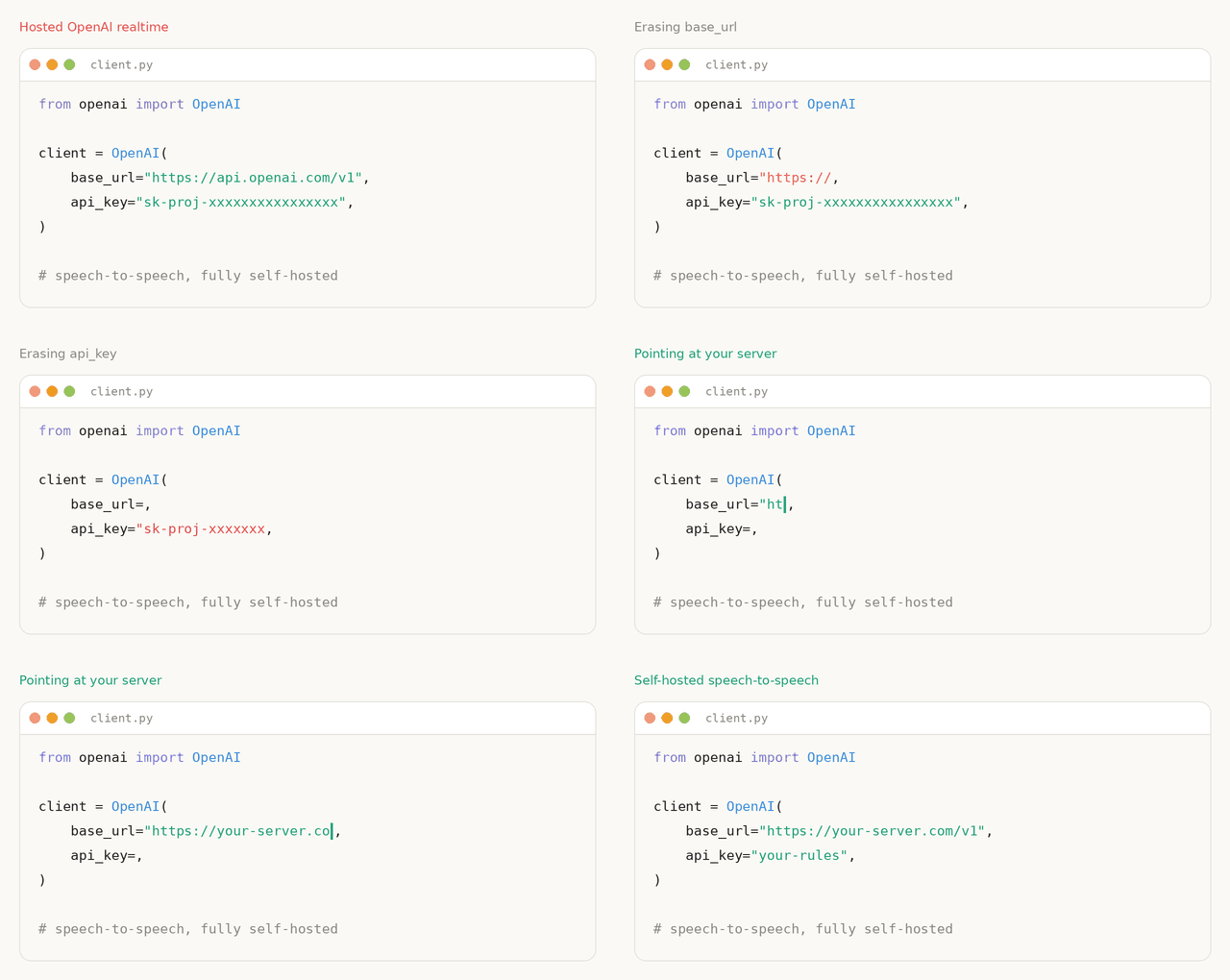
The default pipeline is Silero VAD → Parakeet TDT → Qwen3.5-4B → Qwen3-TTS, and every stage is swappable. The server speaks the OpenAI Realtime protocol over WebSocket and WebRTC, so apps built for OpenAI's Realtime API can point at your own machine instead.
This pipeline runs in production as the conversation backend for thousands of Reachy Mini robots.
Quickstart
Use CPython 3.11–3.14 (3.11 recommended):
python3 -m venv .venv
source .venv/bin/activate
pip install speech-to-speech
speech-to-speech local
Then talk: speak, pause, and the assistant answers through your speakers. Stop with Ctrl+C. The first run downloads the models, so give it a few minutes. Use headphones so the assistant does not hear itself, or add --local_audio_block_mic_during_playback.
By default, local and talk show final user transcripts and streaming assistant
replies once, hiding backend transcript copies, routine logs, tool details, and protocol
events. User messages are yellow and assistant replies are green in a color-capable
terminal. Startup shows Loading models…, followed by Ready — start speaking. once
the audio devices are running and the session is configured. Routine model-loading
output is hidden; startup failures show their diagnostics. Runtime warnings and errors
remain visible.
For diagnostic output, add --verbose:
speech-to-speech local --verbose
Use --verbose --log_level debug for more detailed local logs. Raw event output
(local --local_audio_print_json or talk --print-json) also enables diagnostic output.
On Ubuntu, first install the audio libraries with sudo apt-get install libportaudio2 libsndfile1. The default Linux Qwen3-TTS wheel targets CUDA 12.8 and Ubuntu 24.04; see the CUDA note for other systems. On Windows, activate the environment with .venv\Scripts\Activate.ps1.
The default installation has the following CI coverage:
| Platform | Supported CPython versions | Checks |
|---|---|---|
| Linux | 3.11, 3.12, 3.13, 3.14 | Full test suite and installed package smoke test |
| Apple Silicon macOS | 3.11, 3.12, 3.13, 3.14 | Installed package smoke test |
Optional model backends can have narrower Python requirements. Windows is not covered by this compatibility matrix. Python 3.10 is no longer supported following its end of life on October 1, 2026.
Kokoro is optional on every platform. On macOS, its Misaki dependency requires
Python <3.13, so use Python 3.11 or 3.12 with speech-to-speech[kokoro].
The default Qwen3-TTS backend does not require Misaki. Python 3.15 is not yet
supported on any platform: ONNX Runtime lacks CPython 3.15 wheels, and the pinned macOS PyTorch
release also lacks them. Newer Python versions will be added after the default
dependencies and CI checks pass; the package's requires-python lower bound does
not promise compatibility with future Python releases.
The command picks local models for your platform:
| Platform | LLM | Plan for |
|---|---|---|
| Apple Silicon Mac | Qwen3.5-4B 4-bit via MLX LM | 16 GB of unified memory |
| Linux / Windows with NVIDIA | Qwen3.5-4B via Transformers | 24 GB of VRAM |
| Other machines | Qwen3.5-4B via Transformers on CPU | Slow replies |
Speech recognition and synthesis run locally too. After the first run, everything works offline. To use another model, a llama.cpp server, or a hosted provider, see LLM backends.
Connect your own app
local runs a server and a microphone client in one process. To run only the server:
speech-to-speech serve
It listens at ws://127.0.0.1:8765/v1/realtime. Connect with:
- the packaged audio client:
speech-to-speech talk --url ws://127.0.0.1:8765/v1/realtime - the browser demo
- any client using the core OpenAI Realtime events; the OpenAI Agents SDK is tested over both transports (see Realtime API)
- LiveKit Agents, as the agent's realtime model
Index
- How it works
- Quickstart
- Installation
- YAML configuration API
- Offline operation
- Supported components
- Commands
- Realtime API
- LLM backends
- Multi-language support
- OmniVoice
- Pocket TTS
- Phonon TTS
- CLI reference
- Contributing
- Star history
- Citations
How it works
The pipeline is a cascade of four components, each running in its own thread and connected by queues:
- Voice Activity Detection (VAD): Silero VAD v5 detects speech boundaries and turn-taking.
- Speech to Text (STT): transcribes the user's turn, with optional live partial transcripts.
- Language Model (LLM): generates the response, streaming text and tool calls.
- Text to Speech (TTS): synthesizes audio and streams it back to the client.
Every stage has multiple interchangeable backends, selected via CLI flags. The code is designed for easy modification, with a focus on models available through Transformers and the Hugging Face Hub.
Optional speech-to-viseme extraction adds timed mouth shapes for avatar and robot
clients after TTS. Enable it with --enable_visemes; see the
viseme guide for client events and timing.
Installation
pip install speech-to-speech (see the Quickstart) includes everything the default pipeline needs:
- Silero VAD and Parakeet TDT for listening
- Qwen3.5-4B for replies: MLX LM on macOS, Transformers elsewhere
- Qwen3-TTS for speech:
mlx-audioon Apple Silicon, GGML elsewhere - the local audio client and the Realtime server
Platform-specific dependencies are resolved automatically.
See the configuration guide for reusable blocks, named pipelines, environment references, and explicit Python startup. The Mac example runs fully locally on Apple Silicon. From a repository checkout, run its audio client and server together, or start only the server:
speech-to-speech local -f example_configs/mac.yaml
speech-to-speech serve -f example_configs/mac.yaml --name mac
local runs one selected pipeline with the packaged loopback audio client.
talk -f example_configs/mac.yaml uses only the file's client settings.
Configured server startup currently supports one named definition per invocation; its
num_pipelines controls the number of isolated instances.
Existing Python interfaces, CLI commands, and flat JSON configuration remain available.
CUDA Note for Qwen3-TTS
On Linux, the Qwen3-TTS GGML backend comes from faster-qwen3-tts[ggml]. Its default qwentts-cpp-python wheel on PyPI targets CUDA 12.8 and manylinux_2_39 (for example, Ubuntu 24.04). If your CUDA runtime or glibc is older, install the matching wheel from the Hugging Face wheelhouse before installing speech-to-speech:
# CUDA 13.x
pip install "qwentts-cpp-python==0.3.1+cu130" \
  -f https://huggingface.co/datasets/andito/qwentts-cpp-python-wheels/tree/main/whl/cu130

# CUDA 12.4
pip install "qwentts-cpp-python==0.3.1+cu124" \
  -f https://huggingface.co/datasets/andito/qwentts-cpp-python-wheels/tree/main/whl/cu124

# CPU-only fallback
pip install "qwentts-cpp-python==0.3.1+cpu" \
  -f https://huggingface.co/datasets/andito/qwentts-cpp-python-wheels/tree/main/whl/cpu

pip install speech-to-speech
On DGX Spark (Linux ARM64, CUDA 13), the default CUDA 12 wheel can fail with libcudart.so.12 missing. From the repository root, sync dependencies, then install the CUDA 13 ARM64 wheel and launch with --no-sync as shown below. Plain uv run or uv sync can replace this wheel; reinstall it after syncing.
uv sync
uv pip install --python .venv/bin/python --no-deps \
  "https://huggingface.co/datasets/andito/qwentts-cpp-python-wheels/resolve/main/whl/cu130/qwentts_cpp_python-0.5.0%2Bcu130-py3-none-manylinux_2_39_aarch64.whl"
uv run --no-sync speech-to-speech serve
To use the previous CUDA-graphs implementation instead of GGML, pass --qwen3_tts_backend torch.
Optional Components
Optional components are installed with pip extras:
```bash pip install "speech-to-speech[kokoro]" # Kokoro-82M TTS (macOS: Python 3.11–3.12) pip install "speech-to-speech[kitten]" # KittenTTS pip install "speech-to-speech[pocket]" # Pocket TTS pip install "speech-to-speech[phonon]" # Phonon TTS (checkpoint supplied separately) pip install "speech-to-speech[chattts]" # ChatTTS pip install "speech-to-speech[omnivoice]" # OmniVoice TTS (CUDA, Intel XPU, or Apple Silicon) pip install "speech-to-speech[faster-whisper]" # Faster Whisper
📈 近 7 天 Star 趋势
🏆 排名变化趋势
📋 历史上榜记录
| 日期 | 榜单 | 排名 | 周期新增 | 总 STAR |
|---|