菜单栏图标过多时,Hidden Bar 提供一种收起方案,让 macOS 顶部更清爽。安装入口分三处:GitHub Releases、Homebrew cask 和 Mac App Store,Homebrew 命令为 brew install --cask hiddenbar;安装说明也按 App Store、Homebrew 与手动下载分区展开。作者明确说明官方只通过上述渠道分发,hiddenbar.app 等站点并非 Console Labs 运营。兼容性上有个关键提醒:App Store 构建受沙盒限制,文档指出在 macOS 27 上无法隐藏图标,该场景应改用 GitHub 或 Homebrew 版本;非商店包在分发前会做 notarized 公证,减少首次打开时的系统拦截。项目以 Swift 编写,采用 MIT 许可,允许使用、修改与再分发但需保留版权与许可声明。适合菜单栏图标堆积、希望快速收起项目并在意软件来源与系统版本适配的 Mac 用户。
📄 仓库 README
在 GitHub 查看 ↗


Hidden Bar
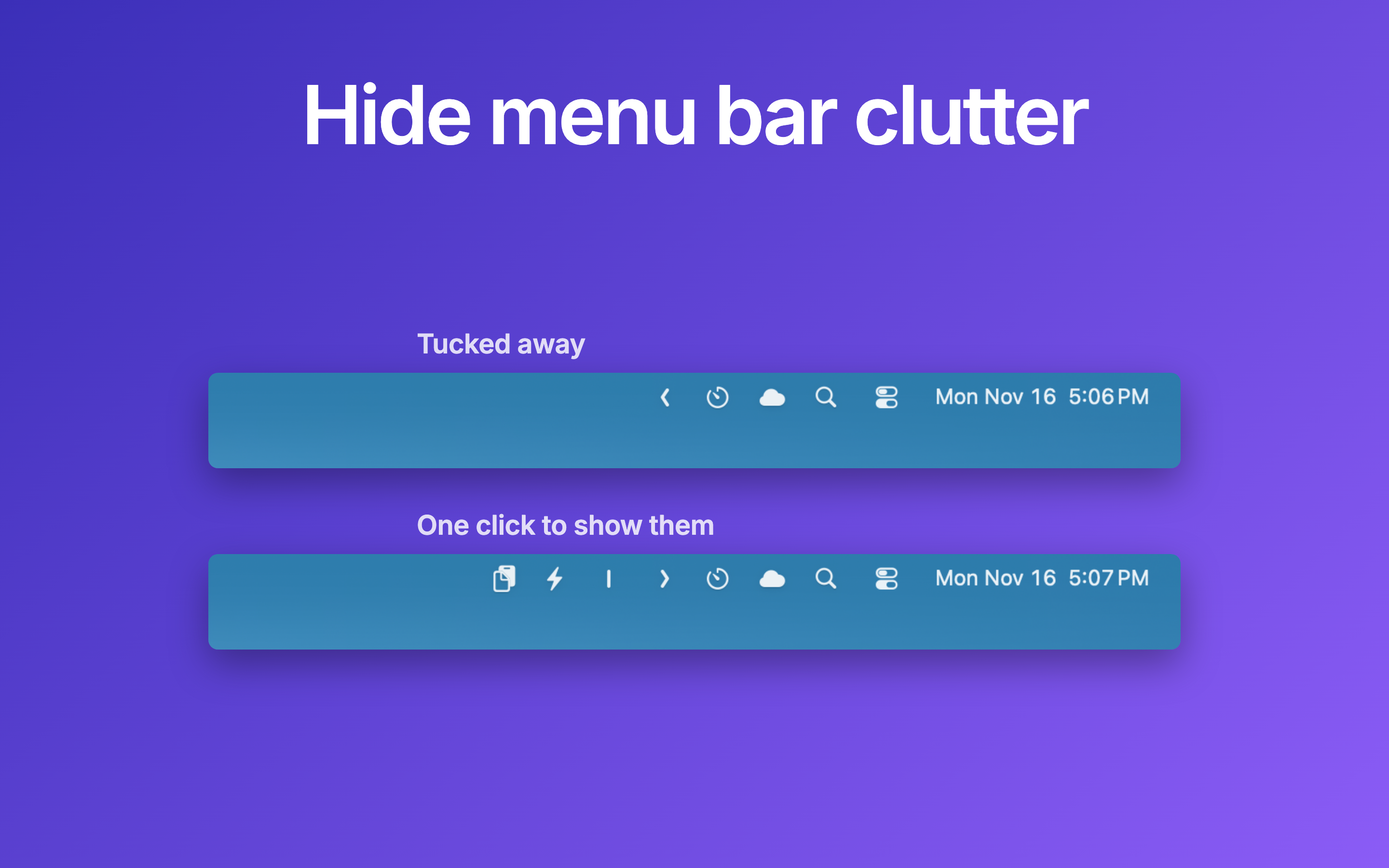
Hidden Bar lets you hide menu bar items to give your Mac a cleaner look.
🚀 Install
Official downloads. Console Labs publishes Hidden Bar only through GitHub Releases, the Homebrew cask
hiddenbar, and the Mac App Store listing. Any other site offering Hidden Bar (for examplehiddenbar.app) is not run by Console Labs.
App Store

The App Store build is sandboxed and cannot hide icons on macOS 27. On macOS 27, use the GitHub or Homebrew build below.
Others
The Hidden Bar is notarized before distributed out side App Store. It's safe to use 👍
Using Homebrew
brew install --cask hiddenbar
Coming from the App Store version? Quit it and move /Applications/Hidden Bar.app to the Trash first: Homebrew does not install over it. Your settings stay; the new version offers to import them on first launch.
Manual download
- Download latest version
- Open and drag the app to the Applications folder.
- Launch Hidden and drag the icon in your menu bar (hold CMD) to the right so it is between some other icons.
🕹 Usage
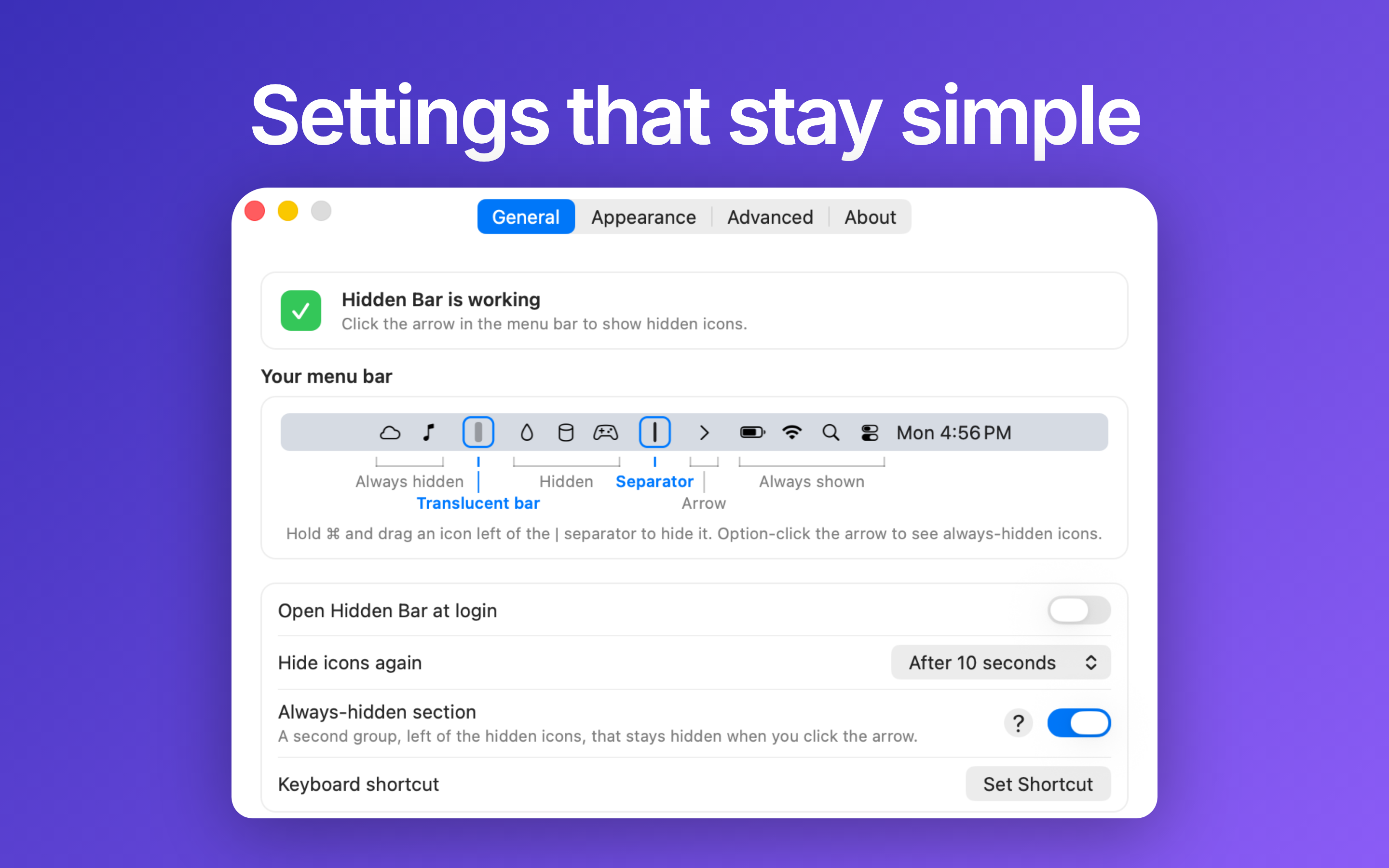
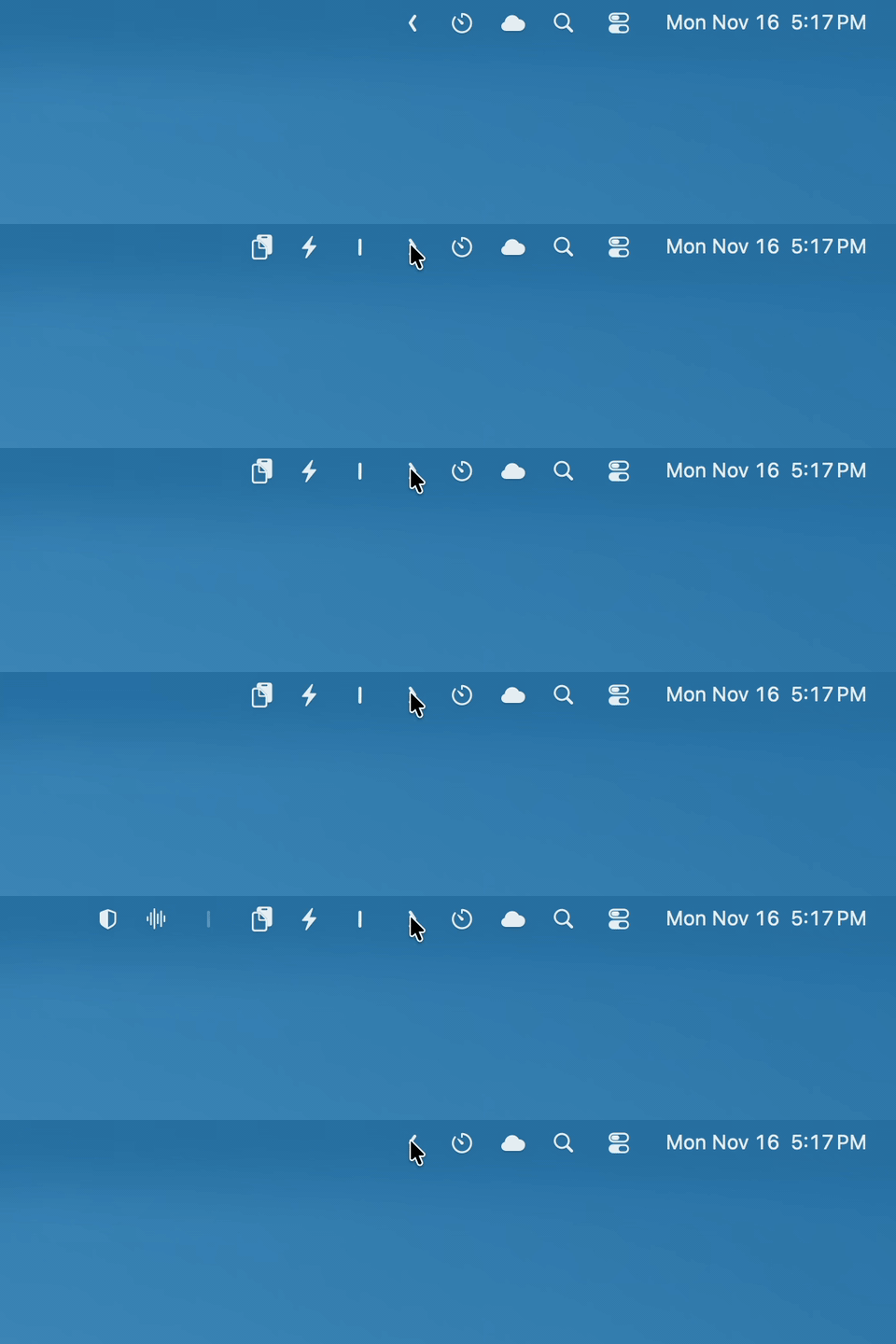
⌘+ drag to move the Hidden icons around in the menu bar.- Click the Arrow icon to hide menu bar items, and click it again to show them.
- Option-click the Arrow to reach the always-hidden section, a second group that stays hidden when you click the arrow.
- Settings has the hide delay, a global shortcut, other ways to reveal icons (hover, scroll, shake) and the arrow style.
📚 Documentation
- Manual: every setting, the hidden Terminal-only options, and troubleshooting.
- Architecture: how the hiding trick works, topology, and known limits.
- Maintainer runbook: build, behavioral verification, and release process.
✨Contributors
This project exists thanks to all the people who contribute. Thank you guys so much 👏


Please read this before you make a contribution.
Requirements
macOS version >= 13.0 (Ventura)
Running an older macOS? The last release supporting macOS 10.13 High Sierra
through 12 Monterey is v1.10.
Later versions require macOS 13 because autostart moved to the SMAppService
API introduced there.
You may also like
- Blurred - A macOS utility that helps reduce distraction by dimming your inactive noise
- VimMotion Vim style shortcut for MacOS
License
MIT © Console Labs
📈 近 7 天 Star 趋势
🏆 排名变化趋势
📋 历史上榜记录
| 日期 | 榜单 | 排名 | 周期新增 | 总 STAR |
|---|