📄 仓库 README
在 GitHub 查看 ↗

A sysadmin login session in a web browser






What is Cockpit?
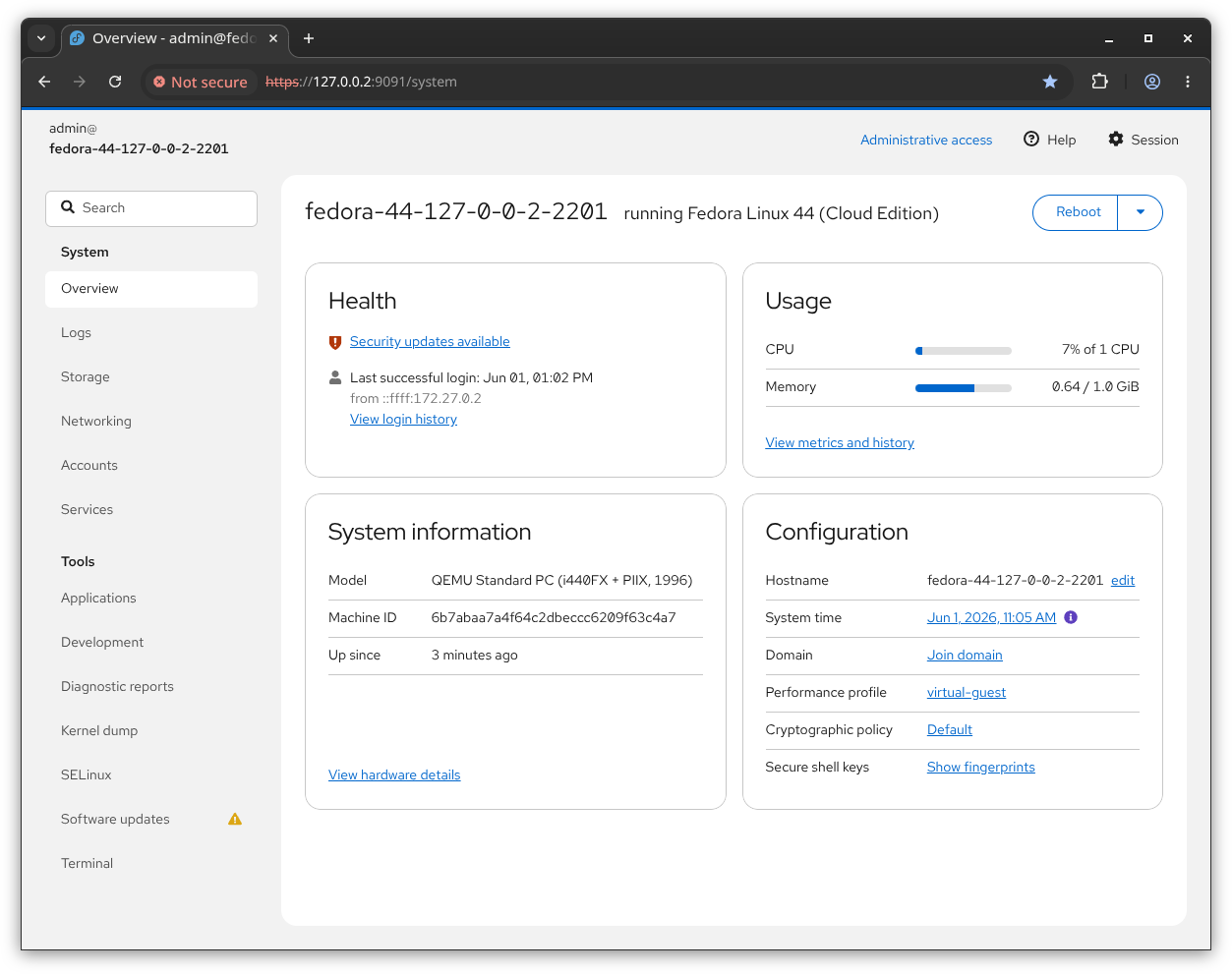
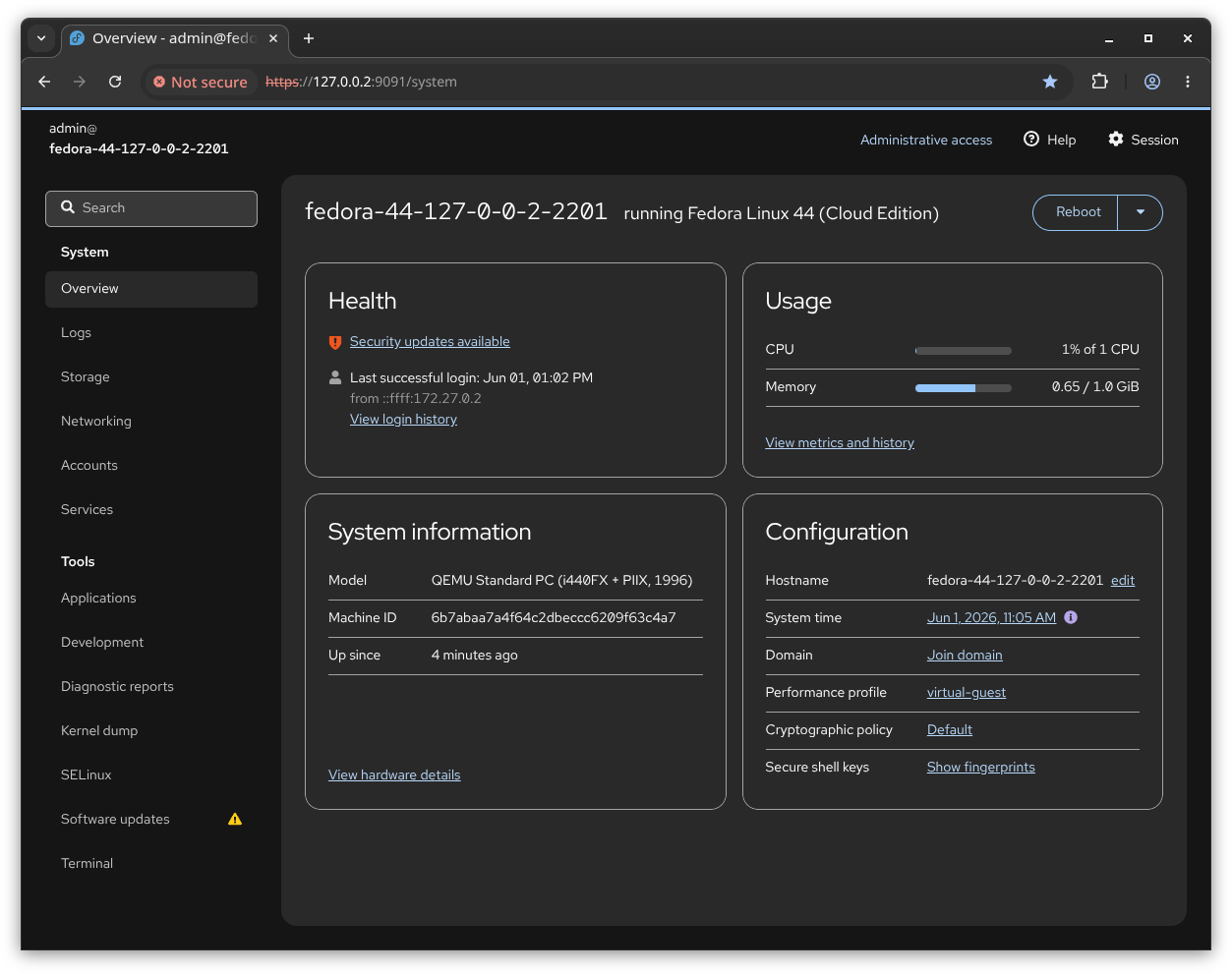
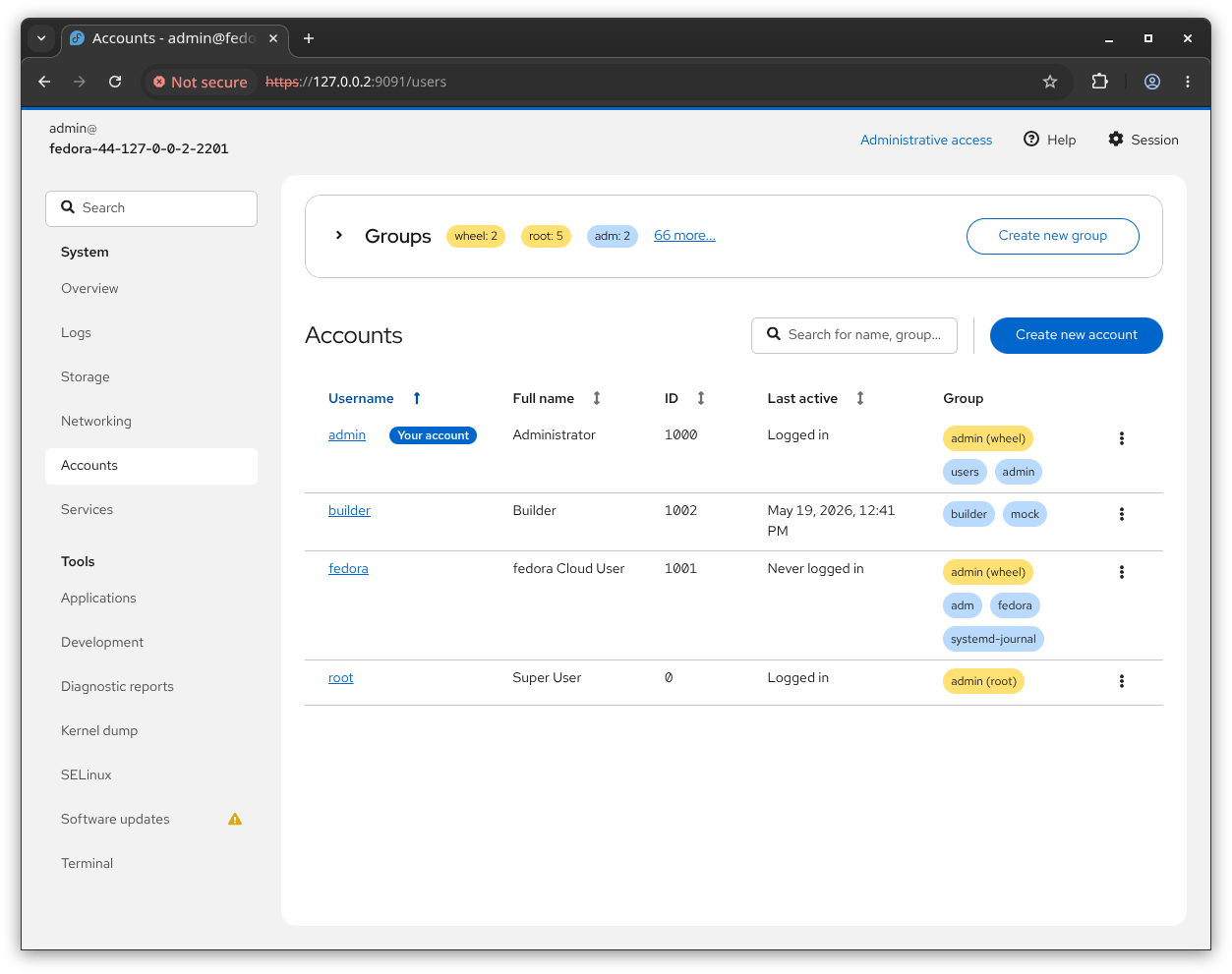
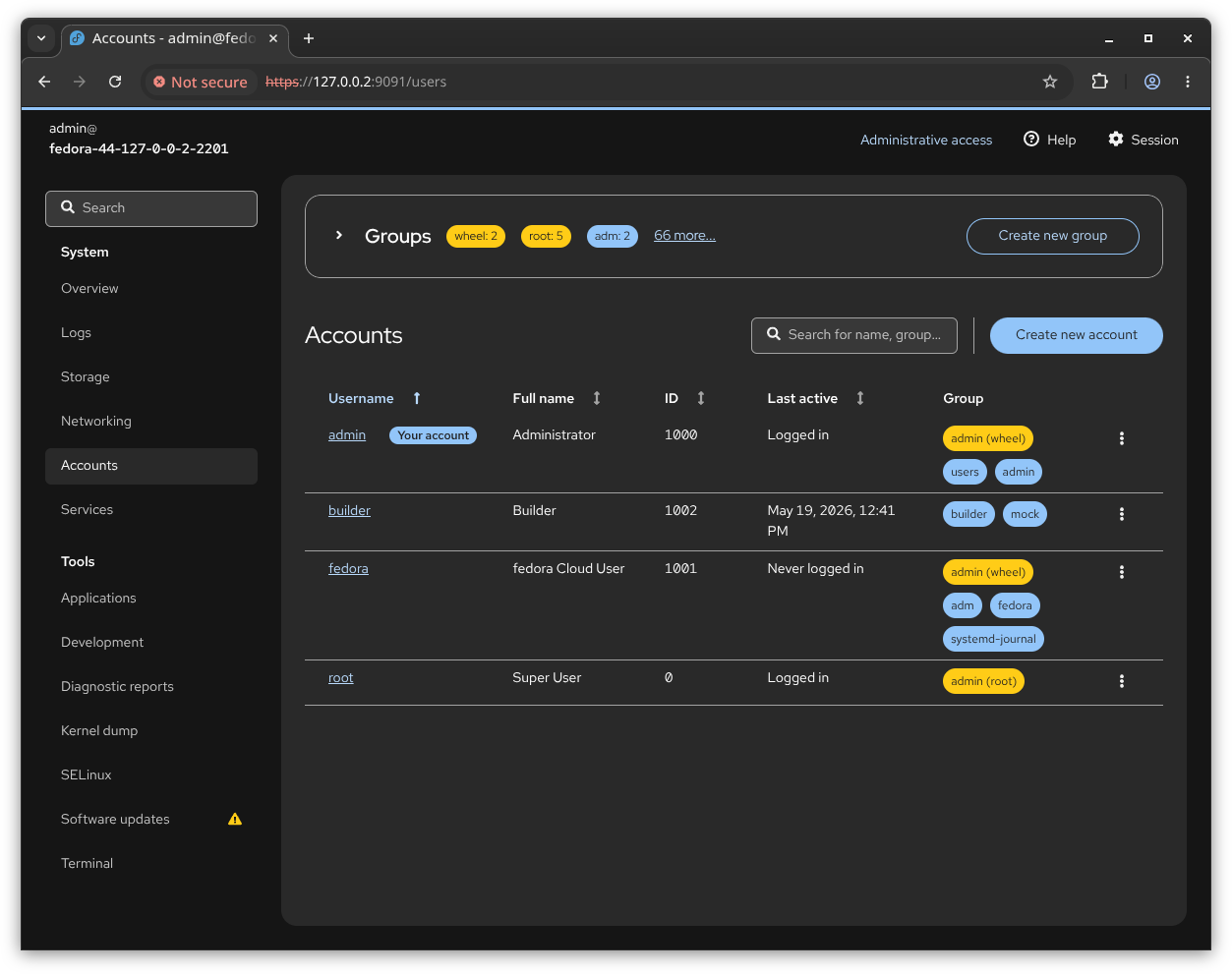
Cockpit is an interactive server admin interface. It is easy to use and very lightweight. Cockpit interacts directly with the operating system from a real Linux session in a browser.
Cockpit makes Linux discoverable, allowing sysadmins to easily perform tasks such as starting containers, storage administration, network configuration, inspecting logs and so on.
Jumping between the terminal and the web tool is no problem. A service started via Cockpit can be stopped via the terminal. Likewise, if an error occurs in the terminal, it can be seen in the Cockpit journal interface.
You can also easily add other machines that have Cockpit installed and are accessible via SSH and jump between these hosts.
Installation
[!NOTE] An installation guide can be found at cockpit-project.org/running.html. Some systems may need extra work, read about it in our FAQ
Cockpit is available in numerous Linux distributions and is usually packaged as cockpit.
Flatpak 'Cockpit Client'
We also provide a Flatpak app called Cockpit Client which includes SSH login support to Linux servers.
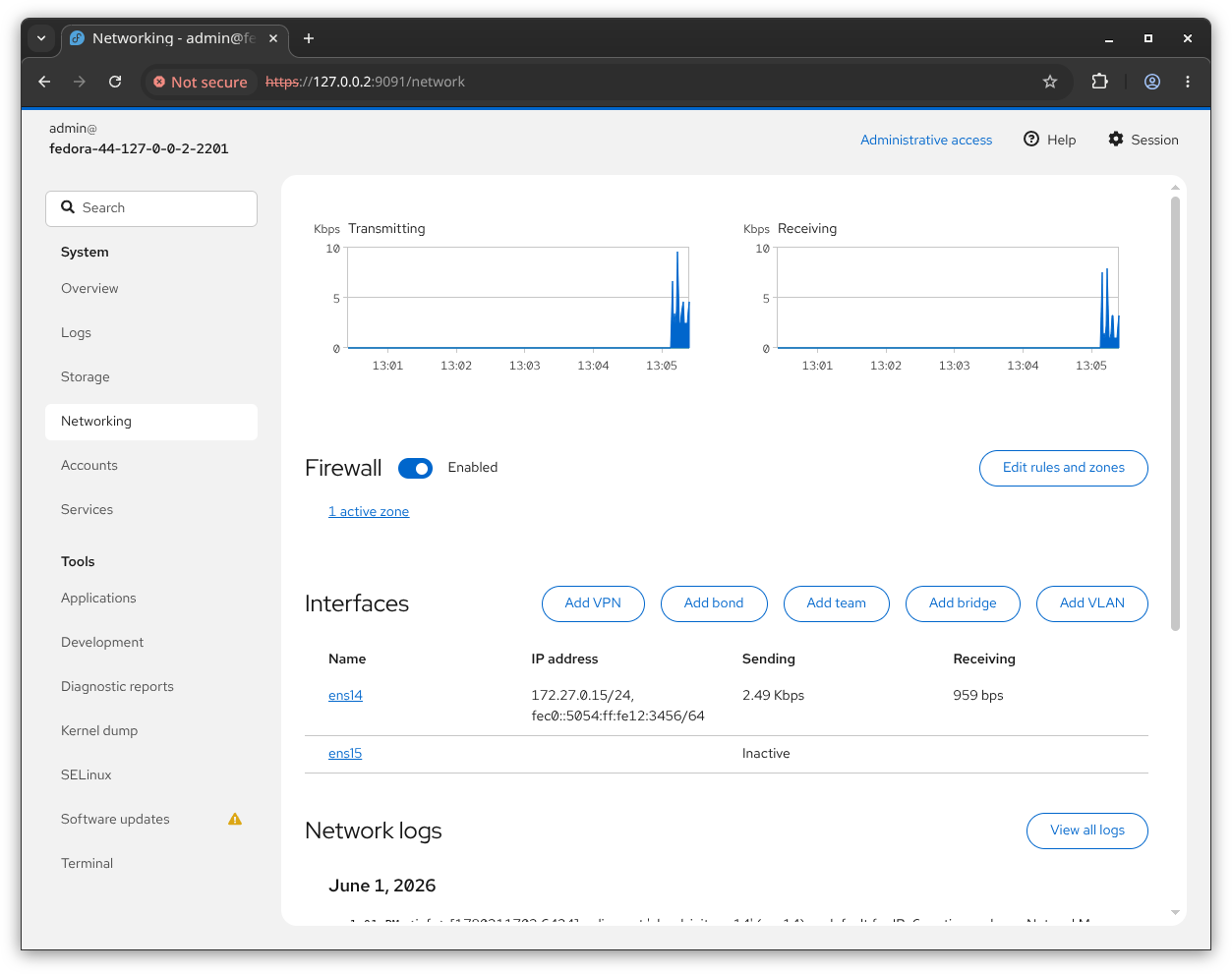
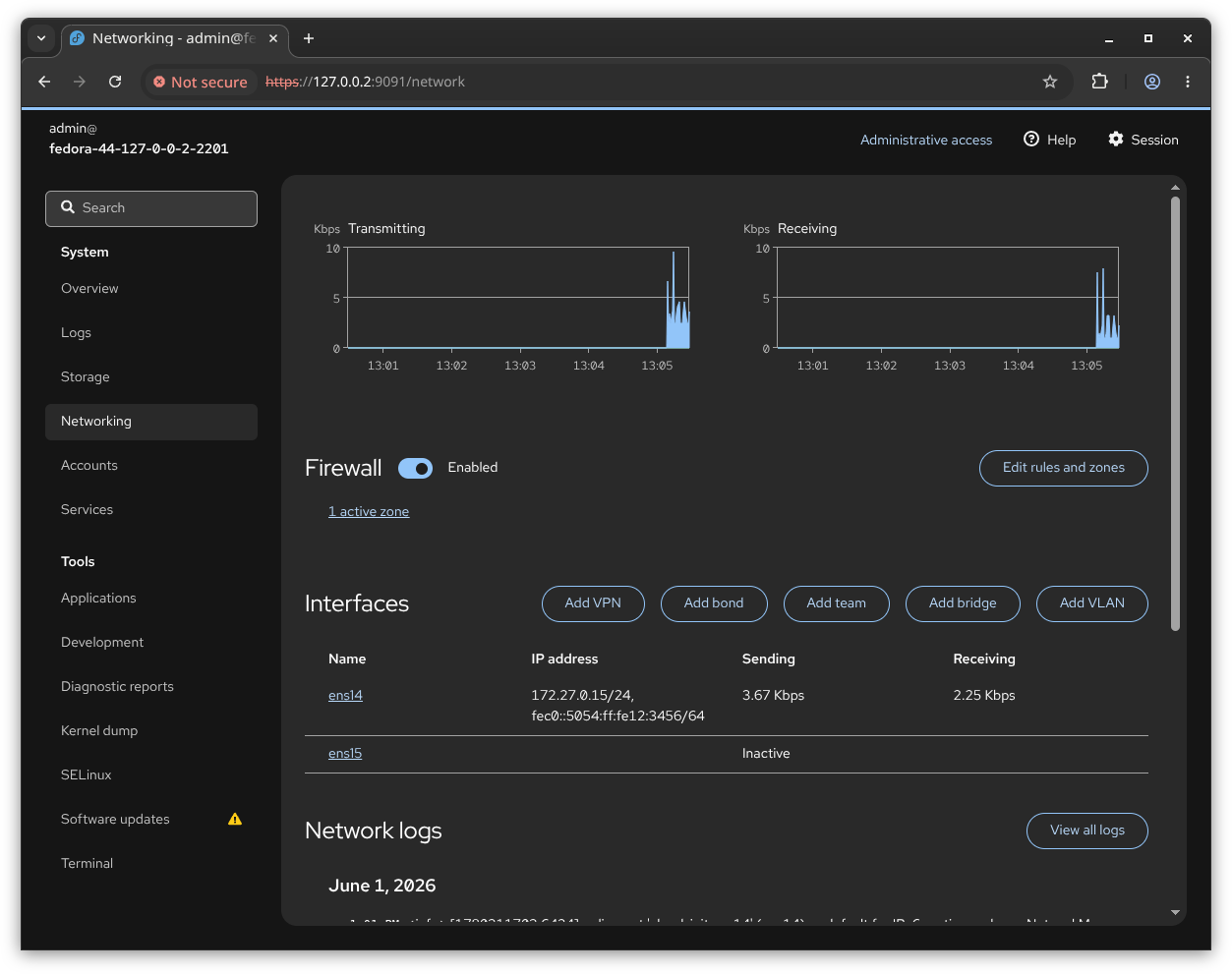
Screenshots
| Light | Dark |
|---|---|
 |
 |
 |
 |
 |
 |
Contributors
To quickly make code contributions we have a HACKING.md that outlines the devel environment and running tests. For more in-depth we have a developer documentation that links to more resources about setting up the local environment, how designs are proposed, creating and running tests, and our overall contribution process.
Translations are managed in Weblate.
Security
Please see SECURITY.md.
Licenses
Links
📈 近 7 天 Star 趋势
🏆 排名变化趋势
📋 历史上榜记录
| 日期 | 榜单 | 排名 | 周期新增 | 总 STAR |
|---|