cathrynlavery / diagram-design
← 返回首页
Editorial diagram design for Claude Code, Codex, GitHub Copilot, Cursor, Factory Droid, and Pi. 44 diagram types. Self-contained HTML + SVG. No shadows. No Mermaid slop.
📄 仓库 README
在 GitHub 查看 ↗来自 GitHub 仓库自述文件 · 版权归原作者所有
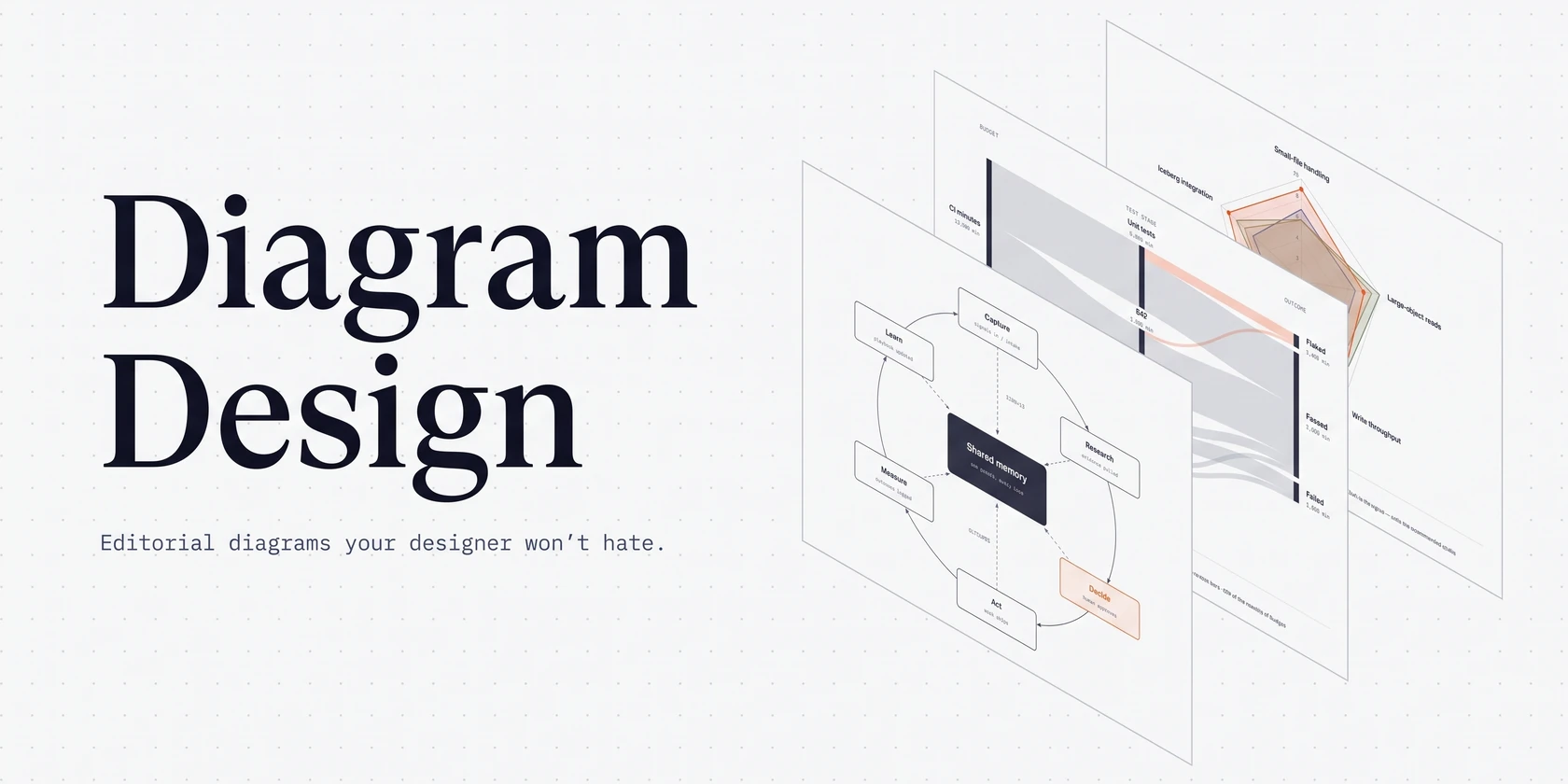
45 diagram types. No shadows. No Mermaid slop.** [](https://github.com/cathrynlavery/diagram-design/stargazers) [](https://skills.sh/cathrynlavery/diagram-design/diagram-design) [](https://github.com/cathrynlavery/diagram-design/actions/workflows/ci.yml) [](CHANGELOG.md) [](LICENSE)
npx skills add cathrynlavery/diagram-design
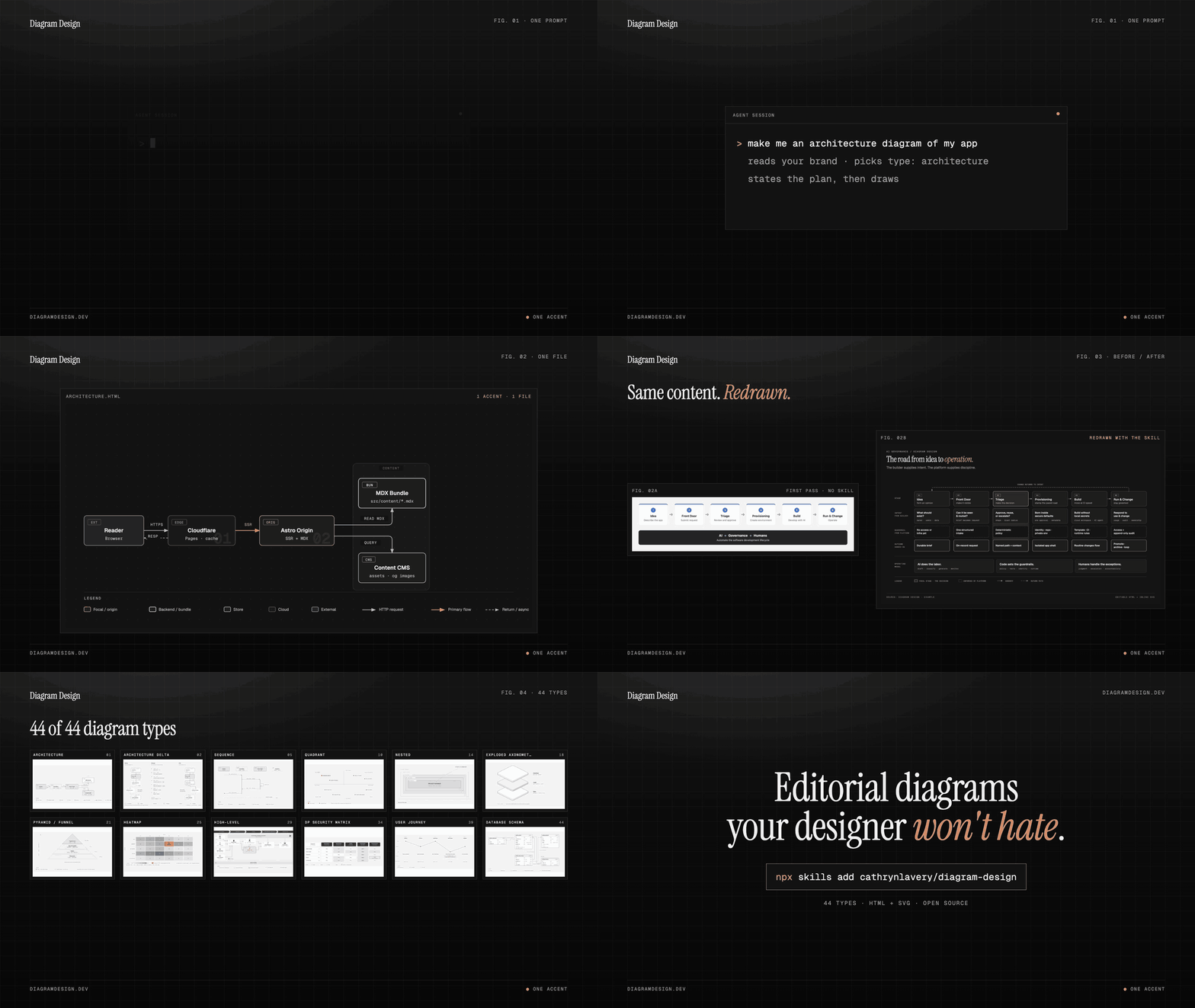
Ask your agent in plain words:
- "Make me an architecture diagram of my app: frontend, backend, database, Redis cache."
- "I need a quadrant showing Q2 projects by impact vs effort."
- "Give me a sequence of a bearer call with token refresh on 401."
- "Onboard diagram-design to https://yoursite.com" (pulls your palette and fonts so every diagram after this one matches your site)
The agent picks the type, states its plan, and writes one .html file you can open by double-clicking.
Install
Works with any host that reads Agent Skills, including Cursor, Claude Code, Codex, Qoder, GitHub Copilot, Gemini CLI, Cline, Windsurf and Amp:
npx skills add cathrynlavery/diagram-design
In Claude Code, the plugin marketplace gets you updates and the slash commands:
/plugin marketplace add cathrynlavery/diagram-design
/plugin install diagram-design@diagram-design
Official builds come only from this repository. LittleMight, Cathryn Lavery's company, publishes the plugin directory listings; a listing under any other name is an unofficial copy. PRIVACY.md lists what the skill sends over the network.
Claude Code: turn on auto-update
After installing, run `/plugin`, open **Marketplaces**, select **diagram-design**, and choose **Enable auto-update**. Claude Code disables auto-update by default for third-party marketplaces; after this toggle, it refreshes the marketplace and installed plugin in the background after startup. Run `/reload-plugins` when prompted, or let the next session load the update.Cursor, Cline, Gemini CLI, Windsurf, Amp, Zed, Warp, Roo, Kilo and other Agent Skills hosts
The cross-agent [`skills` CLI](https://skills.sh) resolves this repository, detects `skills/diagram-design/SKILL.md`, and installs the whole skill (`references/`, `assets/`, `scripts/`) into every host root you select, including Cursor's:npx skills add cathrynlavery/diagram-design
Codex
codex plugin marketplace add cathrynlavery/diagram-design
codex plugin add diagram-design@diagram-design
Qoder
Clone the repository, validate the native plugin, and install it locally:git clone https://github.com/cathrynlavery/diagram-design.git
qoder plugins validate ./diagram-design
qoder plugins install ./diagram-design
qoder plugins list
git -C diagram-design archive --format=zip \
  --output=../diagram-design-qoder.zip HEAD \
  .qoder-plugin commands skills LICENSE
GitHub Copilot
copilot plugin marketplace add cathrynlavery/diagram-design
copilot plugin install diagram-design@diagram-design
Factory Droid
droid plugin marketplace add https://github.com/cathrynlavery/diagram-design
droid plugin install diagram-design@diagram-design --scope user
Claude Cowork (organization marketplace)
Organization GitHub marketplaces currently require a private or internal repository, so first mirror this public repository into one owned by your organization. In **Organization settings → Plugins**, choose **Add plugin → GitHub**, connect that mirror, and enable **Sync automatically** from the marketplace menu. Automatic sync runs when a pull request containing a plugin version bump is merged to the mirror's default branch; direct pushes do not trigger the webhook. Install Diagram Design from the resulting organization marketplace.Pi
pi install https://github.com/cathrynlavery/diagram-design
Kiro
Import the Agent Skill from the repository subdirectory URL:https://github.com/cathrynlavery/diagram-design/tree/main/skills/diagram-design
OpenCode
Copy or symlink `skills/diagram-design/` to `.opencode/skills/diagram-design` in a project or `~/.config/opencode/skills/diagram-design` globally. OpenCode has no Diagram Design marketplace package; copied installs update only when you replace the directory from a newer checkout.Editable install (customize the style guide in a clone)
Managed installs are convenient, but changes to `references/style-guide.md` may be replaced by package updates. Saved profiles in `~/.diagram-design/profiles/` survive updates, and projects with a `.diagram-design` marker are unaffected. Clone the repo and install the local path if you plan to customize the working style guide directly: ```bash git clone git@github.com:cathrynlavery/diagram-design.git ~/code/diagram-design # Pi: register the checkout as a local package pi install ~/code/diagram-design # Claude Code: symlink the inner skill ln -s ~/code/diagram-design/skills/diagram-design ~/.claude/skills/diagram-design # Other Agent📈 近 7 天 Star 趋势
每日新增 Star(柱)与累计 Star(线)· 数据来自 GitHub
🏆 排名变化趋势
在各榜单中的排名历史(数字越小越靠前)
📋 历史上榜记录
每次快照的详细数据
| 日期 | 榜单 | 排名 | 周期新增 | 总 STAR |
|---|