📄 仓库 README
在 GitHub 查看 ↗Burrow is an independent open-source (MIT) app. It bundles its own engine —
burrow-engine, a single source-available binary under the Functional Source License (FSL-1.1-ALv2) whose command surface is modelled on the Mole (mo) CLI by tw93 — and is not affiliated with or endorsed by mole.fit (the official Mole for Mac app bymo's author); its own name, mark, palette, and copy are original.If you like Mole and want to fund
mo's development — buy mole.fit ($19).
burrow
🐹 The open-source system companion for your Mac — clean, uninstall, analyze, optimize, and monitor, built for you and your AI agents.






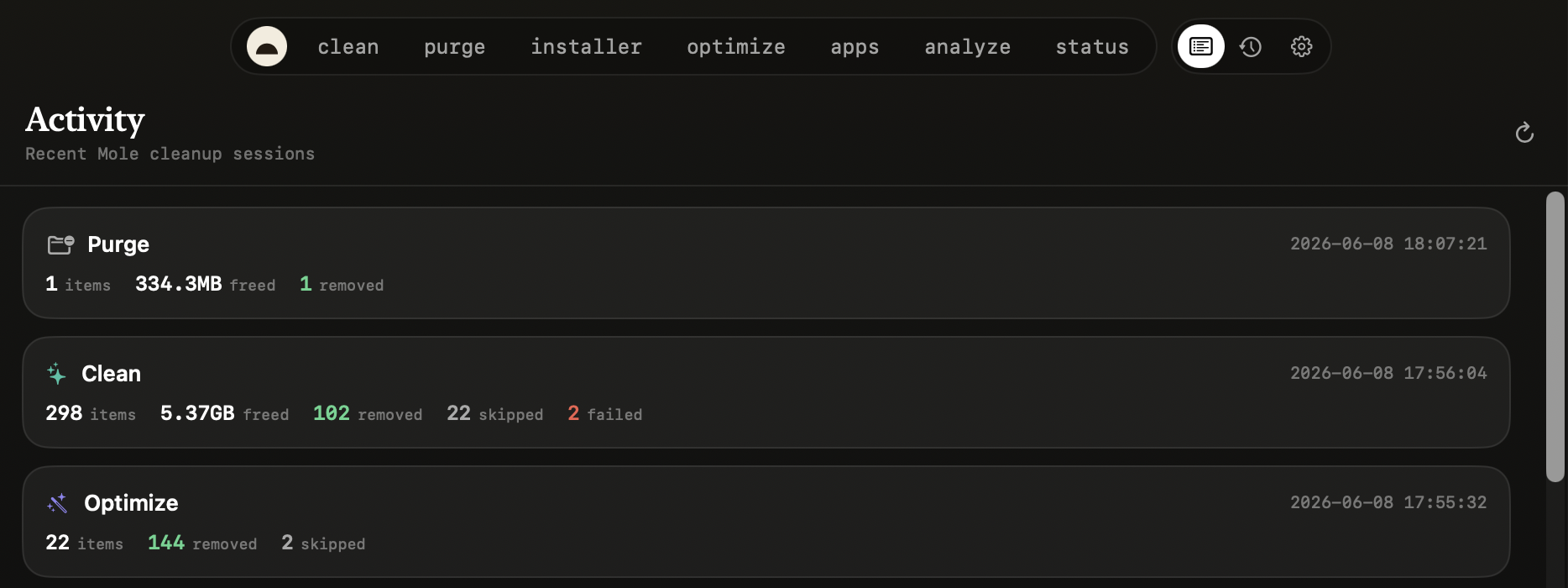
Burrow puts everything your Mac needs in one free, native app: junk cleanup, dev-artifact purge, app uninstall with leftover removal, duplicate finding, safe maintenance, disk maps, and live system status — powered by one bundled engine binary (burrow-engine, FSL-1.1 — see Attribution) whose commands mirror Mole's mo, so there's nothing else to install. It keeps months of local metric history and runs a built-in MCP server, so AI agents like Claude Code, Codex, and Cursor can watch, query, and care for your Mac — actions are consent-gated and audited, and Trash-based removals remain recoverable until the Trash is emptied. Permanent deletion requires separate consent and cannot be undone. Native on macOS, with a Windows preview under windows/.
Mac:
brew install --cask caezium/tap/burrow
Windows: download from releases
Contents
- Screenshots
- The tools
- Platforms
- Roadmap
- How Burrow compares to other tools
- Settings
- Permissions & Full Disk Access
- Requirements
- Install
- Security & trust
- Use it with your AI agent
- Develop & test
- Architecture
- Attribution & license
Screenshots
macOS
 |
 |
 |
 |
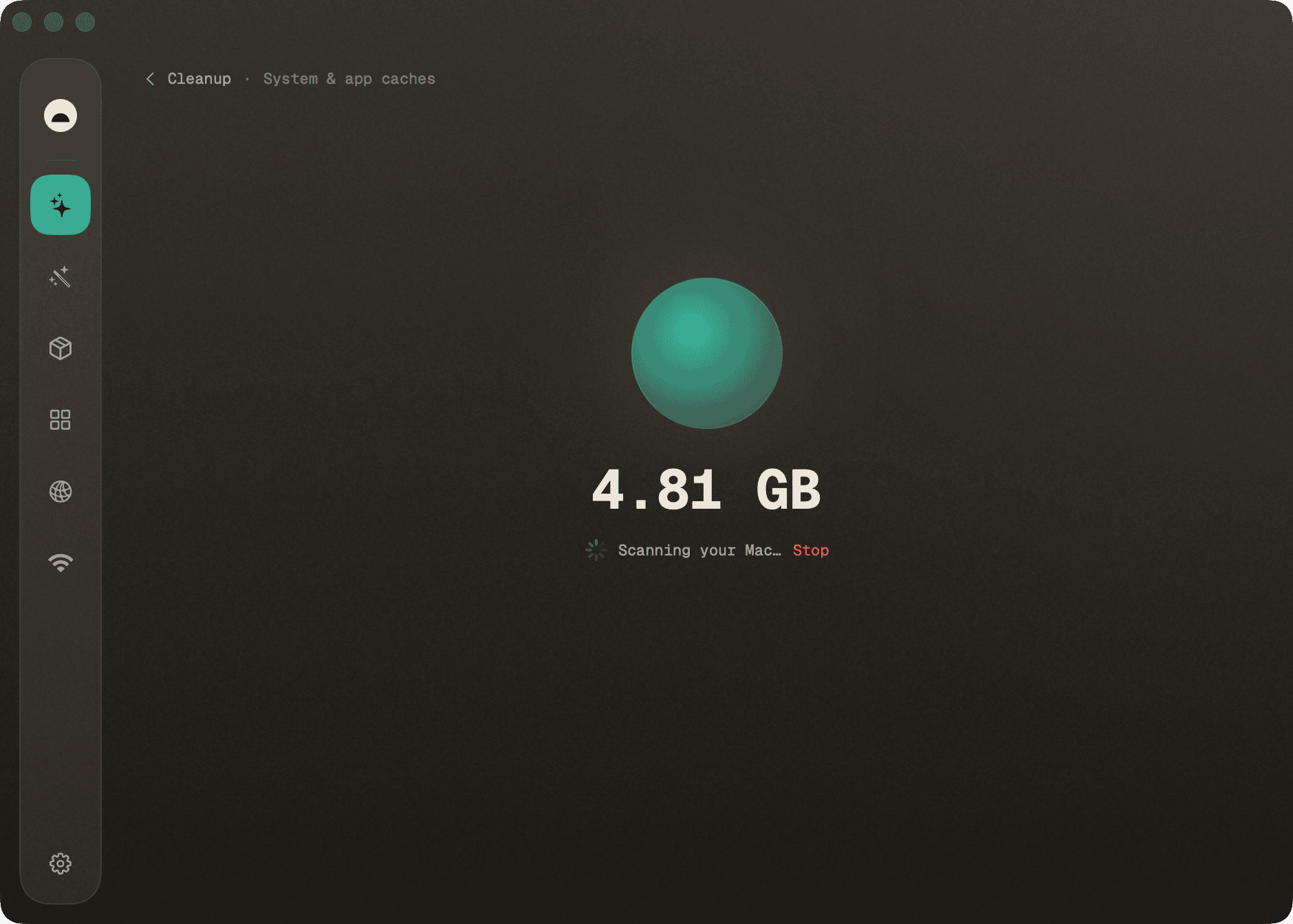 |
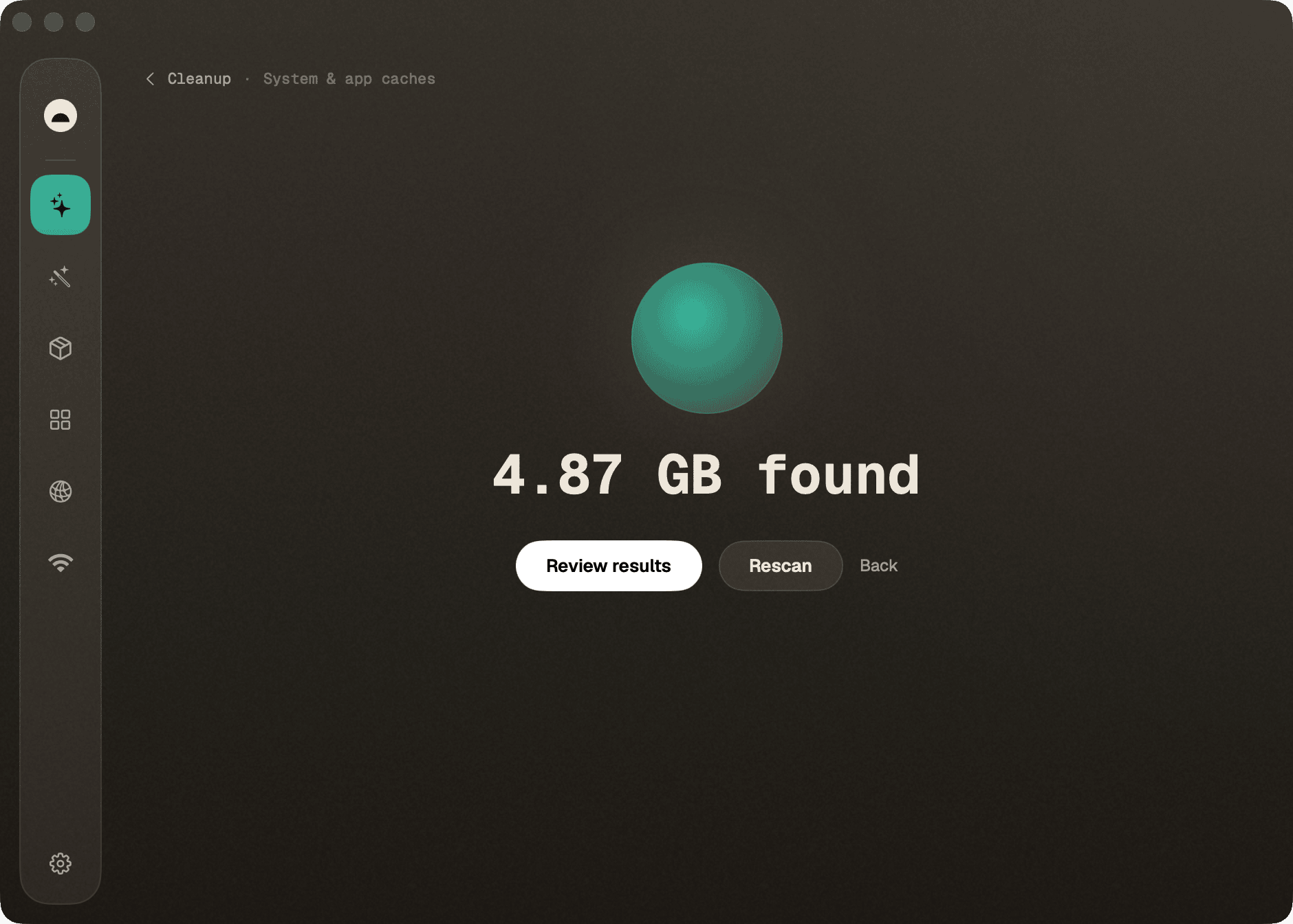 |
 |
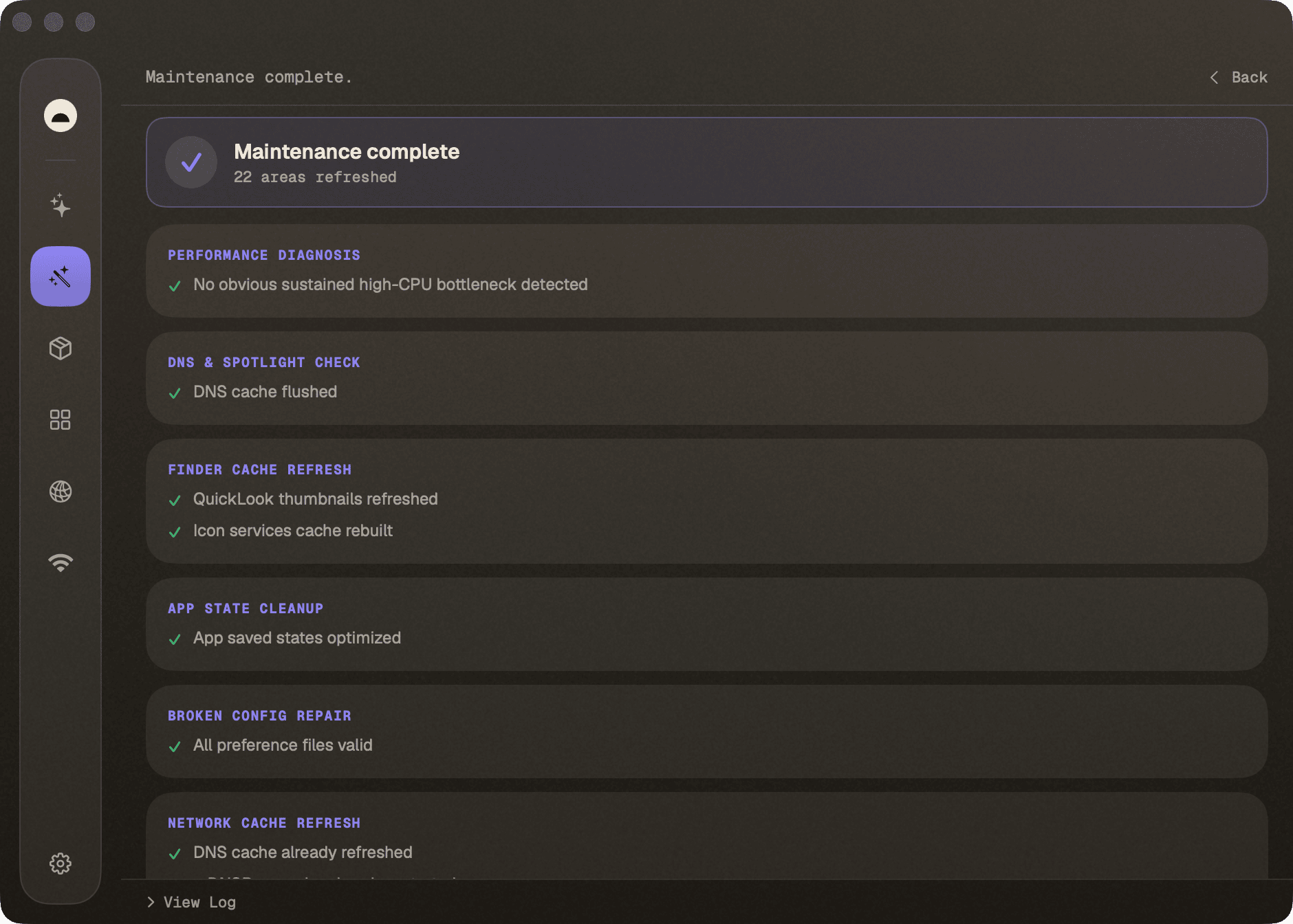 |
 |
|
Explain with AI — point an MCP-capable agent (Claude Code, or a local model via LM Studio) at Burrow and ask your Mac in plain language.
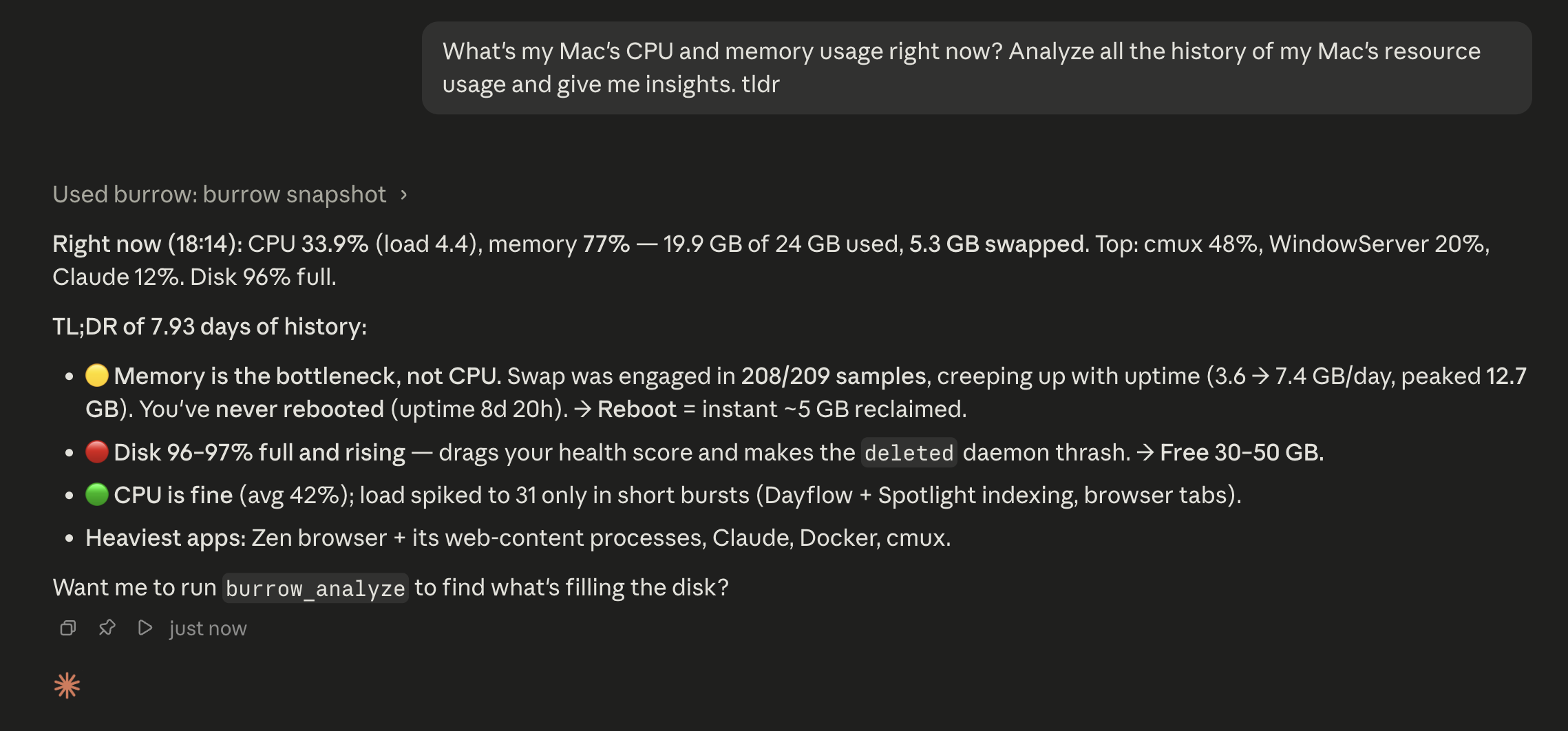 When doing other tasks with AI Agents, if they find something irregular with your system, for example low disk space, they will have the tools to automatically disect the problem, and perform secure cleanups for you proactively and autonomously, without you having to ask.
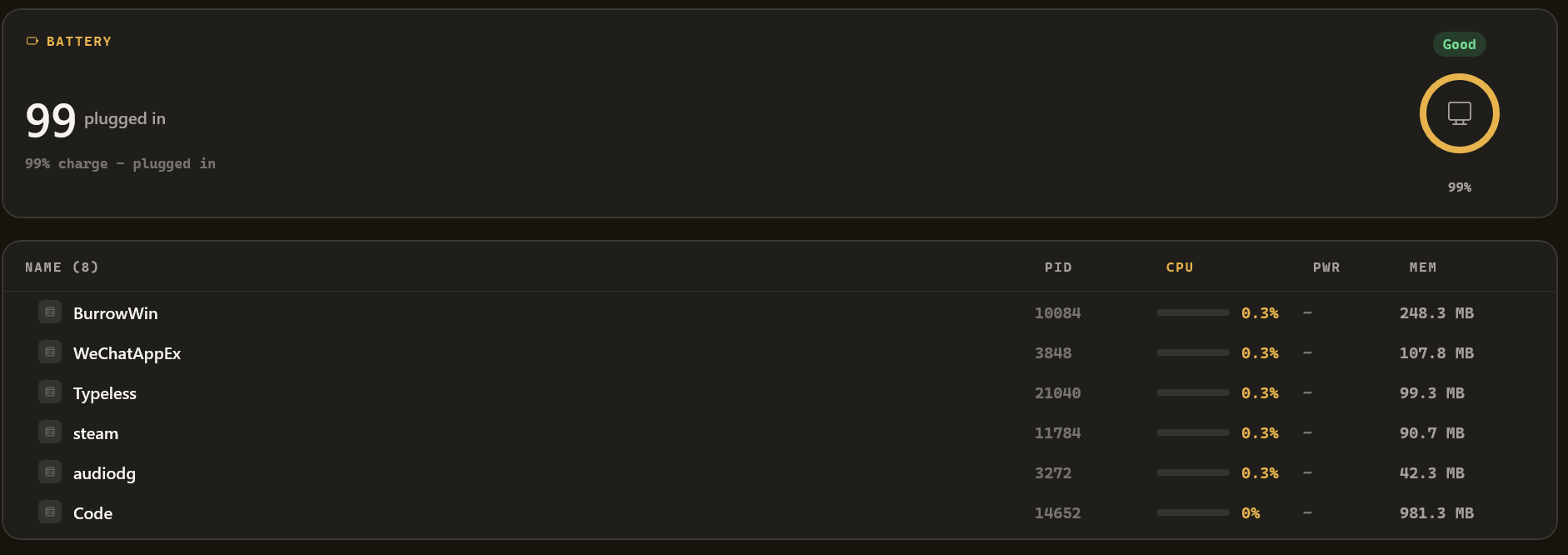
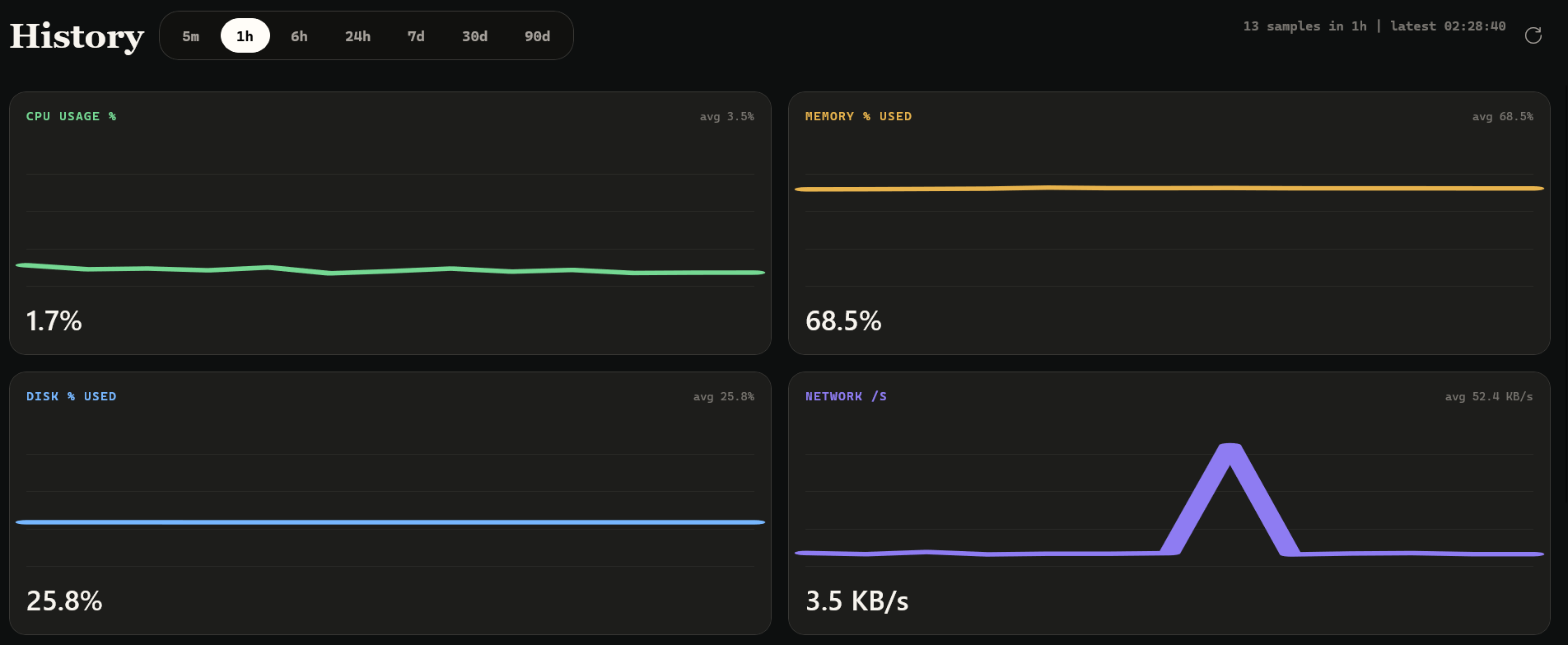
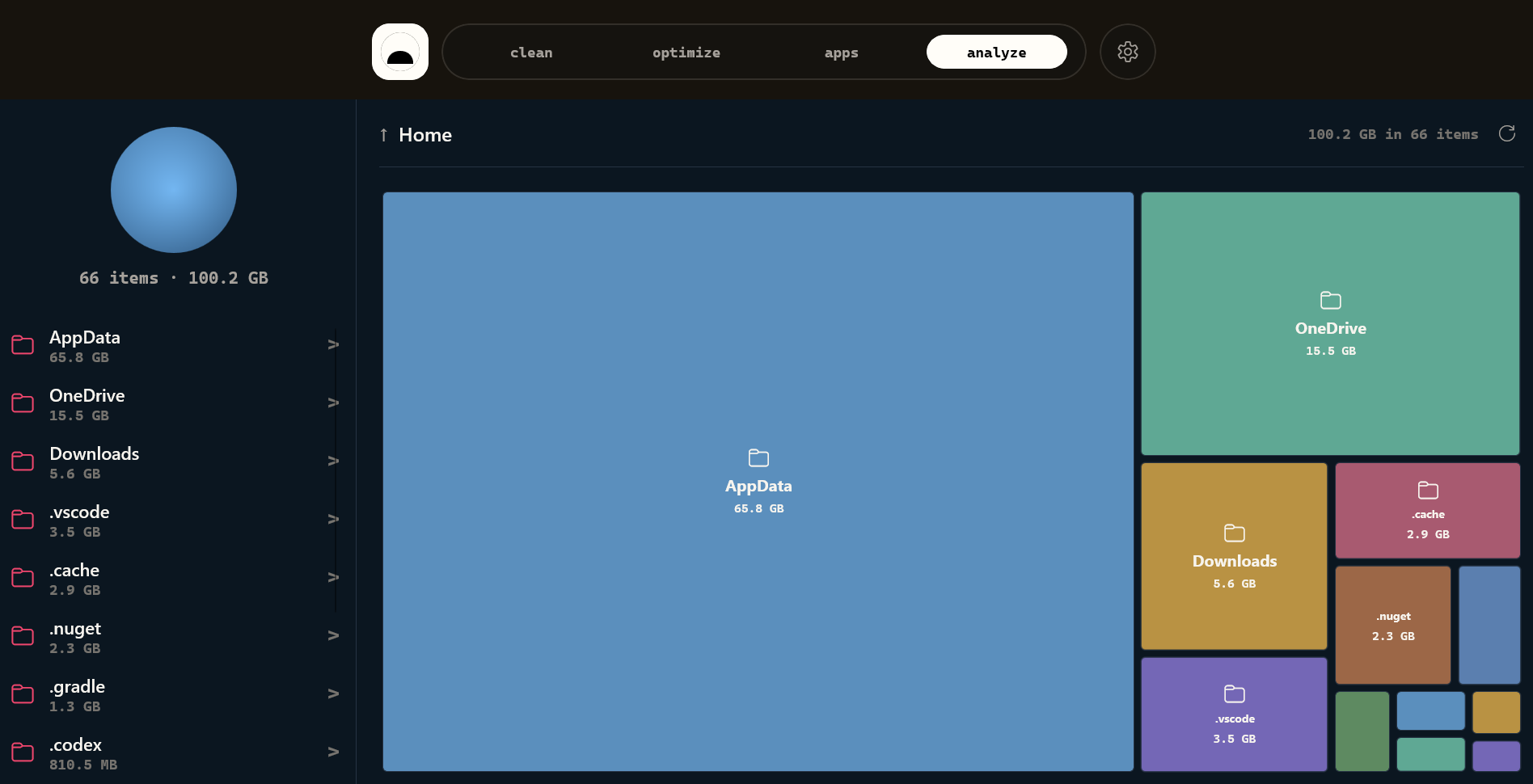
Windows preview
 |
 |
 |
 |
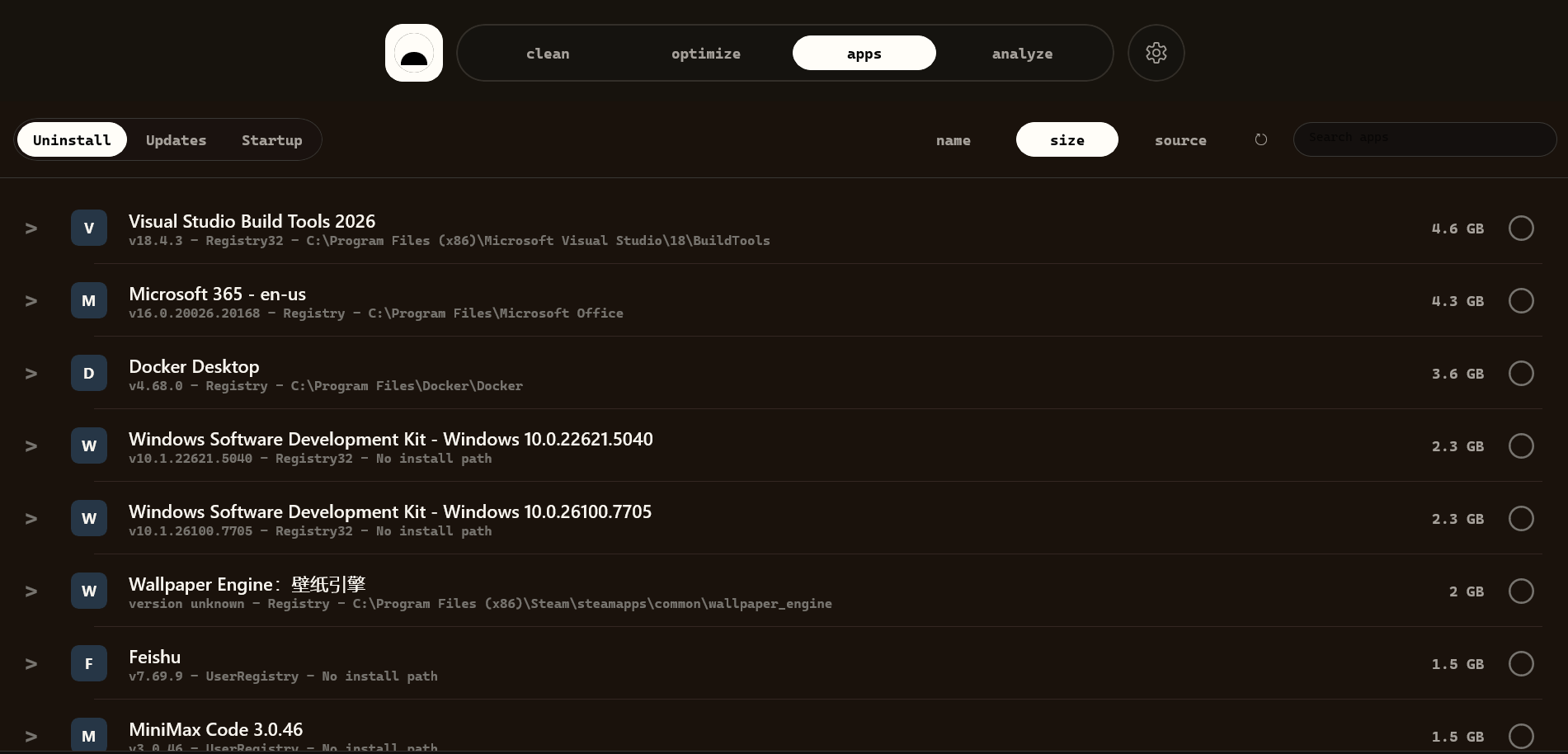 |
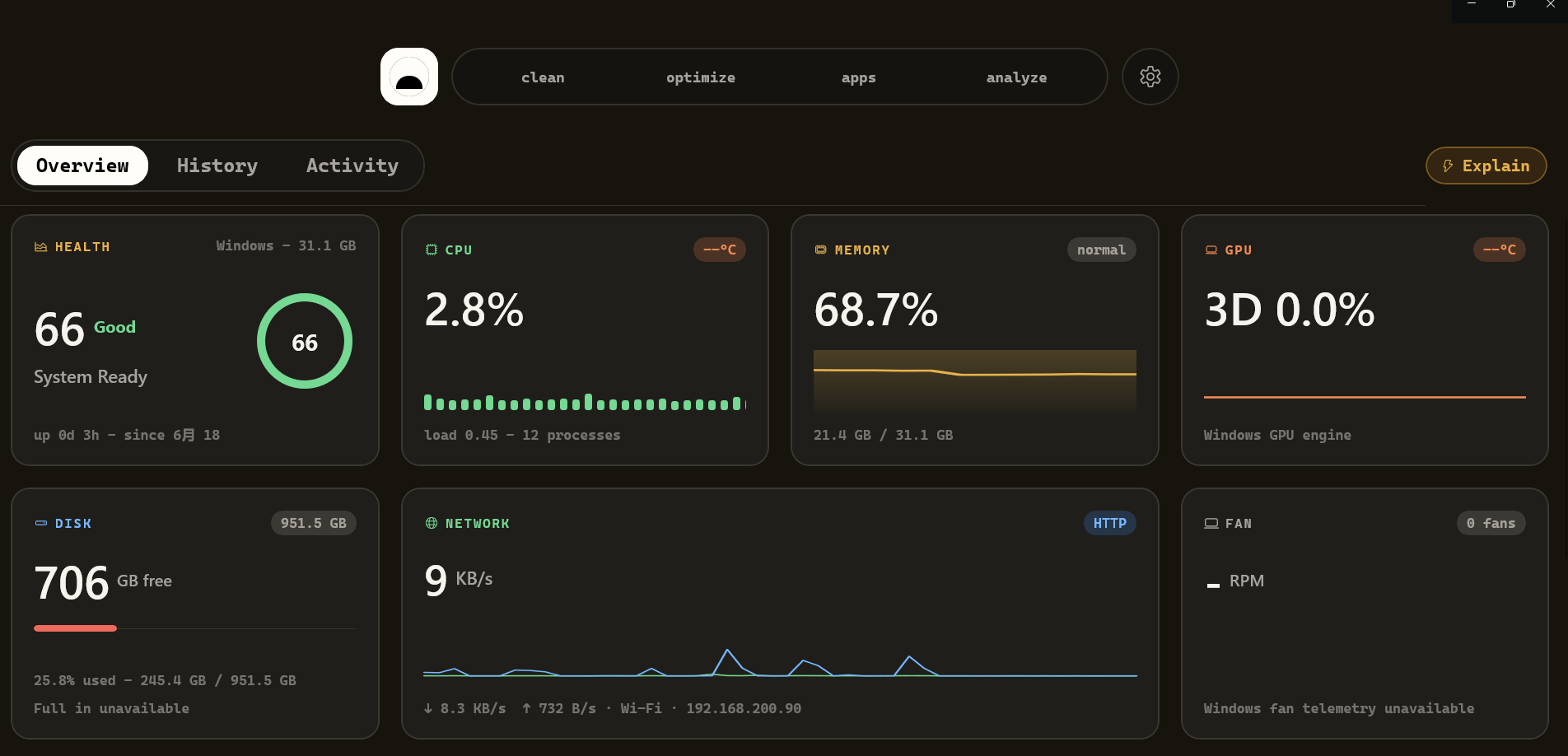
Windows TypeScript rewrite: An initial Electron + React implementation that follows the current macOS UI is available in
windows/typescript/. It includes live telemetry, local history, reviewed artifact/installer recycling, disk analysis, and read-only duplicate detection. The existing WinUI preview remains alongside it. See the migration status for capability gaps and Windows validation requirements.
The tools
Burrow wraps its bundled burrow-engine binary in a native desktop app: clean
junk, purge dev artifacts, sweep leftover installers, uninstall apps, run safe
maintenance, map your disk, and watch live system status — in one window. On top
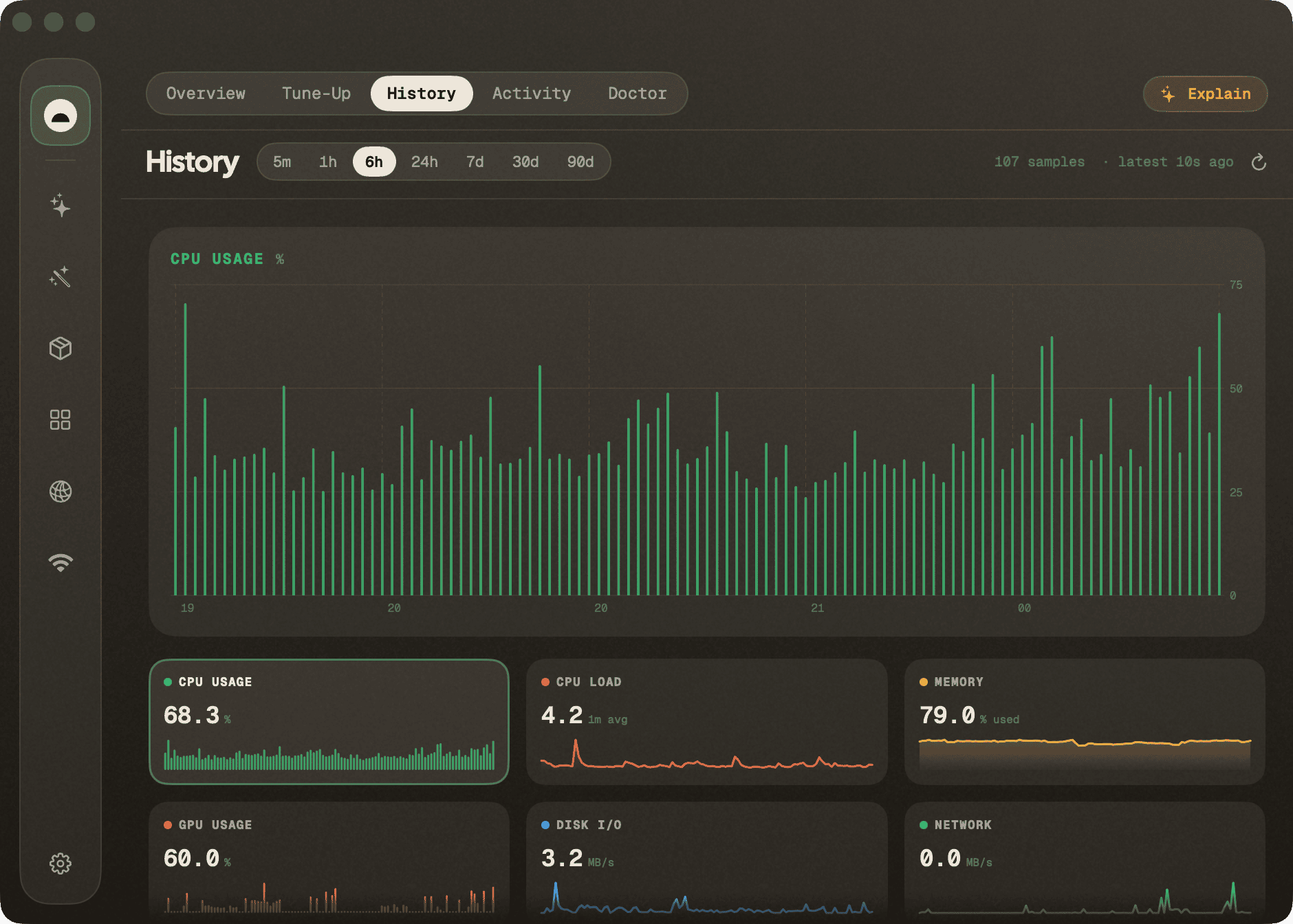
of that it adds things the CLI doesn't have: a long-running history of your
machine's metrics in a local store and an MCP server so any AI agent (Claude
Code, Cursor, Codex…) can ask "what's been happening on this machine."
macOS is the mature flagship. Windows currently has a native WinUI 3 / .NET 8 preview app, Windows telemetry/history, tray HUD, loopback HTTP, MCP stdio bridge, CI, tests, and unsigned release packaging.
| Tool | What it does | mo command |
|---|---|---|
| Status | Live dashboard with per-metric sparklines and a sortable/pinnable process table. | mo status --json |
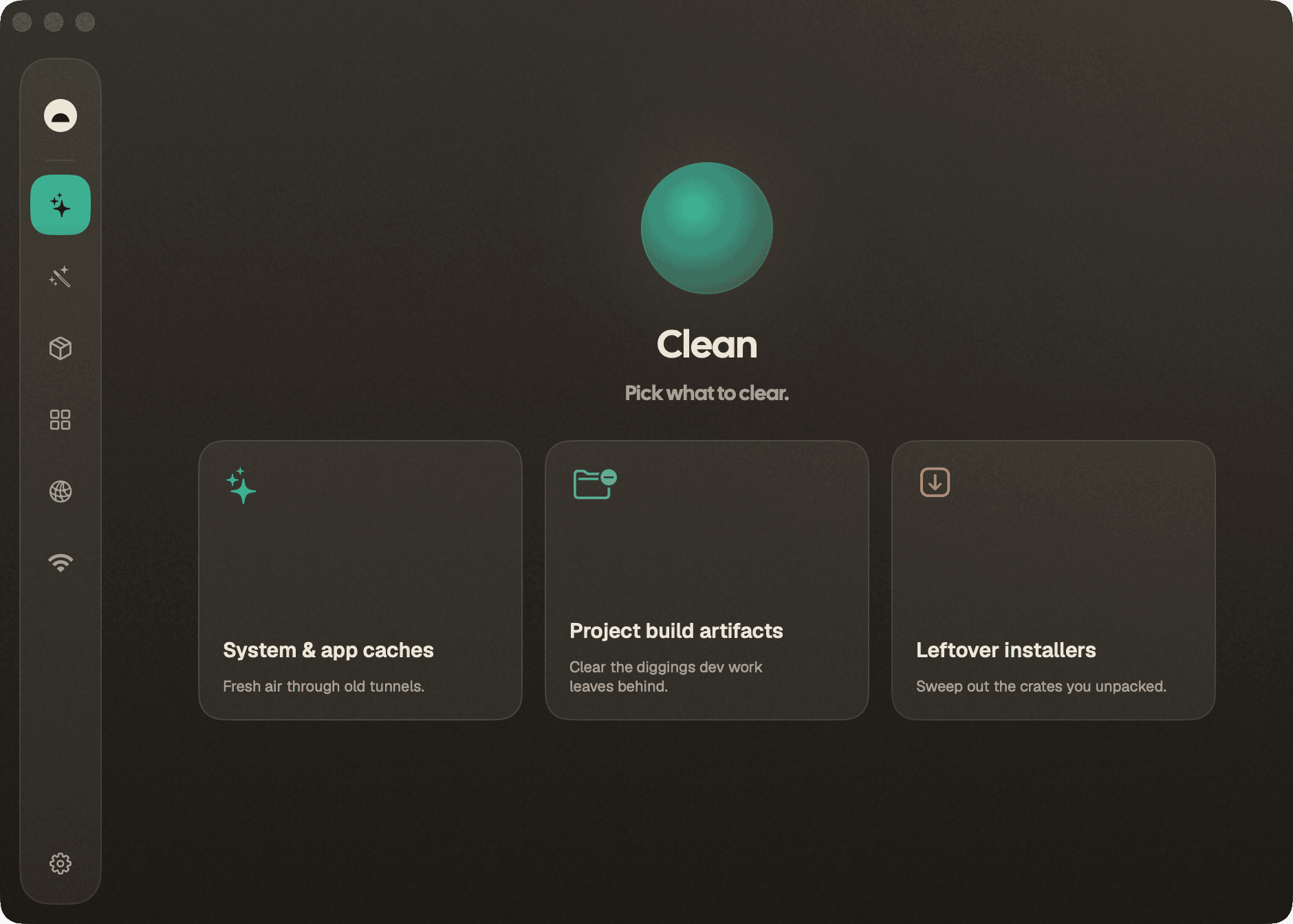
| Clean | Preview what's reclaimable, then clean for real — categorized cache/log/leftover removal. | mo clean |
| Purge | Reclaim space from dev projects: node_modules, build dirs, target/, __pycache__, and more — preview streams in, one confirmation, everything found goes to the Trash. |
mo purge |
| Installers | Find and remove leftover .dmg/.pkg installer files in bulk. |
mo installer |
| Optimize | One-tap safe maintenance: rebuild caches, repair metadata, flush DNS, restart Dock/Finder. | mo optimize |
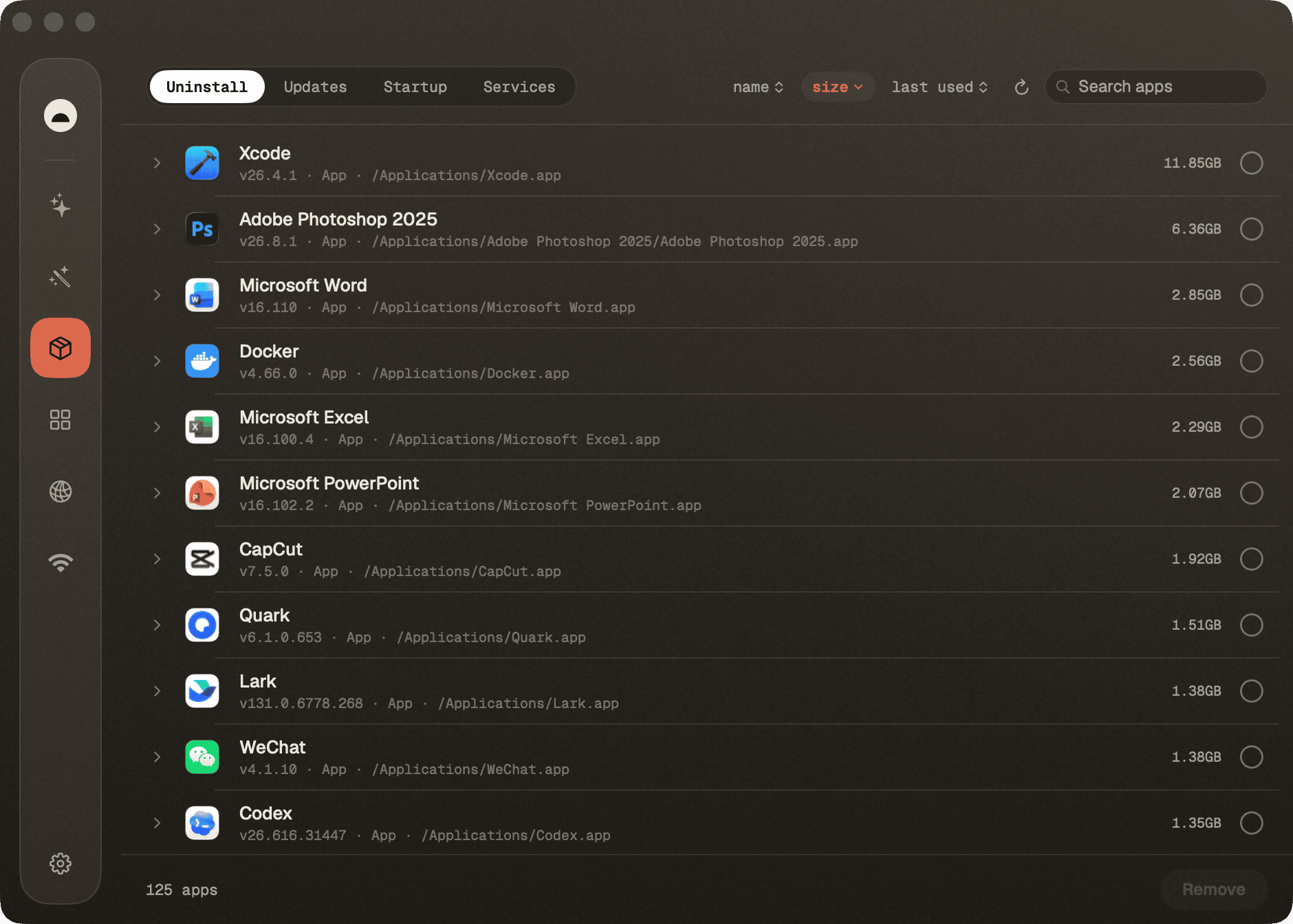
| Software | Installed-app list with search/sort (size, name, recent, source) and multi-select uninstall; an Updates tab with a Mac apps / Homebrew picker, each half with its own check and update-all. | mo uninstall --list, brew outdated |
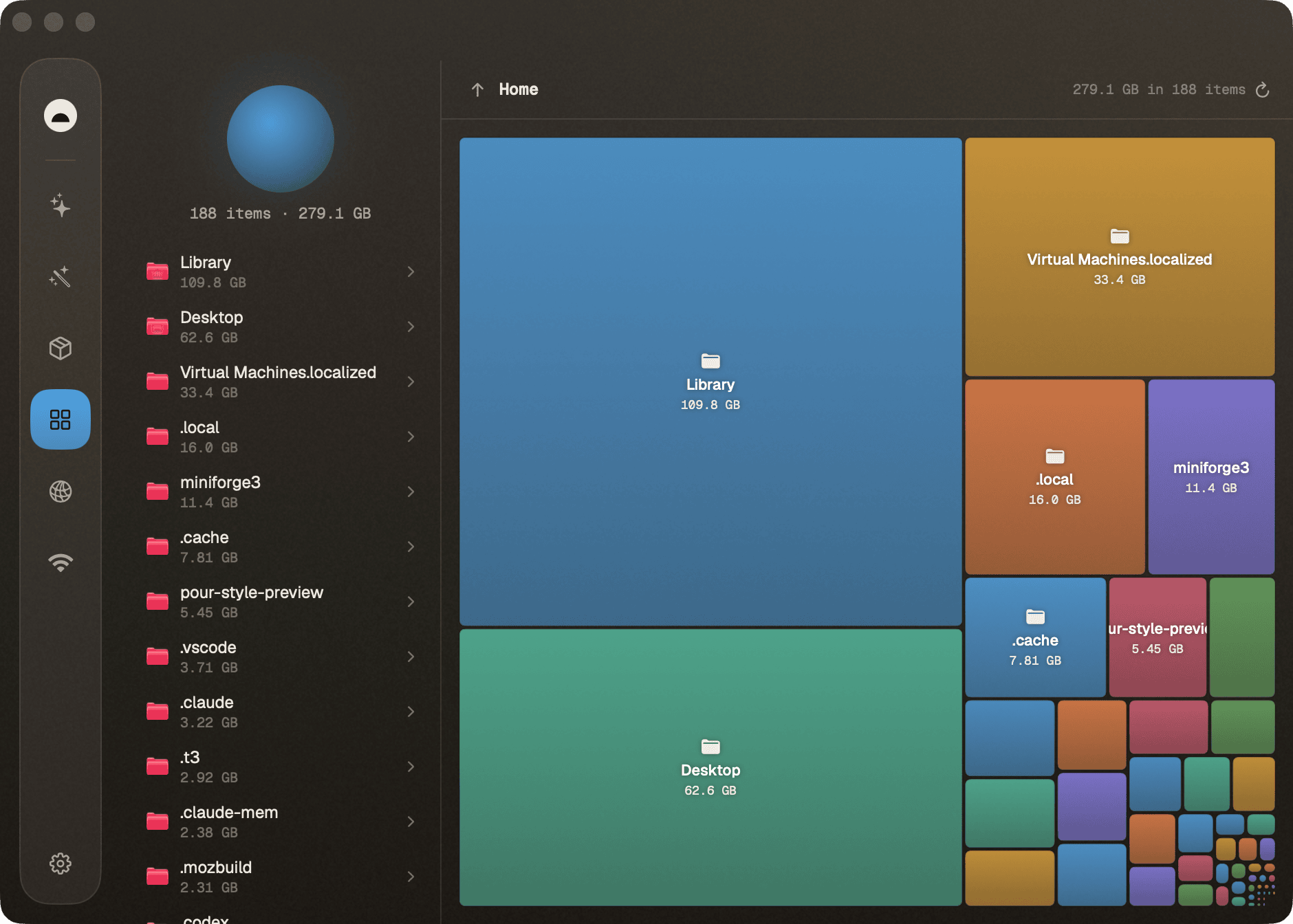
| Analyze | Squarified treemap of your disk; drill into any folder, reveal in Finder. | mo analyze --json |
Every scan offers a no-risk preview (--dry-run) first, a clear
reclaimed-space summary when it finishes, and a Stop button to abort a
running job.
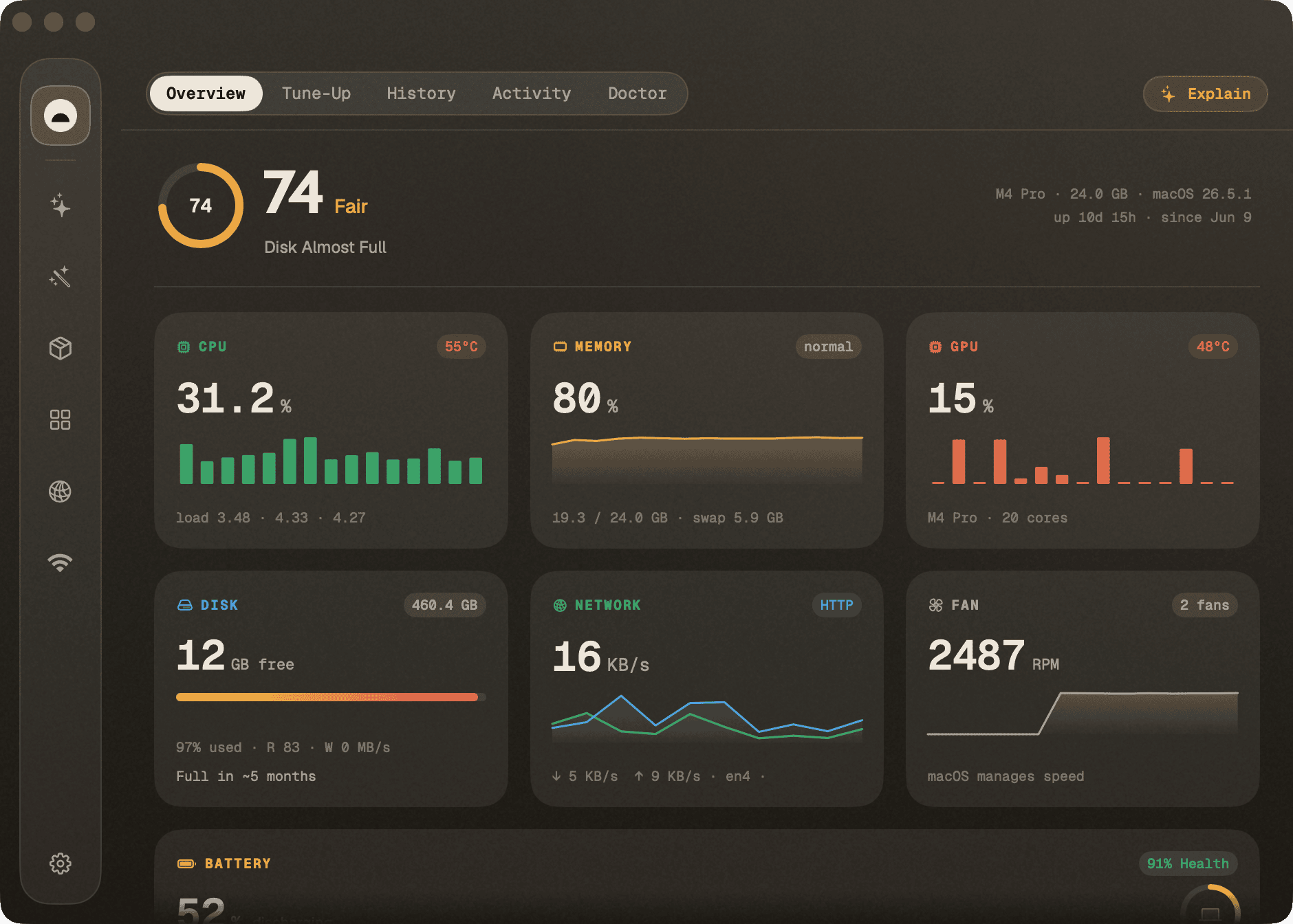
What's on the Status dashboard
A live, glanceable read of your Mac's vitals, refreshed continuously:
- CPU — usage, load averages (1/5/15), core count, temperature
- Memory — used %, pressure (normal/warning/critical), swap
- GPU — name and utilisation (Apple Silicon via
📈 近 7 天 Star 趋势
🏆 排名变化趋势
📋 历史上榜记录
| 日期 | 榜单 | 排名 | 周期新增 | 总 STAR |
|---|