📄 仓库 README
在 GitHub 查看 ↗AIPOCH Open-Science
AI research workbench for reproducible science — open-source, local-first, and model-agnostic.







AIPOCH Open-Science is an AI research workbench for scientists and researchers, developed by AIPOCH with an open-source, local-first, model-agnostic approach. It enables reproducible, inspectable research with scientific AI agents, Python and R execution, scientific data connectors, and cross-platform support for macOS, Windows, and Linux. Create a project, describe your research goal in plain language, and let the agents read files, search the web, run code, query scientific data sources, and produce reports, tables, and figures with traceable provenance—all in one workspace.
AIPOCH Open-Science supports computational and data-intensive research across disciplines, including machine learning, statistics, life sciences, chemistry, materials science, physics and environmental science. It supports the research process from literature review and hypothesis development to code execution, data analysis, simulation, visualization, and the production of traceable research outputs.
Completed research sessions can also be exported as portable .science packages for review, handoff, and archiving, with selected conversation branches, file versions, Notebook records, and verification evidence.
💡 AIPOCH Open-Science v1.0.5 released (last updated October 2026). This patch expands scientific connectors with native source APIs and official file discovery, adds reading-status tracking for literature references with filtering and bulk updates, brings session-package export and import to the Web UI, and ties local service lifetime to explicit holds. It also adds manual update entry points with an installer reveal, a security policy link in Settings, and fixes network permissions, OpenCode 2.x compatibility, macOS notebook tool discovery, and Windows notebook startup waits. See the v1.0.5 release notes for full details.
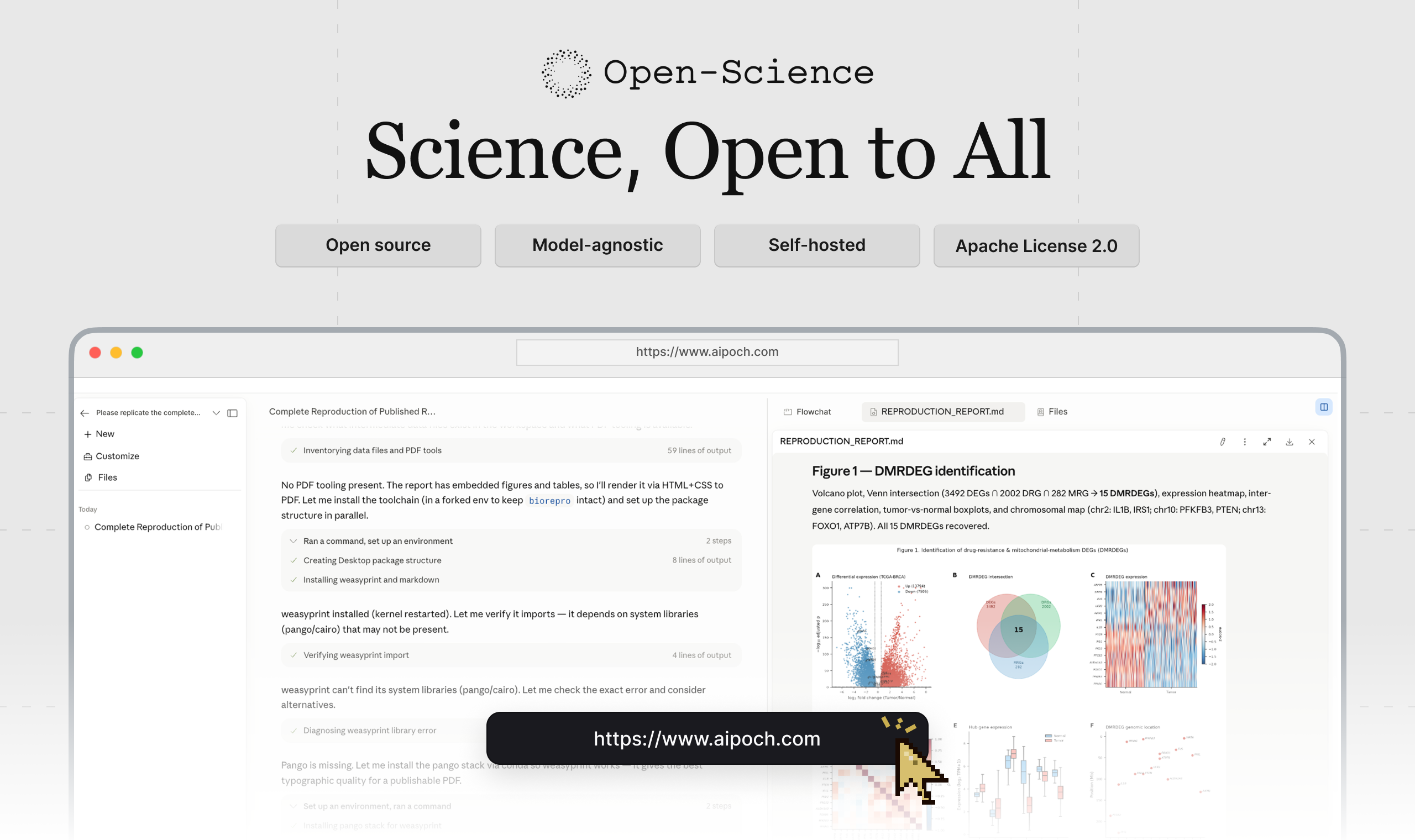
Table of Contents
- Quick Start
- Product Tour
- AIPOCH Open-Science
.scienceResearch Packages - AIPOCH Open-Science Paper and Citation
- Benchmark Performance
- Core Capabilities
- Model Providers
- Data, Permissions, and Trust
- Development & Packaging
- Frequently Asked Questions
- Contributors
- Get Involved
- License
- Star History
🚀 Quick Start
1. Download the app
Open the official download page and choose the installer for your computer:
| Your computer | Choose |
|---|---|
| macOS 12+ — Apple Silicon (M1 or newer) | The macOS DMG for Apple Silicon / ARM64 |
| macOS 12+ — Intel | The macOS DMG for Intel / x64 |
| Windows x64 | The Windows x64 installer (code-signed) |
| Linux x64 | The Linux x64 AppImage or Debian package |
| Linux ARM64 | The Linux ARM64 AppImage or Debian package |
Download from the official download page; see download verification if needed.
On macOS, you can also install with Homebrew:
brew install --cask open-science
For the standalone CLI on macOS or Linux, use the separate AIPOCH tap:
brew install aipoch/tap/open-science
This Formula includes Node and runs without the desktop app; its release may differ from the desktop Cask. See the standalone runtime guide for prerequisites and upgrades.
For the standalone CLI and Web UI, install the published npm package with Node.js 22.13.0 or later:
npm install --global @aipoch/open-science
open-science start --no-open
open-science url
Open the printed URL to complete setup, or follow the terminal setup guide. npm supports macOS ARM64/x64, glibc Linux ARM64/x64 and Windows x64; the desktop app is not required. Keep npm optional dependencies enabled and review the Linux prerequisites and upgrade instructions. The URL contains an authentication token; keep it private.
Windows reinstalls preserve research data. For a full cleanup, see the data reset tool, which permanently deletes local data after confirmation.
2. Complete first-time setup
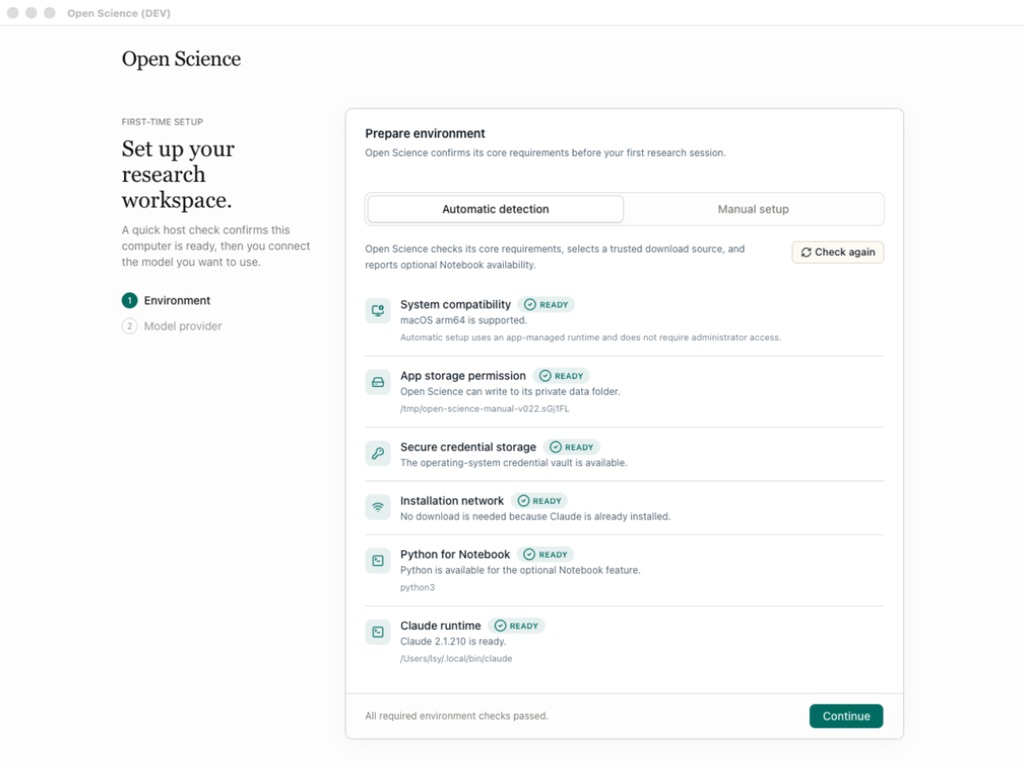
Follow the setup wizard: Environment → Data location → Agent runtime → Model provider → Notebook runtime.
Complete the required environment and agent-runtime checks and test your model connection. Python/R Notebook setup is optional; Notebook and data-location settings can be changed later.
 |
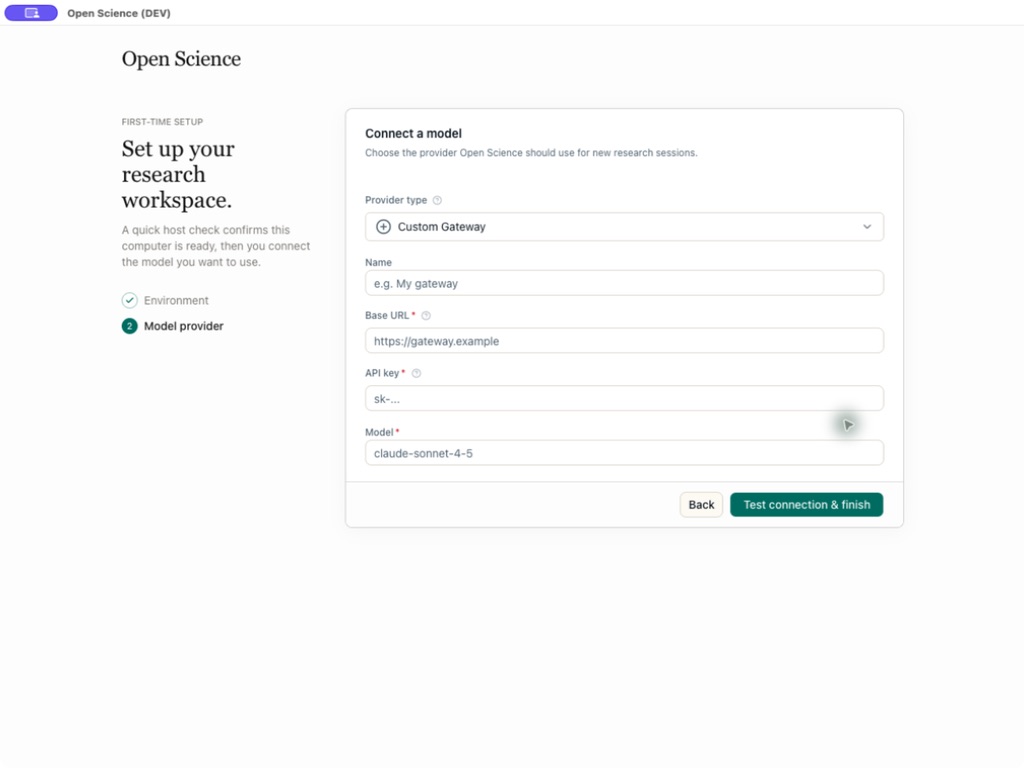 |
| Host compatibility, storage, and network checks | Provider, API Key, endpoint, and model validation |
3. Start a research project
- Click New project, open a session, and describe your research goal, inputs, and expected outputs.
- Attach files, select a model and approval mode, then send the task. Use
@to reference project files or/to choose a skill. - Review tool activity and any approval requests, preview the results, and check their available evidence in Provenance.
Screenshots in this README illustrate the workflow. Labels, catalogs, and other interface details may differ from the version you install.
Product Tour
From a research request to a traceable result
Consider a representative bioinformatics task: reproduce a published differential-expression analysis, compare the regenerated results with the paper, and deliver the report, tables, and figures needed for review. The screenshots below are representative views from documented AIPOCH Open-Science workflows; they illustrate each stage rather than one continuous session.
1. Define the research task and evidence
Describe the research question, source paper and datasets, req
📈 近 7 天 Star 趋势
🏆 排名变化趋势
📋 历史上榜记录
| 日期 | 榜单 | 排名 | 周期新增 | 总 STAR |
|---|