📄 仓库 README
在 GitHub 查看 ↗
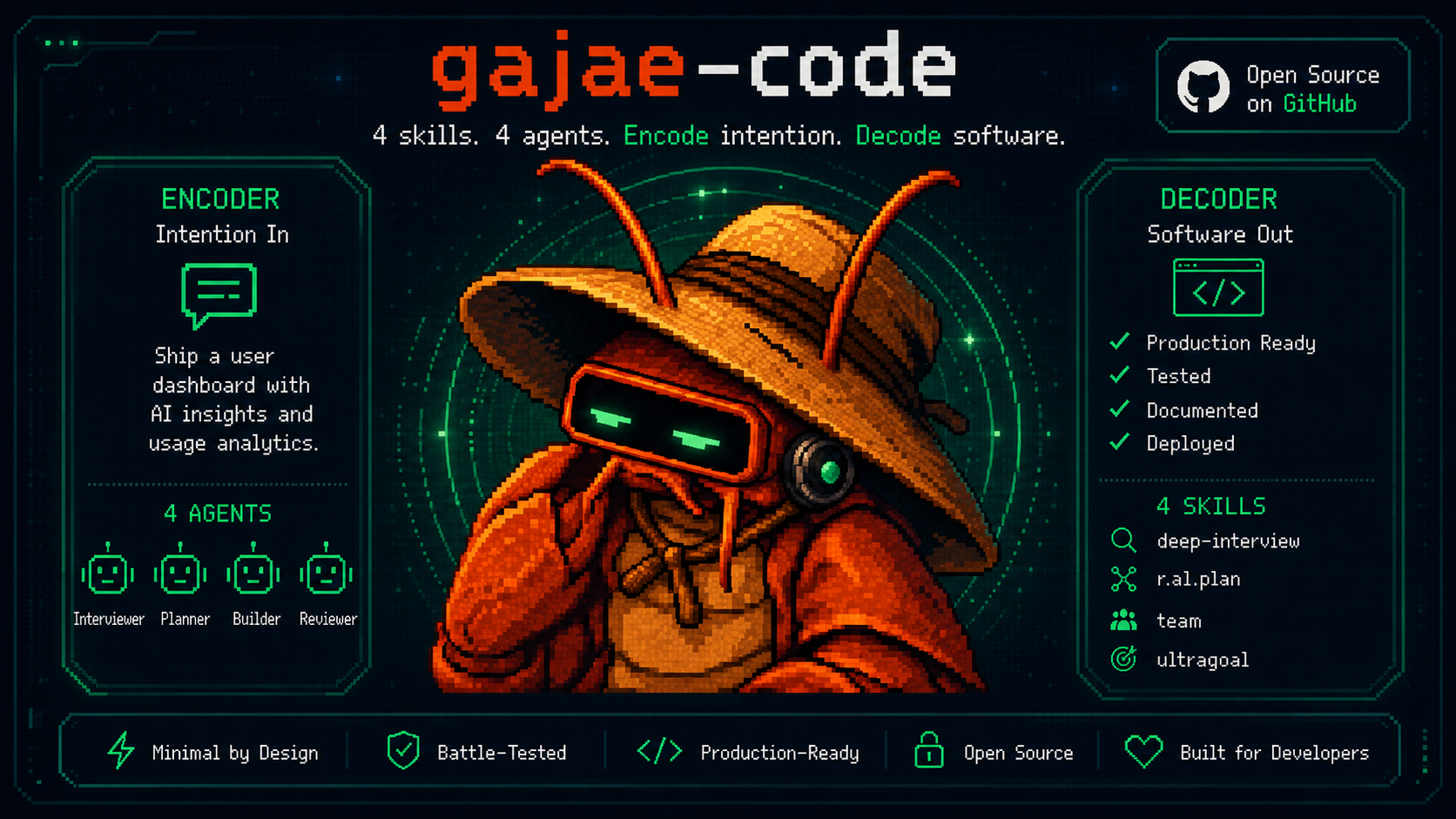
G A J A E - C O D E
Encode intention. Decode software.
The coding agent that runs on the plan you already pay for — and answers to your phone.



🖥️ Explore Gajae-Code App → Desktop & self-hosted web GUI
Experimental, community-built third-party project — not an official first-party Gajae-Code app.
Quick Start · Why · Coding Plans · Phone · Workflow · Token Diet · Controllers · Agent Shells · Docs
Connect a supported subscription or API key, choose a planning workflow when needed, execute with evidence — and answer the agent's questions from your terminal, your phone, or your own bot.
Gajae-Code (gjc) is an external coding-agent harness: drop it into any repository or worktree. Supported subscription routes use your provider's plan; API-key routes follow that provider's billing and usage limits.
Gajae-Code is an experimental, beta-stage project. Expect rough edges and verify outputs before relying on it for important work.
Why Gajae-Code?
Most coding agents fail on three fronts: they bill you twice, they mutate before they understand, and they go silent the moment you step away from the keyboard.
| Problem | What Happens | Gajae-Code Fix |
|---|---|---|
| Separate API billing | You pay for a plan and per-token API costs | /login with the coding plan you already pay for — Claude, Codex, Cursor, Copilot, OpenCode Go, GOAT, ClinePass, and more |
| Code-first agents | The agent edits before it understands; you rework | Opt-in plan-gated workflow: interview → plan → critique → then authorized execution |
| Terminal-bound sessions | Agent asks a question at 2 AM; work stalls until morning | Questions route to Telegram/Discord/Slack; you answer from anywhere |
| Context bloat | Whole-file reads and log floods burn the window | Structural summaries, artifact spill, cache-aware routing, compaction |
Quick Start
Install — prebuilt binaries for Linux (x64/arm64, glibc only), macOS (arm64/x64), and Windows (x64). Bun is not required:
curl -fsSL https://raw.githubusercontent.com/Yeachan-Heo/gajae-code/v0.15.3/scripts/install.sh -o gjc-install.sh
sh gjc-install.sh
gjc
Piping main executes mutable content; use it only if you explicitly want the latest installer:
curl -fsSL https://raw.githubusercontent.com/Yeachan-Heo/gajae-code/main/scripts/install.sh | sh
Windows (PowerShell), tagged:
Invoke-WebRequest -UseBasicParsing https://raw.githubusercontent.com/Yeachan-Heo/gajae-code/v0.15.3/scripts/install.ps1 -OutFile gjc-install.ps1
powershell -File gjc-install.ps1
First use — inside an interactive gjc session:
/login                       pick a provider / coding plan
/skill:deep-interview        clarify ambiguous requirements
/skill:ralplan               build and critique the plan
After approving the plan, ask the active GJC session to run this through its Bash tool, which supplies GJC_SESSION_ID, to create durable goals. With goal mode enabled, the session can activate inline goal mode and begin work in the same turn, before another user action; run this only when ready for execution. The command does not start the durable scheduler. A standalone shell without that session context fails:
gjc ultragoal create-goals --brief-file <approved-plan>
Run modes:
gjc                                # run in the current checkout
gjc --tmux                         # tmux-backed leader session
gjc --tmux --worktree my-task      # isolated worktree for risky work
gjc @screenshot.png "What should I change?"   # image input
Nightly channel: sh gjc-install.sh --channel nightly (use the tagged installer downloaded above). Full install matrix, Windows setup, update channels, and shell completion: docs/install.md. Bun is only needed to build from source.
Bring your coding plan
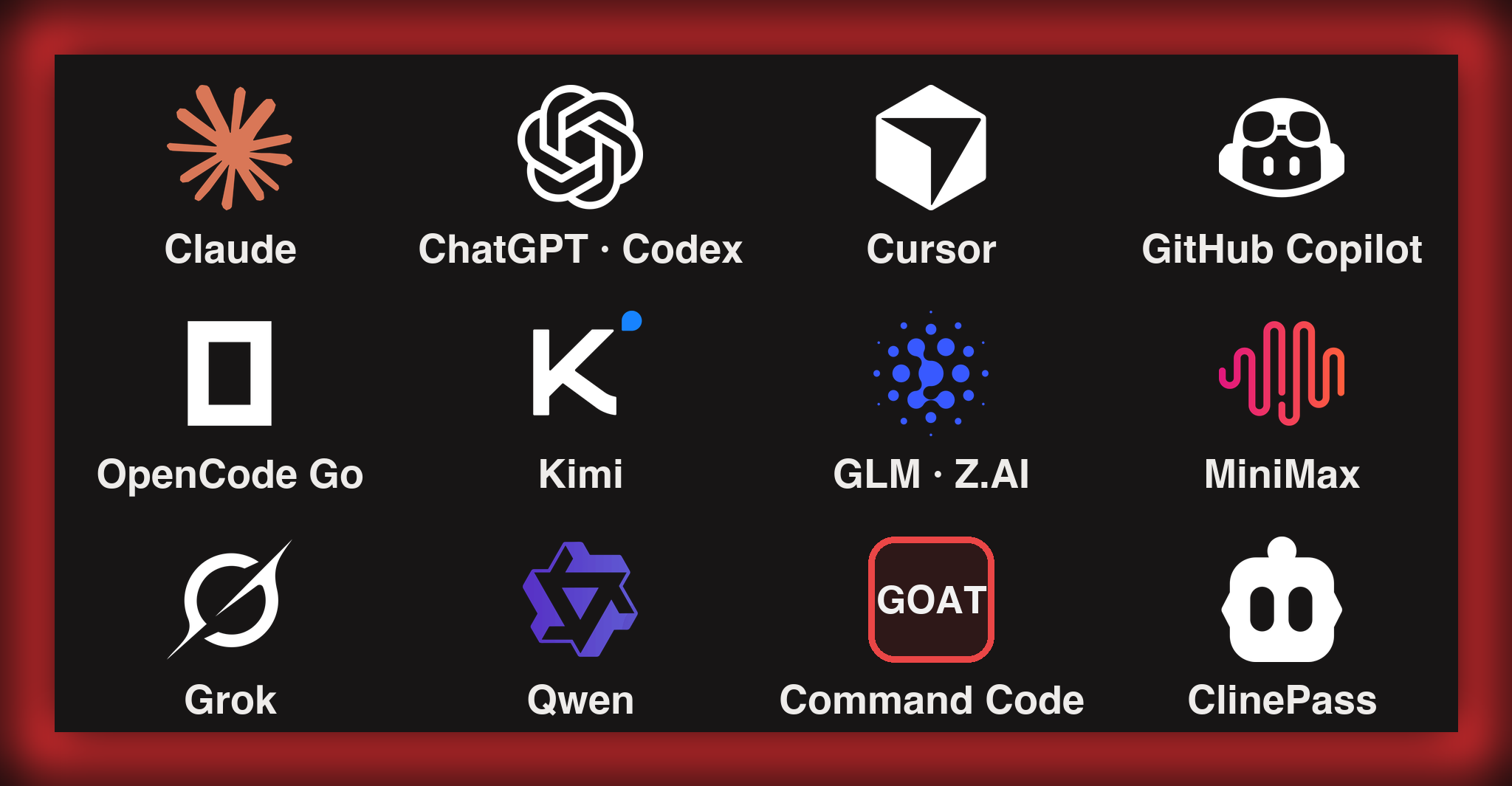
Log in once and run GJC on the subscription you already pay for. Run /login inside a session and pick your plan:
| Plan / subscription | /login provider ID |
|---|---|
| Claude Pro / Max | anthropic |
| ChatGPT Plus / Pro (Codex) | openai-codex (browser) · openai-codex-device (headless) |
| Cursor | cursor |
| GitHub Copilot | github-copilot |
| OpenCode Zen / OpenCode Go | opencode-zen · opencode-go |
| Kimi Code / Coding Plan / Moonshot | kimi-code · moonshot |
| Z.AI GLM Coding Plan | zai |
| MiniMax Coding Plan (Intl / CN) | minimax-code · minimax-code-cn |
| xAI (Grok) | xai |
| Alibaba Token Plan / Qwen Portal | alibaba-token-plan · qwen-portal |
/login supports both OAuth and key-based onboarding; for example, Z.AI and MiniMax Coding Plan require a plan API key, not an OAuth browser login. More login options — Google Gemini CLI, GitLab Duo, Perplexity Pro/Max, Fire Pass, Xiaomi Token Plan — are covered in docs/models.md. Availability, entitlement, and usage limits depend on the provider.
New: coding-plan presets
Key-based coding plans onboard with one command — the preset writes the API type, base URL, env-var reference, compatibility flags, and model configuration. The two discovery-backed presets below resolve a live model catalog at runtime; setup itself does not validate credentials:
gjc setup provider --preset commandcode-goat   # Command Code GOAT plan (CMD_API_KEY)
gjc setup provider --preset cline-pass         # ClinePass (CLINE_API_KEY)
- Command Code GOAT — discovers the provider's live
/provider/v1/modelscatalog. Claude model IDs use the Anthropic Messages transport; other models use OpenAI-compatible Chat Completions./loginverifies the key with a small inference probe before persisting it; this can consume provider quota and is separate from preset setup. Aliases:commandcode,goat. - ClinePass — no hardcoded models; GJC fetches Cline's live catalog the same way Cline generates its own. Aliases:
clinepass,cline. - Also available as presets:
minimax,minimax-cn,glm,alibaba-token-plan— or/provider add --preset <name>inside the TUI.
Beyond coding plans: 50+ providers, gateways, local runtimes
API-key providers, local runtimes (Ollama, LM Studio, vLLM), and gateways (Cloudflare AI Gateway, Vercel AI Gateway, LiteLLM, and more) all work. Register your own endpoints in `models.yml`, pool multiple accounts per provider with usage-aware routing, mix vendors per agent role with model presets and profiles, or centralize team credentials with the auth broker/gateway. - [Models, providers, and auth resolution](https://github.com/Yeachan-Heo/gajae-code/blob/HEAD/docs/models.md) - [Custom providers & multi-account routing](https://github.com/Yeachan-Heo/gajae-code/blob/HEAD/docs/custom-providers-and-multi-account.md) - [Multi-vendor role profiles](https://github.com/Yeachan-Heo/gajae-code/blob/HEAD/docs/multi-vendor-profiles.md) - [Auth broker & gateway (shared team credentials)](https://github.com/Yeachan-Heo/gajae-code/blob/HEAD/docs/auth-broker-gateway.md)Answer from your phone
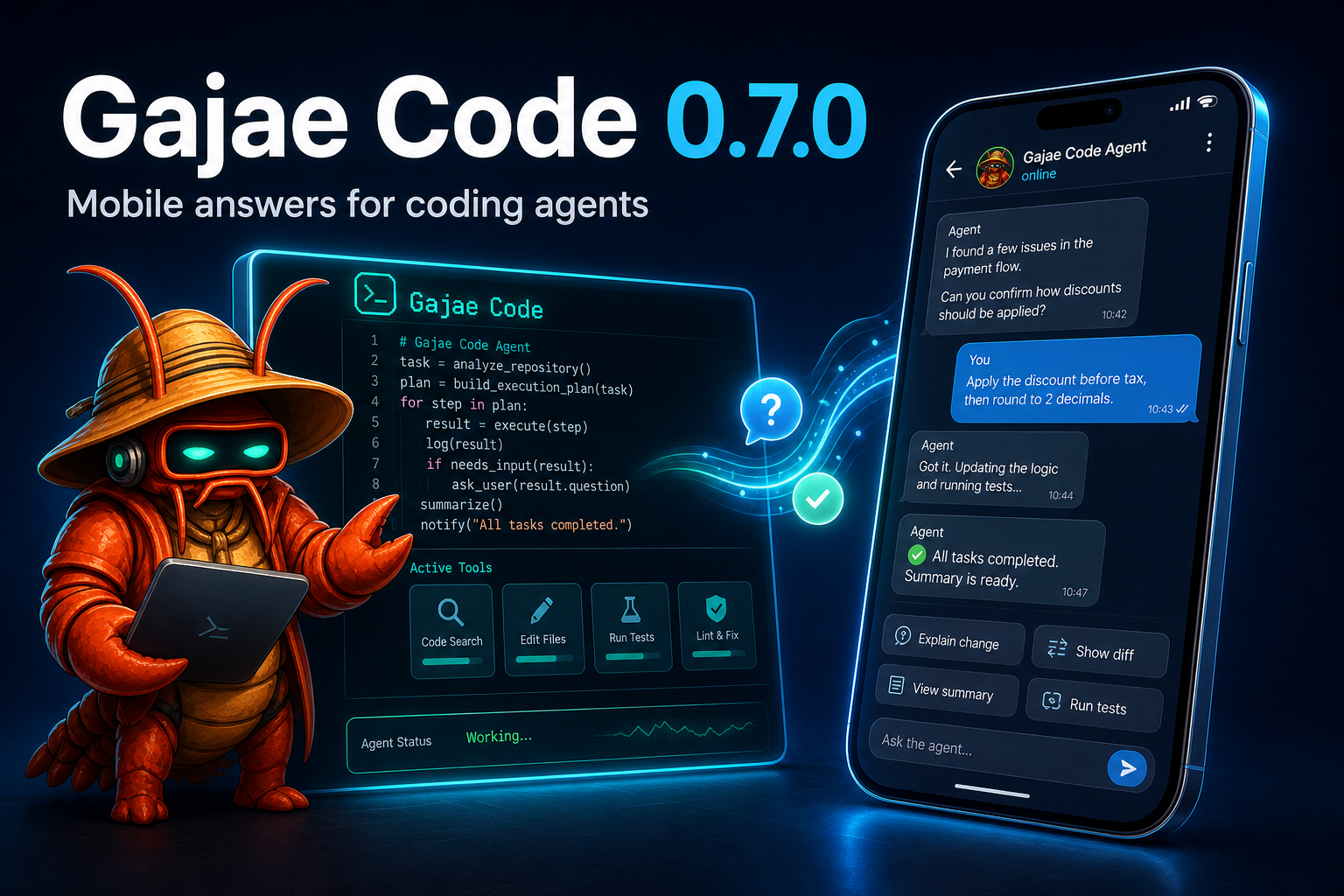
After you configure notifications (off by default), the agent can ping you on Telegram when it needs a decision — and you answer from anywhere:
- Coordinator/lifecycle session forum topics with live/finalized output, context updates, image attachments, inline buttons, free-text replies, and typing indicators.
- Configure once from
/settings→ Notifications in a running session, or headless viagjc notify setup|status|health|test|recovery. Tokens are masked on entry and never displayed again. gjc daemonlets sessions sharing a local agent directory and bot/chat configuration reuse a long-poll owner. Other GJC profiles, hosts, or applications polling the same token can still cause Telegram 409 conflicts.- Discord and Slack delivery ship alongside; the generic
action_needed/replyprotocol lets any bot or mobile app route answers back without terminal scraping.
Telegram onboarding · Discord · Slack
Plan before mutation
A deliberately small workflow surface — four skills, four role agents, nothing else:
```text deep-interview -> ralplan -> ultragoal └─ optional au
📈 近 7 天 Star 趋势
🏆 排名变化趋势
📋 历史上榜记录
| 日期 | 榜单 | 排名 | 周期新增 | 总 STAR |
|---|