📄 仓库 README
在 GitHub 查看 ↗
Asyar
The power of Raycast. The speed of Alfred. Privacy by design.
A fast, native Rust & Tauri launcher for macOS, Windows, and Linux.



Download for macOS · Reddit (r/asyarapp) · Community · Documentation
https://github.com/user-attachments/assets/ad0e51f5-9b1c-4674-9021-4204aa85ecce
Tiny Footprint. Native Performance.
Asyar is built with Tauri + Rust instead of Electron. That means:
- Significantly less RAM — no bundled Chromium, no V8 runtime sitting idle
- Instant startup — the Rust backend initializes in milliseconds
- Real OS integration — native APIs for app indexing, clipboard, global hotkeys, and accessibility
- Secure by default — extensions run in isolated iframes; a broken extension can't crash the launcher
Native performance, web flexibility — Rust does the heavy lifting, Svelte 5 keeps the UI snappy.
Measured against Raycast
| Metric | Asyar 0.1.1-49 | Raycast 2.6.2.0 |
|---|---|---|
| Hotkey → window visible (median of 15) | 13.9 ms | 22.2 ms |
| Hotkey → window visible (p95) | 17.3 ms | 32.0 ms |
| Hotkey → window visible (p99) | 20.5 ms | 32.5 ms |
| Keystroke → results painted (p50) | n/a | n/a |
| Keystroke → results painted (p95) | n/a | n/a |
| Cold start → usable | 585 ms | 2129 ms |
| Memory footprint, idle (all processes) | 419.2 MB | 451.5 MB |
| CPU while idle (30s average) | 0.64 % | 1.44 % |
| CPU deep idle (60s, after 120s quiet) | 0.10 % | 1.41 % |
| Memory deep idle | 664.4 MB | 680.4 MB |
| CPU ms/s (powermetrics, deep idle) | 1.02 | 13.92 |
| Idle wakeups/s (deep idle) | 11.82 | 46.33 |
| Idle disk write ops (60s) | 0 | 96 |
| App size on disk | 68 MB | 223 MB |
Measured 2026-10-04 on a Apple M4 Max (36 GB RAM), macOS 27.0.1, each app
as installed, summoned by its own registered global hotkey, one at a time on a
quiet machine. Black-box measurement: synthetic hotkey press → launcher window
on screen. Reproduce with benchmarks/bench.sh.
Don't take my word for it: benchmarks/bench.sh measures Asyar against Raycast black-box on your own machine — hotkey-to-window latency, cold start, full-process-group memory, idle CPU and wakeups, idle disk writes, and app size — and regenerates this table with --update-readme. Raycast Beta is included automatically when it is installed; the run above was made on a machine without it. The three privileged rows (CPU ms/s, idle wakeups, idle disk writes) need passwordless sudo for powermetrics and fs_usage and report n/a without it — see benchmarks/README.md.
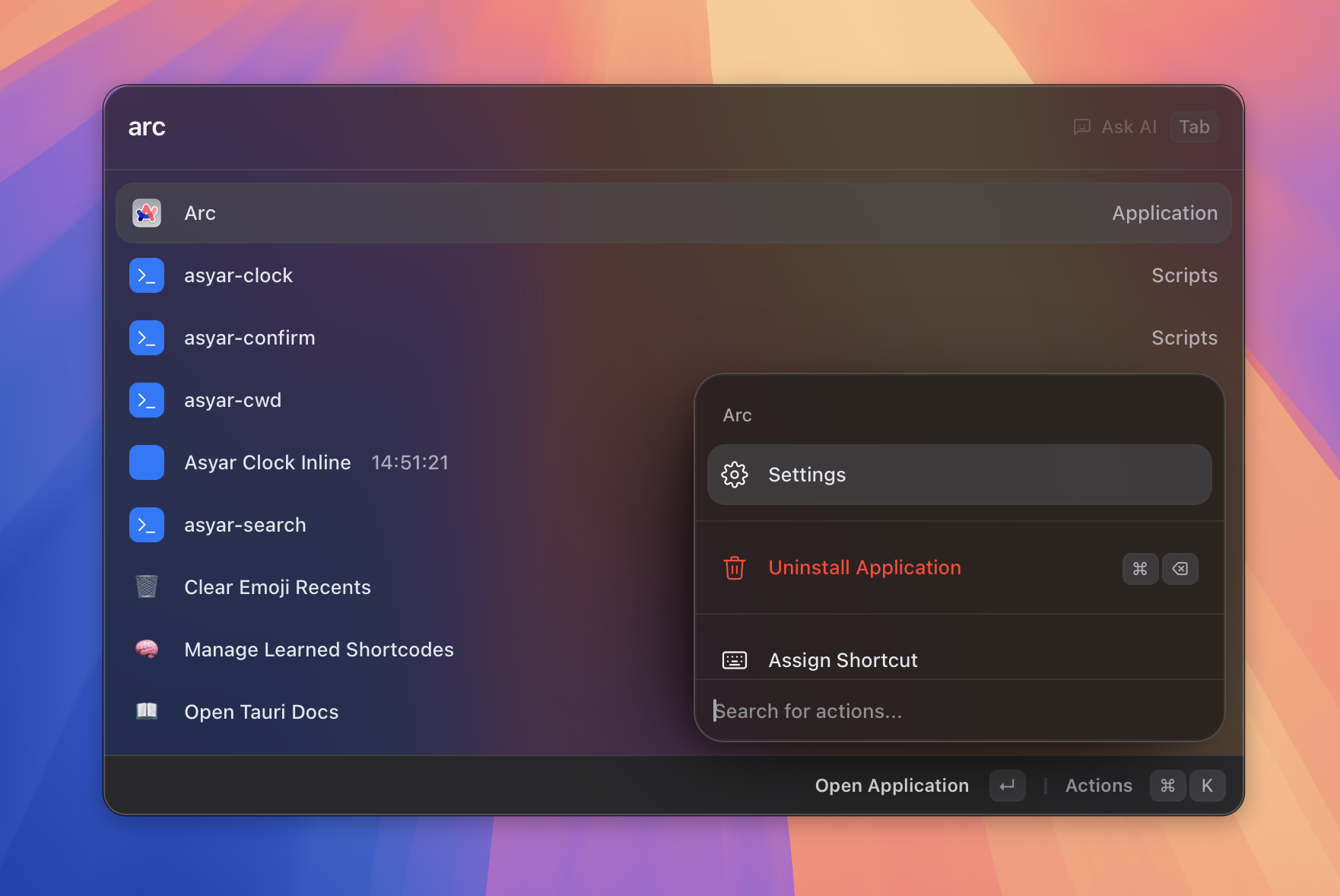
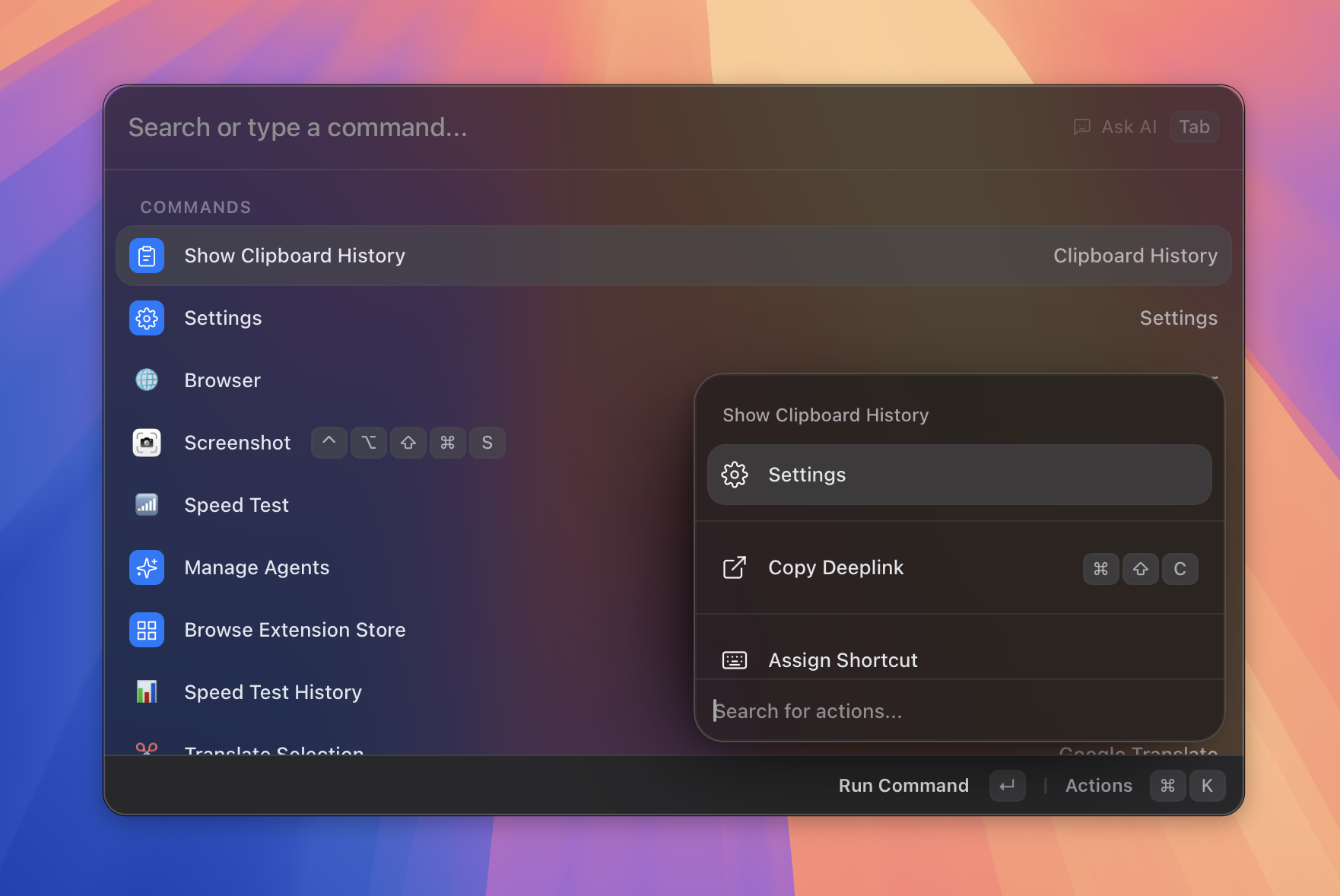
Screenshots
 |
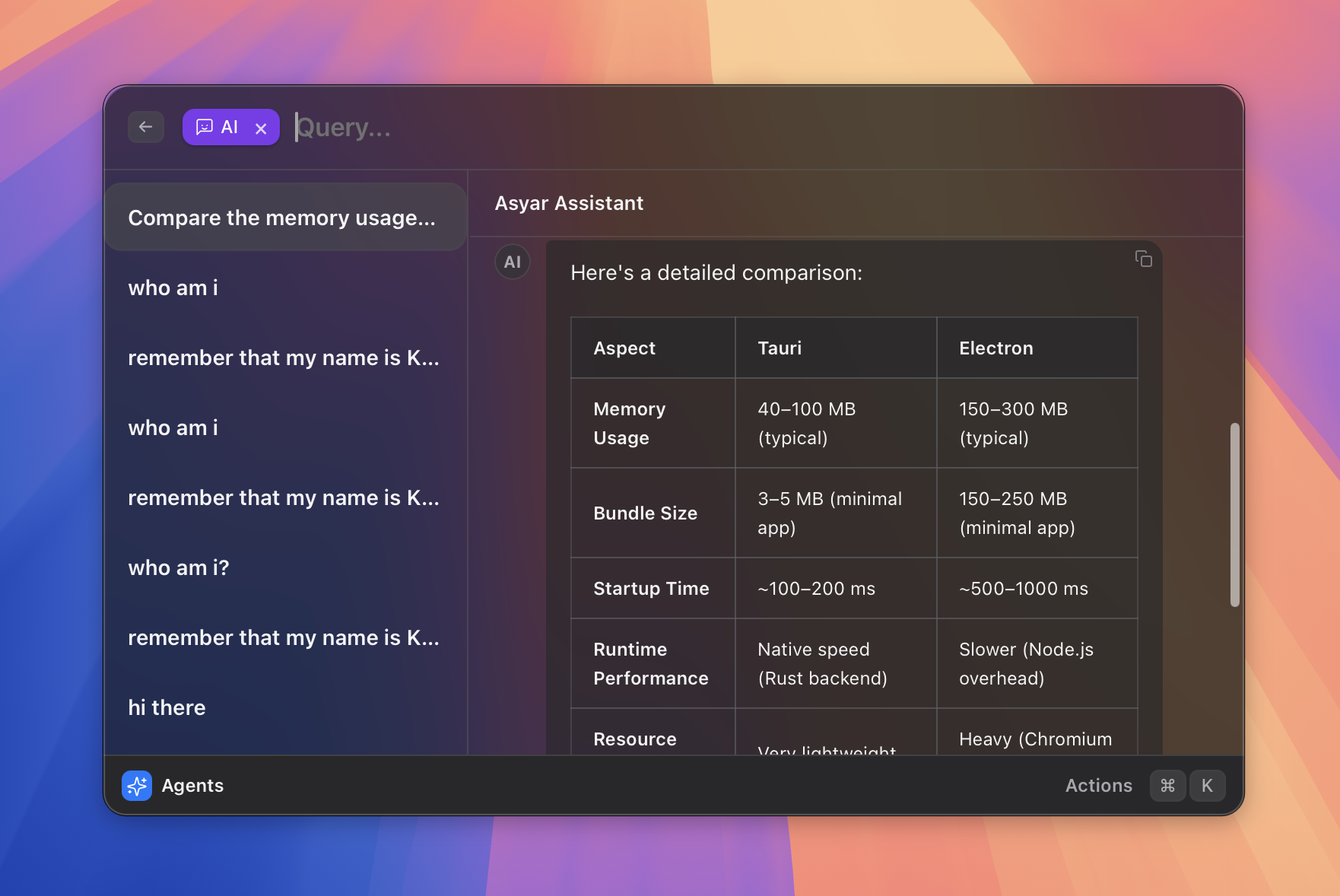 |
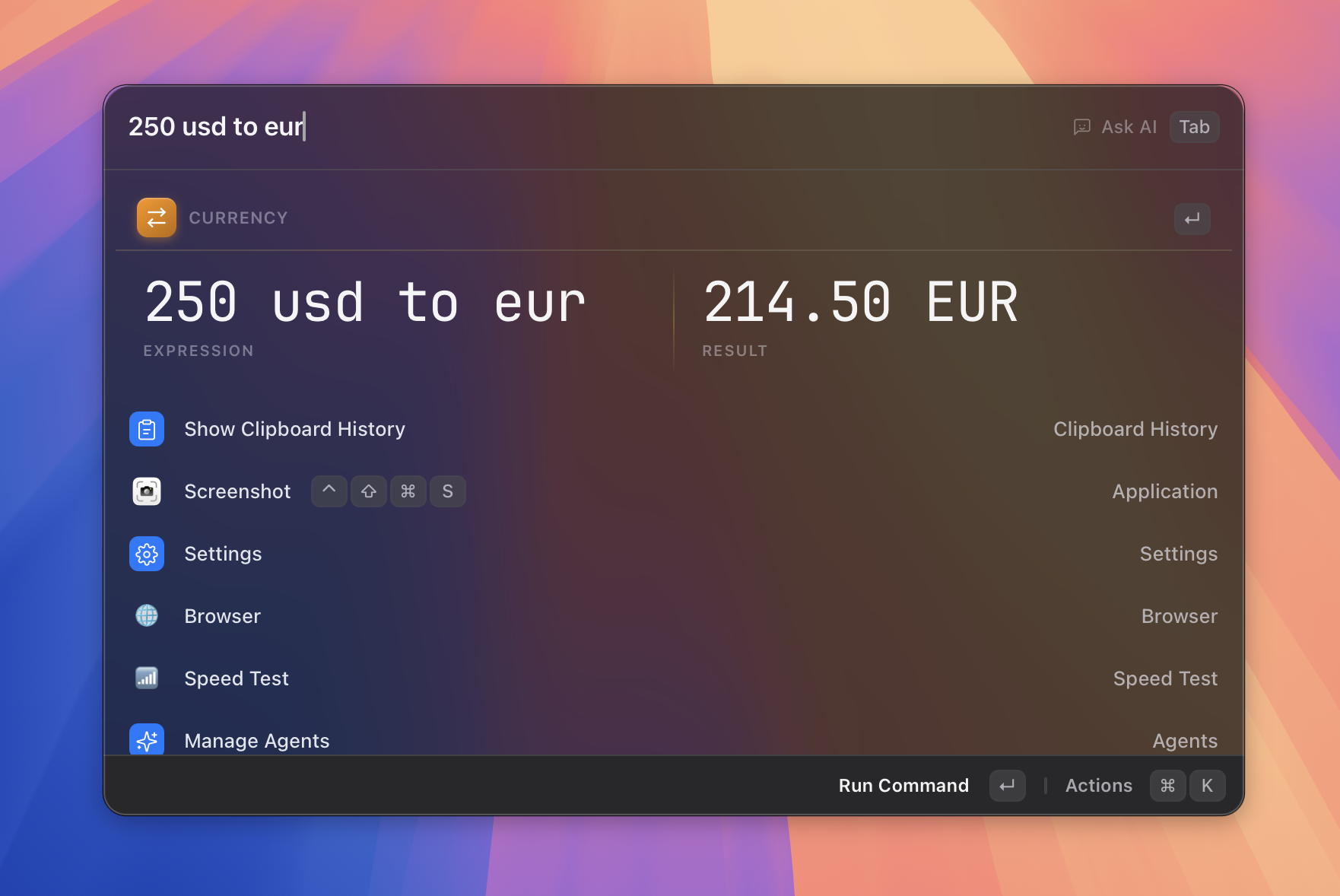
| Fast fuzzy search | AI agents with tool calling |
 |
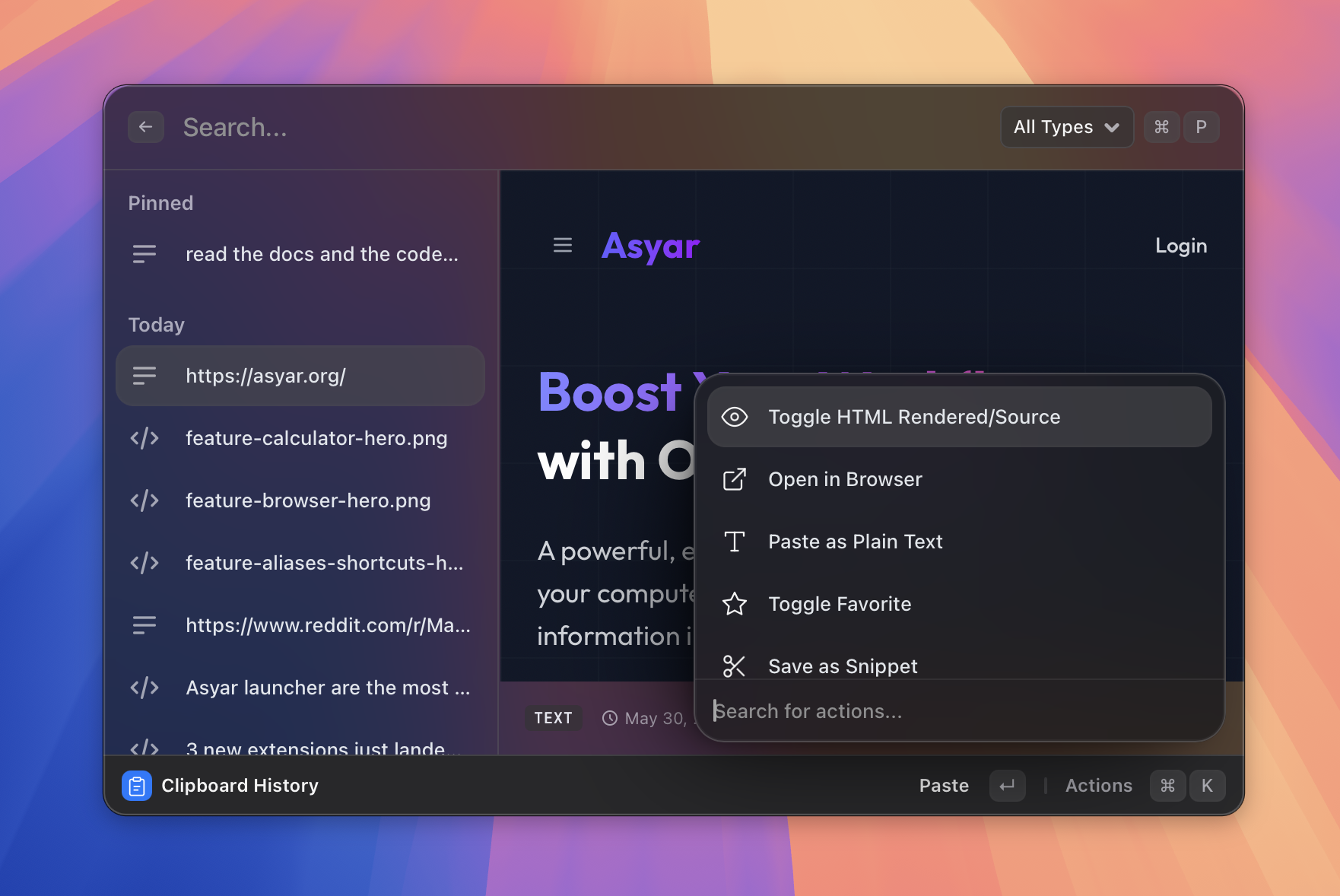 |
| Instant calculator | Clipboard history |
 |
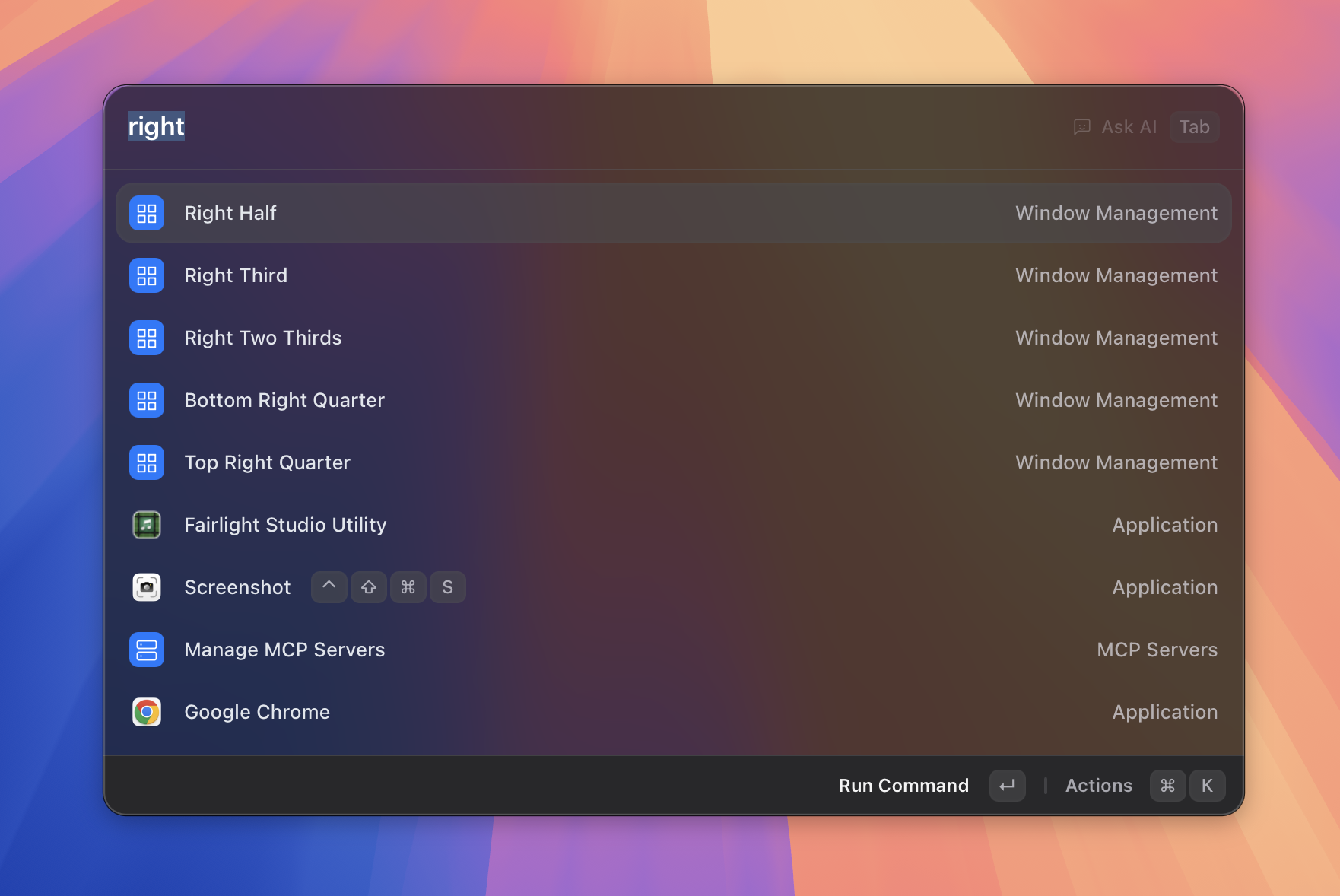 |
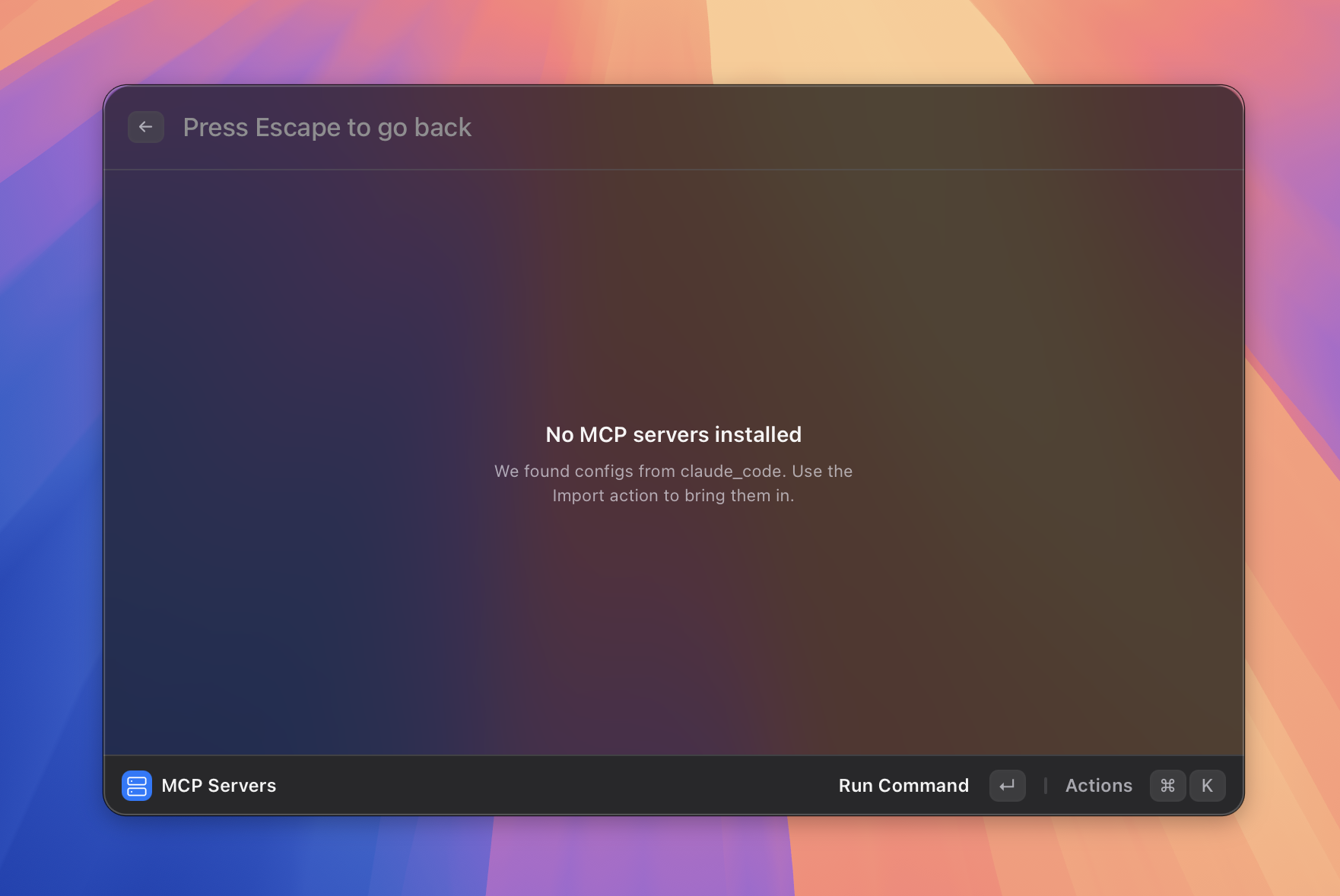
| MCP servers | Window management |
 |
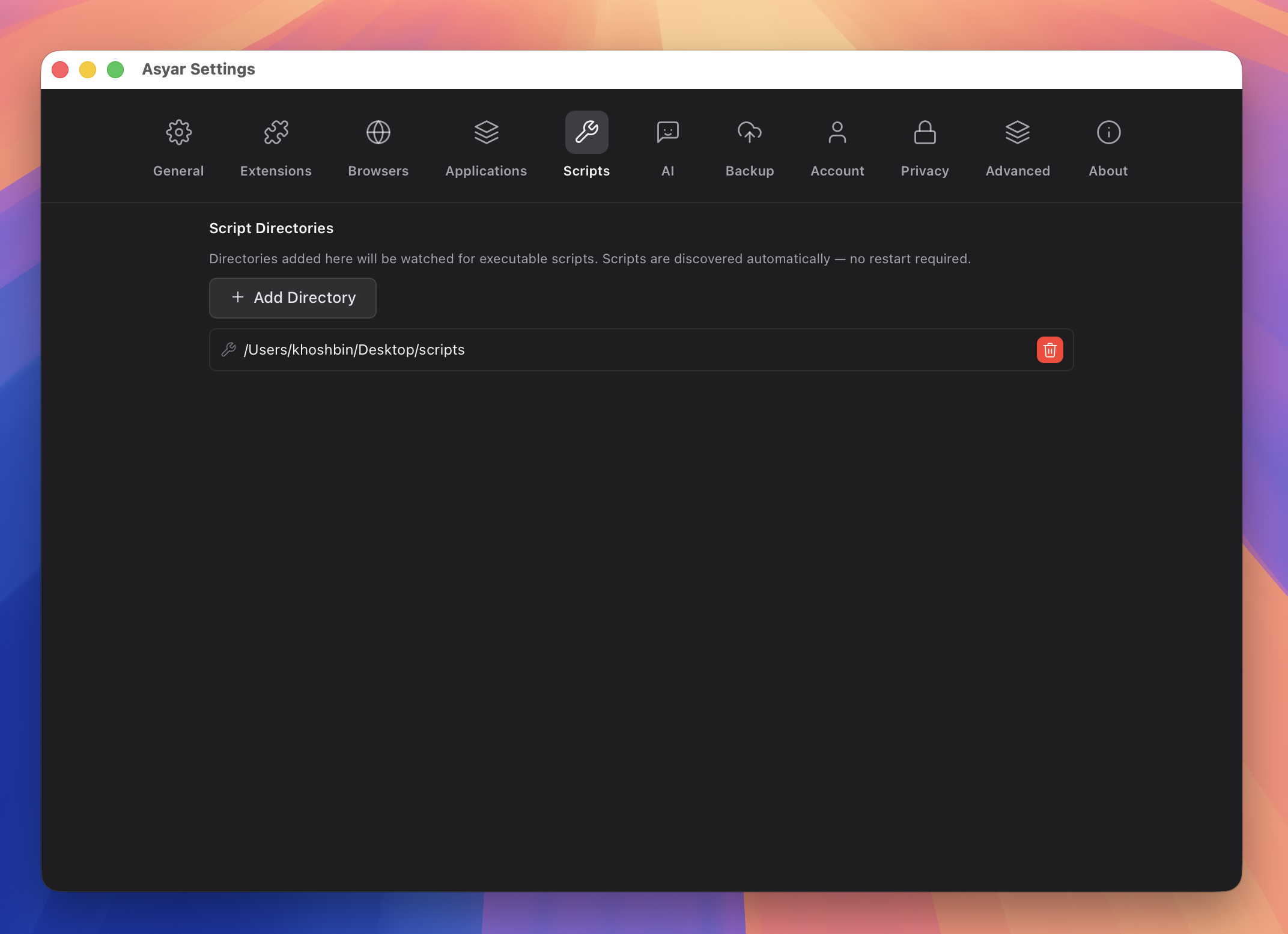 |
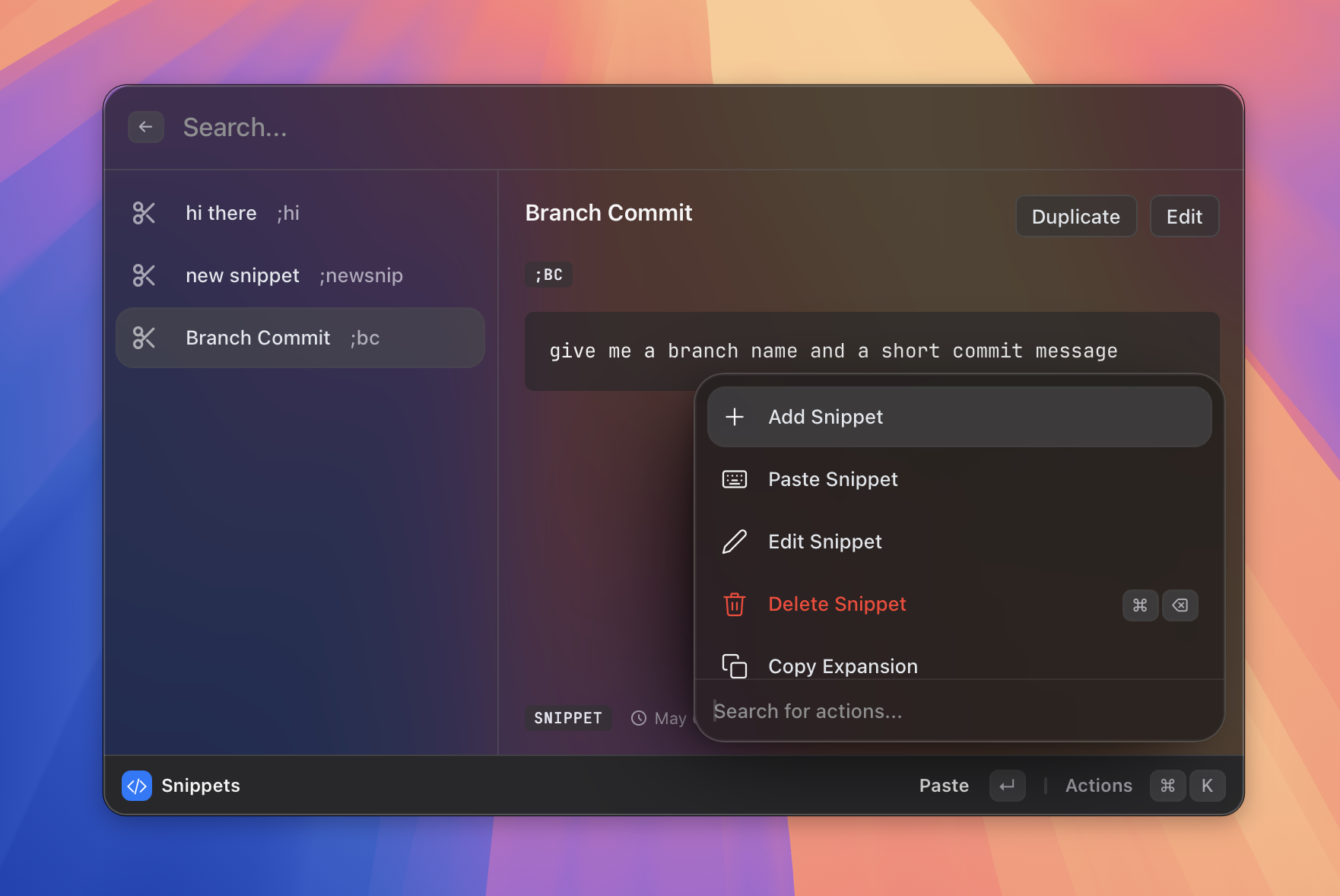
| Snippets | Scripts |
 |
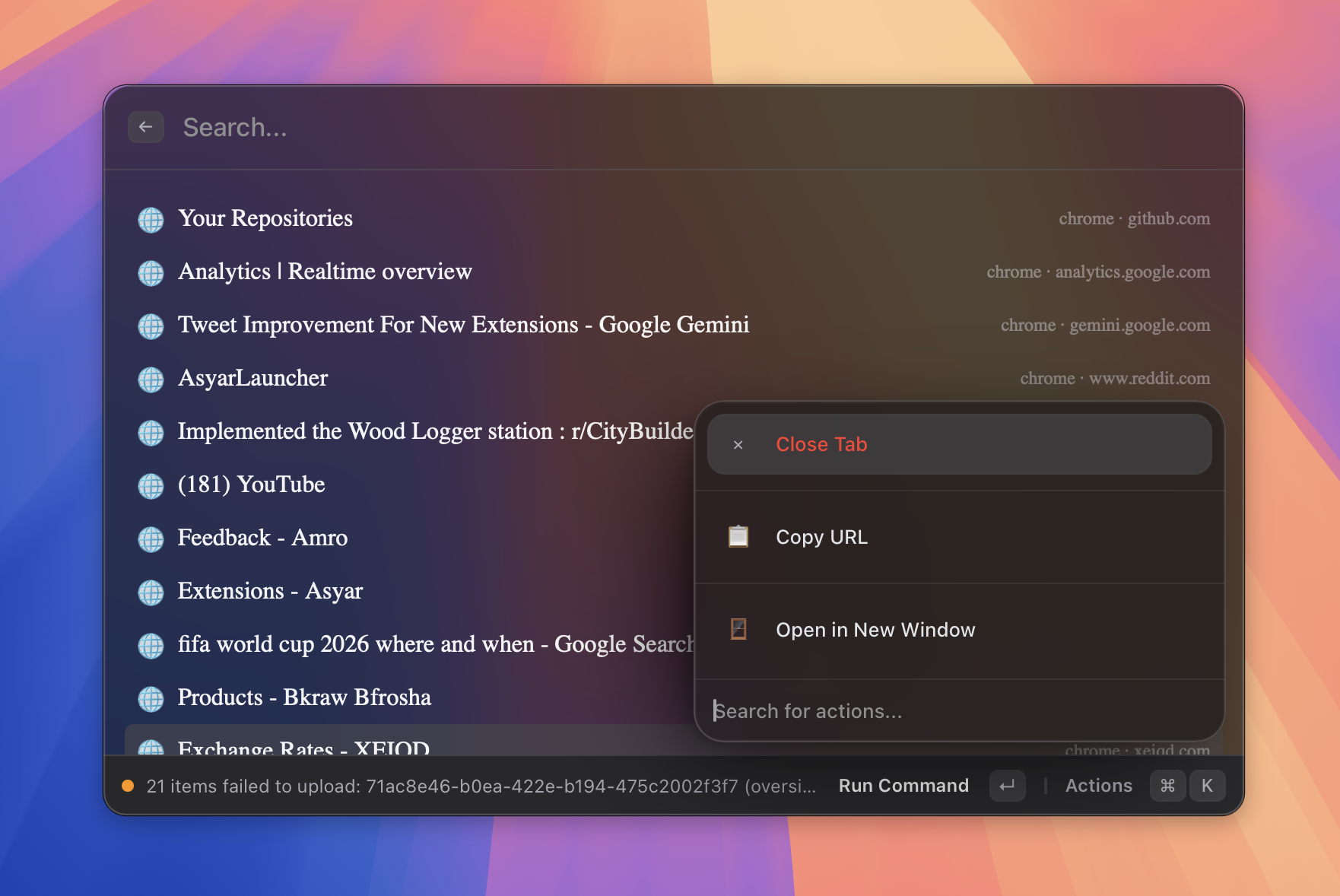 |
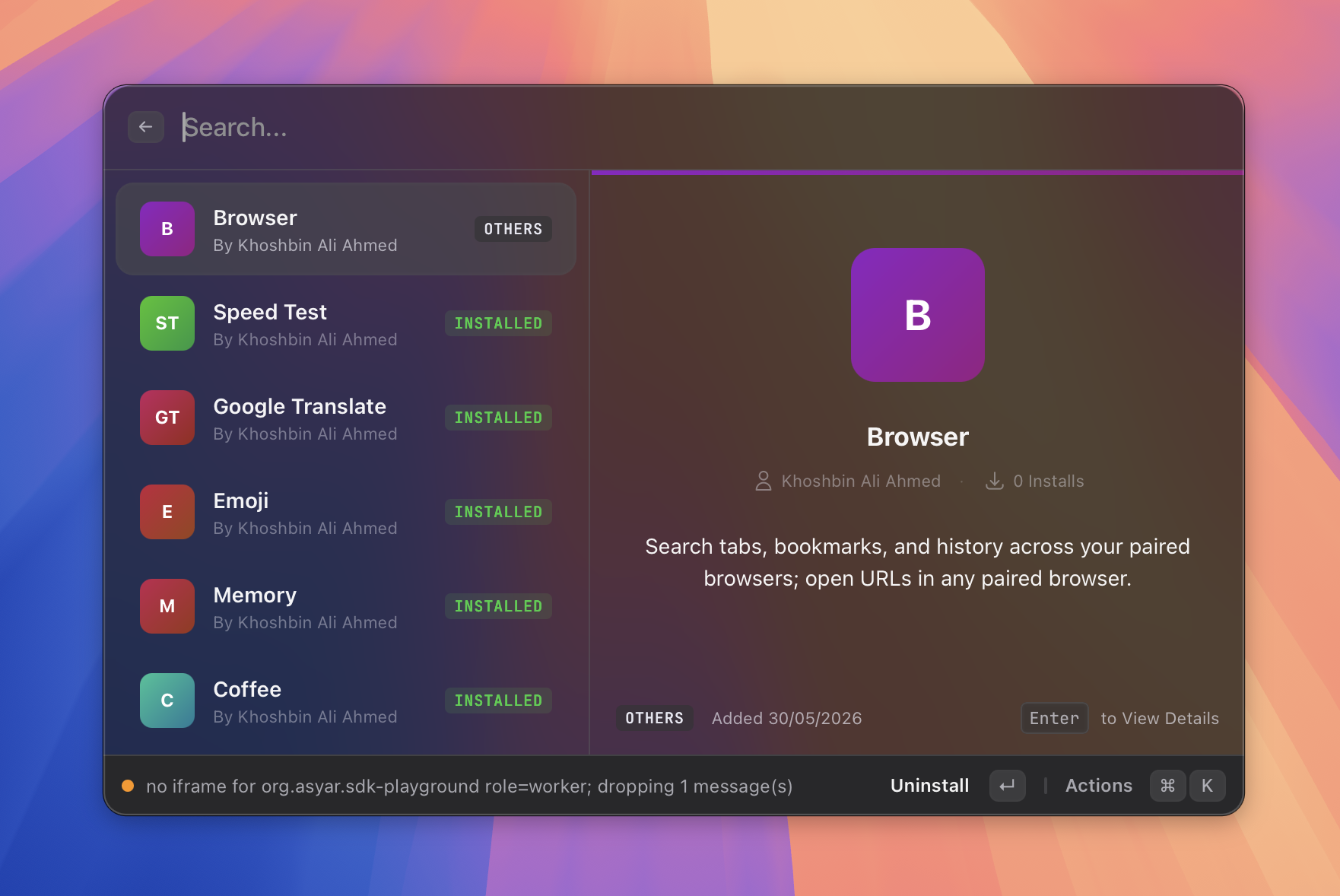
| Extensions | Browser integration |
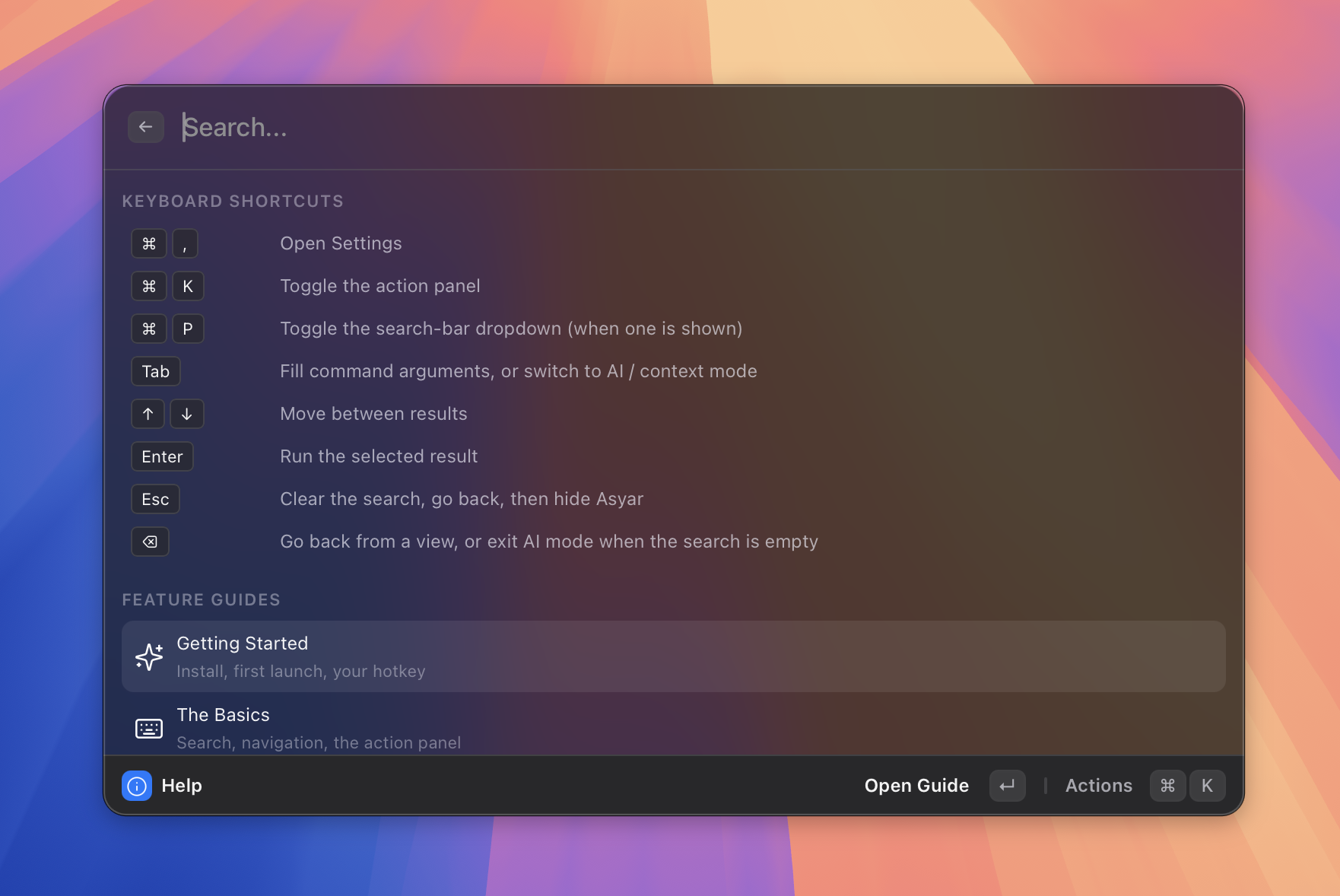 |
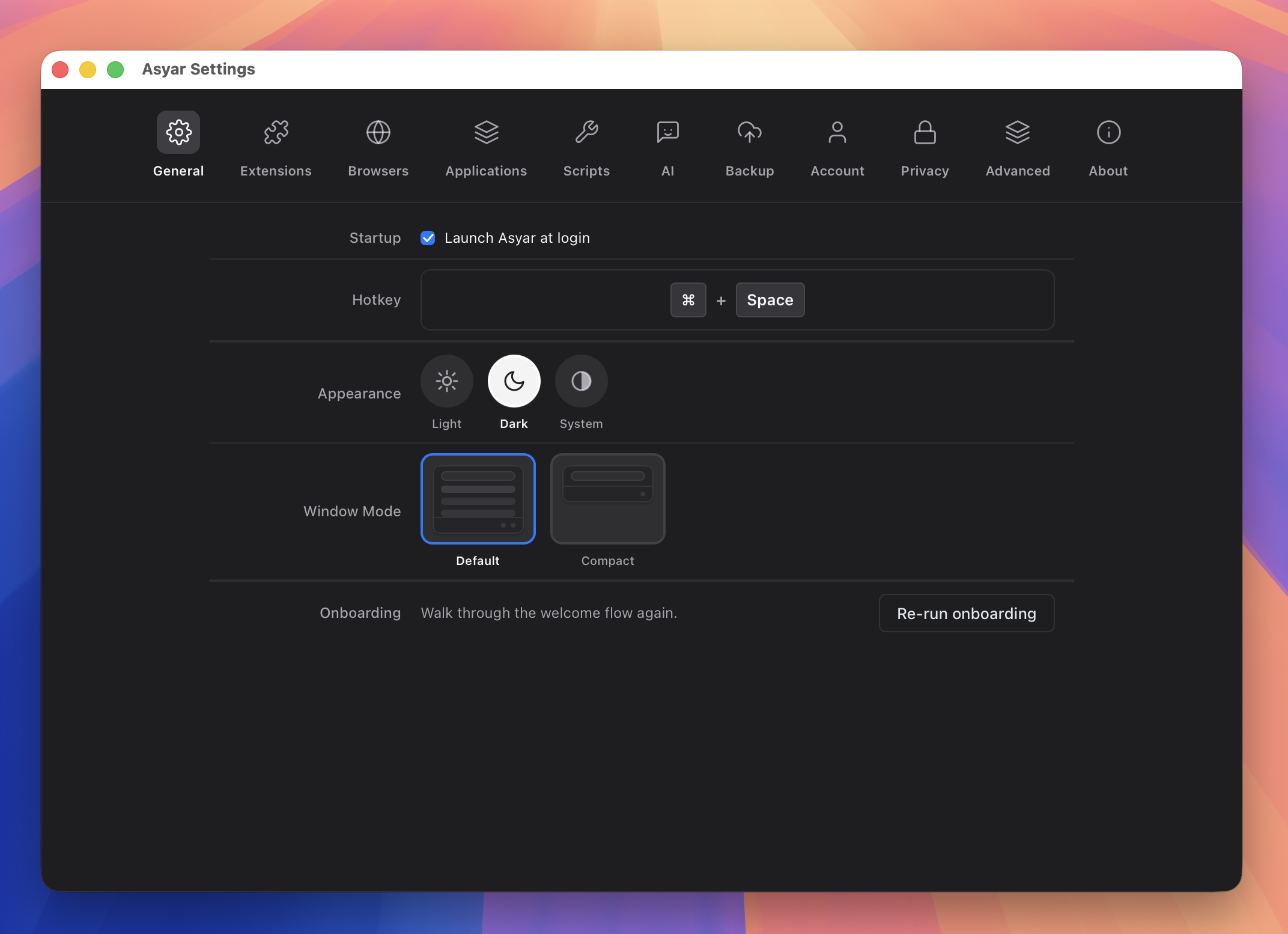 |
| Keyboard-first | Settings |
Installation
macOS / Linux:
curl -fsSL https://raw.githubusercontent.com/Xoshbin/asyar/main/install.sh | sh
macOS, via Homebrew:
brew tap Xoshbin/asyar
brew trust --tap xoshbin/asyar   # one-time — Homebrew 6+ requires trusting third-party taps
brew install --cask asyar
Windows, or a manual download for any OS: grab the installer for your platform from Releases.
Linux (Wayland) Shortcut Setup:
The Linux installer places the AppImage at ~/.local/bin/asyar and a lightweight summon command beside it at ~/.local/bin/asyar-summon. Wayland protocol security prevents background applications from intercepting global keyboard shortcuts directly, so bind your preferred shortcut in your desktop environment or window manager to execute asyar-summon:
- GNOME: Open Settings → Keyboard → View and Customize Shortcuts → Custom Shortcuts, click +, set Name to
Asyar, Command toasyar-summon, and assign your shortcut (e.g.Ctrl+SpaceorSuper+Space). - KDE Plasma: Open System Settings → Shortcuts → Custom Shortcuts (or Command/URL), add a new global shortcut for
asyar-summon, and set your trigger key (e.g.Alt+SpaceorMeta+Space). - Hyprland: Add
bind = ALT, SPACE, exec, asyar-summonto~/.config/hypr/hyprland.conf. - Sway: Add
bindsym Mod1+space exec asyar-summonto~/.config/sway/config.
Switching from Raycast?
If you are moving over from Raycast, you don't have to rebuild your configuration from scratch. I built an instant importer directly into Asyar so you can carry over your setup in seconds:
- 1-Click Migration: Export your data from Raycast (Export Settings & Data ➔
.rayconfig), summon Asyar, and search Import from Raycast (or click the button on the Welcome onboarding screen). - What Carries Over: Snippets (with keywords and dynamic expansions), Quicklinks (mapped directly to Portals with
{query}support), and App Hotkeys/Aliases. - Privacy & Safety First: Duplicate items are skipped cleanly, your Raycast setup is never altered, and imported data is protected locally with AES-256-GCM encryption backed by your OS Keychain.
👉 Read the full Migrating from Raycast Guide or the Raycast Importer Reference.
Asyar vs. The Alternatives
| Asyar | Raycast | Alfred | |
|---|---|---|---|
| Open Source | ✅ (GPL/MIT) | ❌ | ❌ |
| 100% Offline & Local-First (data never leaves device) | ✅ | ❌ | ✅ |
| No Account / Cloud Required | ✅ | ❌ (Mandatory account) | ✅ |
| Local Encryption at Rest (OS Keychain AES-256-GCM) | ✅ | ❌ | ❌ |
| Free BYOK AI (Claude, OpenAI, Gemini, Ollama, OpenRouter) | ✅ | ❌ ($8–$10/mo Pro + capped credits) | ❌ (Manual scripts) |
| Autonomous AI Tool Calling (MCP + built-in tools) | ✅ | ❌ (Pro only) | ❌ |
| Silent AI Commands (no-window in-place text replacement) | ✅ | ❌ | ❌ |
| Extension Sandboxing (Double-gate |
📈 近 7 天 Star 趋势
🏆 排名变化趋势
📋 历史上榜记录
| 日期 | 榜单 | 排名 | 周期新增 | 总 STAR |
|---|