📄 仓库 README
在 GitHub 查看 ↗BrowserSkill
Your agent. Your browser. One connection.
Turn the browser you already use into a workspace for your AI agent.



English · 中文
Website ·
Demo ·
Features ·
Website debugging ·
Documentation ·
Changelog
BrowserSkill connects your AI agent to Chrome or Microsoft Edge, using your existing logins. Give it a task to read, click, fill, or investigate. Work stays visible in a separate Agent Window, and you can take over when needed. Existing tabs can be explicitly borrowed and returned when the task ends.
See it in action
▶ Watch the demo · 81 seconds · English
https://github.com/user-attachments/assets/6111d978-baa6-4a76-92c4-4f51d47ae617
Click the cover to expand the video · Download MP4
Real browser actions on a local demo workspace, recorded from main.
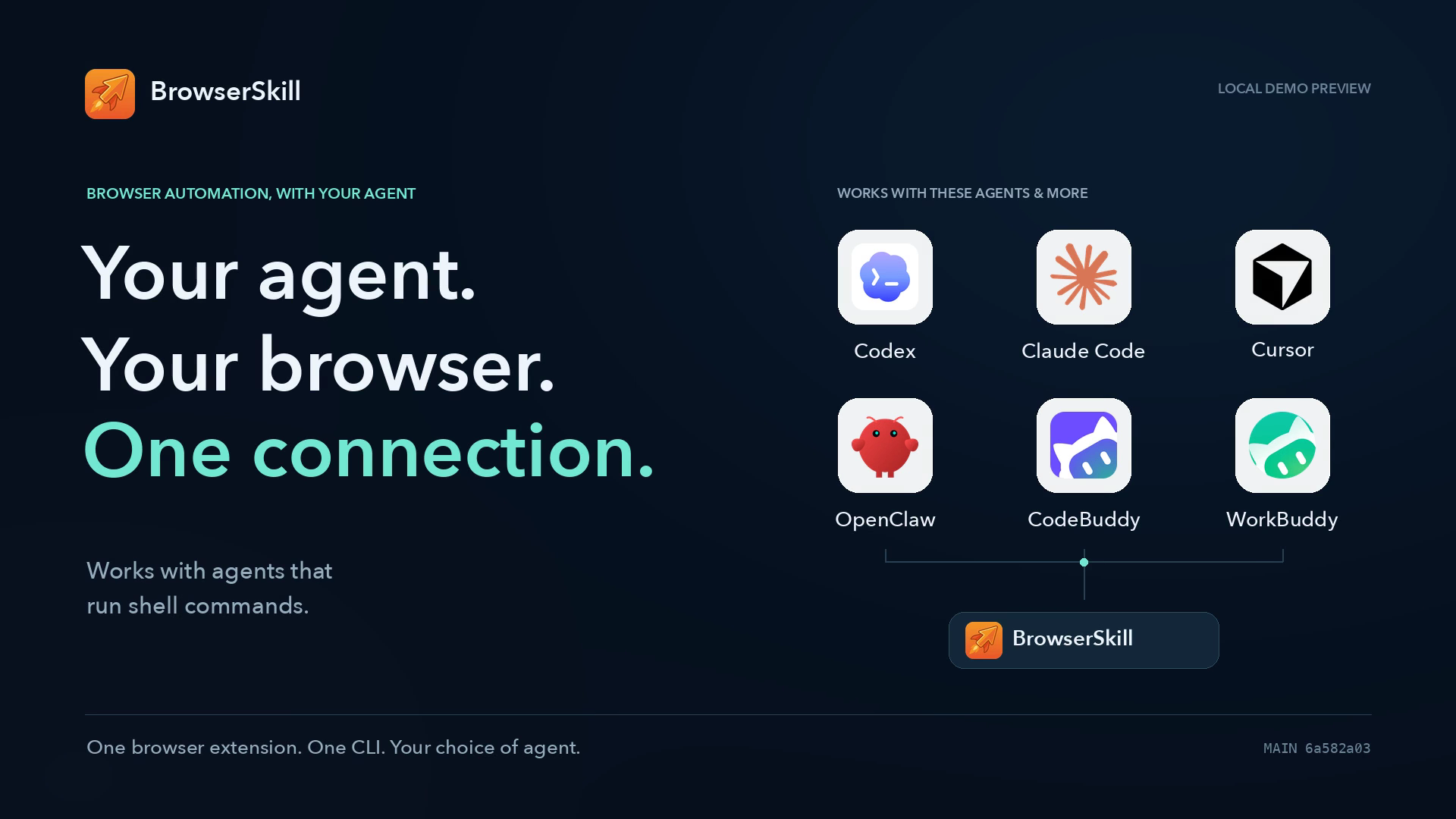
Bring the agent you already use
 Codex |
 Claude Code |
 Cursor |
 OpenClaw |
 CodeBuddy |
 WorkBuddy |
 Pi |
 Hermes Agent |
These and other agents that can run shell commands use the same bsk CLI. DeepSeek Harness has a dedicated plugin with native browser tools and task previews. You choose the agent and model; BrowserSkill connects it to your browser.
What you can do
| Your goal | What BrowserSkill provides |
|---|---|
| Work where you are already signed in | Read documents, search internal sites, and complete web workflows with the browser's existing login state. |
| Turn instructions into browser actions | Read page text and controls, click, type, fill forms, and manage tabs. Capture viewport or full-page screenshots; upload and download files in local mode. |
| Stay in control of the task | Follow the agent in its own window, explicitly borrow an existing tab, or take over for login, verification, and other steps that need you. |
| Take web data with you | Export loaded tables and lists as JSON/CSV, with column names, page/frame sources, merged-cell metadata, and explicit coverage. Structured extraction |
| Find the evidence behind a failure | Connect actions to requests, response bodies, console messages, and page changes. Inspect performance, slow APIs, and suspected duplicate requests; test a hypothesis with explicit HTTP rules or request replay. Website debugging |
| Keep a replay of the work | Record one authorized task tab as a silent MP4, then preview, save, or delete it from the extension. Task video recording |
| Continue when the page is ready | Wait for a requested element condition with an explicit timeout before the next step. Element waits |
| Use the right browser for the job | Name browser instances, bind a task to a specific profile, or pair a server-side agent with the browser on your computer. Browser profiles |
| Review what happened | Reopen browser-local debugging history, export evidence as JSON, or enable a separate operation audit to review task activity. Operation audit |
Quick Start
For local automation, you need an AI agent + the bsk CLI + the browser extension. The CLI includes the background daemon. The skill teaches your agent how to use it.
| Component | Supported environments |
|---|---|
| CLI / daemon | macOS: Apple Silicon and Intel · Linux: x64 and ARM64 · Windows: x64 |
| Extension | Chrome and Microsoft Edge, based on Chromium 125 or later. Other Chromium browsers may work; compatibility is not guaranteed. |
| Agent integration | A shell-capable agent with the BrowserSkill skill, or DeepSeek Harness with the DSH plugin. |
Let your agent set it up
Send this to your agent:
Set up browser-skill on this machine by following https://raw.githubusercontent.com/Tencent/BrowserSkill/main/AGENT_INSTALL.md
The guide covers CLI installation, the correct skill or DSH plugin, connection checks, and a first browser task. You will still need to install the extension in the browser you want to use:
Install for Chrome · Install for Edge
Manual setup
#### 1. Install the CLI macOS / Linux:curl -fsSL https://raw.githubusercontent.com/Tencent/BrowserSkill/main/install.sh | sh
export PATH="${BSK_INSTALL_DIR:-$HOME/.local/bin}:$PATH"
irm https://raw.githubusercontent.com/Tencent/BrowserSkill/main/install.ps1 | iex
bsk --version
bsk install-skill
bsk install-skill --harness cursor --json
bsk doctor
Try your first task
Once connected, ask your agent:
Use browser-skill to open https://example.com, summarize the page, and end the browser session when finished.
The agent opens its own window in the background, reads the page, returns the summary, and stops its task. External links or manually created tabs that land in the task window are moved to your most recently used normal window; a user window is created if none remain. Routing happens after tab creation, so a tab may briefly appear in the task window. Page-opened tabs and human assistance or recording are preserved. Harnesses that support skill slash commands can also use /browser-skill.
Moving any controlled tab out of its original Agent Window ends the entire browser session, preserves every page in place, and removes its control indicators. Borrowed tabs also stay
📈 近 7 天 Star 趋势
🏆 排名变化趋势
📋 历史上榜记录
| 日期 | 榜单 | 排名 | 周期新增 | 总 STAR |
|---|