📄 仓库 README
在 GitHub 查看 ↗[!CAUTION]
🚨 SECURITY WARNING — DO NOT FLASH "L15Dev" FIRMWARE 🚨
A firmware build distributed under the name "L15Dev" / "Bitwire" has been reported to contain malware (a virus) and a backdoor. Do not download, flash, or run it under any circumstances.
Only use the official builds from this repository / the web flasher. If you already flashed an "L15Dev" image, re-flash a clean official build and treat any credentials/data on the device (WiFi passwords, captures) as compromised.
WARNING: I do not take responsibility if you damage your board or property. This guide is for educational purposes only — proceed at your own risk.
Flipper Zero ESP32 Port
A port of the Flipper Zero firmware to ESP32-based development boards. This project brings the Flipper Zero UI, services, and application framework to affordable ESP32 hardware — no Flipper Zero required.
Discord
Join the Flipper Zero meets ESP32 - Discord for support and announcements.
Supported Boards
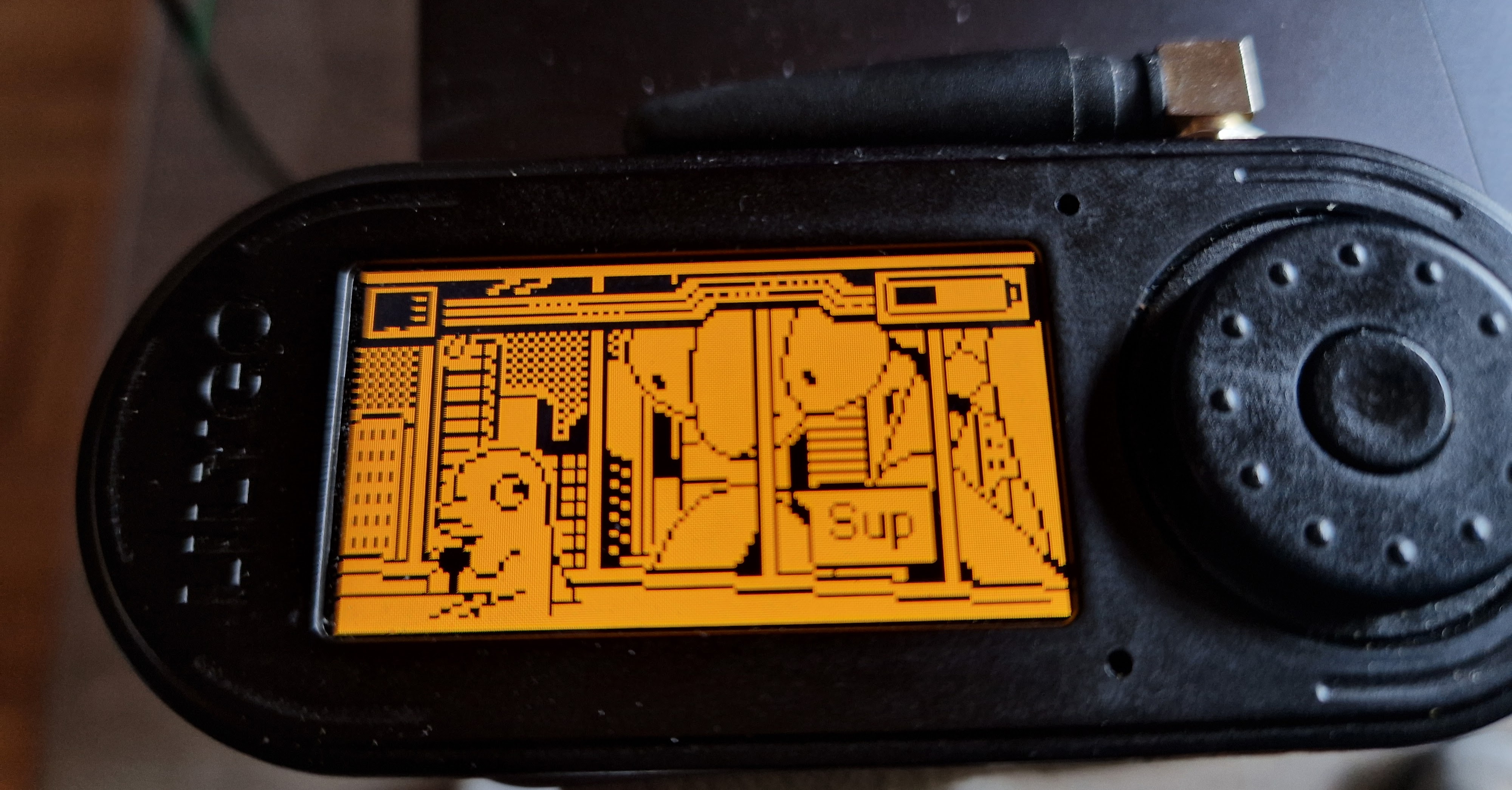
| Board | MCU | Display | Input | SubGHz | NFC | IR | SD Card |
|---|---|---|---|---|---|---|---|
| LilyGo T-Embed CC1101 | ESP32-S3 (Xtensa LX7) | ST7789 320×170 | Rotary encoder + button | CC1101 | PN532 (I2C) | RMT TX + RX | SPI |
| Waveshare ESP32-C6-LCD-1.9 | ESP32-C6 (RISC-V) | ST7789V2 320×172 | CST816S touch | — | — | — | SPI |
| Waveshare ESP32-C6-LCD-1.47 ⚠️ | ESP32-C6 (RISC-V) | JD9853 320×172 | AXS5106L touch | — | — | — | SPI |
| DIY ESP32-S3 (N16R8) | ESP32-S3 (Xtensa LX7) | ST7789 320×172 | 6× Tactile buttons | CC1101 (+ NRF24) | PN532 (I2C) | TX + RX | SPI |
⚠️ Waveshare ESP32-C6-LCD-1.47 — supported but barely usable. The board builds, boots and the UI/touch work, but the ESP32-C6 has only 512 KB SRAM and no PSRAM. RAM-heavy apps are effectively non-functional. In particular WiFi: a normal AP scan works, but monitor mode / handshake capture fails — by the time the app's buffers are allocated the WiFi driver can no longer allocate its DMA buffers (
esf_buf_setup_static: alloc eb fail→ESP_ERR_NO_MEM), so no frames are received. Treat this board as usable only for lightweight apps until the WiFi app's memory footprint is reduced (it was designed for the PSRAM-equipped T-Embed).🔧 DIY board — edit
Pinout.txtin the repository root to match your wiring, then build with./build_diy.sh.board_DIY.his generated from it automatically and the pins are validated at configure time.
How to Flash
The easiest way is the web flasher — no toolchain required, just a Chrome/Edge browser and a USB cable:
Connect your board, click flash, done. After flashing, copy the contents of sdcard.zip onto a FAT32 SD card and insert it — most apps need files there to function.
Firmware Update
Since v2.0.0 the T-Embed can update itself — no PC toolchain or re-flashing required:
- Over WiFi (OTA): Settings → Update Firmware checks the release server for a newer build, downloads and installs it in the background, then reboots. It also keeps your SD card files in sync.
- Over USB: use the qT-Embed desktop companion (a qFlipper-style app for this port) to stream the display, manage SD files and flash firmware over USB — including a Full flash option (bootloader + partition table + firmware) to recover a device.
Requires the dual-OTA partition layout. A device on the old single-app layout has to be flashed once via the web flasher (or qT-Embed's Full flash) before wireless OTA updates work.
Apps
📡 Wireless / RF
Sub-GHz
External CC1101 receiver/transmitter for 433–868 MHz signals.
- Receive & decode
- Read RAW: capture unknown waveforms to .sub files for later analysis
- Frequency analyzer with sweep & live RSSI
- RF Spectrum Analyzer — colorful, HackRF-style live spectrum view
- Hopper: scan all preset bands during receive
- Transmit saved files; manual signal creation (frequency, modulation, protocol, key/serial/counter)
- Brute force / sub-brute attack with manufacturer dictionary
- Playlist for sequential transmit
- More protocols — added KeeLoq variants (ERREKA, PUJOL, AERF, SIMPLE_JCM), Agilize Key Pro and Holtek HT6P20B
- TPMS decoding — tire-pressure sensors: Schrader GG4, Citroën, Ford, Renault, Toyota (PMV107J) and a generic decoder; dedicated info view with editable sensor data
- Limitation: AES-encrypted manufacturer keystores (keeloq_mfcodes, nice_flor_s, alutech_at_4n) are not decryptable on this port — only the plain-text keeloq_mfcodes_user works for Keeloq decoding.
Sub-GHz Remote
Multi-button remote layouts that batch saved .sub files. Map Up/Down/Left/Right/OK to individual transmit signals; switch between persistent remote profiles.
WiFi
Full WiFi pentest toolkit.
- Scanner — SSID, BSSID, channel, RSSI, auth mode
- Connect — auto-detect WPA/WPA2/WPA3, password input or saved password lookup (/ext/wifi/<ssid>.txt)
- Deauther — SSID-mode (single AP) or Channel-mode (all on channel)
- Smart Deauth — targeted, station-aware deauthentication
- Sniffer — capture packets to PCAP (saved to /ext/wifi/)
- Handshake capture — record EAPOL 4-way handshakes, optionally with deauth trigger
- AirSnitch — auto-bruteforce target with password list
- Beacon Spam — Funny SSIDs / Rickroll / Random / Custom
- Network Scan / Port Scan — host discovery + 19 common-port probe on the connected network
- Web Crawler — domain-based web crawler
- Evil Portal — captive portal with credential harvesting
- Built-in templates: Google login, Router firmware update
- Custom templates from /ext/wifi/evil_portal/login_template/*.html and /ext/wifi/evil_portal/router_template/*.html (filename = template name in dropdown)
- Marker substitution: %ERROR%, %SSID_OPTIONS% (live AP scan)
- Router-style verify flow: dropdown of real SSIDs, live WLAN re-auth check, captured-credentials screen on success, retry with error banner on fail
- Pause/Resume of the AP from the run screen
- Captured creds saved to /ext/wifi/evil_portal/<ssid>_creds.csv
- Internet bridge (new) — optional STA uplink with NAPT + DNS forwarding so victims get real internet behind the portal; iOS captive-portal "Success" handling; uplink SSID/password configured in-app
- Web-Filesystem — HTTP file server for the SD card; open it in a browser (device hotspot or your existing WiFi) to upload, download, rename and delete files, with drag & drop for whole folders
- SMB Browser — browse and download from SMB2/3 network shares (Windows / macOS / NAS) straight to the SD card; guest or password login
- Android TV Remote — control any Android / Google TV (Sony, NVIDIA Shield, Xiaomi Mi Box, Chromecast, …): scan → pair once with the on-screen PIN → on-screen remote (D-Pad, volume, media, power)
- Global toggle — WiFi is now an on/off switch like Bluetooth (from the lock menu); the connection persists across apps and reconnects automatically after a reboot
Mesh / Buddy (ESP-NOW)
Pair cheap headless ESP32 boards (buddies) to the T-Embed (master) over ESP-NOW to offload WiFi capture and run remote actions.
- Buddy discovery, pair/remove and live status from the lock menu → Mesh Clients
- Device Identify — make a paired buddy blink to locate it
- WiFi handshake capture — buddy passively captures EAPOL handshakes on a chosen channel (1–13)
- Store-and-forward — the buddy holds each complete handshake (M1–M4 + beacon) durably (RAM + NVS) per BSSID and delivers it as one acknowledged unit, surviving master absence and buddy reboots
- One .pcap per network written to /ext/wifi/buddy_<name>_<ssid>.pcap; "Handshake received" overlay on all mesh views
- Buddy firmware ships in this repo under buddy_firmware/ (standalone headless ESP-IDF project)
Bluetooth
- BLE Spam — Apple Continuity (Pair/Action/NotYourDevice), Google FastPair (455+ models), Microsoft SwiftPair, Samsung Buds & Watch, Xiaomi QuickConnect
- BLE Walk — passive scanner with GATT service/characteristic inspection
- BLE Clone (dev) — replicate active BLE advertisements
- FindMy — emulate Apple AirTag, Samsung SmartTag, Tile beacons (clone or generate keypairs)
- HID (see below) — keyboard/mouse/media remote over BLE
- Bad USB — via USB or BLE
NRF24 (2.4 GHz, external nRF24L01)
- Spectrum analyzer — live 2.4 GHz channel activity
- Jammer (rewritten) — one engine with switchable channel sources (Protocol / Manual / WiFi / Activity scan), strategies (CW / Flood / Turbo) and presets; configuration persists per source
- MouseJacker — inject keystrokes into vulnerable wireless mice/keyboards
- Also available as a FAP (
nRF24_jammer)
Infrared
RMT-based TX + RX. - Learn signals (auto-decoded or raw) - Browse, edit, and send saved remotes - Universal remotes: TV, AC, audio, projectors, fans, LED controllers (databases on SD) - Brute force category-based databases - Configurable IR pin and 5 V GPIO power - Protocols: NEC, NEC42, Samsung32, RC5/RC5X, RC6, SIRC 12/15/20, Kaseikyo, RCA, Pioneer
🪪 NFC
NFC (PN532 over I2C)
- Read, save, emulate, write NFC cards/tags
- Manual card generation (custom UID/ATQA/SAK)
- Mifare Classic dictionary attack (system + user dictionaries)
- Mifare Ultralight-C dictionary unlock
- ISO15693 SLIX unlock with manual or stored DEF key
- FeliCa system info, MIFARE DESFire app inspection, EMV transaction history
- 14 supported protocols: ISO14443-3A/3B/4A/4B, ISO15693-3, FeliCa, MIFARE Classic/Ultralight/Plus/DESFire, SLIX, ST25TB, NTAG4xx, Type-4
- 30+ supported card auto-parsers (Charlie Card, Clipper, EMV, Gallagher, HID, Opal, Skylanders, Troika, …)
Passy (FAP)
Biometric passport (MRTD) reader — reads and displays data groups from ePassports over NFC. Shipped as a prebuilt FAP in sdcard.zip.
TagTinker (FAP)
Infrared ESL (Electronic Shelf Label) research toolkit. Transmits custom images/text to graphics tags via IR. RLE streaming, Android companion app for image editing, monochrome + accent-color support.
⌨️ HID / USB
Bad USB
HID payload runner for Ducky-script (.txt) files from /ext/badusb/.
- 16+ Ducky commands (DELAY, STRING, REPEAT, HOLD/RELEASE, MEDIA keys, mouse, ALT-CHAR/ALT-STRING, SYSRQ)
- Layouts under /ext/badusb/assets/layouts/*.kl (~30 included)
- Configurable USB VID/PID + device name
- BLE bonding with custom MAC and PIN-verify pairing
- Mouse movement, scroll, button emulation; per-character typing delay
- Transport: USB OTG (TinyUSB) on T-Embed, BLE on Waveshare
🛠 System / Tools
Lock Menu / System Toggles
The desktop lock menu doubles as the central system control panel (board-dependent, scrollable): - qFlipper — enable the qFlipper desktop bridge (VID/PID spoof + CDC RPC) so the official qFlipper app can connect (USB-OTG boards) - USB Storage — expose the SD card as a USB mass-storage device (USB-OTG boards) - Bluetooth — toggle BLE on/off - WiFi — toggle WiFi on/off (mutually exclusive with Bluetooth; reconnects to the last network automatically) - Web-Filesystem — start the SD-card web file server (see WiFi above) - Mesh Clients — buddy discovery & control (see Mesh / Buddy above)
Archive
SD-card file browser with tabs per media type: Favorites, Sub-GHz, NFC, LF-RFID, Infrared, iButton, Bad USB, U2F, Apps, Internal, Browser. Pin/unpin favorites; copy, paste, rename, delete, create folder.
JS Runner
mJS-based JavaScript runtime for user scripts in /ext/apps/Scripts/*.js.
- Available modules: gui (loading/menu/dialogs/text+byte input/popup/file picker/widget), notification, math, storage, event_loop, subghz, infrared, badusb, blebeacon
- Excluded on this port (need HAL porting): js_serial, js_gpio, js_i2c, js_spi
🎵 Media
Streaming
Unified music & video player (replaces the old separate MP3/Video apps). Browse .mp3 and .mp4
files from /ext/apps_data/medien.
- Music — play locally through the speaker, or stream to AirPlay speakers
- Cast to your network — Chromecast / Google Cast and DLNA devices, including TVs (music & video)
🎮 Games
Doom
Full DOOM port. Place doom1.wad at /ext/apps_data/doom/doom1.wad. Encoder turns; click fires (short) / walks forward (long). Side-button uses doors/switches (short) / opens menu (long).
Snake
Classic snake game.
⚙ Settings & General
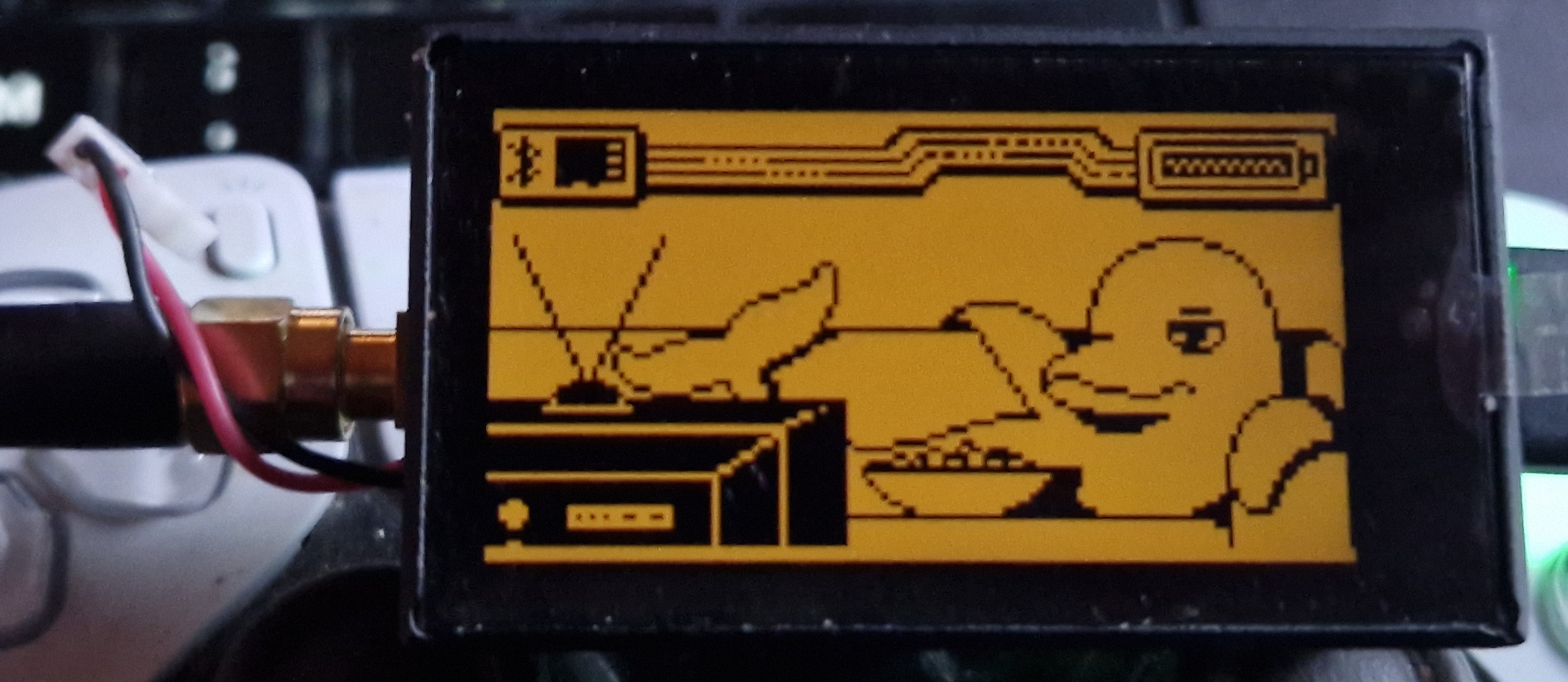
Bluetooth, backlight, clock, dolphin/passport, expansion port, input, notification, power, storage, system info, factory reset. Animated dolphin desktop on idle. File-pack manifest at /ext/Manifest (qFlipper-style asset list — its presence suppresses the "No DB" boot animation).
- Update Firmware — wireless OTA firmware + SD-card update (see Firmware Update above)
- Interface — customize the main menu and its layout
- Spoofing — change the device name and the shell/terminal color
SD Card Layout
| Path | Used by |
|---|---|
/ext/Manifest |
Desktop (presence check) |
/ext/dolphin/ + manifest.txt |
Idle animations |
/ext/apps_assets/nfc/plugins/ |
NFC protocol plugins (.fal) |
/ext/apps_data/nfc/plugins/ |
NFC card-parser plugins (.fal) |
/ext/apps_data/js_app/plugins/ |
JS module bindings (.fal) |
/ext/apps_data/doom/doom1.wad |
Doom |
/ext/badusb/ |
Bad USB scripts + assets/layouts/*.kl |
/ext/infrared/assets/ |
Universal remote DBs (tv.ir, ac.ir, audio.ir, projectors.ir, fans.ir, leds.ir) |
/ext/lfrfid/assets/iso3166.lfrfid |
LF-RFID country code lookup |
/ext/nfc/assets/ |
MIFARE & EMV dictionaries |
/ext/subghz/assets/ |
SubGHz keystores + dangerous_settings |
/ext/u2f/assets/ |
U2F cert + key |
/ext/wifi/<ssid>.txt |
Saved WiFi passwords |
/ext/wifi/buddy_<name>_<ssid>.pcap |
Mesh/Buddy handshake captures |
/ext/wifi/evil_portal/login_template/ |
Custom captive-portal templates (no verify) |
/ext/wifi/evil_portal/router_template/ |
Custom captive-portal templates (with WLAN verify) |
A complete starter kit is in sdcard.zip — extract it onto a FAT32 SD.
Building
Prerequisites
- ESP-IDF v5.4.1 (exact version required)
- ESP-IDF export script sourced (default:
~/esp/esp-idf/export.sh)
Build & Flash (Linux / macOS)
# T-Embed (auto-detects /dev/cu.usbmodem*)
./buildAndFlash_T-Embed.sh

# Build only
./buildAndFlash_T-Embed.sh --build-only

# Waveshare ESP32-C6
./buildAndFlash_Waveshare_c6_1.47.sh
./buildAndFlash_Waveshare_c6_1.9.sh

#DIY ESP32-S3
./build_diy.sh
Build & Flash (Windows)
Use winbuild.py — a single CLI that wraps build, flash and serial-monitor steps for cmd.exe / PowerShell. Requires Python 3 and ESP-IDF v5.4.1 installed at C:\Espressif\frameworks\esp-idf-v5.4.1 (or override via ESP_IDF_DIR).
:: One-time: install ESP-IDF python env
python winbuild.py setup

:: Verify the toolchain activates
python winbuild.py check

:: Build T-Embed CC1101 (default board)
python winbuild.py build

:: Build Waveshare ESP32-C6
python winbuild.py build --board waveshare_c6

:: Flash (port defaults to %ESPPORT% or COM14)
python winbuild.py flash --port COM14

:: Stream serial output for N seconds
python winbuild.py monitor --duration 30

:: Build + flash + monitor in one go
python winbuild.py all --port COM14
Boards: t_embed (default), esp32s3, waveshare_c6 (or waveshare_c6_1.9), waveshare_c6_1.47. Override defaults with ESP_IDF_DIR and ESPPORT env vars. monitor --reset only works on USB-UART bridges, not on the ESP32-S3 native USB-Serial/JTAG — use flash or all to capture boot logs.
Build a FAP
# Firmware must be built first (Linux/macOS)
./buildFap.sh applications/main/my_app
Debug: light-sleep telemetry
Idle light sleep (screen off, on battery) is gated at runtime and runs silently.
To measure it, build with CONFIG_PM_LIGHT_SLEEP_CALLBACKS=y (menuconfig, or add
it to sdkconfig.defaults.esp32s3). The input service then logs a line every 5s:
lightsleep: allow=1 count=1234 slept=48000ms/50000ms (96%) wake[t=1230 g=4 o=0]
Counters persist while the device stays powered, so idling on battery and then reconnecting USB reports the sleep accumulated during the battery window. Leave the option off for normal builds; it adds a small always-on callback.
Porting Approach
This port preserves the original Flipper Zero architecture as closely as possible:
- Furi OS runs on FreeRTOS with the same thread/mutex/event/record API
- Services (GUI, Input, Storage, Loader, Desktop, BT) use the same message-queue and record-system patterns
- HAL maps STM32 peripherals to ESP-IDF drivers (SPI →
esp_lcd, I2C → CST816S/PN532, RMT → IR, Bluedroid → BLE, TinyUSB → USB-HID) - Display renders the original 128×64 mono framebuffer, then 2× upscales to RGB565 for the color LCD
- Applications compile with minimal changes (
#includepath adjustments, no-op stubs for missing hardware like 1-Wire) mallocis redefined tocalloc— STM32 heap starts zeroed, ESP32 does not- Crypto is stubbed (no Flipper-Enclave key) — affects encrypted SubGHz keystores; everything else uses real mbedtls
T-Embed Native Tools integration proposal
See the developer review guide for the consolidated app inventory, firmware changes, build instructions, provenance, validation status, and remaining hardware acceptance work.
📈 近 7 天 Star 趋势
🏆 排名变化趋势
📋 历史上榜记录
| 日期 | 榜单 | 排名 | 周期新增 | 总 STAR |
|---|