📄 仓库 README
在 GitHub 查看 ↗
MarkEdit


MarkEdit is a free and open-source Markdown editor, for macOS. It's just like TextEdit on Mac but dedicated to Markdown.
No bloat. Markdown editing done right in a 4 MB app that flies through million-line files.
We do not claim to be the best in any single dimension. Instead, we aim to strike the right balance across size, speed, native integration, and correctness.
For perspective: at just 4 MB, MarkEdit is much smaller than Electron apps. Handling a 10 MB file with ease puts it ahead of TextKit-based editors. Performance-first editors built with Rust lack native features, while correctness alone rules out editors that rely on regex-based Markdown parsing.
[!TIP] Discover our other free and open-source apps at libremac.github.io.
Follow our Mastodon account @MarkEditApp for the latest updates.
Preview
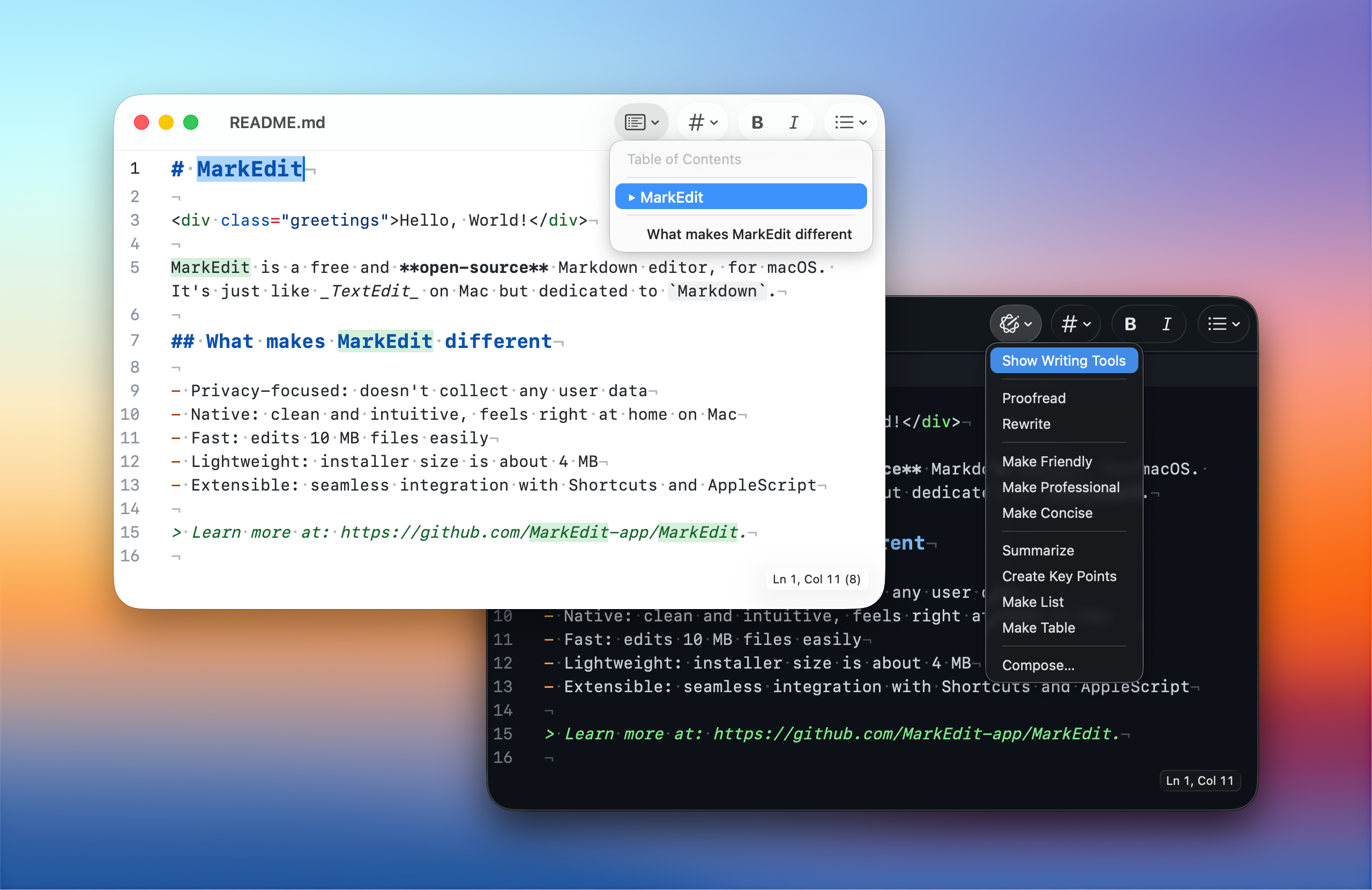
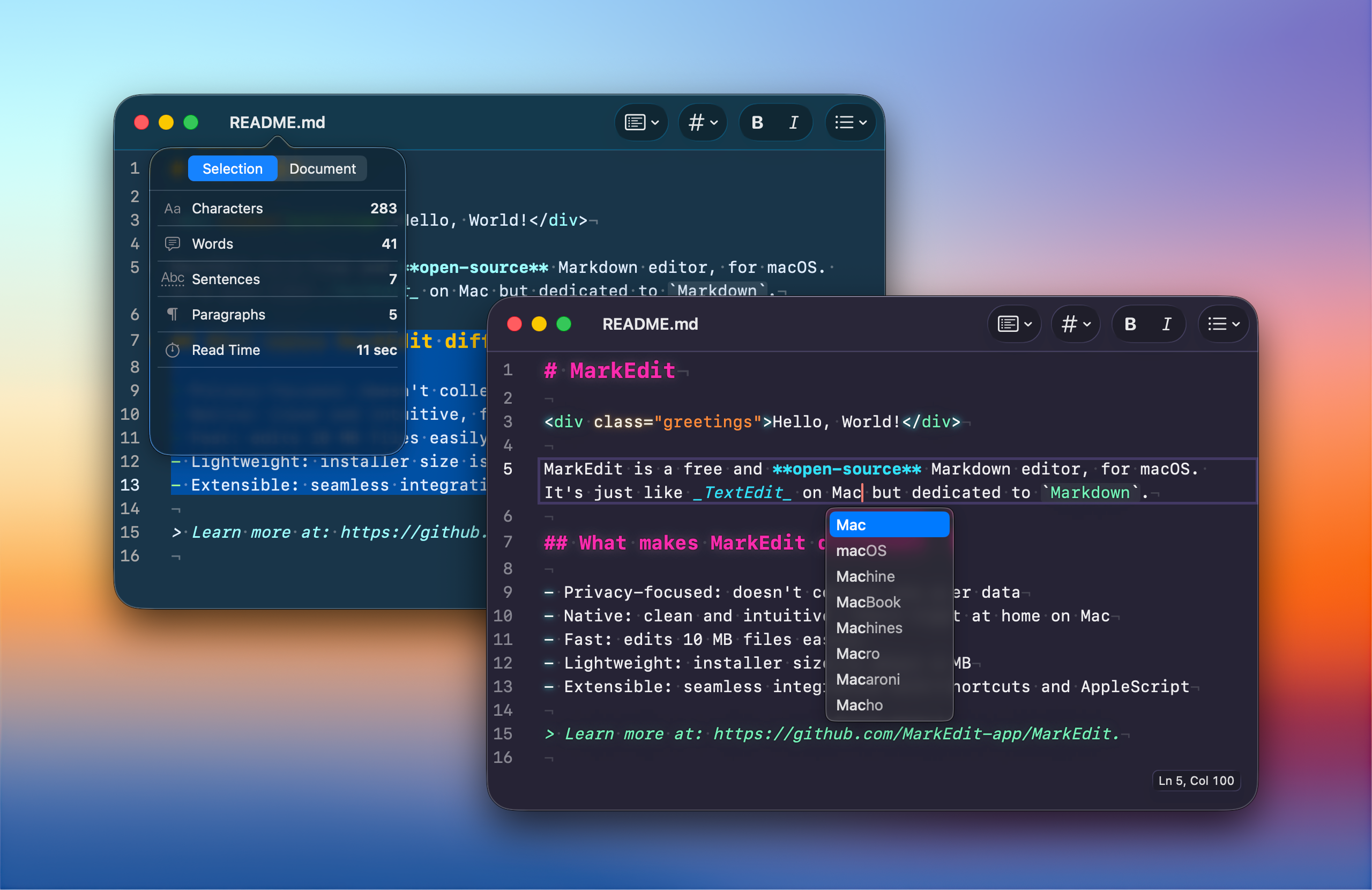
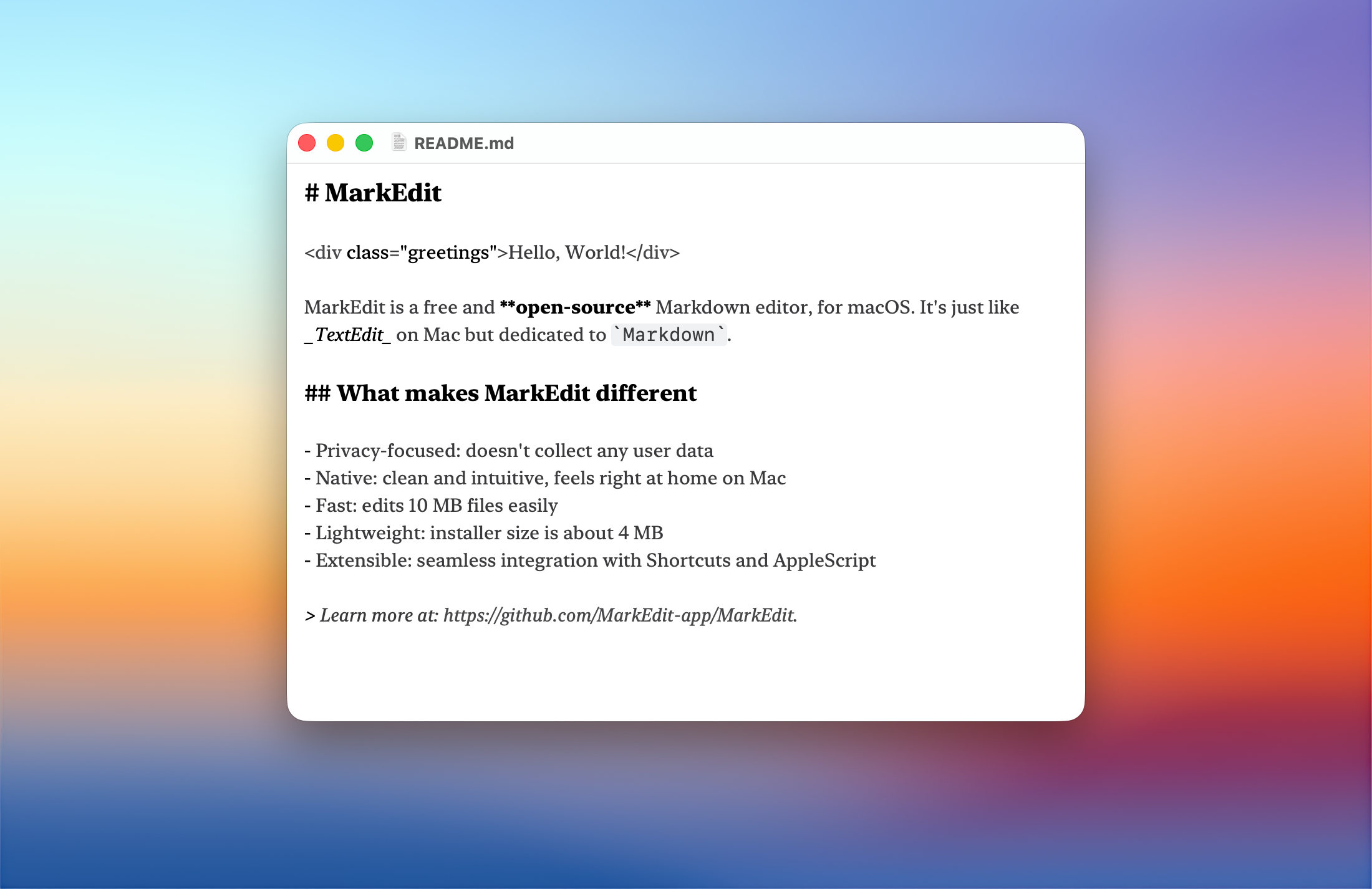
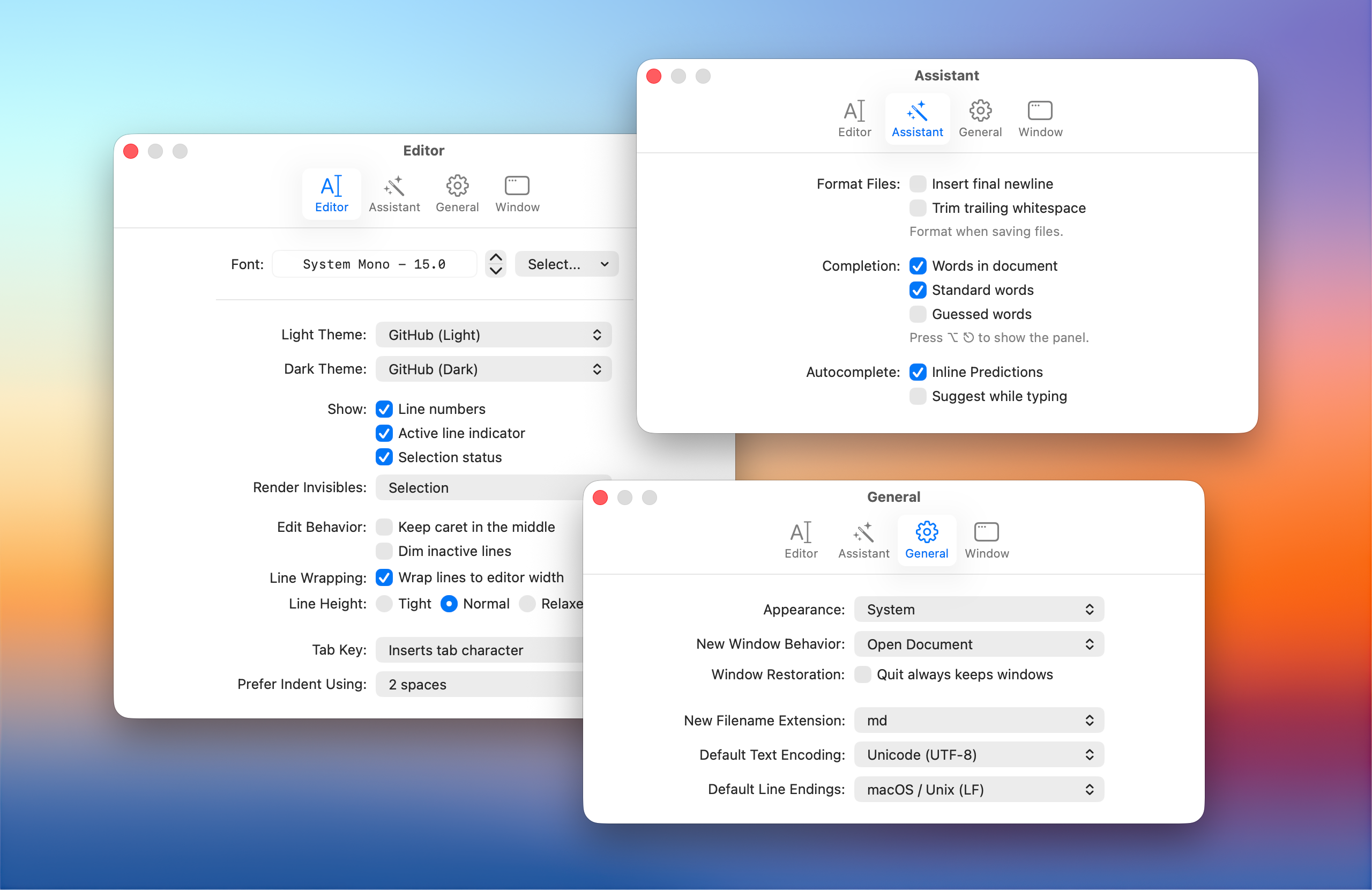
What makes MarkEdit different
- Privacy-focused: doesn't collect any user data
- Native: macOS aesthetics, with Shortcuts and AppleScript support
- Fast: launches in a flash, edits million-line files easily
- Lightweight: installer is about 4 MB
- Extensible: built-in extension manager for curated extensions
MarkEdit strictly follows the GFM specification, with no proprietary syntax or invented features. Complex editing like multi-caret and code folding is built on CodeMirror 6 for correctness and performance, consistently faster than most macOS editors. UI controls remain native to macOS in both aesthetics and behavior, including force-touch word lookup, inline predictions, and Writing Tools.
Customization is built around CSS, JavaScript, and CodeMirror extensions. Official extensions let you preview Markdown, hide syntax, customize themes, write with AI, edit tables visually, and much more.
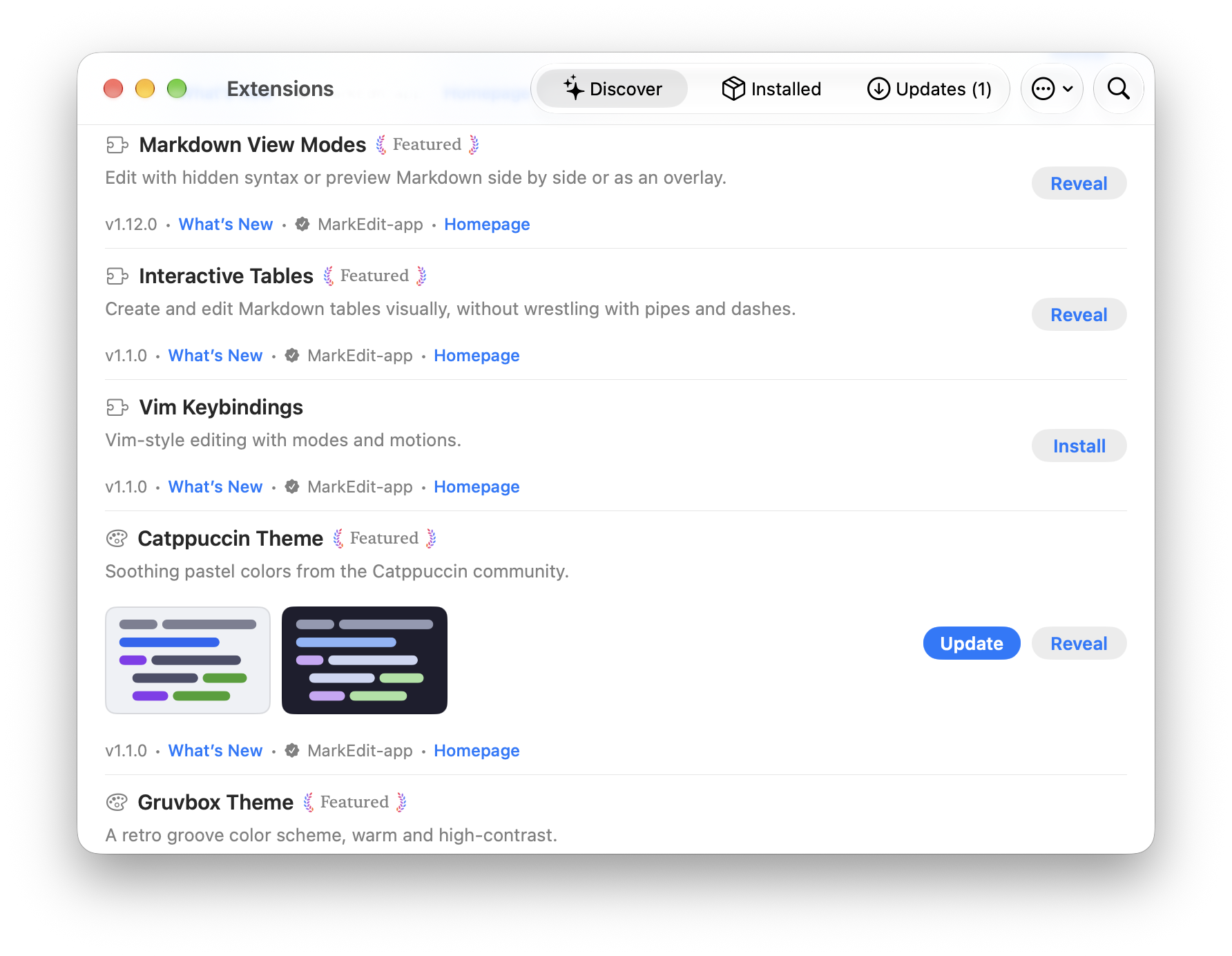
To learn more, refer to Philosophy, Why MarkEdit and MarkEdit Extensions.
Installation
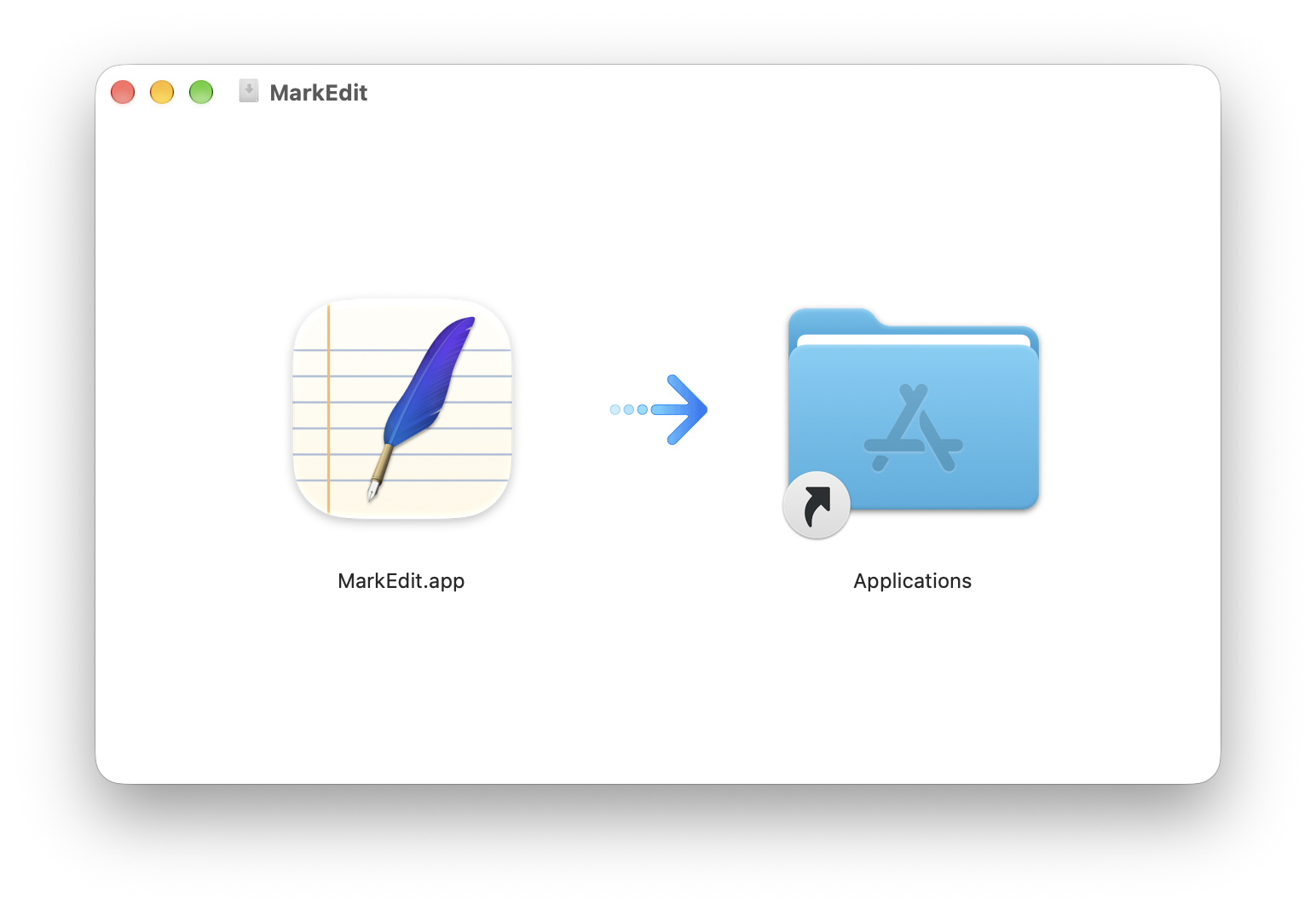
Get MarkEdit.dmg from the latest release, open it, and drag MarkEdit.app to Applications. Or install via Homebrew: brew install --cask markedit.
MarkEdit checks for updates automatically; you can also browse version history here.
For older macOS: macos-12, macos-13, macos-14, macos-15.
Using MarkEdit
Please refer to the wiki page for details. Check out MarkEdit-skill if you're interested in managing MarkEdit with an AI agent.
Why MarkEdit is free
MarkEdit is a tool we use every day and keep improving for ourselves. We ship it openly, hoping it's useful to others with the same needs.
Contributing to MarkEdit
For bugs, open an issue or pull request. For behavior changes, discuss first; MarkEdit is intentionally minimal (why).
Please refer to the wiki page for development instructions.
Acknowledgments
Built on CodeMirror 6, with ts-gyb for code generation.
📈 近 7 天 Star 趋势
🏆 排名变化趋势
📋 历史上榜记录
| 日期 | 榜单 | 排名 | 周期新增 | 总 STAR |
|---|