📄 仓库 README
在 GitHub 查看 ↗Blockbench
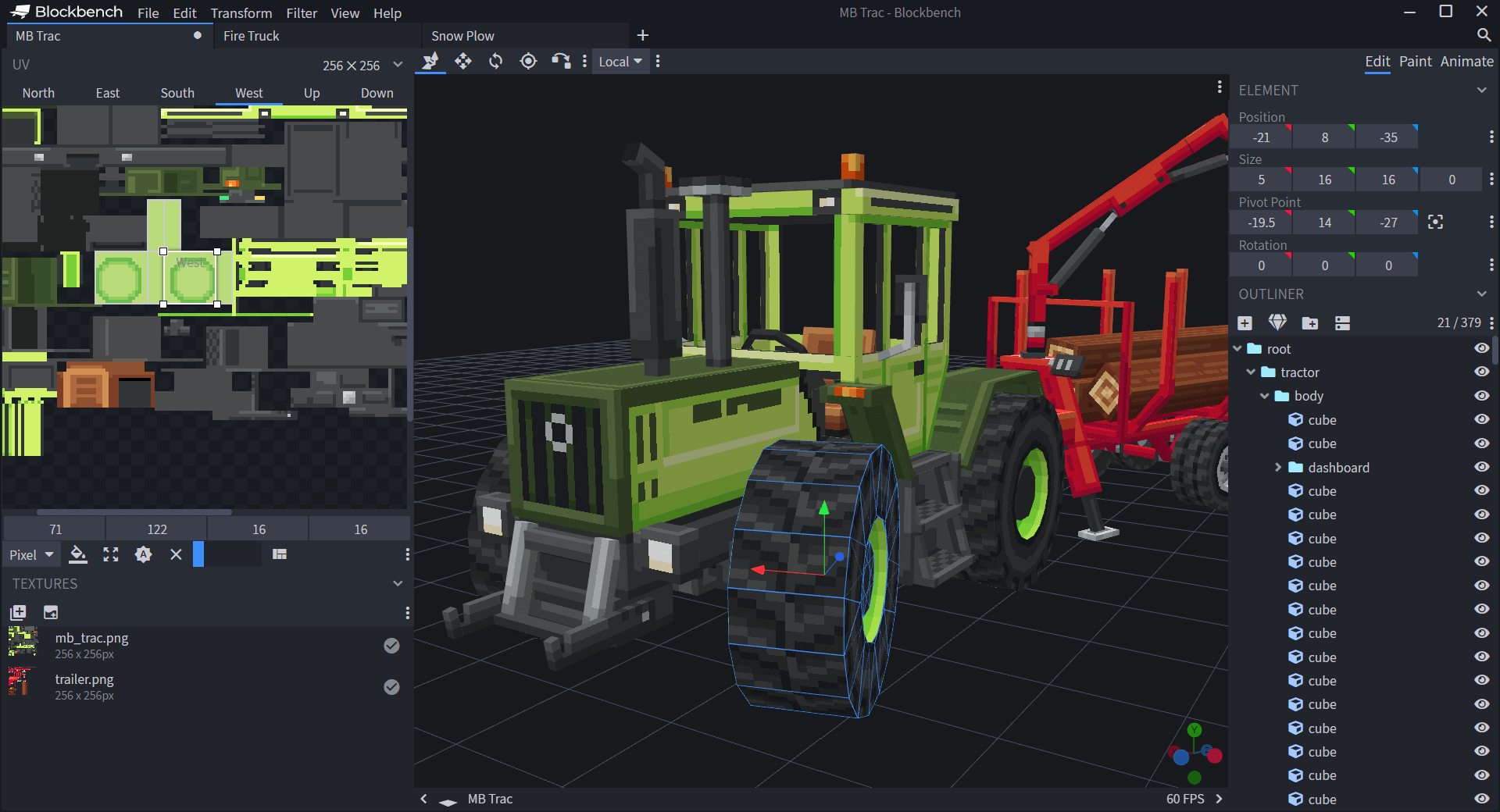
Blockbench is a free and open source model editor for low-poly models with pixel art textures. Models can be exported into standardized formats, to be shared, rendered, 3D-printed, or used in game engines. There are also multiple dedicated formats for Minecraft Java and Bedrock Edition with format-specific features.
Blockbench features a modern and beginner friendly interface, but also offers lots of customization and advanced features for experienced 3D artists. Plugins can extend the functionality of the program even further.
Website and download: blockbench.net
Contribution

Check out the Contribution Guidelines.
Launching Blockbench
To launch Blockbench from source, you can clone the repository, navigate to the correct branch and launch the program in development mode using the instructions below. If you just want to use the latest version, please download the app from the website.
Setup Repository
- Install NodeJS.
- Then install all dependencies via
npm install
Run in Electron
Use this command or press Ctrl + Shift + B to launch Blockbench in Electron:
npm run dev
To enable debugging in VS Code, switch to the Run & Debug tab, select the "Debug Renderer" configuration, and press the green arrow button to launch. Now you can set breakpoints and debug inside VSCode.
Run the web app
Use this command to launch the web app locally:
npm run serve
Now you can open the web app in your browser under http://localhost:3000
Plugins
Blockbench supports Javascript-based plugins. Learn more about creating plugins on https://www.blockbench.net/wiki/docs/plugin.
License
- The Blockbench source-code is licensed under the GPL license version 3. See
LICENSE.MD. - Modifications to the source code can be made under the terms of that license.
- Blockbench plugins (external scripts) and themes (theme files to customize the design) that interact with the Blockbench API are an exception. Plugins and themes can be created and/or published as open source, proprietary or paid software.
- All assets created with Blockbench (models, textures, animations, screenshots etc.) are your own!
📈 近 7 天 Star 趋势
🏆 排名变化趋势
📋 历史上榜记录
| 日期 | 榜单 | 排名 | 周期新增 | 总 STAR |
|---|