📄 仓库 README
在 GitHub 查看 ↗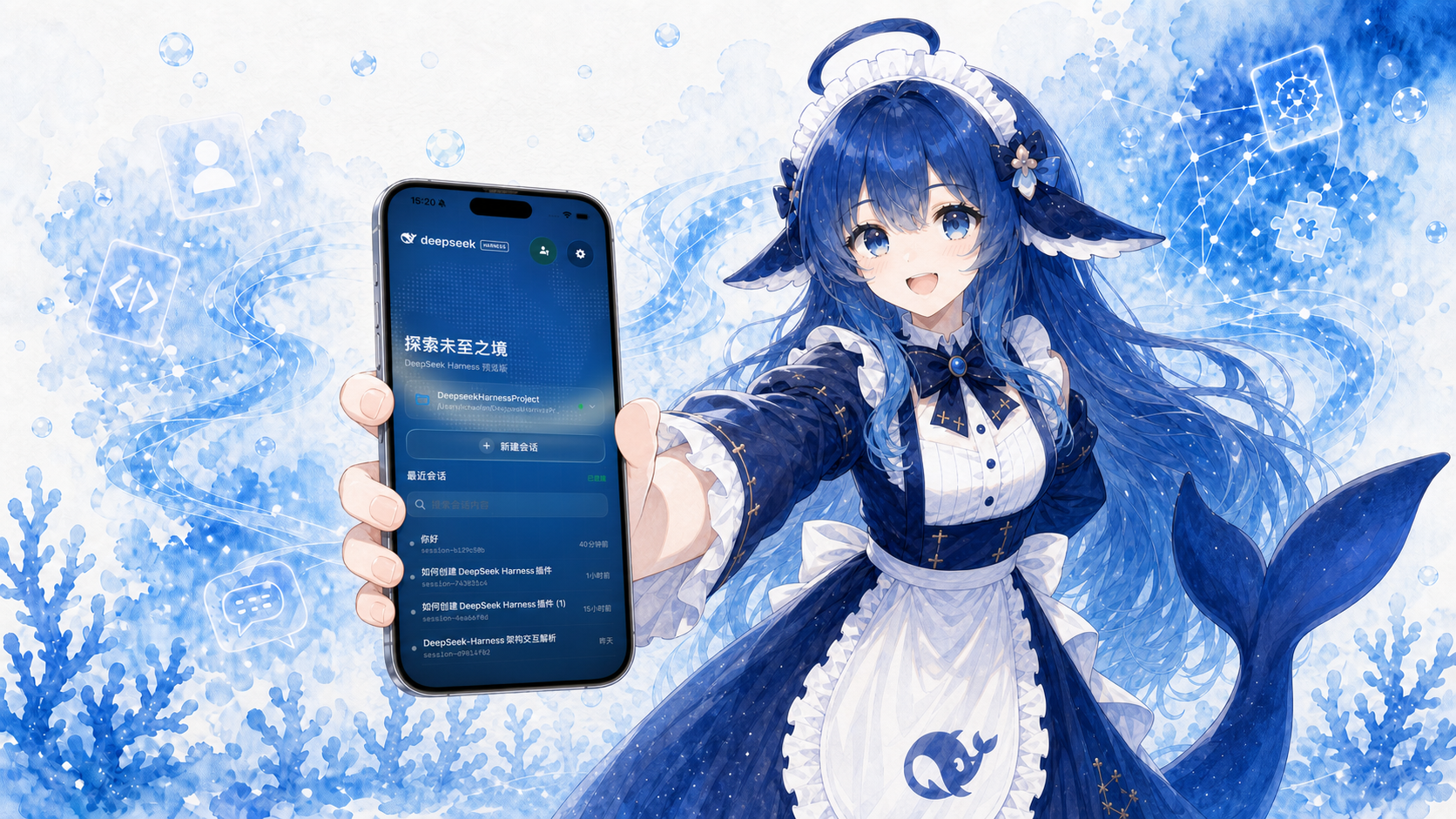 # Whaleness — A Third-Party Mobile Client for DeepSeek Harness
**Native Android and iOS apps with core business logic shared through Kotlin Multiplatform.**
Connect to DeepSeek Harness through Mobile Gateway to access workspaces, live conversations, Agent traces, plugins, scheduled tasks, and files from your phone, tablet, or foldable.
Website: [Whaleness](https://clarklevis1995.github.io/dsh-mobile/)
# Whaleness — A Third-Party Mobile Client for DeepSeek Harness
**Native Android and iOS apps with core business logic shared through Kotlin Multiplatform.**
Connect to DeepSeek Harness through Mobile Gateway to access workspaces, live conversations, Agent traces, plugins, scheduled tasks, and files from your phone, tablet, or foldable.
Website: [Whaleness](https://clarklevis1995.github.io/dsh-mobile/)


Overview
Whaleness is an independently developed third-party native mobile client for DeepSeek Harness. Both Android and iOS apps use Kotlin Multiplatform (KMP):
sharedis the source of truth for shared business state, including protocol handling, state machines, reducers, projections, and synchronization.androidAppimplements the Android app with Kotlin, Jetpack Compose, and OkHttp.DeepSeekHarnessMobilebuilds the iOS interface with SwiftUI/UIKit and accesses shared logic through a Kotlin/Native framework.
Both apps connect to Harness over WebSocket through dsh-plugin-mobile-gateway. Networking, secure storage, files, images, lifecycle handling, and background execution use native platform APIs. Business rules are consolidated in shared/commonMain wherever practical.
Downloads and Prerequisites
- iOS: Join the TestFlight beta. Supports iPhone and iPad running iOS / iPadOS 16.1 or later.
- Android: Download an APK from GitHub Releases. Requires Android 7.0 (API 24) or later. In-app update checks prefer the accelerated download source and verify downloaded packages.
- Desktop host: Run DeepSeek Harness with
dsh-plugin-mobile-gateway0.11.1 or later installed and enabled.AppRelease/release-info.jsondefines the required minimum version. - Voice input: Enable the official Voice Input plugin in the desktop host's Plugins section, finish model download and initialization, and grant microphone access on the mobile device.
Beta Community
Join the Whaleness beta WeChat group 2 to share feedback, discuss your experience, and get support. Scan with WeChat, or save the image and recognize it in WeChat.

Updated on October 28, 2026. The original image states that the code is valid before November 4, 2026. If it has expired, check the product page for the latest group QR code.
Platform Status
| Platform / module | Status | Main components |
|---|---|---|
KMP shared |
Used by Android and iOS | Gateway protocol, stores/reducers, conversation and trace projections, history synchronization, questions/approvals, session control, workspace file state, and code preview support |
| Android | Native client available | Jetpack Compose, OkHttp WebSocket, DataStore for non-sensitive settings, Keystore for credentials, CameraX/ML Kit QR scanning, foreground service, attachment cache, file downloads, and previews |
| iOS | Native client available | SwiftUI/UIKit, URLSession WebSocket, UserDefaults for non-sensitive settings, Keychain for credentials, QR pairing, background execution, attachments, and workspace files |
Android and iOS each have their own native UI and platform integrations. Features and interactions are being aligned, while some system-level behavior differs between platforms.
Features
Recent additions
- Agent teams: View members, switch between the lead and member conversations, and inspect shared tasks with status, ownership, and links to the relevant conversation.
- File uploads: Choose files in the conversation, follow upload progress, remove attachments, or retry a failed upload. Sent and generated files appear as cards that can be opened or downloaded.
- Text selection and tables: Open a dedicated text-selection screen to select, select all, and copy without losing your conversation position. Read Markdown tables full screen, rotate them, copy them, or export CSV; narrow tables fit the available width and wide tables scroll horizontally.
- Chat history and storage: Cache conversations locally and search common conversations offline. Review storage used by images, chat history, file previews, and temporary files, and clear local caches by category. Restore history when returning to a session and load earlier messages progressively.
- iPhone Duo and wide screens: Adapt home-screen columns, safe areas, the composer, and the animated background to folding, unfolding, and rotation. Wide conversations provide a persistent sidebar with sessions grouped by workspace; navigation and task controls adapt to the available space.
- iOS 16.1 compatibility: The deployment target is now iOS 16.1, with compatible interfaces for older systems. System-dependent effects and features remain subject to the iOS version and device capabilities.
- Refined native interactions: Improve Android frosted-glass menus, session renaming, and swipe navigation, plus iOS background reconnection, file browsing, and image compatibility.
Conversations and Agent Execution
- Live native conversations: Stream WebSocket events with Markdown, code, reasoning, tool calls, tool results, and image attachments.
- Voice and text input: Switch to a dedicated hold-to-talk area, release to transcribe into an editable draft, or slide up to cancel. Transcription uses the voice input capability on the host.
- History, queues, and commands: Merge paginated history with the live tail and deduplicate events. View and edit queued messages, and use slash commands provided by the host. On iOS, loading older messages preserves the current reading position.
- Agent traces: Inspect User, Assistant, and Tool events, including arguments, results, schemas, token usage, and timing.
- Interactive Agent workflows: Respond to Human Questions and tool approval requests, including submission, cancellation, rejection, and one-time approval.
Hosts, Workspaces, and Extensions
- Multiple hosts and sessions: Save and switch between Gateway hosts with separate credentials. Browse, create, and switch workspaces; search, create, switch, and archive sessions.
- File cards and previews: Open file cards directly from conversations, browse remote directories, and download files in verified chunks. Preview PDFs, images, and code, or share and open files with system apps.
- Markdown source / preview: Browse code with syntax highlighting, line numbers, and horizontal scrolling for long lines. Switch Markdown files between source and rendered views, retaining each view's reading position.
- Plugin management: Browse official and installed plugins, details, and runtime status. Install, enable, disable, and configure plugins where supported by the host.
- Scheduled tasks: Browse tasks created in conversations, search and filter them, expand their rules, next execution time, and delivery information, and edit or delete tasks.
- Session and default settings: Manage Agent presets, providers/models, reasoning effort, and Harness Agent permissions:
read-only,workspace-write, anddanger-full-access. These control the Agent on the host, not the phone's local filesystem.
Native Device Experience
- Tablets and foldables: Layouts adapt to the available window size on iPad, Android tablets, and foldables. Wide home screens use columns, conversations retain a comfortable reading width, and file previews resize with the window. Android layouts account for the folding hinge area.
- Themes and text size: Light and dark appearances, plus system or manually adjusted app text size, with Harness's ocean, grid, and whale visual identity.
- iOS Live Activities and notifications: Follow task progress, approvals, and completion on the Lock Screen and supported Dynamic Island devices, with system notifications for important updates.
- Secure device pairing: Scan a WebUI QR code or enter pairing details manually. Long-lived credentials are stored in platform secure storage.
- Mobile lifecycle handling: Neither app intentionally closes a healthy connection when backgrounded. Connections recover on returning to the foreground after a disconnect; manual disconnects do not trigger automatic reconnection. Android runs a foreground service only during active Agent turns. iOS uses the limited background execution time granted by the system and does not guarantee an indefinitely open WebSocket.
Scre
📈 近 7 天 Star 趋势
🏆 排名变化趋势
📋 历史上榜记录
| 日期 | 榜单 | 排名 | 周期新增 | 总 STAR |
|---|